
A daily planner brings appointments, priorities and tasks together for one day. The templates below offer starting layouts for organizing work, study or household routines. Select the format that suits how you plan rather than adding every possible tracking field.
View the templates and existing download links below.
Choosing the right format
An hourly layout suits fixed appointments. A priorities-and-tasks layout suits work that can move during the day. Leave space for travel, breaks and unplanned requests so the schedule remains usable.
Details to include
- Date, fixed appointments and important deadlines
- A small set of priorities and task notes
- Time blocks, completion marks and follow-up items
How to use the template
- Enter fixed commitments first.
- Place important tasks in realistic time blocks and leave some spare capacity.
- Review the plan at the end of the day and reschedule unfinished work.
Worked example
A simple morning plan might include 09:00 customer call, 09:30 prepare quotation and 10:30 review email. Add the time needed between commitments instead of filling every minute.
Download and printing notes
Check the destination and file format of each existing download before using it. Some samples link to an external resource; its availability and terms are controlled by that provider.
What a daily planner template does
A daily planner gives one day a clear structure. It holds your appointments, your priorities and the small tasks that otherwise slip through the cracks. Unlike a long to-do list, a planner ties tasks to time. That simple link forces realistic choices: if a report needs two hours, you can see whether those two hours actually exist between meetings.
A printable daily planner template is especially useful for people who think better on paper, such as teachers, freelancers, students and parents juggling family schedules. You can also fill it in on screen and keep it open beside your work.
Common daily planner layouts
Hourly schedule
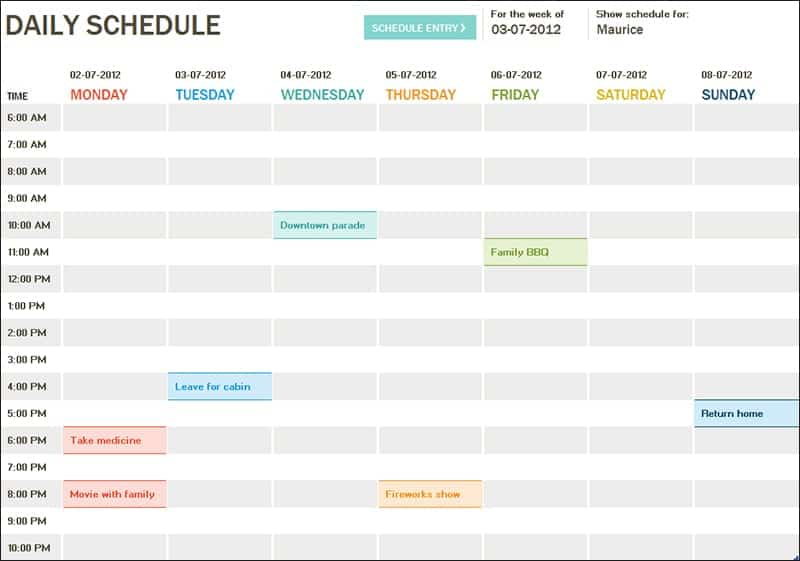
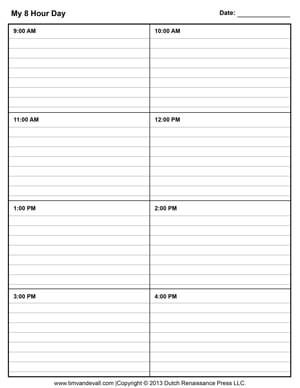
Time slots run down the page, usually from early morning to evening in 30- or 60-minute steps. This layout suits days with many fixed appointments, such as clinic shifts or sales calls.
Priority-based planner
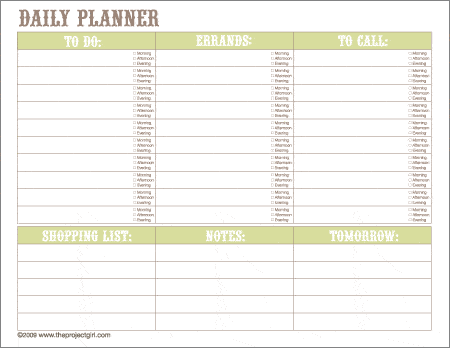
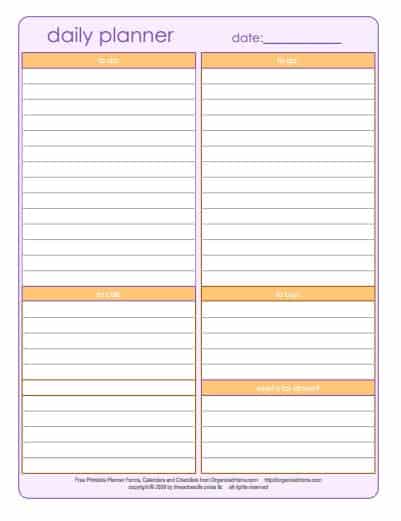
The page opens with a short “Top three” box, followed by a general task list and a notes area. It works well for creative or project work where tasks matter more than exact times.
Combined planner
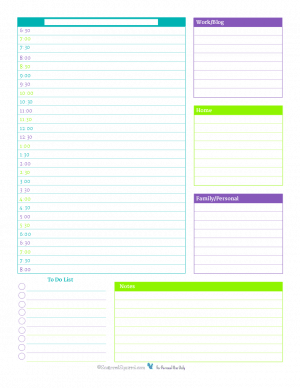
A time column on one side and priorities, tasks and notes on the other. Many people find this balance the most practical, because it covers meetings and focused work on the same page.
Wellbeing additions
Some templates include small trackers for water, exercise, sleep or mood. These are optional, but they can help when you are building a new habit.
Here Are Free Daily Planner Templates


How to plan your day step by step
- Plan the evening before or first thing in the morning, before email pulls you in.
- Write fixed commitments first: meetings, classes, school runs and appointments.
- Choose your top three priorities. Ask which tasks would make the day a success if nothing else got done.
- Block time for each priority, ideally during your most focused hours.
- Batch small tasks, such as calls and emails, into one or two short blocks.
- Add buffers of 10 to 15 minutes between commitments for travel and overruns.
- Review at the end of the day. Tick off what is done and move anything unfinished to tomorrow’s page.
Making the planner work for you
A planner only helps if you use it consistently, so make it easy. Keep printed pages in a clipboard or ring binder on your desk. If you prefer digital, open the Word or Excel file each morning and save it with the date in the file name. Some people print a week’s worth of pages every Monday; others print one page at a time so they can adjust the layout as their needs change.
Customize the template to your real day. A nurse on 12-hour shifts needs different time slots from an office worker. A student might replace the hourly grid with class periods. Remove sections you never fill in, because blank boxes quietly suggest you are failing at something that does not matter.
Time blocking explained
Time blocking means assigning every important task a specific slot rather than hoping to “fit it in”. It works because it protects focused work from interruptions. On your planner, shade the block, label it clearly, such as “Draft proposal, sections 1 to 3”, and treat it like a meeting with yourself. If something urgent arrives, move the block rather than deleting it.
Energy matching
Most people have predictable high- and low-energy periods. Use your planner to match demanding work to high-energy hours and routine tasks to low-energy ones. After a week or two of planning, patterns become obvious, and your schedule will reflect how you actually work.
Daily planners for different roles
Teachers often plan by lesson period. Their page lists each class, the topic, materials to prepare and a short note on homework or follow-up. A small box for “students to check on” helps them remember individual needs. Shift workers, by contrast, benefit from a layout that starts at their shift time rather than at 7 a.m., with space for handover notes at the end.
Students can use the planner to balance lectures, study blocks and part-time work. Writing study sessions as specific tasks, such as “Chapter 4 practice questions”, works far better than “study”. Meanwhile, parents may prefer a family version with columns for school pickups, activities and meals, so everyone in the household can see who is doing what.
Small business owners frequently combine customer appointments with admin and marketing tasks. For them, a planner that separates “client time” from “business time” helps ensure that invoicing, ordering and follow-ups do not get pushed aside by daily demands.
Worked example: a freelancer’s Tuesday
Top three: finish the client logo concepts; send the November invoice; prepare questions for Thursday’s kickoff.
- 8:00–8:30 – Review emails and plan the day
- 8:30–11:00 – Logo concepts (deep work, phone on silent)
- 11:00–11:15 – Break and short walk
- 11:15–12:00 – Client call
- 12:00–13:00 – Lunch
- 13:00–13:30 – Invoice and admin
- 13:30–15:00 – Finalize concepts and export files
- 15:00–15:45 – Kickoff questions
- 15:45–16:00 – Review day and plan tomorrow
Notice the protected morning for creative work and the short admin block after lunch, when energy dips. The end-of-day review ensures nothing is forgotten.
Tips for consistent planning
- Keep your top three realistic; finishing them builds momentum.
- Use one planner, not several competing lists.
- Write tasks as actions, such as “Call landlord about repair”, not “Landlord”.
- Leave white space; an overfilled day guarantees disappointment.
- Keep completed pages for a month to see where your time goes.
Common planning mistakes
Listing twenty tasks for one day is the classic mistake. It turns the planner into a guilt list. Underestimating how long tasks take is another, so add a margin of a third to your estimates until you know better. Many people also skip the evening review, which means unfinished tasks vanish instead of moving forward. Finally, planning only work and ignoring meals, travel and family time leads to schedules that collapse by midday.
Pair your daily planner with other templates
A daily plan works best inside a bigger picture. For trips, use a travel itinerary template. Team leaders tracking presence may need an attendance sheet, and project managers may prefer these project outline templates. Film and event crews often work from a shooting schedule. Explore more in Templates.
Frequently asked questions
Is a paper or digital daily planner better?
Whichever you will use every day. Paper is distraction-free; digital is easier to edit and search. Many people print the template and keep the file as a backup.
How many tasks should I plan per day?
Three main priorities plus a short list of small tasks is a good starting point. Adjust after a week of honest tracking.
What is the best time to plan?
The evening before works for many people, because they start the morning with a clear plan. Others prefer ten minutes at the start of the day.
Can I use the planner for my family?
Yes. Add columns for each family member or color-code entries, and post the page where everyone can see it.
How do I handle interruptions?
Leave a buffer block each day. When something urgent arrives, decide which planned task moves, and write the new time on the page.
Can I print a week of daily pages at once?
Yes. Print five or seven copies and staple them, or place them in a binder with a weekly overview page in front.
Conclusion
A daily planner template turns intentions into a realistic schedule. Choose a layout above, plan your top priorities around fixed commitments and review each evening. Over time, the habit brings calmer days and steadier progress on what matters most.
Related templates
For related tasks, see Travel Itinerary Templates and Daily Trip Example and Shooting Schedule Templates for Film Production.