
A company profile introduces your business, its services and its relevant experience. This collection combines editable document templates with PDF examples and industry-specific previews. Use an editable file to build your own profile, or a reference example to plan its structure.
View the templates and existing download links below.
Choosing the right format
Match the profile to its reader: a client needs relevant services and completed work, while a supplier or partner may need capabilities and contact details. Direct DOC/DOCX links identify Word documents; PDF links are reference or printable files. ZIP contents should be checked after downloading.
Details to include
- Company name, logo, contact details and short introduction
- Services or products, relevant experience and verifiable achievements
- Team or capabilities, project examples and next contact step
How to use the template
- Choose a layout that fits your industry and the amount of information you have.
- Replace every example name, statistic, logo and photograph with accurate company information.
- Check layout, permissions for images and all contact details before sharing the profile.
Worked example
A small maintenance company might open with its service area and repair services, follow with two completed projects, and finish with a quotation contact. A short, accurate profile is more useful than pages of unsupported claims.
Download and printing notes
The existing links include PDF, DOCX, DOC, ZIP files. PDFs may be printable references rather than editable templates. DOCX files use the Word document format. DOC files use the Word document format. ZIP files are bundles; check their contents after downloading. Check editability, software compatibility and any formulas in the actual file before relying on them.
What a company profile is and who reads it
A company profile is a short, structured document that explains who you are, what you do and why a client, partner or investor should trust you. It is often the first thing a procurement officer, bank or prospective customer asks for, and it is commonly attached to tenders, supplier registration forms and partnership proposals.
Unlike a sales brochure, a good company profile focuses on facts: registration details, services, experience, team and contact information. Templates help because they give you a proven order for that information, so you spend your time writing rather than designing.
Who needs a company profile
- Small businesses and startups introducing themselves to first clients.
- Contractors and suppliers applying to be listed as approved vendors.
- Consultancies and agencies that win work through proposals and tenders.
- Manufacturers and exporters presenting capacity and certifications to buyers.
- Non-profits explaining their mission and track record to donors.
If you are registering as a supplier, you will often submit your profile together with a vendor registration form.
Core sections of a company profile
1. Cover and introduction
Company name, logo, tagline and a one-paragraph summary of what you do and for whom.
2. Company overview
Year established, legal structure, registration number, head office location, number of employees and areas served. Include only details you are comfortable sharing publicly.
3. Mission, vision and values
Keep these brief. One sentence each is usually enough.
4. Products or services
List your main offerings with short, plain descriptions. Group them into categories if the list is long.
5. Experience and key projects
Describe three to six representative projects or clients, with the scope of work and outcome. Ask permission before naming clients.
6. Team and management
Introduce key people with their roles and relevant experience.
7. Certifications, memberships and licences
List only current and verifiable credentials.
8. Contact details
Address, phone, email, website and, for larger firms, a named contact person.
How to write your profile using a template
- Choose an editable template that matches your industry and tone.
- Collect facts first: registration documents, project lists, staff bios and certificates.
- Write the overview in plain language. Avoid filler phrases such as “world-class solutions”.
- Replace all sample text, names and images in the template.
- Add your brand colors and logo consistently on every page.
- Keep the main profile between 4 and 12 pages; use appendices for long lists.
- Proofread, then export to PDF for sending and keep the Word file for updates.
Different formats for different readers
One-page profile
A concise summary for networking events, email introductions and quick supplier forms.
Full corporate profile
A multi-page document for tenders, banks and large clients.
Project-specific profile
A tailored version that highlights experience relevant to one opportunity, such as construction or IT services.
Digital profile
A PDF with clickable links to your website, case studies and portfolio.
Tips for a credible company profile
- Use real project photos instead of generic stock images when possible.
- Quantify experience only with numbers you can support, such as “42 completed residential projects”.
- Update the profile every six to twelve months.
- Keep fonts and colors consistent with your letterhead and email signature.
- Include a date or version number in the footer so readers know it is current.
Mistakes that weaken a profile
- Copying sample text. Readers notice generic or borrowed wording, and it can misrepresent your business.
- Exaggerated claims. Unsupported statements such as “market leader” damage trust.
- Outdated contacts. An old phone number or departed manager makes the business look inactive.
- Too much design, too little information. Heavy graphics can hide the facts readers need.
- Huge file sizes. Compress images so the PDF can be emailed easily.
Worked example: a small facilities maintenance company
BrightFix Facilities, a company with 18 staff, wants to bid for cleaning and maintenance contracts at local schools. The owner picks an editable Word template and fills in the overview: established in 2017, registered as a private limited company, serving three neighboring districts.
Services are grouped into cleaning, minor repairs and grounds maintenance. The experience section lists four contracts, including an office building where the team maintains a weekly cleaning log based on our toilet checklist templates. The team section introduces the operations manager and a qualified electrician. Certifications include public liability insurance and a health and safety course.
The finished eight-page PDF is sent with tender documents, and a one-page version is printed for networking events. The owner also prepares a statement of account template so billing looks as professional as the profile.
Company profile FAQs
How long should a company profile be?
Most profiles run 4 to 12 pages. A one-page summary is useful for quick introductions.
Should I include financial figures?
Only if readers need them, such as banks or large tenders, and only figures you are comfortable sharing. Otherwise, describe capacity in terms of projects and staff.
Can I use a PDF example as a template?
PDF examples are best used as references for structure and tone. Use an editable template to build your own.
What is the difference between a company profile and a business plan?
A profile introduces the company to outsiders. A business plan sets out strategy, finances and forecasts, usually for investors or internal planning.
How do I make my profile stand out?
Be specific. Real projects, clear services and genuine team experience stand out more than design effects.
Should the profile include prices?
Usually not. Prices change and belong in quotations. Keep the profile focused on capability.
Final thoughts
A company profile is a practical sales and compliance document. Use a template for structure, fill it with verifiable facts and keep it up to date. Browse the editable templates and PDF examples below, and find more business documents in the Word formats category, including memo templates for internal communication.
Here Are Company Profile Templates
Company Profile Template

Business Profile Template
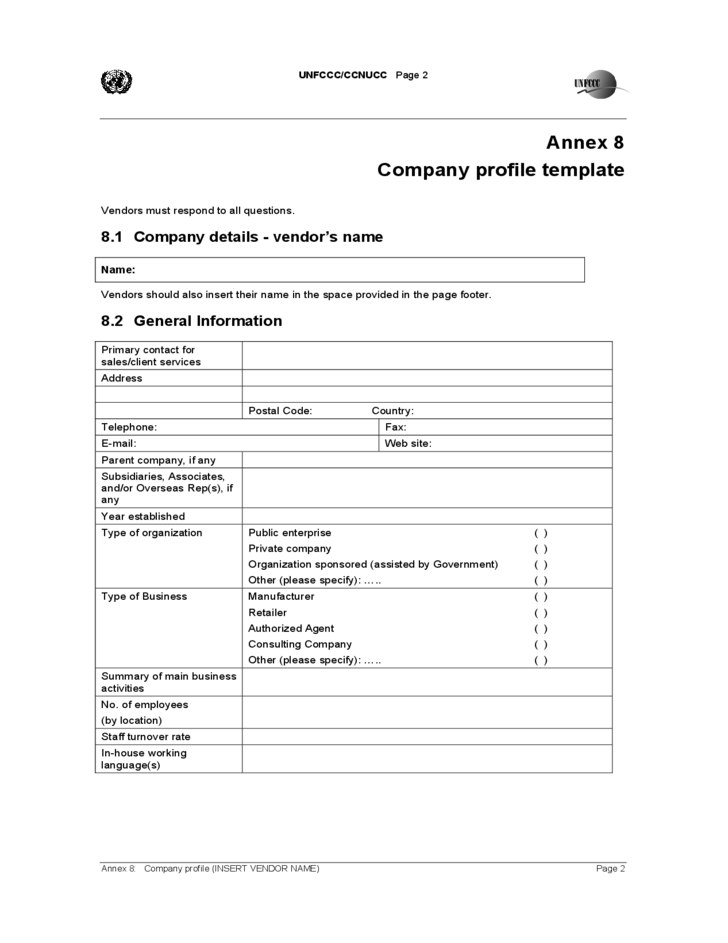
This business profile template provides a practical format for presenting important information about a company. It can be adapted to explain the business background, products or services, capabilities, team, achievements, and contact details.
The template can work for small businesses as well as larger organizations. Customize the sections according to your audience and remove information that does not contribute to the purpose of the profile.
Company Profile Format
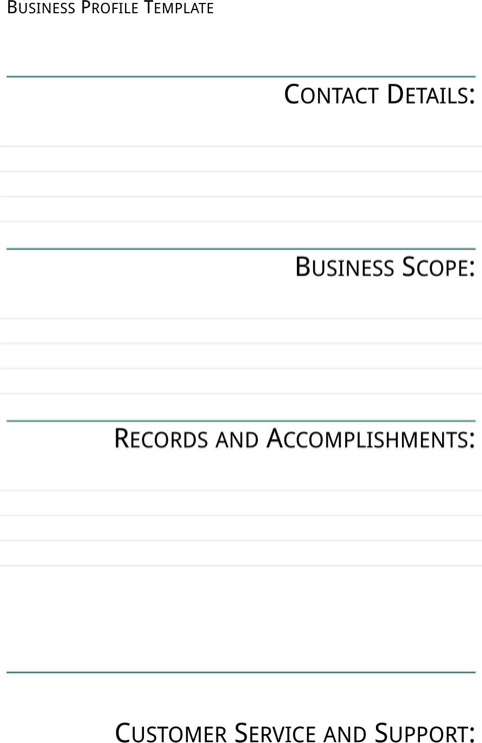
This company profile format provides an organized structure for creating a business introduction document. A structured format makes it easier to arrange company information in a logical sequence and helps readers find important details quickly.
Businesses can customize the format with their own branding, images, services, history, mission, achievements, and contact information. It can be used as a starting point for a standalone profile or a business proposal attachment.
Professional Company Profile
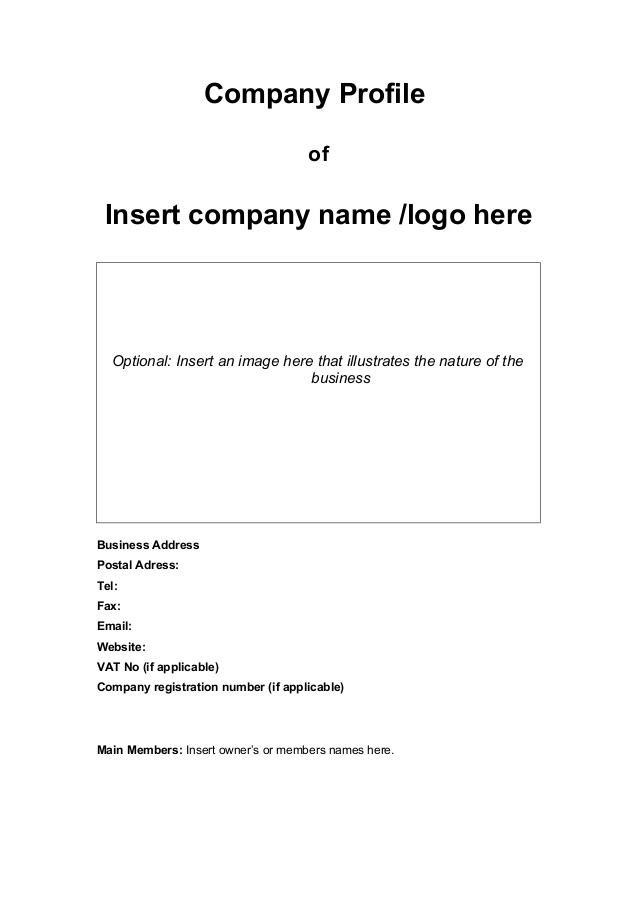
The template is suitable for introducing company capabilities, services, experience, team members, achievements, and other relevant information. Keep the final document focused on information that supports the purpose of the profile.
Company Profile Example
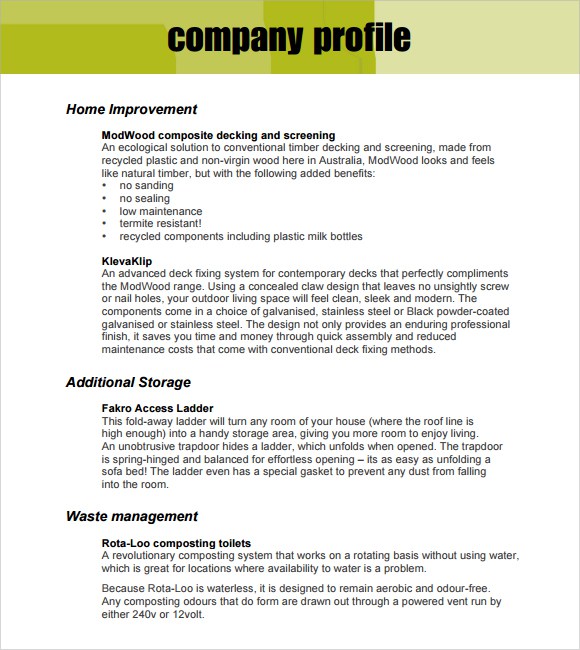
Use the example as inspiration rather than copying its content. Replace sample information with accurate details about your business, services, experience, achievements, and contact information.
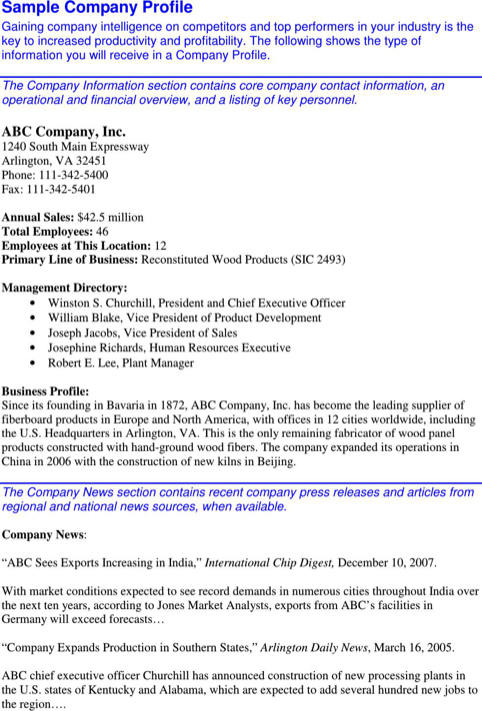
Company Profile Template in Word
It can be used for client introductions, business proposals, marketing materials, partnership discussions, or general corporate communication. Review the completed document carefully before sharing it externally.














Related templates
For related tasks, see Organizational Chart Templates and Editing Guide and Vendor Registration Form Templates for Supplier Intake.