
These grand opening flyer templates provide two original designs for announcing a business launch: a Retail Store flyer and a Neighborhood Cafe flyer. Each download is a ZIP containing an editable SVG master, PNG image, static PDF and instructions. Both feature a storefront illustration, event details and a panel for an optional offer.
A useful grand opening announcement answers the practical questions first: which business is opening, when the event takes place, where it is and how people can attend. A special offer can support the message, but it should not hide the date, address or conditions that matter to visitors.
The layouts are A4 portrait designs. All business names, times, addresses and promotions are placeholders to replace before publication. Edit the vector master, confirm the event information and export new images or PDFs. These templates do not include a registration system, a functioning QR code or a guarantee of attendance.
Download both designs | Read the editing guide | Frequently asked questions
Download the two original template packages
Each button downloads a ZIP archive containing the editable SVG master, PNG image, static PDF and instructions. Extract the archive before opening it. Edit the SVG in compatible vector software and export new images or PDFs after customization. The supplied PNG and PDF are rendered references, not fillable forms.
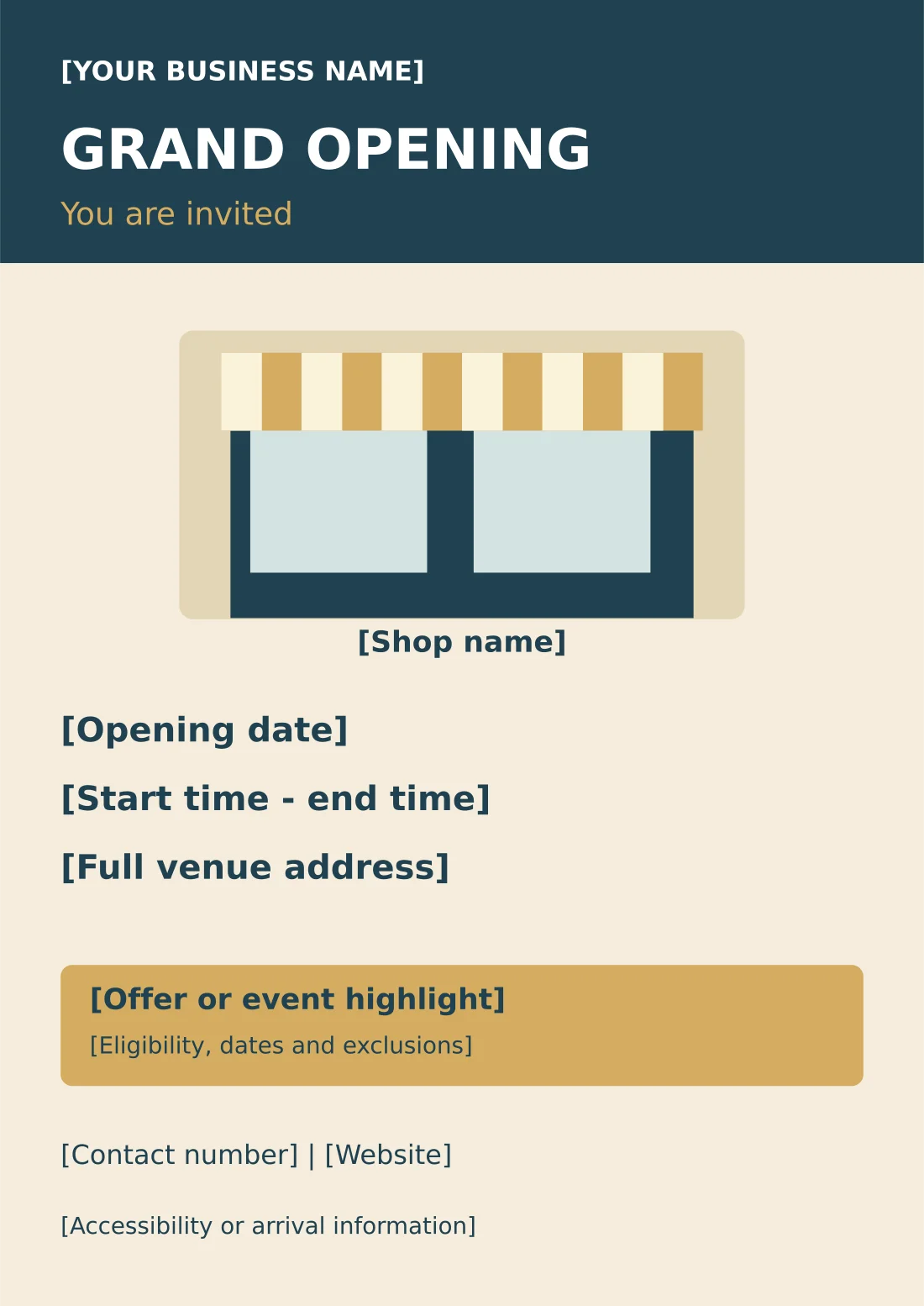
Retail Store Grand Opening Flyer
A4 flyer with storefront graphic, event details and an offer-conditions panel.
Package contents: one SVG master, one PNG image and one PDF reference, plus instructions. All placeholder wording must be replaced before use.
Download Retail Store Grand Opening Flyer (ZIP)
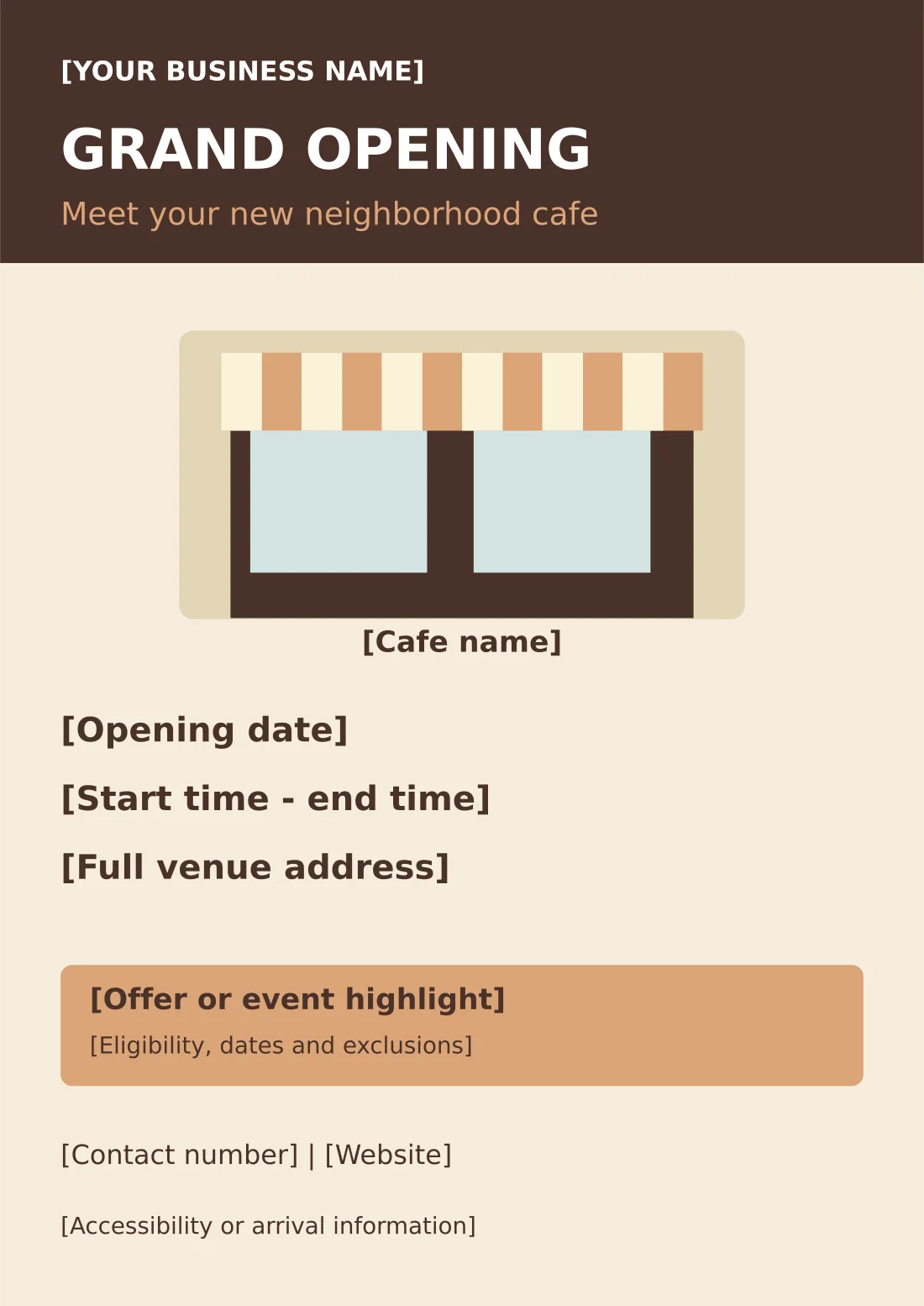
Neighborhood Cafe Grand Opening Flyer
A4 flyer with storefront graphic, event details and an offer-conditions panel.
Package contents: one SVG master, one PNG image and one PDF reference, plus instructions. All placeholder wording must be replaced before use.
Download Neighborhood Cafe Grand Opening Flyer (ZIP)
Choose a retail or cafe opening flyer
The Retail Store design uses a deep blue heading and warm gold accents around a storefront illustration. It gives a general shop a clear introduction with a business-name line, grand opening heading and invitation. The lower offer panel can be used for an approved launch promotion or another relevant highlight.
The Neighborhood Cafe version uses a warm brown and soft terracotta palette with different invitation wording. It is suited to a local hospitality launch, while remaining editable for another business. The main event fields are kept distinct from the promotional panel so visitors can find the date and venue quickly.
Choose the design that matches the business and replace the generic wording with specific information. A shop announcing its first day of trading and a cafe hosting a separate launch event may need different times and instructions. The flyer should describe the actual occasion rather than implying that every opening involves the same celebration.
What to include in a grand opening announcement
Put the business name near the main heading and explain what people are being invited to. If the event is an opening celebration rather than the first trading day, state that clearly. Avoid using opening soon and a fixed event date interchangeably, because readers may not know whether they can visit before the celebration.
Include the full date and the relevant time range. Distinguish the celebration hours from ordinary business hours when they differ. A ribbon-cutting time can be shown separately if guests need to arrive for that moment. Make sure the time on the flyer matches the information on the website and social posts.
Give the venue name and address, including the part that helps visitors find the entrance. If the business is inside a shopping area or another building, a unit or floor number may be important. Confirm any parking or accessibility statement rather than copying a generic phrase that has not been checked.
Choose a simple attendance instruction. If walk-ins are welcome, say so only when the organizer has confirmed it. If booking is required, point to the actual booking route and deadline. The template contains a contact field; it does not create a booking form or reserve places automatically.
Use the optional offer panel carefully. State the promotion, the applicable dates and important exclusions in readable language. If the promotion depends on availability or a limited quantity, include that condition where relevant. A decorative banner saying huge discounts is less useful than a clear description of the actual offer.
Prepare a fuller business introduction using company profile templates.
How to customize the editable flyer
Extract the package and open the SVG in compatible vector software. Replace the business name, invitation, opening date, time, address and contact method. Then complete or remove the offer panel. Keep the title and event information visually stronger than secondary notes so the reader can scan the announcement.
Add your business logo only if you have an appropriate source file and permission to use it. A low-resolution logo taken from a small social profile may look blurred in print. Use the highest-quality authorized version available and inspect it after export rather than relying only on the editing view.
If the address or business name is long, use sensible line breaks or adjust the spacing. Do not reduce essential information until it becomes difficult to read. The SVG text can be changed, but fonts may substitute depending on the editor. Review the final layout on the actual exported PNG or PDF.
The supplied PNG and PDF represent the starting design. They do not change when the SVG is edited. Export fresh versions for distribution, check that every bracketed placeholder has been replaced and keep the master separate from the approved final copy. This prevents a later update from accidentally reverting to sample details.
Example: a small retail launch
Imagine a neighborhood shop holding an opening event from late morning to early afternoon. The headline can be Grand Opening, followed by the shop name, confirmed date and hours, then the full address. A short invitation might say Visit our new store and meet the team, if that accurately describes the event.
The offer panel can show a specific approved promotion, such as an opening-week discount on selected items. Include the actual period and exclusions. This is an example of where information belongs, not a recommendation to offer a particular discount. The business should choose a promotion that it can honor consistently.
The contact line should point to a current website or phone number. If visitors have questions about stock, access or the event, staff should know what the flyer says. Brief the team before distribution so customers do not receive a different explanation at the door.
Organize enquiries with customer information sheets.
Example: a neighborhood cafe opening
A cafe might announce a celebration with a particular start and finish time while displaying ordinary opening hours elsewhere. Keep the two messages distinct. If there is a tasting, demonstration or welcome activity, describe it only after confirming how it will operate and whether it is available to everyone attending.
Food or drink promotions need clear conditions. A complimentary item may apply only with a purchase, during certain hours or while a defined quantity lasts. The template provides a conditions line so the main offer is not presented without those limits. Do not imply that a launch promotion continues indefinitely.
Use the contact or arrival line for a practical detail that helps visitors, such as the confirmed entrance location or booking requirement. Avoid filling it with unsupported claims. A welcoming image and clear information can make the announcement attractive without inventing an event feature the cafe is not providing.
Prepare print and digital versions
For print, produce one proof and check the date, address, offer conditions and contact details. The supplied PDF has no guaranteed commercial bleed setup. Ask the printer how they want edge artwork and trim margins prepared. Confirm paper size and scaling so the announcement is not unexpectedly cropped.
For digital sharing, export a PNG at a size suitable for the intended platform and include the key details in the accompanying text. A portrait flyer may need a separate adapted crop for a feed or story, but do not cut away the date or offer conditions just to fill a different frame.
Use one approved set of event details across the flyer, website and social posts. If something changes, update all versions under your control and identify a reliable source for the latest information. Old images can continue to circulate, so a clear current contact route helps readers check before traveling.
For a different local notice format, compare pull tab flyer templates.
Review the promotion and measure response
Check the finished announcement with the person responsible for the event. Confirm what visitors will find, whether registration is required and who will answer questions. This review is especially useful when marketing wording has been written separately from the operational plan.
If you want to understand response, use a practical method such as a confirmed booking count or asking visitors how they heard about the event. Do not treat the number of flyers distributed as the number of people who will attend. A promotional design helps communicate the invitation; actual results depend on many factors.
After the event, archive the dated flyer and stop using expired promotional wording. Keep the editable master for a later reopening, anniversary or launch, but rewrite the heading and conditions to match the new occasion. A clear record of the approved version makes future reuse easier.
Existing previews and original source references
The existing images below are retained as reference previews. Working source links open external pages with their own formats, prices or access conditions; they are not the two original download packages above. Unavailable source buttons have been removed so a preview is not mistaken for an accessible file.
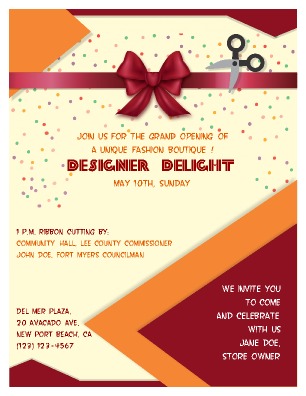
This preview’s original source could not be verified during the link check. The original editable packages above provide direct downloads.
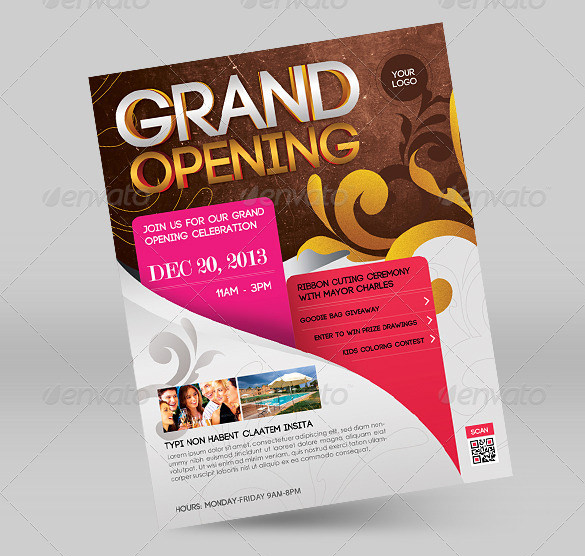
This preview’s original source returned an unavailable-page response. The original editable packages above provide direct downloads.
View original source 3 (external page). Check the source for the actual format and current access conditions.
View original source 4 (external page). Check the source for the actual format and current access conditions.

This preview’s original source could not be verified during the link check. The original editable packages above provide direct downloads.
This original preview did not have a working download link attached. Use the original editable packages above for a direct file download.
Frequently asked questions
What is included in each grand opening download?
An editable SVG, PNG image, static A4 PDF and instructions. The two original designs are a retail-store flyer and a neighborhood-cafe flyer.
Can I edit the flyer in Word?
These originals are vector SVG designs rather than Word documents. Use compatible vector software, then export a PNG or PDF.
Is the QR code or booking link included?
No functional QR code or booking system is supplied. Add a verified destination or code only if your event uses one, and test it separately.
Should I keep the offer panel?
Use it only for a confirmed promotion or relevant highlight. Replace all conditions accurately or remove the panel if no offer applies.
Can I print the supplied PDF immediately?
It contains placeholders. Customize the SVG and export a new PDF first, then proofread and confirm printer requirements.
You must be logged in to post a comment.