
Fashion flyer templates work best when the reader can identify the collection or event immediately. These two editable designs offer different starting points: a boutique collection launch with the headline below the illustration, and a fashion show invitation with the headline at the top. Each download includes an editable SVG and a PNG preview. Replace the sample information with the actual collection, date, location and booking details before sharing the flyer.
Choose the option that is closest to a boutique launch, collection preview or fashion show, then work through the editing guidance below. The previews show the supplied designs, including sample wording or field labels. They help you compare the layouts before downloading; the finished result will depend on the information and adjustments you add. Keep the original download as a starting copy and save your project under a separate name.
Compare the two downloads
| Download | Format | Starting point |
|---|---|---|
| Boutique Collection Launch | Editable SVG and print PNG | Option 1: compare the preview and adapt the layout to your purpose. |
| Fashion Show Invitation | Editable SVG and print PNG | Option 2: compare the preview and adapt the layout to your purpose. |
Match the flyer to the fashion event
A boutique collection launch and a runway show ask readers to take different actions. The boutique may want visitors during normal opening hours; a show may require timed entry, ticket registration and a named venue. Choose the design around that action. The first layout gives the illustration more prominence before the headline, while the second introduces the event near the top. Keep one collection name or event title as the main headline. Supporting details should explain what is happening and how to take part without turning the flyer into a full product catalog.
Build a clear visual hierarchy
The strongest hierarchy usually contains a headline, one central visual and a practical information block. Use the garment illustration as supplied or replace it with your own licensed product photography in the vector source. When using photographs, select images that show the style you are actually promoting. Do not squeeze several competing offers around the edges. Make the date and venue readable without zooming, and give the booking address enough space to remain recognizable after the image is reduced for a social post or messaging application.
Prepare a print and digital version
A printed flyer needs a physical size, a safe margin and a proof at actual size. A social graphic needs a suitable crop and readable text on a phone. These are related outputs, but one export may not serve both equally well. The SVG lets you adjust spacing and export at a different size without redrawing the shapes. The PNG is convenient for sharing a finished version, but its text is flattened. Keep your editable file and label the approved print and online exports separately so an outdated event time is not redistributed.
What to include and check
- Collection or event name
-
Use the real name of the collection or event, with a short descriptive line if the name alone is unclear. Keep the headline focused on one occasion. A reader should not have to decide whether the flyer advertises a sale, a launch or a ticketed show.
- Date and opening hours
-
Write the full event date and the hours when guests can attend. If there are several showtimes, identify the one represented by this flyer. Include an arrival time only when it differs from the start time and matters to the guest experience.
- Venue and directions
-
Give a usable venue name and address, including a floor or entrance when necessary. For online events, provide the registration destination instead. Check the location against the organizer’s confirmed booking before approving the final file for distribution.
- Featured collection
-
Describe the collection briefly using accurate information about the garments or theme. A short line about the new range is more useful than a list of broad claims. If the visual is illustrative, avoid implying that every pictured item is available for purchase.
- Offer and conditions
-
Any sale or offer needs a clear basis. State the actual discount, relevant exclusions and the last valid date where applicable. Keep detailed conditions accessible through the booking or information page, and ensure the flyer does not promise more than the business will honor.
- Booking contact
-
Choose one primary action, such as visiting the boutique or reserving a seat. Use a contact that someone will monitor during the campaign. Test the address in the exported file and make sure the person handling inquiries knows which event the flyer promotes.
A practical example
Imagine a small boutique launching a weekend collection preview. The headline can name the collection, the next line can state the Saturday opening time and the footer can give the shop address and booking contact. If attendance requires an invitation, say so beside the date. Avoid advertising a discount unless the amount, eligible products and expiry have been confirmed. A short, specific invitation gives a potential visitor a much clearer reason to attend than a general claim about fashionable products.
Choose one action for the campaign
Decide how a successful response will look before writing the flyer. A walk-in collection launch needs visiting information; a runway show may need a reservation. Do not give equal weight to several actions such as follow, call, shop, register and visit. Select one primary action and let any secondary contact support it. If the event changes, revise the same information block on every version. A correct date on the main flyer will not help if an older social crop still circulates with the original time. Keep the final approved artwork together with the confirmed event brief.
Adapt the design without losing the message
Use a limited type system: one headline style, one information style and a smaller supporting style are usually enough. The garment illustration can establish the fashion context, but your own collection photographs may be more informative when the garments themselves drive attendance. Select one strong image before adding a collage. Check that patterned fabric does not reduce the contrast of text placed over it. If you add a sponsor or partner logo, make its role clear and leave the event identity dominant. A sponsor mark should not look like the name of the boutique or the ticket seller.
Review the offer from a visitor’s perspective
Read the flyer without any knowledge of the event. Can you tell whether it is open to the public, whether a ticket is needed and where to go? Confirm whether the venue has a different entrance for the show and whether the advertised time means doors open or the presentation begins. Give the final proof to the person who will answer booking inquiries. They can catch missing details that are easy for a designer to overlook, such as an invitation requirement, a limited appointment window or a collection that will only be available at one branch.
How to customize and finish the file
- Start with the source file. Download the pack for your chosen fashion flyer design and extract it. Keep the SVG and PNG together, but use the SVG when you need to change individual elements. Open a working copy in a vector editor that supports SVG. Confirm that the text, shapes and page size display correctly before making changes, rather than editing a screenshot of the preview.
- Replace the content first. Prepare the real information for a boutique launch, collection preview or fashion show before adjusting the decoration. Work through the fields described above and replace the sample wording. If a field does not apply, remove it and close the gap deliberately. Review the content as one message so an old date, example contact or unrelated heading does not remain in an otherwise updated design.
- Adjust spacing and visual balance. Use the longest real line of text to test the layout. Increase the text area or shorten the wording before making the font too small. Keep a clear difference between the headline and supporting information. If you move a decorative group, check that it does not cover essential content. Maintain proportions when resizing artwork so circles, illustrations and logos do not become stretched.
- Export for the actual destination. Choose the output dimensions for the place where the design will be used. Export a new PNG for ordinary image sharing, or follow the printer’s specified file requirements for a printed job. A source file and an export serve different purposes; retain both. Do not assume that a social platform, email client or print service will preserve your original crop and spacing automatically.
- Inspect the finished result. Open the exported file outside the editor and inspect it at normal viewing size. Check the headline, important details, contact information and edges. Ask someone unfamiliar with the project to explain what they think the design communicates. If their answer differs from the intended a boutique launch, collection preview or fashion show, revise the information hierarchy before distributing it. Save the approved version with a descriptive name so it is easy to identify later.
Download the two templates and view the previews
Boutique Collection Launch
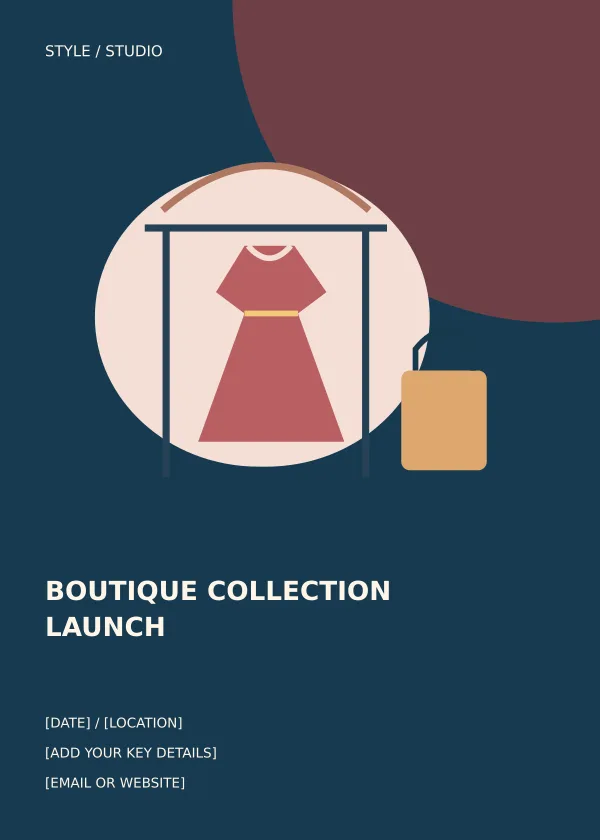
Option 1 provides the boutique collection launch layout shown below. Download the Editable SVG and print PNG file, keep an untouched original and edit a copy for your own project. The preview is for comparing the supplied layout; use the download button to obtain the working file.
Fashion Show Invitation
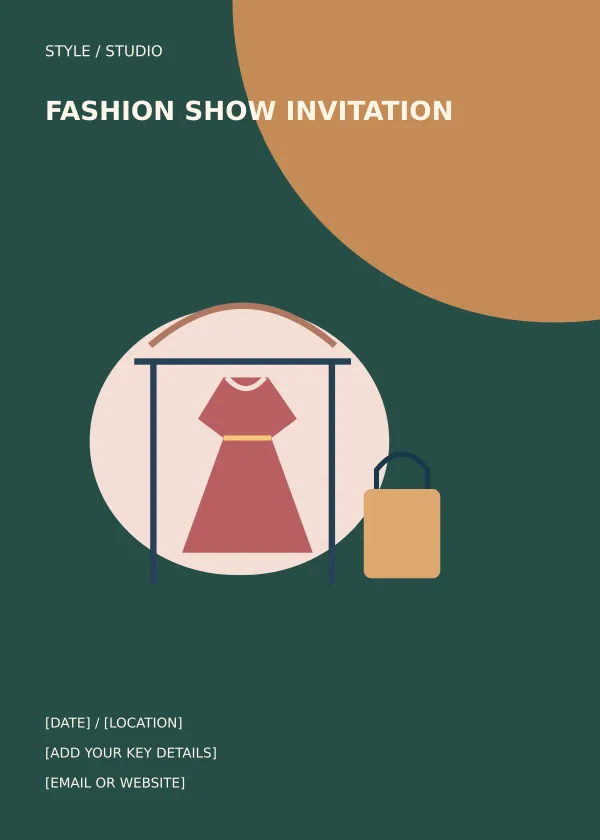
Option 2 provides the fashion show invitation layout shown below. Download the Editable SVG and print PNG file, keep an untouched original and edit a copy for your own project. The preview is for comparing the supplied layout; use the download button to obtain the working file.
Related resources for the next step
Depending on your project, these related guides can support the work around this template: Pull Tab Flyer Templates and Printing Guide, Free Company Profile Templates and PDF Examples, Customer Information Sheet Templates and Examples. Choose the resource that matches the task you need to complete, and keep information consistent when you use more than one document or design.
Frequently asked questions
Are these fashion flyer templates editable in Word?
The original downloads are SVG and PNG files, not Word documents. Edit the SVG in a compatible vector editor. Insert the PNG into Word only when you need to place the finished artwork on a page.
Can I add photographs of my own collection?
Yes. Add your own properly licensed photographs in the SVG source and adjust the composition around them. Check that the product image remains clear and the date and booking details remain readable.
Can I use the flyer for a sale?
Yes, after changing the headline and information to describe the sale accurately. Add valid dates and any important exclusions, then remove invitation or show wording that no longer applies.