
These interior design brochure templates give a studio or independent designer two original, editable layouts for introducing services. Choose a Warm Contemporary brochure or a Modern Studio brochure. Each download includes an SVG master, two PNG page images, a two-page PDF and editing instructions.
A brochure should explain who you help, what you offer and how a potential client can contact you. It can support a consultation, a showroom visit or a conversation with a property owner. The purpose is to make your services understandable, not to promise that a particular design will automatically generate enquiries.
The two designs use illustrated room graphics, clear service panels and a contact area. All studio names, addresses and other bracketed details are placeholders. Edit the SVG in compatible vector software and export fresh PNG or PDF files after customization; the supplied PDF is a print reference, not a fillable document.
Download both designs | Read the editing guide | Frequently asked questions
Download the two original template packages
Each button downloads a ZIP archive containing the editable SVG master, PNG image, static PDF and instructions. Extract the archive before opening it. Edit the SVG in compatible vector software and export new images or PDFs after customization. The supplied PNG and PDF are rendered references, not fillable forms.
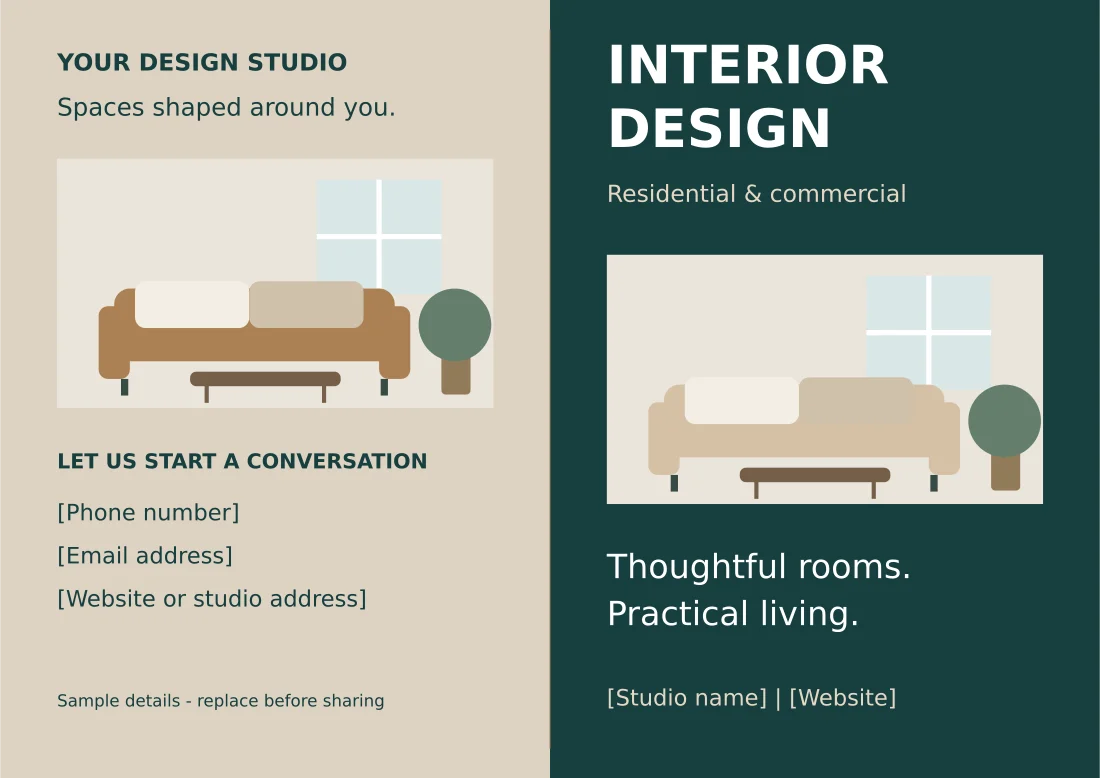
Warm Contemporary Interior Brochure
Two-sided A4 landscape bifold brochure with service panels and illustrated room graphics.
Package contents: two SVG pages, two PNG page images and a two-page PDF, plus instructions. All placeholder wording must be replaced before use.
Download Warm Contemporary Interior Brochure (ZIP)
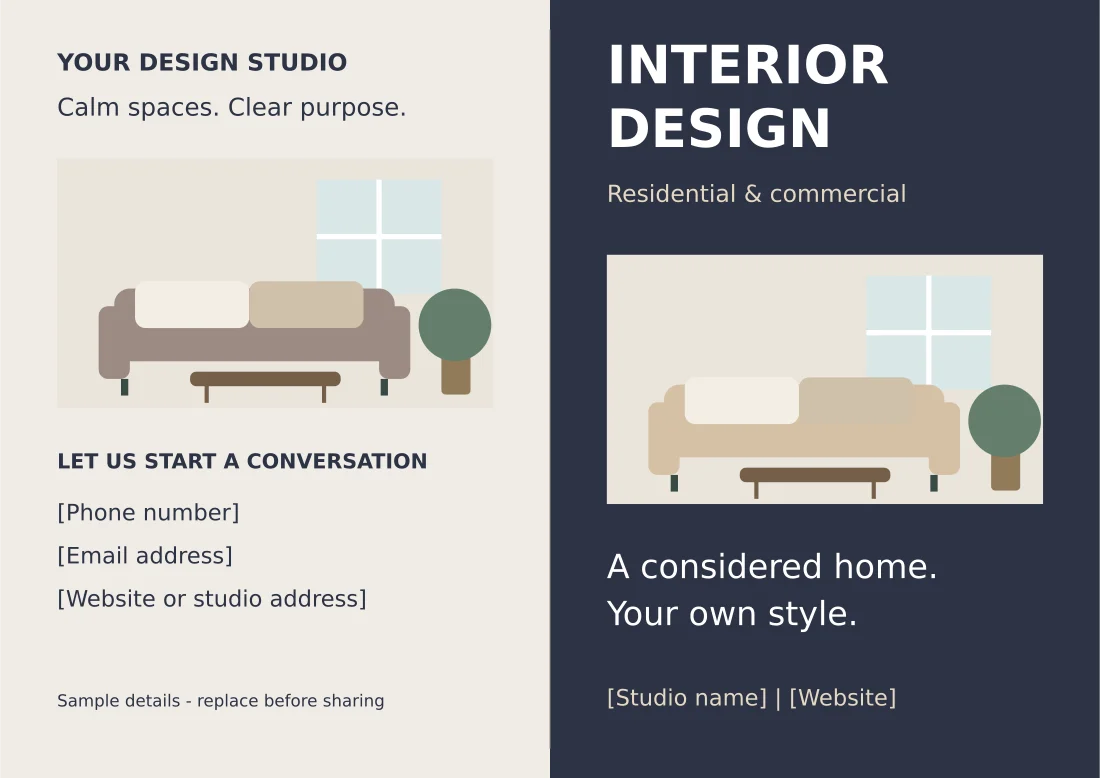
Modern Studio Interior Brochure
Two-sided A4 landscape bifold brochure with service panels and illustrated room graphics.
Package contents: two SVG pages, two PNG page images and a two-page PDF, plus instructions. All placeholder wording must be replaced before use.
Download Modern Studio Interior Brochure (ZIP)
Choose a brochure layout for your design practice
The Warm Contemporary layout uses deep green, warm neutrals and a furnished-room illustration. It suits a practice that wants to communicate comfortable residential interiors. The outside spread has a cover panel and a contact panel; the inside spread introduces services and the design process. It is designed as an A4 landscape bifold.
The Modern Studio layout has a cooler, quieter palette and different cover wording. Its emphasis is on considered spaces and a clear process. Use it for a studio introduction when you want an understated visual identity. The two files share a practical two-sided structure, but their styling and messages differ.
Choose based on the services and visual identity you actually want to communicate. Do not select a residential message if most of your work is commercial fit-outs. You can change the headings, illustrations and colors in the vector master. Keep enough contrast for small text to remain readable in a printed copy.
What to include in an interior design brochure
Start with the studio name and a short description of the work you do. Residential interiors, space planning or commercial design is more useful than a general claim such as best designs. Readers should recognize whether your practice can help with their kind of project before they search for the contact details.
List a small number of meaningful services. Space planning, furniture selection, lighting concepts and project coordination are sample headings, not claims about your qualifications. Replace them with services you genuinely provide. If a service has limits, make the wording clear instead of implying that every project includes full construction management.
Explain the next step. A prospective client may need to arrange an introductory call, visit the studio or submit a project brief. Choose one primary action and show the correct contact method. A brochure with several competing requests can leave the reader unsure which one to follow.
Portfolio images can demonstrate the kind of work you do, but use your own images or material you are licensed to publish. Identify concept images and completed projects accurately. The supplied room graphics are original illustrations; they do not represent completed client projects or photographs of a real property.
Include essential contact information and check it character by character. If you add social handles, make sure they lead to active business profiles. Do not invent a testimonial, award, professional membership or result to fill an empty panel. Useful, accurate information is more valuable than decorative claims.
For a fuller business introduction, compare our company profile templates.
How to customize the editable SVG brochure
Extract the ZIP archive and open the outside SVG first. Change the studio name, tagline and contact details, then inspect the cover at its intended size. Replace the inside service headings and process steps with your own workflow. The text remains editable in compatible vector editors, although fonts may substitute on your device.
Save a new master rather than overwriting the original. Keep the outside and inside pages together and give them consistent filenames. The PNG and PDF versions are rendered references; changing the SVG will not automatically change those other files. Export new images and rebuild a two-page PDF after completing your edits.
Keep longer descriptions within the available space. If your studio name or address is longer than the sample, adjust the line breaks and spacing before reducing the type size. A tiny contact line may technically fit while becoming difficult to read. Remove unnecessary wording rather than forcing every detail onto the brochure.
For print production, ask the printer how they want margins, fold positions and bleed prepared. The supplied pages are not production files with a guaranteed commercial bleed specification. If artwork must extend to the trimmed edge, a print professional may need to adapt the master. Always confirm requirements for the actual paper and finishing method.
Plan the message across the four panels
A bifold has two panels on each side. Think about the closed cover, the back contact panel and the two inside panels as a reading sequence. The cover introduces the practice, the inside answers the main service questions, and the contact panel tells the reader how to continue the conversation.
Keep related information together. A service name and its explanation should not be separated across different sides of the sheet. The sample process gives four simple stages: discussing goals, developing a direction, reviewing selections and planning implementation. Replace these stages if your own delivery process differs.
A portfolio-focused brochure can use one inside panel for a specific project and the other for services. State the project type, the problem addressed and your actual role. Avoid describing work performed by a contractor as though it were your own service. Clear project context builds a more credible introduction than an unexplained collage.
If pricing belongs in the brochure, define what the amount covers and whether it is fixed or an initial estimate. Otherwise, invite the reader to discuss the scope before a quotation. A generic starting price can mislead when projects vary substantially. Review all pricing language before printing a large batch.
Organize consultation details using customer information sheets.
Example: a residential studio introduction
Imagine a studio that mainly helps apartment owners improve furniture layout and finish selections. Its cover might say Interior design for comfortable apartment living. The service panel could list space planning, furniture sourcing and color consultation. These specific descriptions help readers understand the fit more clearly than a broad promise to transform every space.
The process panel can explain that the first consultation discusses the rooms, priorities and budget range. A later concept review presents the proposed direction, while a selection stage confirms materials and furnishings. Use wording that matches the actual service agreement. The brochure introduces the process but does not replace the project proposal.
The contact panel should offer one useful next step, such as book an introductory consultation. Add the real phone number or booking address and make it easy to locate. If you distribute the brochure in print, test the contact method before the event rather than assuming the online link is still active.
Proofread, test-print and maintain the brochure
Print one copy before producing a batch. Check the duplex orientation, fold direction and alignment of the outside and inside spreads. A correctly designed PDF can still be printed upside down on the reverse if the printer setting is wrong. Fold the test sheet and read it as a prospective client would.
Inspect the text at normal reading distance, confirm that the contact details remain clear and check any replaced images for pixelation. View the exported digital PDF as well as the paper proof. If the brochure is emailed, compress large images sensibly while retaining enough detail for the intended screen view.
Keep the master, final exports and version date together. Update the brochure when services, contact details or branding change. Remove outdated copies from download pages and shared folders under your control so readers do not receive conflicting information. A small accurate brochure is more useful than a longer one that no longer describes the practice.
Keep your supplier and client contact records consistent with contact list templates.
Existing previews and original source references
The existing images below are retained as reference previews. Working source links open external pages with their own formats, prices or access conditions; they are not the two original download packages above. Unavailable source buttons have been removed so a preview is not mistaken for an accessible file.
View original source 1 (external page). Check the source for the actual format and current access conditions.
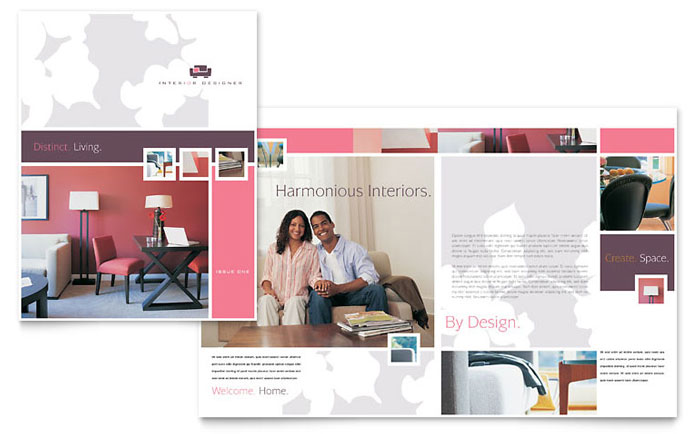
View original source 2 (external page). Check the source for the actual format and current access conditions.
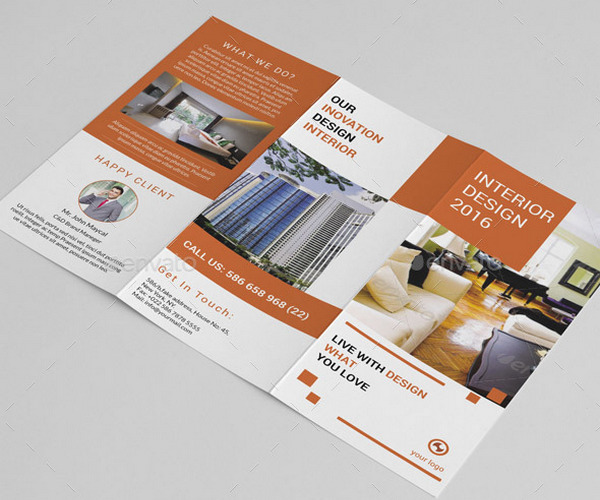
This original preview did not have a working download link attached. Use the original editable packages above for a direct file download.
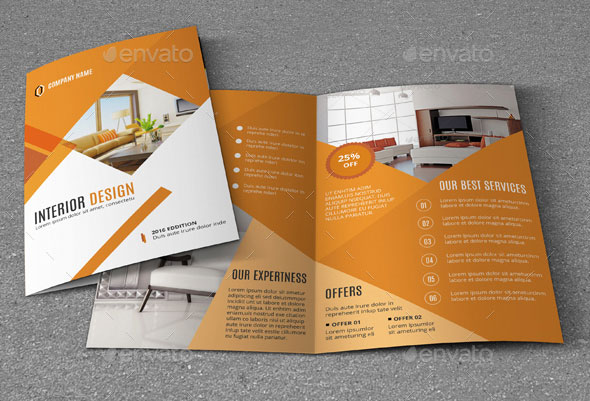
This preview’s original source could not be verified during the link check. The original editable packages above provide direct downloads.
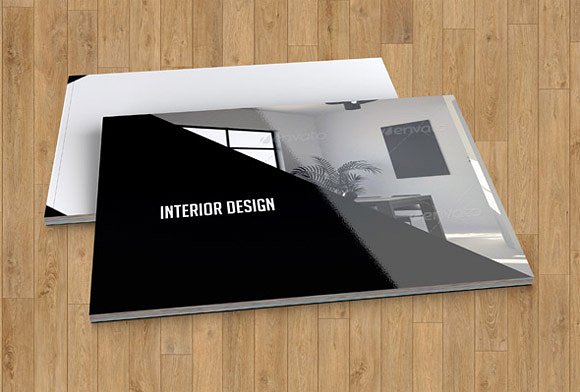
This original preview did not have a working download link attached. Use the original editable packages above for a direct file download.
Frequently asked questions
What is inside each brochure ZIP?
Each original package contains editable outside and inside SVG pages, corresponding PNG images, a two-page PDF and instructions. The two designs are A4 landscape bifolds.
Are these Word or PSD files?
No. The original downloads are SVG masters with PNG and PDF references. The older previews below may link to third-party resources with different formats or paid access.
Can I replace the illustrated room graphic?
Yes, in a compatible vector editor. Use images you own or are licensed to publish, and distinguish concept images from completed client projects.
Is the PDF fillable?
No. Edit the SVG and export a new PDF. The supplied PDF is a static print reference.
Can I print these commercially?
Ask the printer to confirm bleed, margins, folding and duplex requirements. The files do not include a guaranteed production bleed setup.
You must be logged in to post a comment.