
These library card templates provide two different tools for a small library: a membership card and a book loan record. Each original ZIP includes an editable SVG, PNG, printable PDF and instructions. The membership design identifies a reader; the loan record tracks borrowing details for a particular book.
A membership card and a circulation record should not be treated as the same document. A card can show the library name, member name and identifier. A loan record can show the book identifier, borrower reference and return information. Separating these purposes makes the printed records easier to understand and maintain.
The files are design templates, not a library-management application. They do not create an account, verify membership or connect to a scanning system. No functional barcode or QR code is supplied. Replace the sample fields with your library’s approved information and confirm how the printed documents will fit its existing workflow.
Download both designs | Read the editing guide | Frequently asked questions
Download the two original template packages
Each button downloads a ZIP archive containing the editable SVG master, PNG image, static PDF and instructions. Extract the archive before opening it. Edit the SVG in compatible vector software and export new images or PDFs after customization. The supplied PNG and PDF are rendered references, not fillable forms.
Library Membership Card
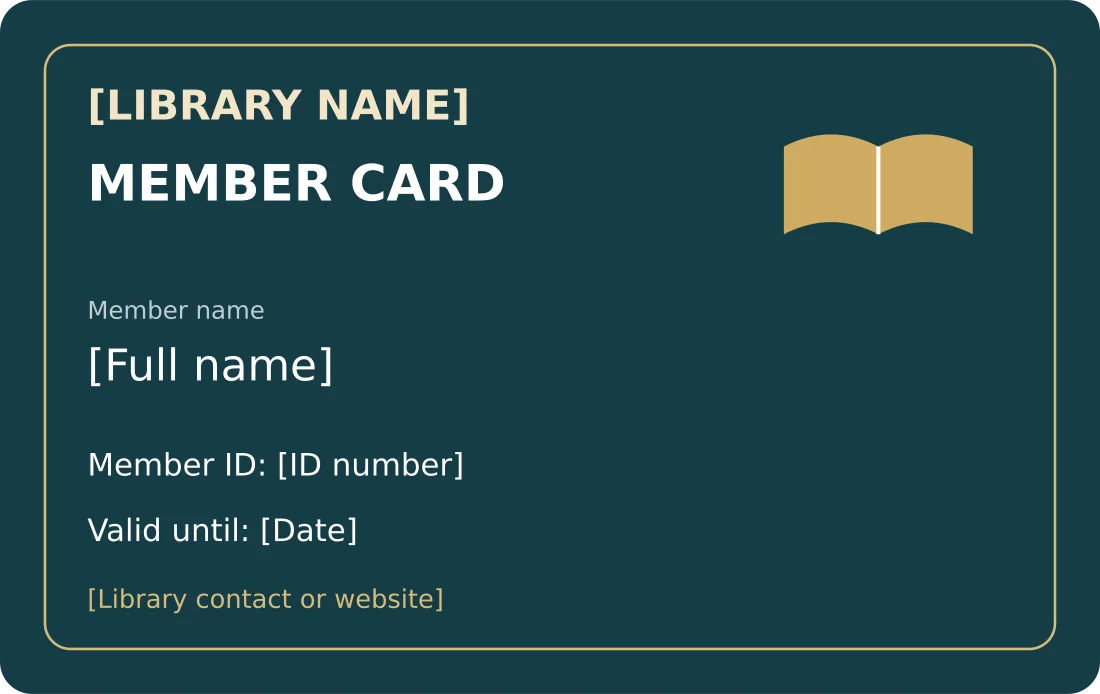
Editable membership card, without a barcode or a connection to a lending system.
Package contents: one SVG master, one PNG image and one PDF reference, plus instructions. All placeholder wording must be replaced before use.
Download Library Membership Card (ZIP)
Library Book Loan Record
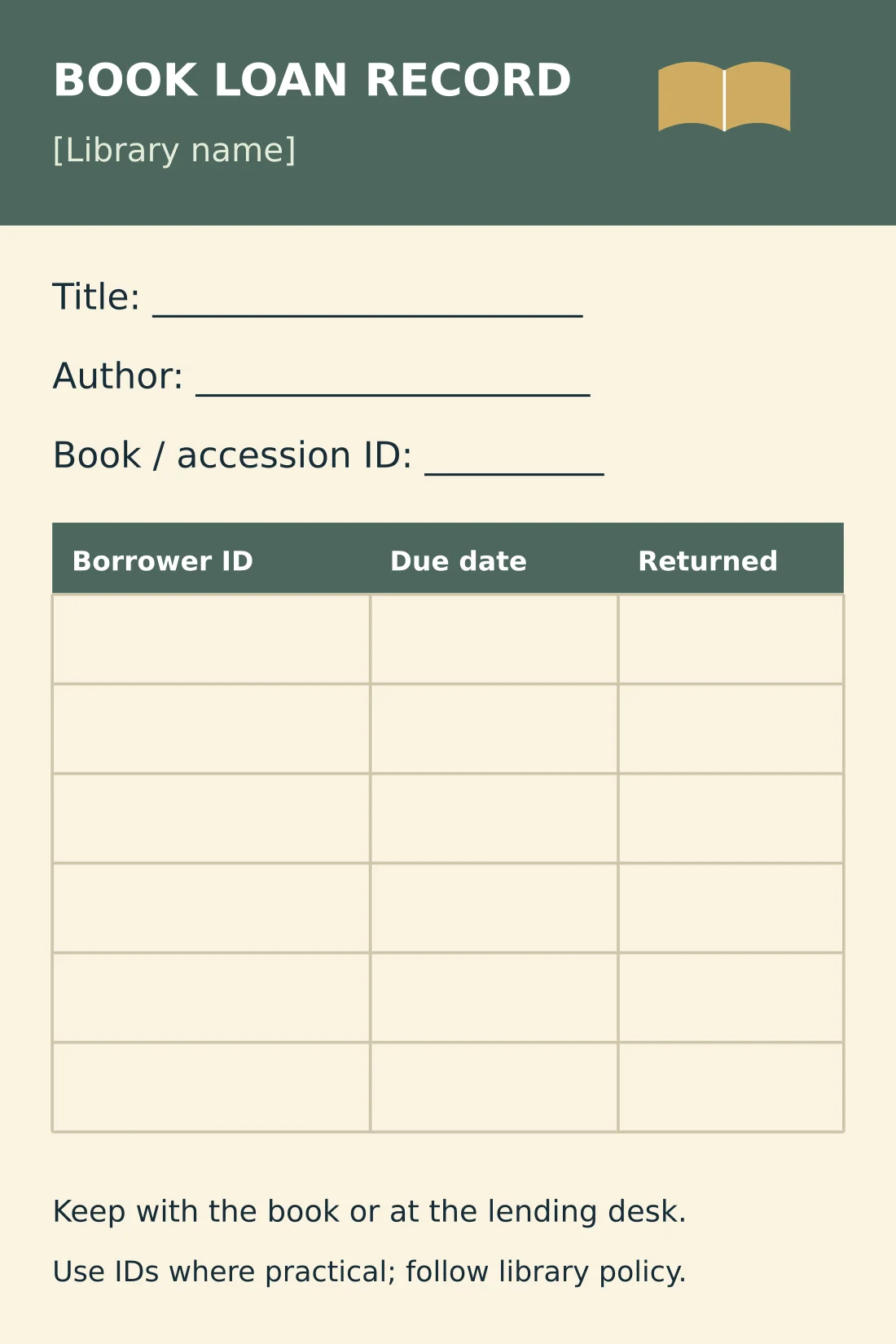
Printable book record with borrower ID, due-date and return columns; separate from membership identification.
Package contents: one SVG master, one PNG image and one PDF reference, plus instructions. All placeholder wording must be replaced before use.
Download Library Book Loan Record (ZIP)
Choose the membership card or book loan record
The Library Membership Card uses a landscape card layout with an open-book graphic, dark teal background and gold accents. It includes the library name, member name, member ID, validity date and contact details. The PDF page is 85.6 by 54 millimeters as a print reference, but a printer must still confirm trimming and production requirements.
The Library Book Loan Record is a separate portrait layout with book title, author and accession identifier above a borrowing table. The table includes borrower ID, due date and returned columns. It is designed as a 100 by 150 millimeter reference page for a lending desk or book record process.
Choose according to the information you need to record. A membership card can be reused across many borrowing transactions, while a book record belongs to a particular item. Do not put an entire borrowing history on a small identity card unless your library has deliberately chosen that system and can manage the resulting privacy and space issues.
What belongs on a library membership card
Include the library name so the card’s purpose is immediately clear. The member name and a stable identifier help staff connect it to an existing record. An identifier is more useful when its format is consistent across cards, registers and any software. The design itself does not enforce uniqueness.
Add an expiry date only if the library uses one. A library with continuing membership may prefer an issue date or no date field, while a school may renew cards by term or year. Change the label to match the actual policy rather than leaving a date that staff do not use.
Keep contact information concise. A general library phone number, website or desk contact is usually more useful on the card than a long set of personal details. Avoid collecting or printing information simply because a blank area is available. The card should support identification without becoming a portable copy of every registration record.
If a barcode is required, obtain one from the library’s approved system and test it with the scanner and workflow used at the desk. A decorative pattern is not a substitute for an encoded identifier. The original template intentionally has no barcode so it cannot be mistaken for a working automated card.
Review the design for staff use as well as appearance. The identifier must be readable, the name needs enough room for real users and the library title should remain clear. If a member’s name is long, adjust the line breaks or layout before making the text too small to read.
Organize staff and supplier contacts with contact list templates.
How to maintain a book loan record
Enter the book title, author and accession or item identifier at the top. The identifier distinguishes copies when the library owns more than one of the same title. A title alone may not tell staff which physical copy has been borrowed. Keep the identifier consistent with the catalog or shelf record.
For each loan, enter the borrower reference and due date according to the library’s process. Use a clear date format that staff understand, especially when day and month can be interpreted differently. The returned column can record a date or another approved return mark; define what it means before using the form.
If the library allows renewals, specify how they will be recorded. You might use a new row or a separate system record rather than overwriting the original due date without explanation. The template is a simple table and does not calculate due dates, fines or renewals. Those decisions remain part of the library’s policy.
Keep borrower information in an appropriate location. A record placed in a book pocket can be visible to later readers, so use identifiers where practical and follow the library’s handling policy. The membership register and the book record should support the same workflow without unnecessarily exposing a person’s borrowing history.
Customize the editable SVG files
Extract the archive and open the chosen SVG in a compatible vector editor. Replace the library name, contact line and labels, then save a clean master. For a membership batch, create the individual member copies from that master and check that every identifier matches the correct record before printing.
The card and loan-record designs have different page dimensions. Do not stretch one to the other’s shape, as the text and book symbol will distort. Resize proportionally if necessary and adjust the layout in the editor. If you want multiple cards on one sheet, use an imposition or page-layout process that preserves their intended size.
After editing, export new PNG and PDF files. The supplied PDF is not fillable, and changing the SVG does not change its contents. Use a vector editor to produce the final personalized documents rather than typing into a screenshot. Confirm fonts and line breaks on the exported copy.
For printing, review the paper, trimming and durability requirements with the person producing the cards. The templates do not include guaranteed bleed or a laminated-card production setup. A one-card proof is useful before printing a batch, especially when the available printable area differs between printers.
For an educational intake workflow, compare academy registration forms.
Example: a small community library workflow
Imagine a library that assigns each member a unique code such as LIB-0142. The membership card shows that code, the member name and the library contact. Staff use the code to find the approved membership record. A separate accession code identifies each copy of a book.
When the member borrows a book, staff record LIB-0142 and the due date on the book’s loan sheet or in the library’s chosen circulation record. When it returns, they record the return under the same process. The card remains the member’s identifier rather than becoming a running list of every borrowed title.
This example illustrates the distinction between person and book records. It does not prescribe a retention period or replace a library’s rules. A larger collection may need software, permissions and more detailed circulation records, while the printed designs can still be adapted as supporting materials.
Check records before issuing cards
Review each card for the correct name, identifier and validity label. A visually polished card with the wrong ID can create confusion at the desk. Compare the printed proof with the authoritative member record and test any system-generated code separately before approving a batch.
For the book record, check that the item identifier and title belong to the same copy. Keep a clear process for replacing a full sheet or correcting an entry. Do not silently rewrite a historical record in a way that makes an unresolved loan appear returned.
Store the blank masters separately from personalized cards and current loan sheets. Limit access to completed records according to the library’s process and update the contact details when they change. The templates are most useful when their labels, dimensions and fields reflect how the library actually works.
Record attendance at library events using sign-in sheet templates.
Existing previews and original source references
The existing images below are retained as reference previews. Working source links open external pages with their own formats, prices or access conditions; they are not the two original download packages above. Unavailable source buttons have been removed so a preview is not mistaken for an accessible file.
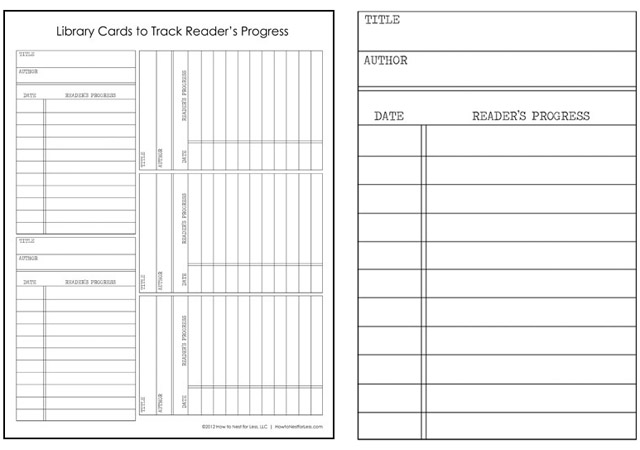
This preview’s original source could not be verified during the link check. The original editable packages above provide direct downloads.
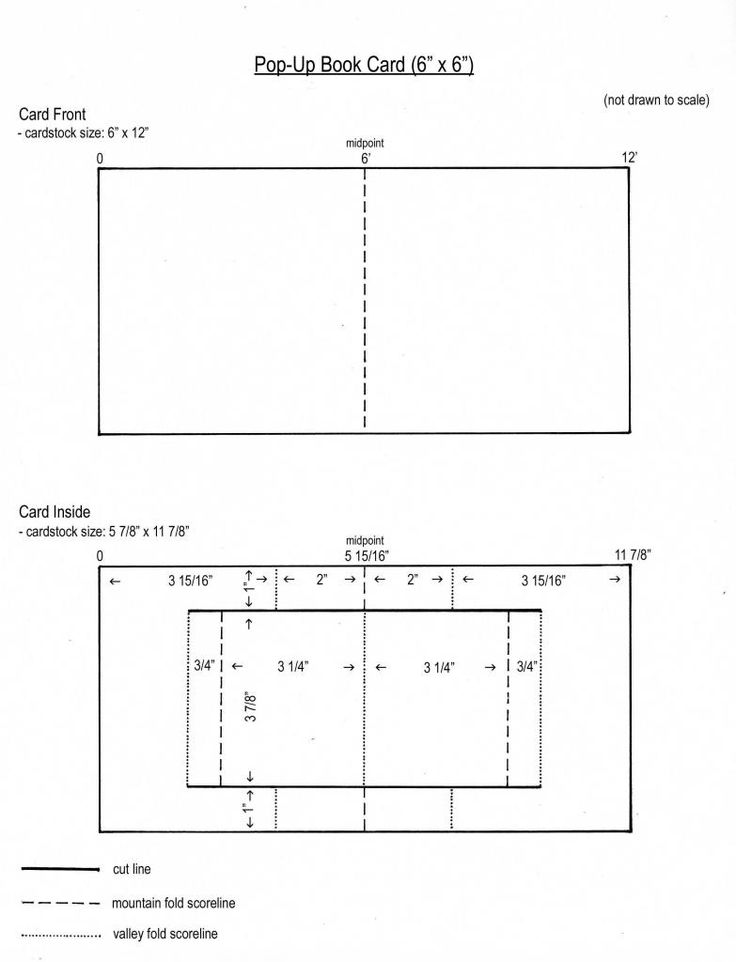
This preview’s original source could not be verified during the link check. The original editable packages above provide direct downloads.
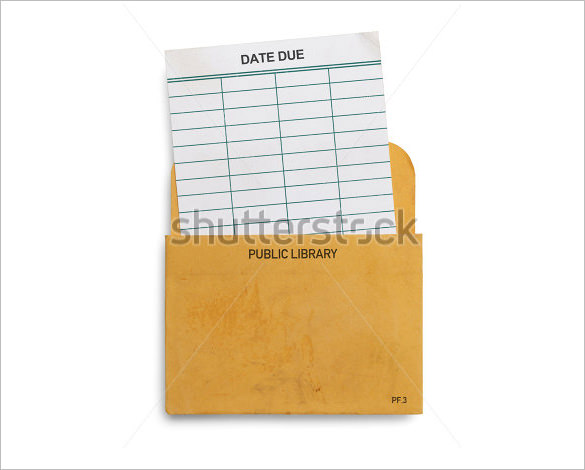
This preview’s original source could not be verified during the link check. The original editable packages above provide direct downloads.
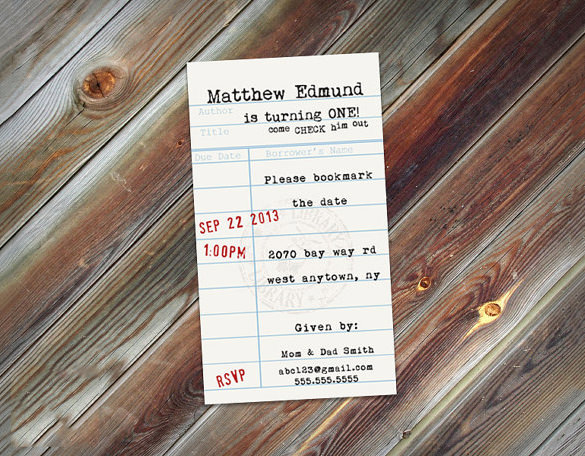
This original preview did not have a working download link attached. Use the original editable packages above for a direct file download.
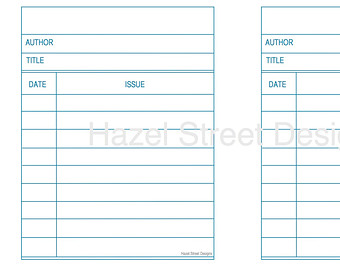
This original preview did not have a working download link attached. Use the original editable packages above for a direct file download.
Frequently asked questions
What are the two library card downloads?
One is a membership card for reader identification; the other is a book loan record with borrowing and return columns. They serve different purposes.
Do the cards include a working barcode?
No. Add and test a code from your approved library system if required. A graphic that looks like a barcode is not enough.
Is the loan sheet connected to library software?
No. It is a printable record layout. Staff must enter and maintain information under the library’s process.
Can I type into the PDF?
The supplied PDF is static. Edit the SVG master in compatible vector software and export a new personalized PDF.
Can I print several cards on a page?
Yes, using a page-layout or imposition tool. Preserve the intended dimensions and test one sheet before printing a batch.
You must be logged in to post a comment.