
These photography gift certificate templates provide two original designs for a studio to customize: a Photography Value certificate and a Photography Session certificate. Each ZIP includes an editable SVG, PNG, PDF reference and instructions. Both have space for the recipient, gift giver, unique reference and booking contact.
The value design describes a credit amount in a stated currency, while the session design describes a particular service or package. These are different offers, so the wording should match what the studio has actually agreed to provide. A clear certificate tells the recipient what to do next and where to ask questions.
The downloads are sample designs. A blank certificate from this page has no stored value and does not entitle someone to a service. The studio must complete, approve and issue it through its own process, record the reference and supply the actual terms. Edit the SVG and export new versions after customization; the supplied PDF is static.
Download both designs | Read the editing guide | Frequently asked questions
Download the two original template packages
Each button downloads an original ZIP package. Extract it before opening the files. The graphic packages contain editable SVG masters, PNG images, static PDFs and instructions. Edit the SVG and export new versions; the supplied PDF is not fillable.
Photography Value Gift Certificate
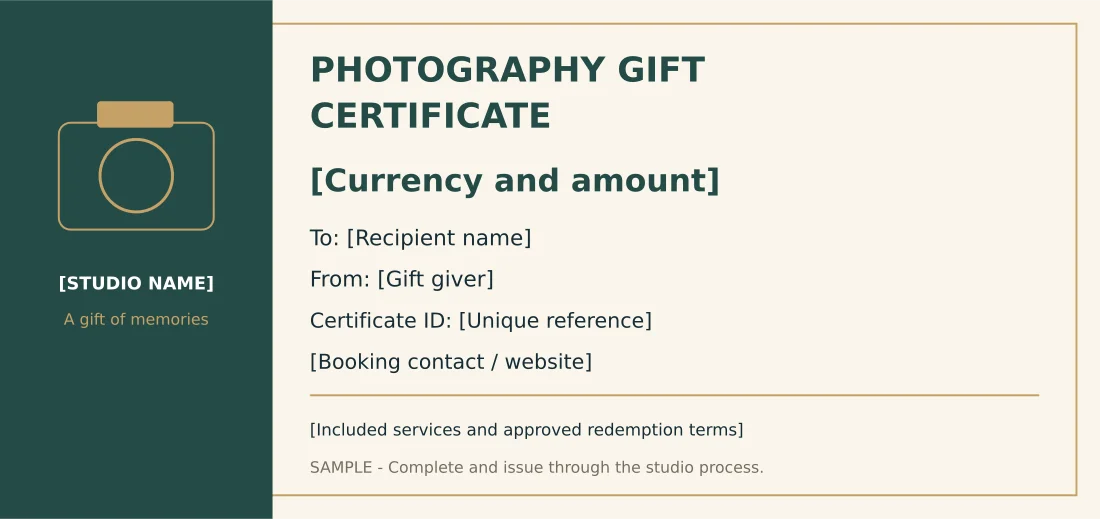
210 x 99 mm certificate design with recipient, giver, unique reference and studio booking fields; no automated redemption system.
Package contents: one SVG master, one PNG image and one PDF reference, plus instructions. All placeholder wording must be replaced before use.
Download Photography Value Gift Certificate (ZIP)
Photography Session Gift Certificate
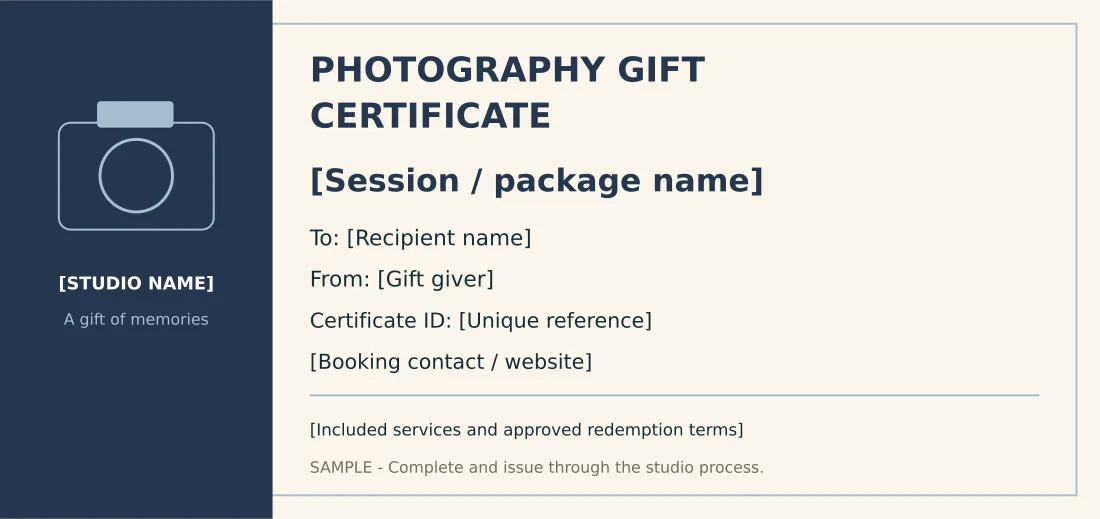
210 x 99 mm certificate design with recipient, giver, unique reference and studio booking fields; no automated redemption system.
Package contents: one SVG master, one PNG image and one PDF reference, plus instructions. All placeholder wording must be replaced before use.
Download Photography Session Gift Certificate (ZIP)
Choose a value certificate or a session certificate
The Photography Value Gift Certificate has a prominent field for the currency and amount. It is useful when the studio’s approved offer lets the recipient apply a defined credit toward eligible services. Do not leave the currency implicit if the certificate may be sent to someone outside the studio’s local area.
The Photography Session Gift Certificate replaces the amount field with a session or package name. It is useful for a clearly described offer such as an approved portrait session. The certificate should explain the included service rather than making the recipient infer the package from a decorative title.
Both designs use a camera illustration and a distinct studio panel. The value version has deep green and warm accents, while the session version uses a blue palette. Choose according to the offer and adapt the details. The layout does not determine the studio’s booking, payment or redemption policy.
Information to include before issuing a certificate
Identify the issuing studio and a reliable booking contact. The recipient should not have to guess which photographer provides the service. Use the actual business name and current contact route, then check them against the information the studio gives to clients elsewhere.
Enter the recipient and giver names accurately. If the certificate is intended for a particular person, the studio should decide how that information is checked under its process. Do not add personal information that is not needed to identify the gift or arrange the booking.
Give every issued certificate a unique reference. Keep that reference in the studio’s record so staff can distinguish a real issued certificate from a sample or an already-used copy. A number printed on the design is not an automated validation feature; it needs a corresponding record.
Describe the value or session clearly. For a session package, identify the actual inclusions and important limits in the studio’s approved wording. The recipient should know whether the offer covers the session, selected images, prints or another defined service. Do not imply that every additional product is included.
Use the terms area for the details the business has confirmed. If the terms are too long for the certificate, provide a clear reference to the approved supporting document or page. The template intentionally does not prefill an expiry date, refund promise or universal policy that may not match the business.
Keep the funding transaction separate using appropriate cash receipt templates.
How to customize the editable certificate
Extract the archive and open the SVG in compatible vector software. Replace the studio name, currency and amount or package name, recipient, giver, reference and booking contact. Complete the terms area using the approved offer, then remove the sample wording only when the studio is ready to issue the certificate.
Check longer names and package descriptions for fit. The amount or session should remain prominent, with the booking information easy to find. If you need more detail, use a concise summary and a separate approved terms record rather than reducing the whole certificate to very small print.
Keep a blank master and a separate issued copy. Save the unique reference in the issued filename or another controlled record so the studio can locate it later. Do not repeatedly overwrite one generic file with different names and amounts if doing so would erase the record of what was issued.
Export a new PNG or PDF after editing. The starting images and PDF do not update automatically from the SVG. A digital gift can use the approved final export, while a printed version needs a proof for readability and paper size. Neither format connects to a balance or booking database.
Explain a value offer without ambiguity
A value certificate should show the amount and currency in one clear field. The studio should also identify what the credit can be used toward under its actual offer. Avoid phrases such as everything included when the credit may cover only part of the chosen service.
For example, an issued certificate might state a defined credit toward eligible portrait services. The recipient would then contact the studio to confirm the booking and any additional selections under the agreed process. This illustrates the wording structure, not a recommended price or a rule for every studio.
If the studio allows an unused balance, partial redemption or another arrangement, describe it in the approved terms and maintain the relevant record. The template does not calculate balances. Staff should not infer an operational policy simply because the design contains an amount field.
Keep purchase and redemption records distinct. A payment record shows the transaction that funded the gift, while the certificate communicates the approved offer to the recipient. Keeping those references connected helps staff answer questions without treating a decorative printout as the entire business record.
Organize the booking details with customer information sheets.
Describe a session package precisely
A session certificate should name the actual package and explain the main inclusions. A portrait appointment and a set of finished photographs are related but different parts of an offer. If selected images or prints are included, make that clear using the studio’s confirmed wording.
If booking availability matters, explain the next step and avoid suggesting that a certificate automatically reserves a particular date. A recipient may need to contact the studio, discuss the type of session and agree an available appointment. The design provides a contact field but does not make that booking.
For a gift involving several people, check whether the package is suitable for the intended group. The studio’s offer may depend on session type, location or other agreed details. Those decisions belong in the description and approved terms rather than being left for the recipient to discover after receiving the gift.
Keep promotional language separate from the service definition. A phrase such as a gift of memories can add warmth, but it should not replace the information describing what is included. The most useful certificate remains understandable even when the recipient has never used the studio before.
Review the print and studio process
Print one completed proof before issuing a batch. Check the recipient, reference, offer and contact line at normal reading distance. The design uses a 210 by 99 millimeter page, but trimming, paper and bleed requirements should be confirmed with the actual printer. It is not a guaranteed production specification.
Have the person responsible for the offer review the final version. Confirm that the certificate matches the purchase and that the staff handling enquiries understand the terms. This reduces confusion when the recipient contacts a different member of the studio team.
Record issuance and later use through the studio’s process. If a certificate needs to be replaced or corrected, keep the relationship to the original reference clear. The printable template does not prevent duplicate copies from circulating or validate whether a gift has already been used.
Keep the editable master, approved terms and issued records organized. Update contact details when they change, and distinguish an unissued sample from a completed gift. A clear design supports a reliable process; it does not replace that process.
Maintain current studio contacts using contact list templates.
Existing previews and original source references
The existing images below are retained as reference previews. Working source links open external pages with their own formats, prices or access conditions; they are not the two original download packages above. Unavailable source buttons have been removed so a preview is not mistaken for an accessible file.
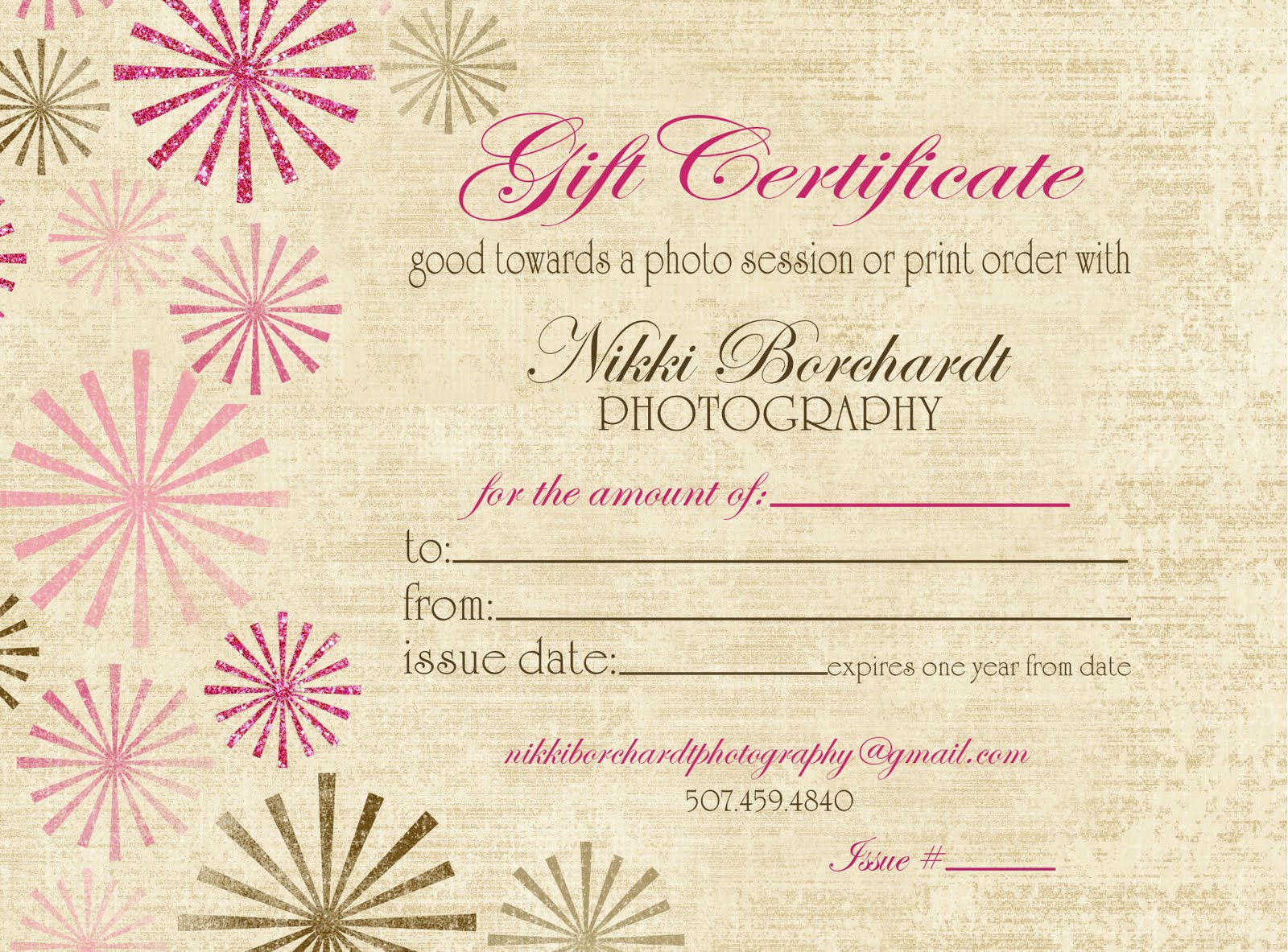
This preview’s original source could not be verified during the link check. The original editable packages above provide direct downloads.

View original source 2 (external page). Check the source for the actual format and current access conditions.
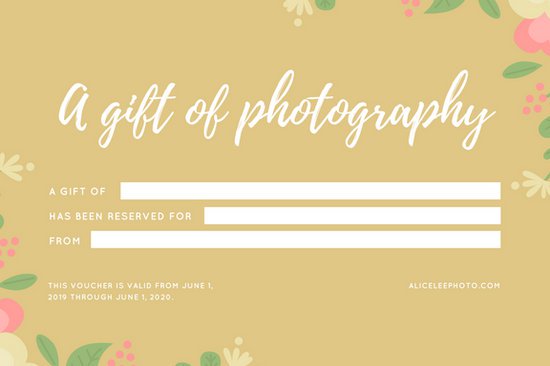
View original source 3 (external page). Check the source for the actual format and current access conditions.
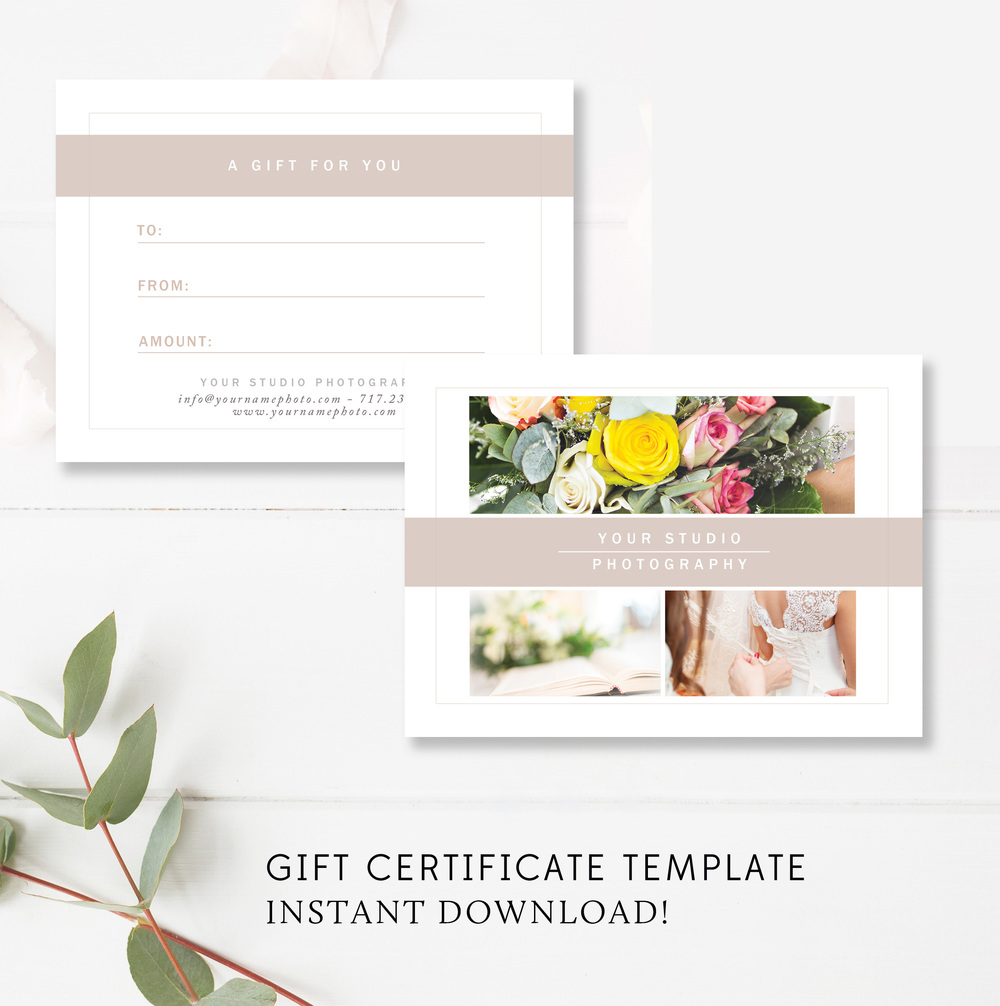
This preview’s original source could not be verified during the link check. The original editable packages above provide direct downloads.
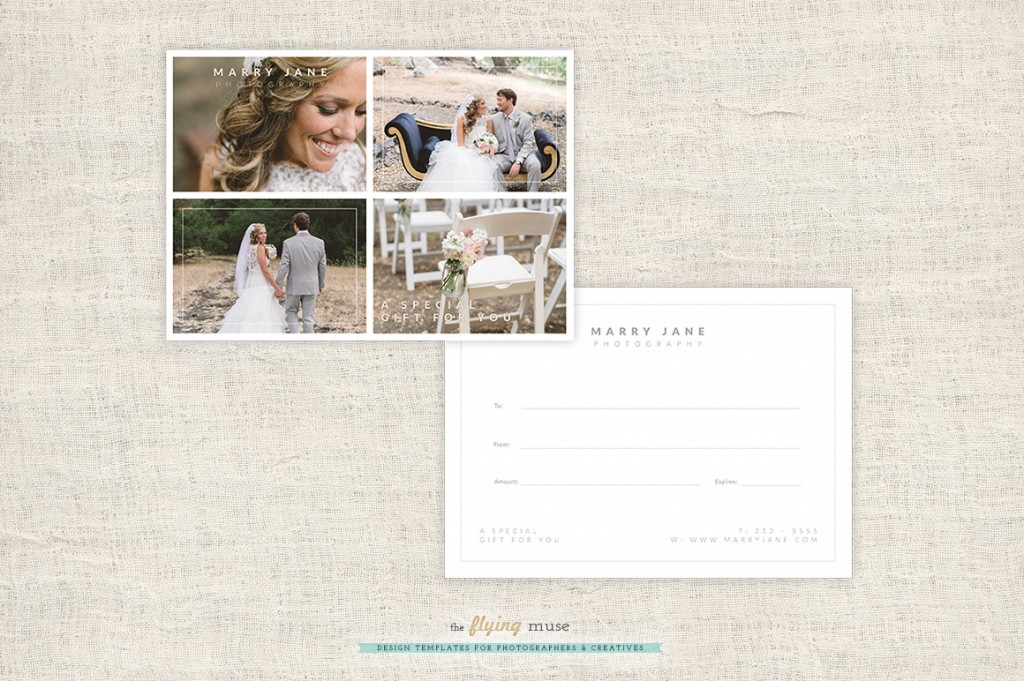
This preview’s original source could not be verified during the link check. The original editable packages above provide direct downloads.
Frequently asked questions
Does downloading a certificate give me a photography service?
No. These are blank sample designs. A studio must complete and issue a certificate under its own approved offer before it represents any value or service.
What is the difference between the two templates?
The value certificate shows a currency and amount. The session certificate shows a named service or package. Their fields and styling reflect those different offers.
Are the PDF files fillable?
No. Edit the SVG master in compatible vector software and export a new PDF or PNG.
Does the template track balances or redemption?
No. Record unique references, issuance and use through the studio’s chosen process. The design has no automated validation or stored value.
Are terms such as expiry already set?
No. The business must supply the terms that apply to its actual offer. The template does not prescribe a universal policy.
You must be logged in to post a comment.