
A weekly report gives a manager or project sponsor one place to see what changed, what is at risk and what happens next. Start with the reader’s decision. A supervisor may need staffing or workload information, while a sponsor usually needs milestones, risks and decisions. The same weekly reporting period can serve both audiences if the summary separates delivery from operational detail.
Compare 28 layouts below with PDF files among the options. Jump to the template previews and downloads.
Choose a weekly report template
Use a short narrative for a small team that needs context, a table for recurring measures and a project status layout for work with named milestones. Keep the same reporting period and measure definitions from one issue to the next so the reader can compare changes.
What to include
- Reporting period and owner Give the exact start and end dates and identify who can answer questions after the report is circulated.
- Outcomes and evidence Report a deliverable completed, an approval received or a measurable result. Distinguish a finished outcome from work still under review.
- Risks and decisions Name the effect, the person who can help and the date a decision is needed. Keep a watch item separate from a current blocker.
- Next week’s commitments Use an owner and date for each commitment. Carry unfinished work forward explicitly so it does not vanish from the update.
A reliable weekly status report has a stable order. Start with one sentence on overall status, give two or three outcomes with evidence, then list decisions and next steps. For metrics, include the unit and target as well as the actual result. If an open issue needs a manager’s action, state the specific decision, such as approving extra testing time, and the last useful date for making it. A recurring report becomes more valuable when changes in scope or reporting method are visible across issues. Archive the sent version so later changes to the working copy do not overwrite the record of what people saw.
Worked example
A support team planned to close 45 requests and completed 42. Its report says three requests await a vendor response, names the person following up, and gives Thursday as the next checkpoint. That explains the variance and gives the manager a reason to intervene if the vendor misses the checkpoint.
Compare the available layouts
The collection includes Simple Weekly Status Report Template (PDF), Free Download Weekly Seller’s Activity Report Template (PDF), and Professional Weekly Construction Progress Report Template (PDF). Compare the previews for the fields and page layout you need before opening the ZIP package. Check the file extension on the extracted file so you know which application to use.
Weekly Report Formats Are Added Here
Simple Weekly Status Report Template
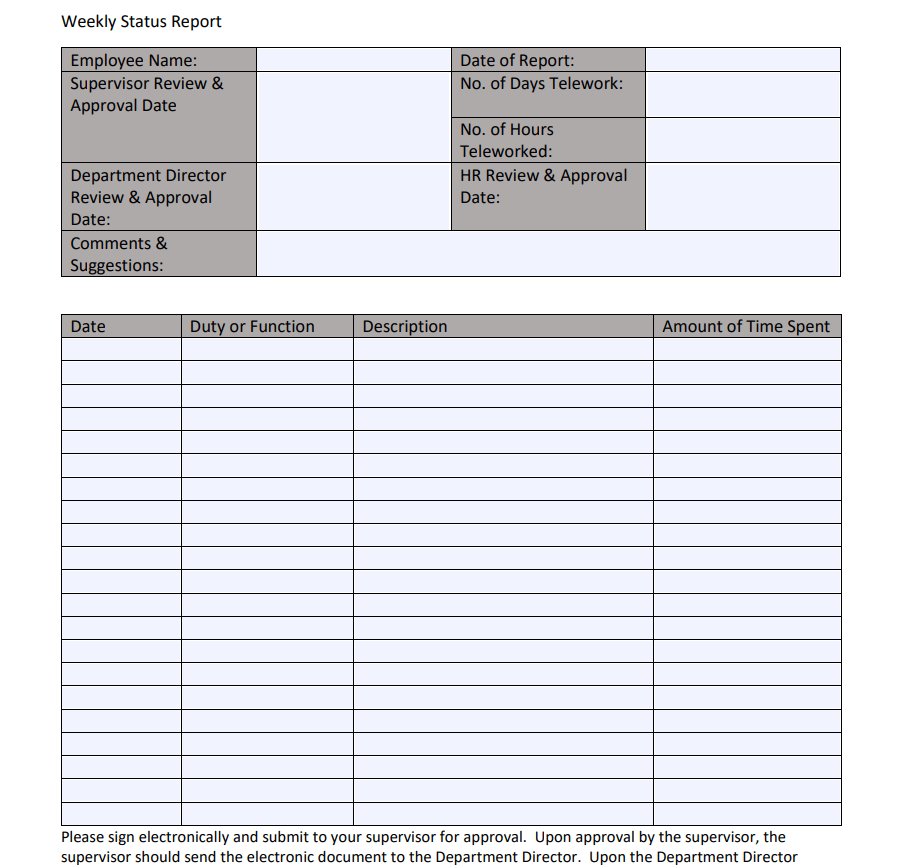
File Size: 76 KB

Internship Weekly Progress Report Template
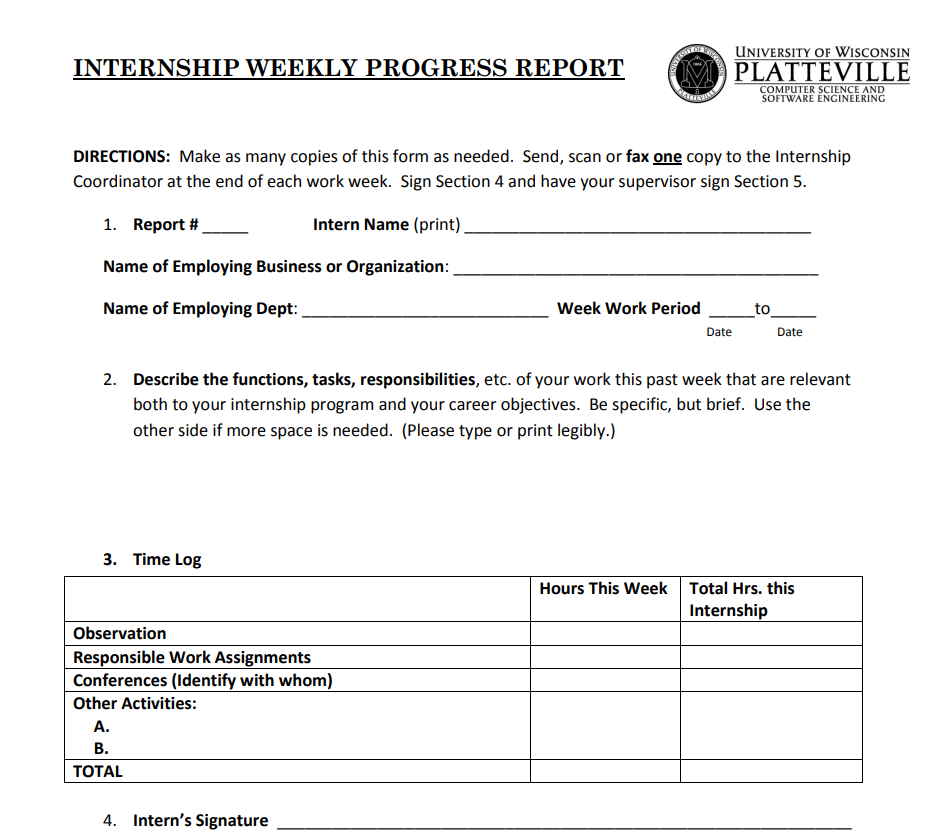
File Size: 222 KB
Fillable Weekly Progress Report PDF Template
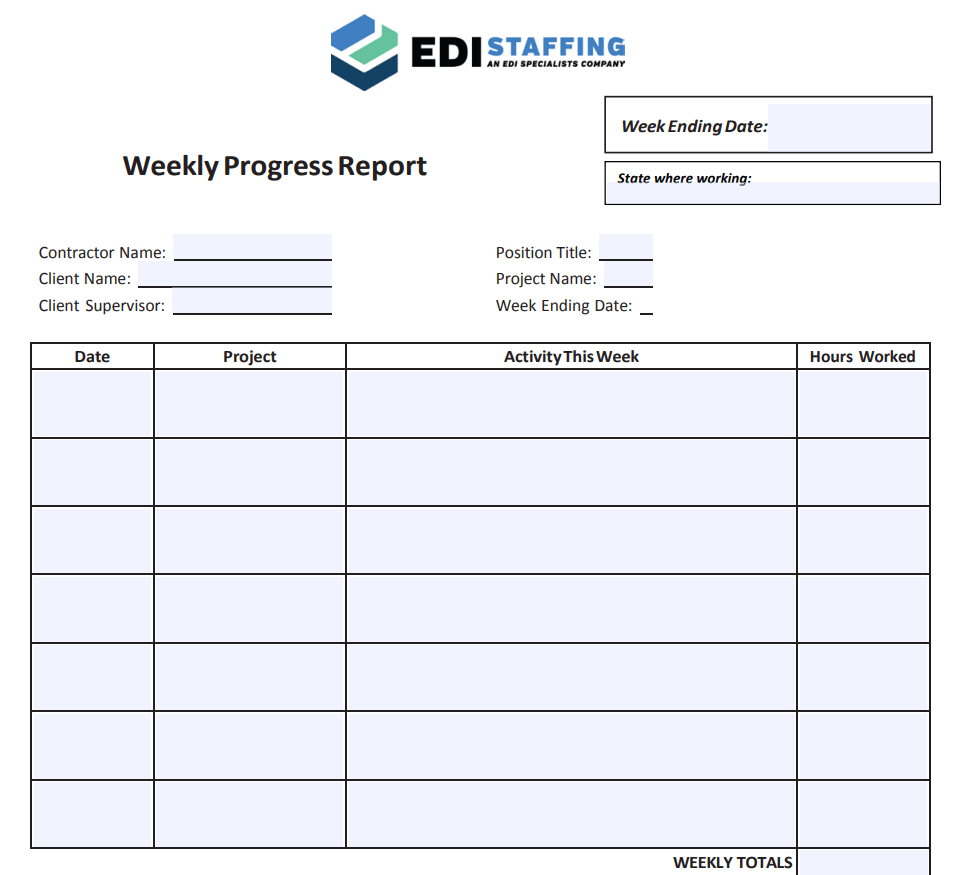
File Size: 107 KB
Campaign Weekly Status Report Template
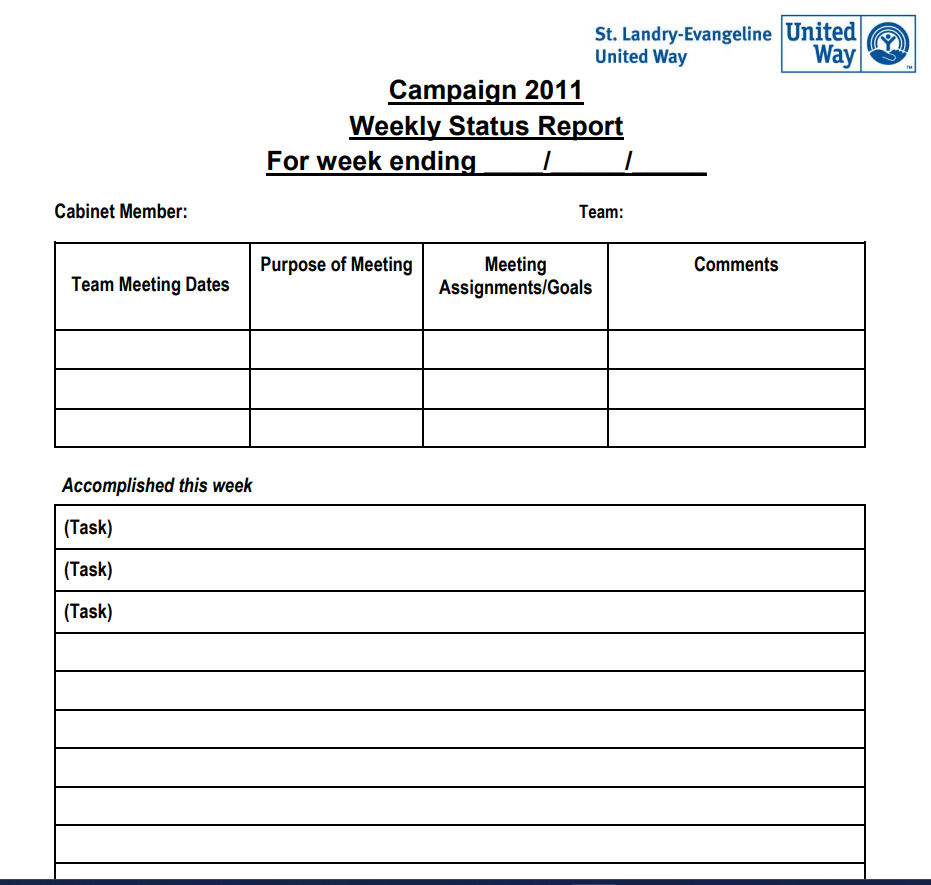
File Size: 110 KB
Simple Weekly Academic Progress Report Example
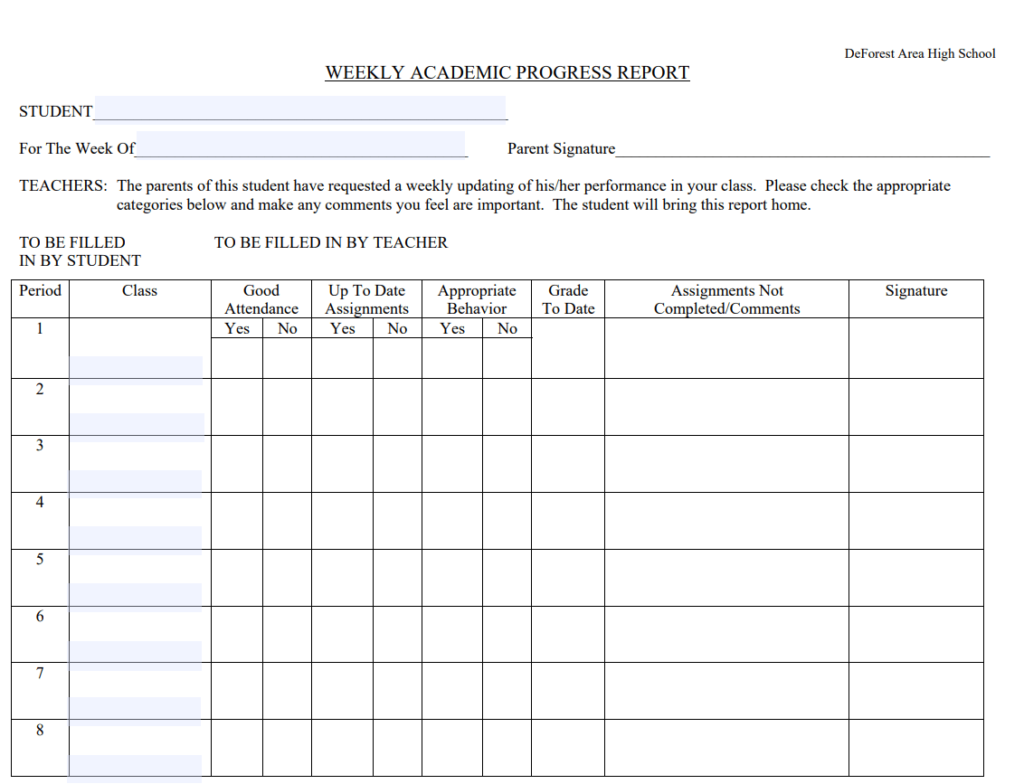
File Size: 24 KB
Preschool Weekly Activity Report Template PDF
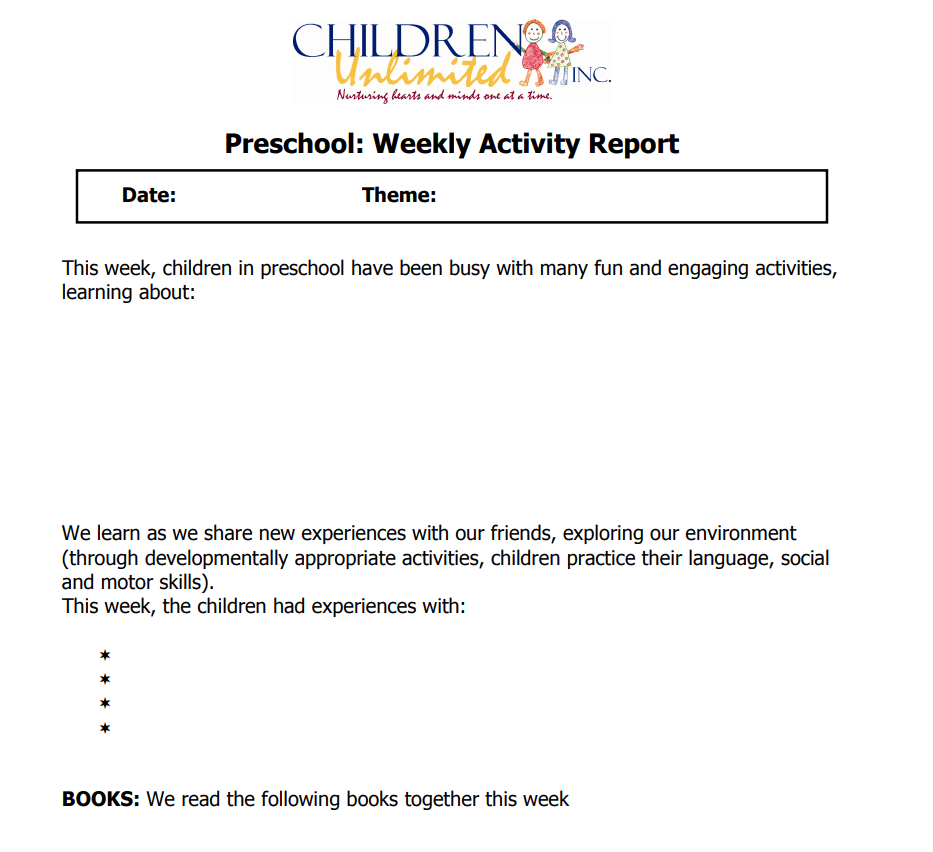
File Size: 131 KB
General Manager’s Weekly Sales Report Template
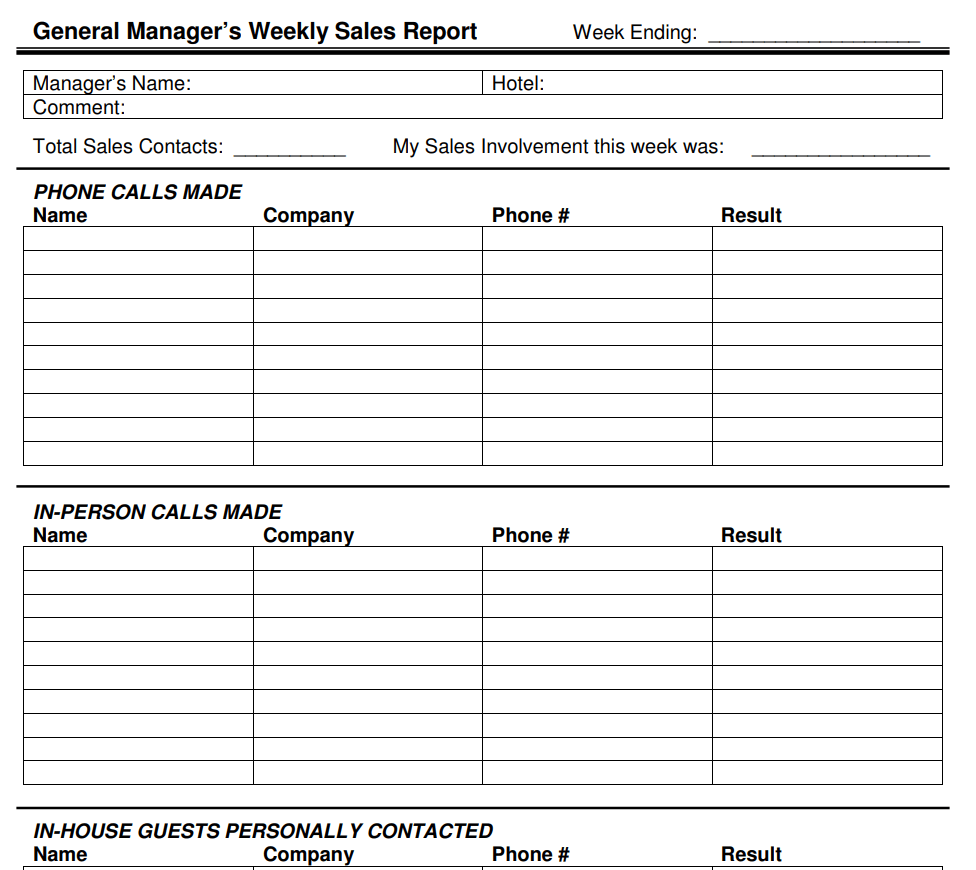
File Size: 12 KB
Free Printable Weekly Marketing Report Template PDF
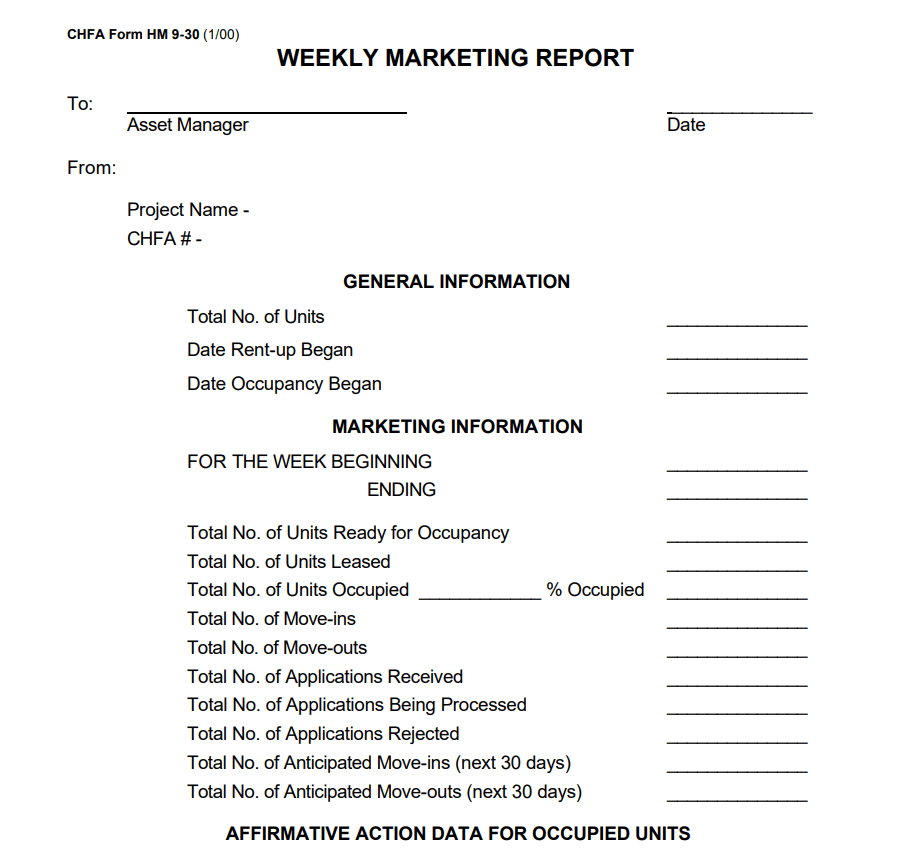
File Size: 03 KB
Official Weekly Student Progress Report Template
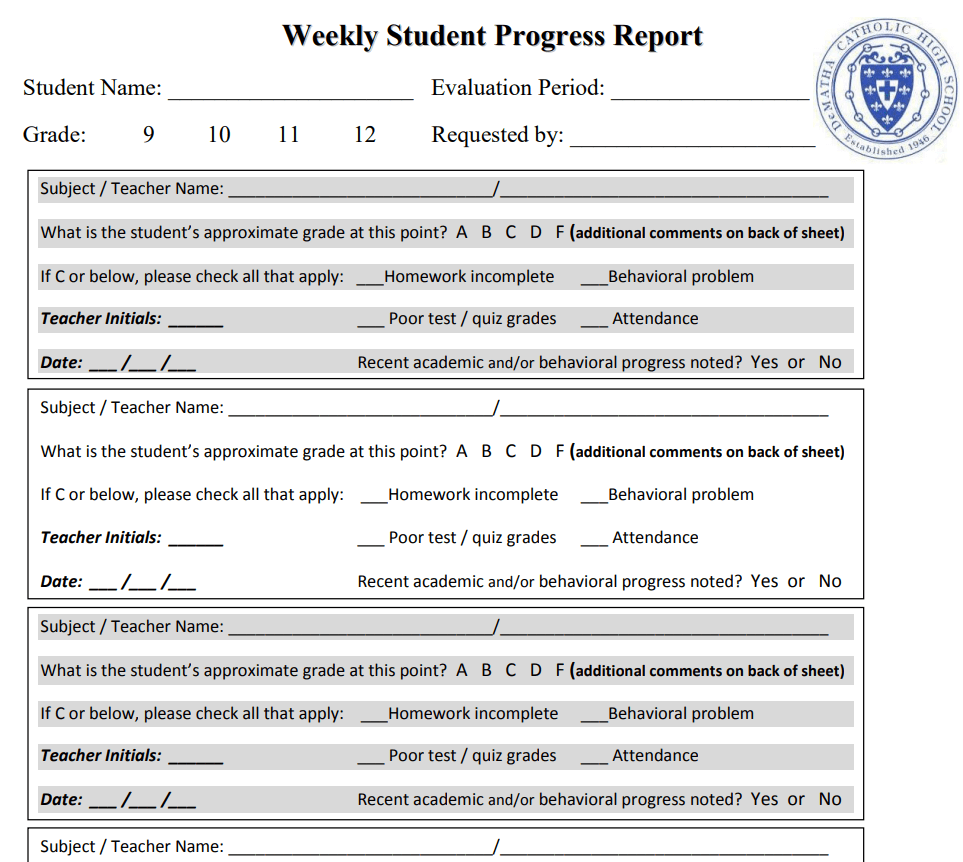
File Size: 263 KB
Contractor’s Weekly Report Sample PDF
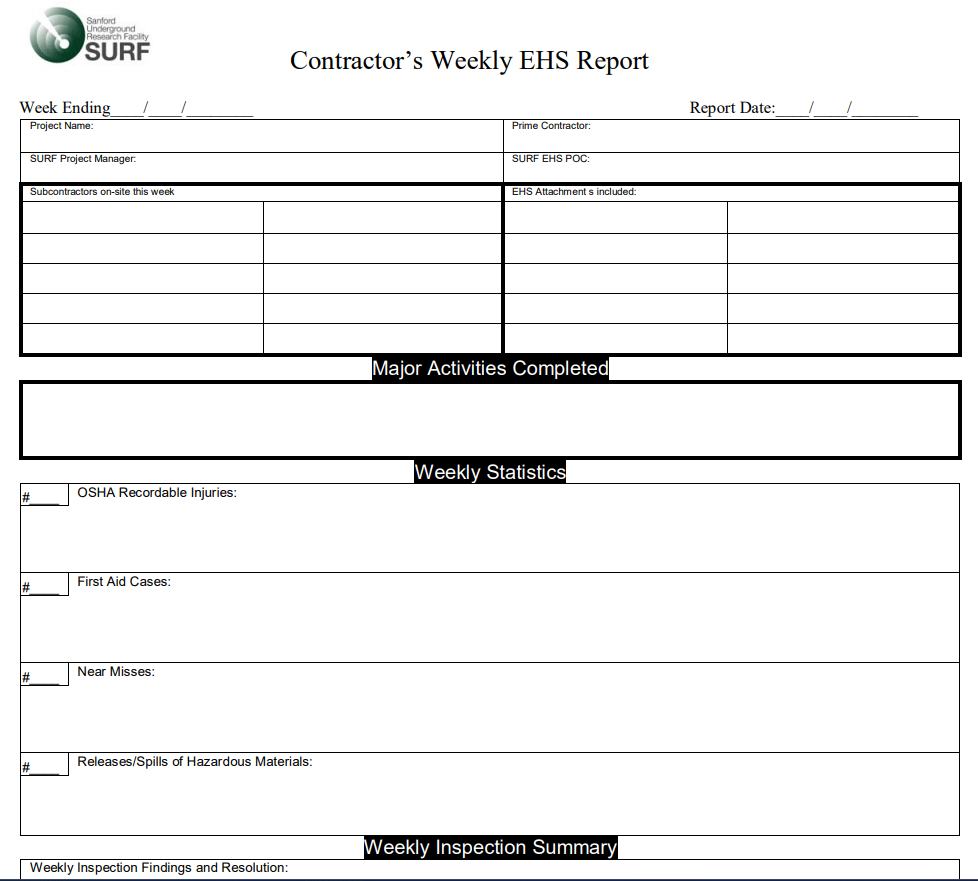
File Size: 38 KB
Blank Weekly Sales Activity Report PDF Template
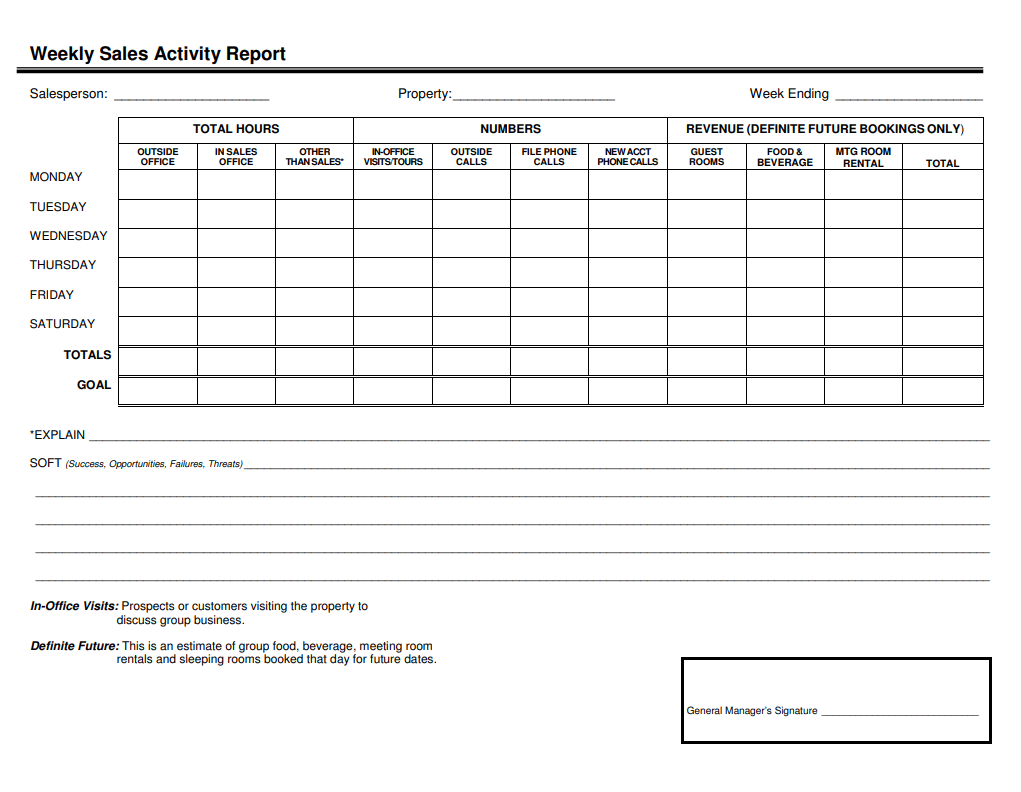
File Size: 21 KB
Formal Employee Weekly Time Report Template
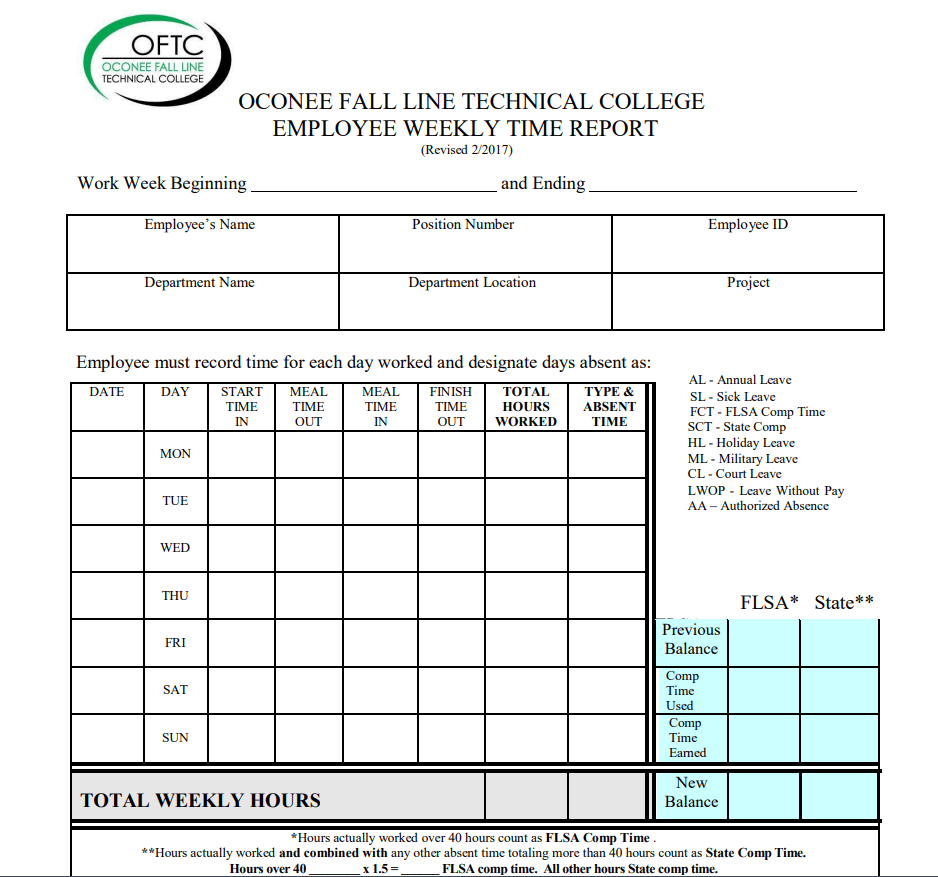
File Size: 98 KB
Stock Market Weekly Report Template

File Size: 566 KB
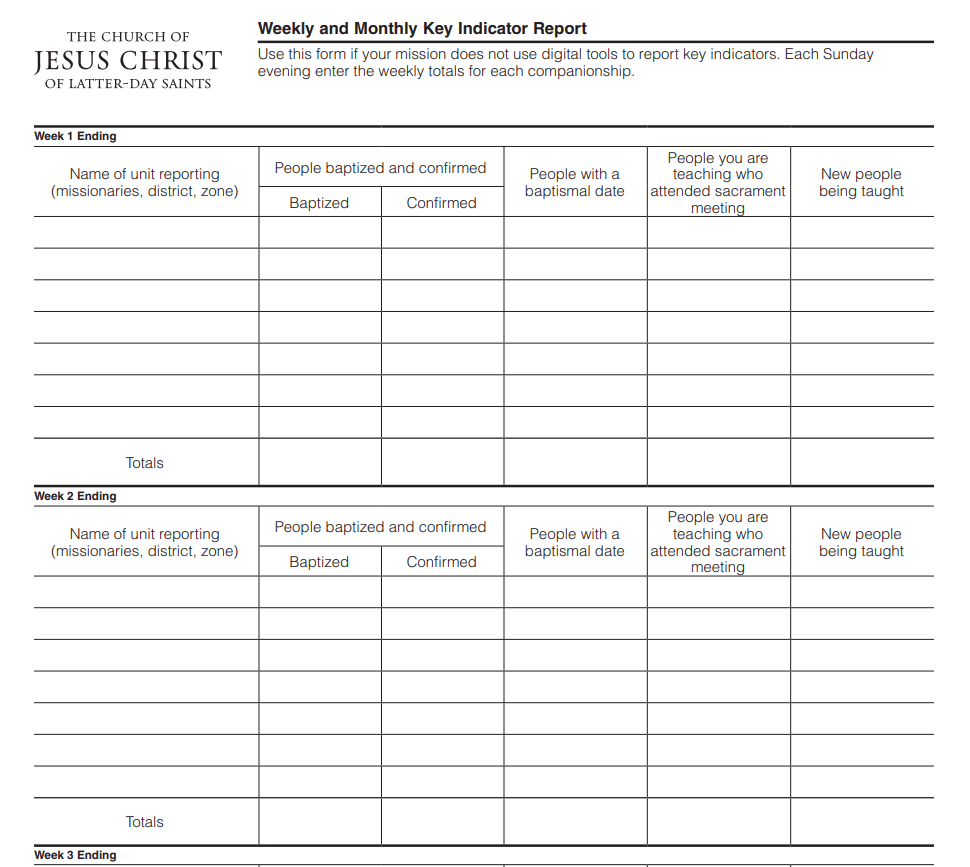
Simple Weekly Key Indicator Report PDF Example
File Size: 29 KB
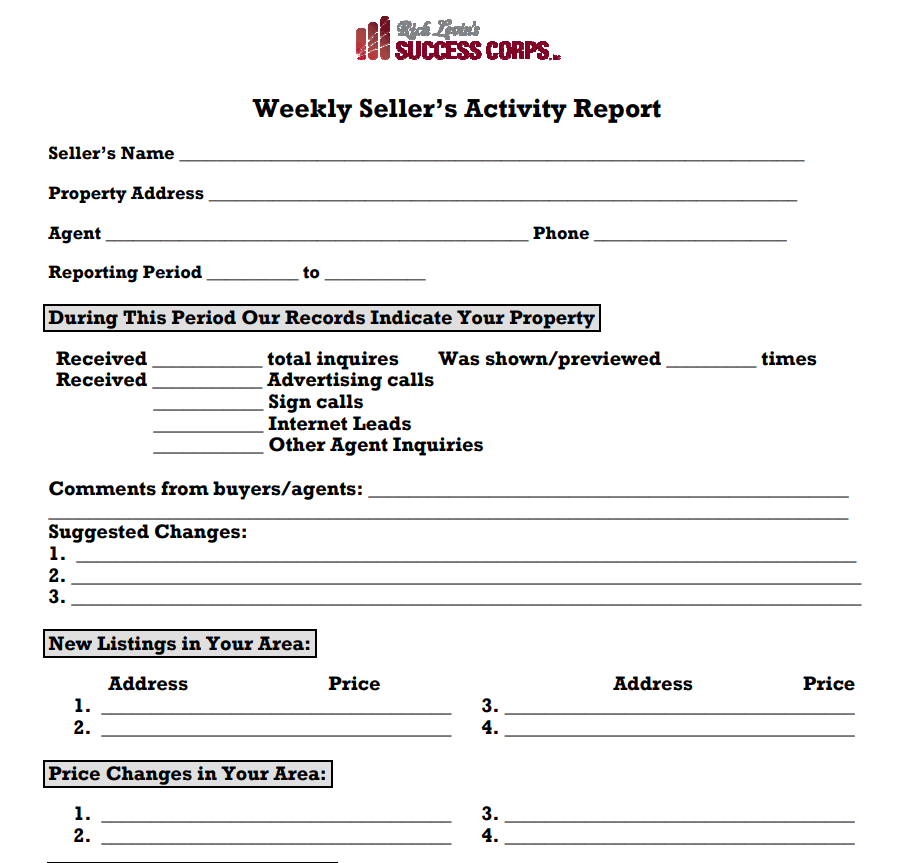
Free Download Weekly Seller’s Activity Report Template
File Size: 92 KB
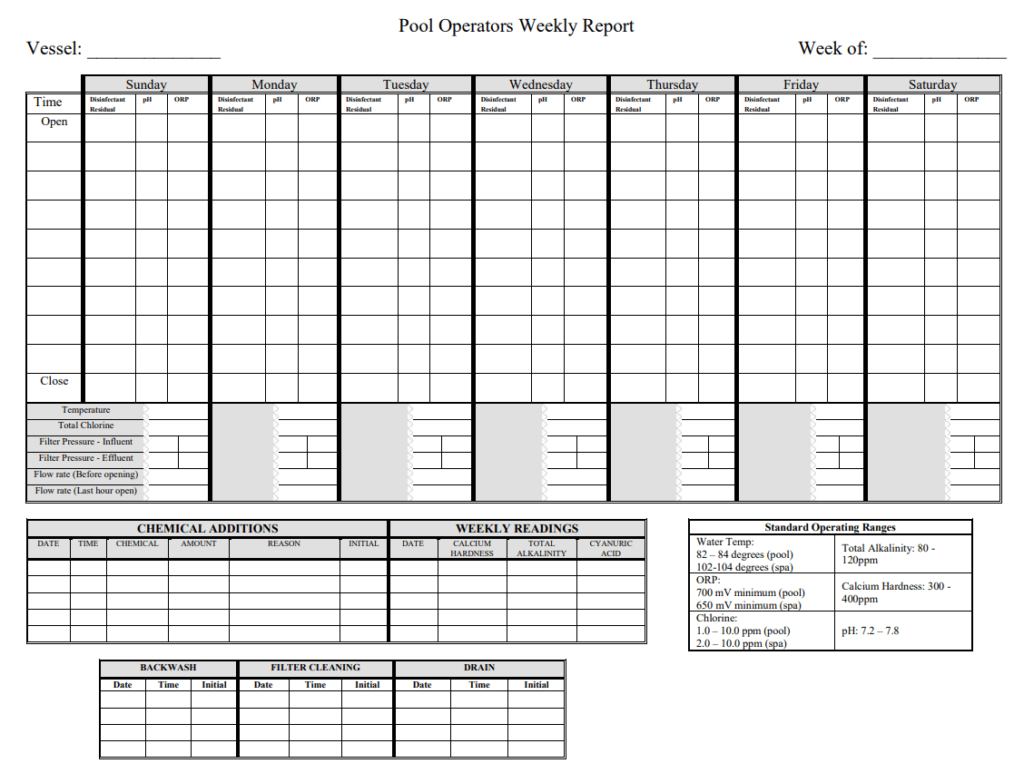
Pool Operators Weekly Report Template
File Size: 43 KB
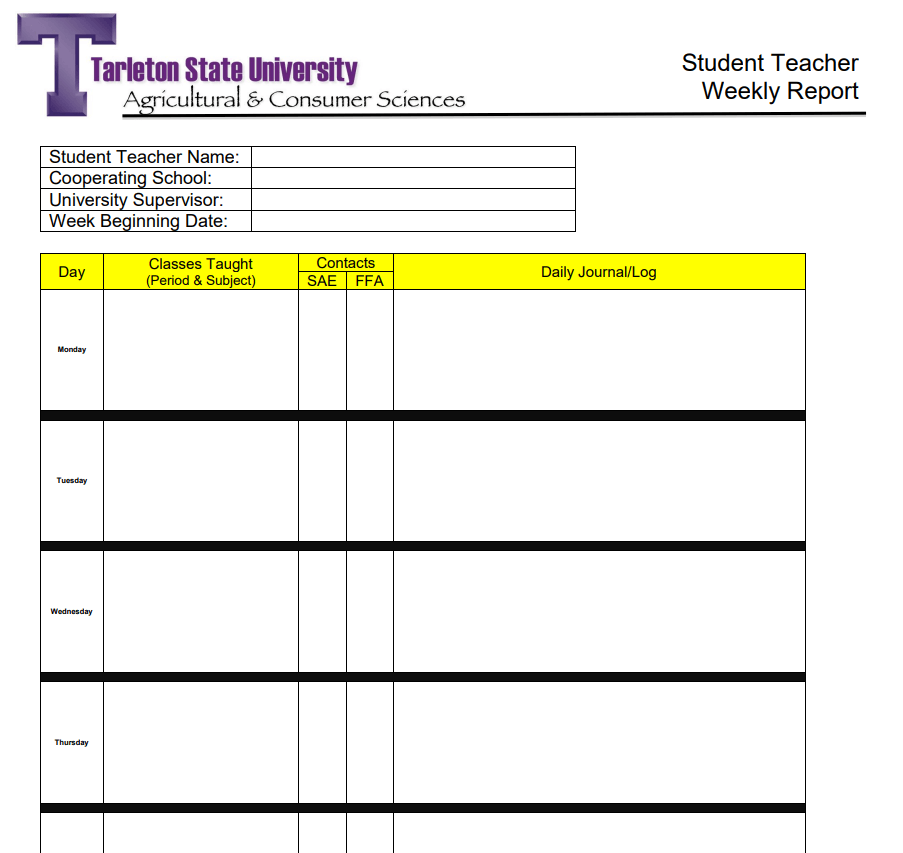
Student Teacher Weekly Report Format
File Size: 37 KB
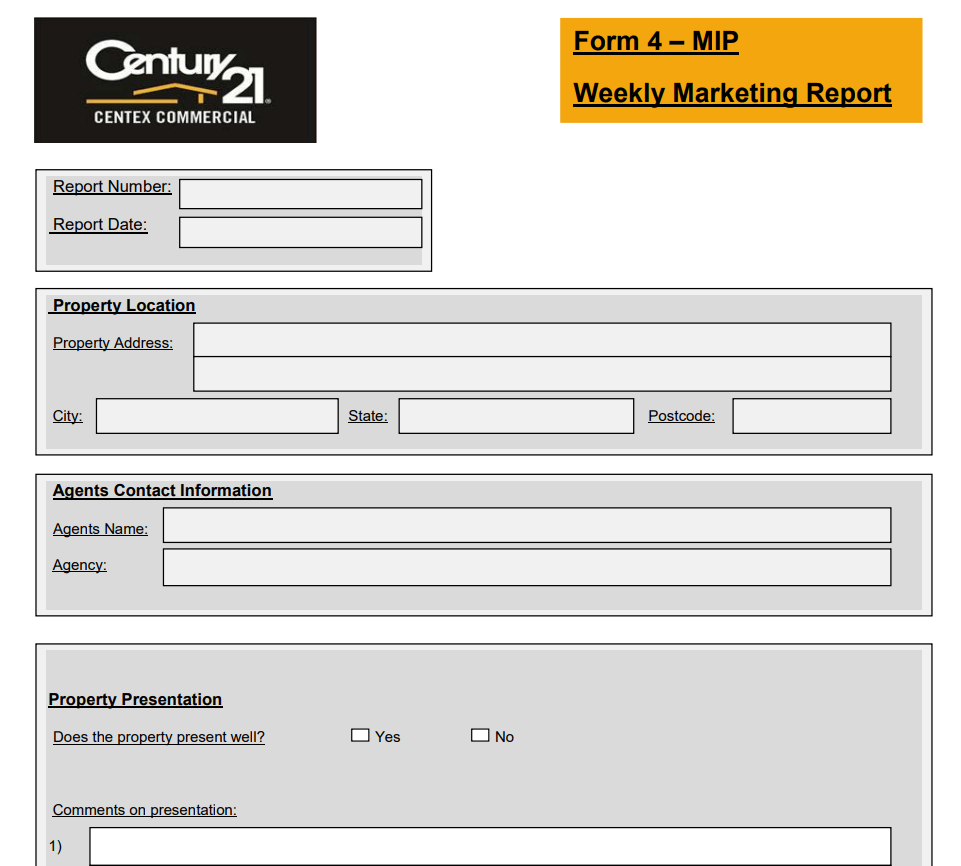
Special Weekly Marketing Report Form Template
File Size: 43 KB
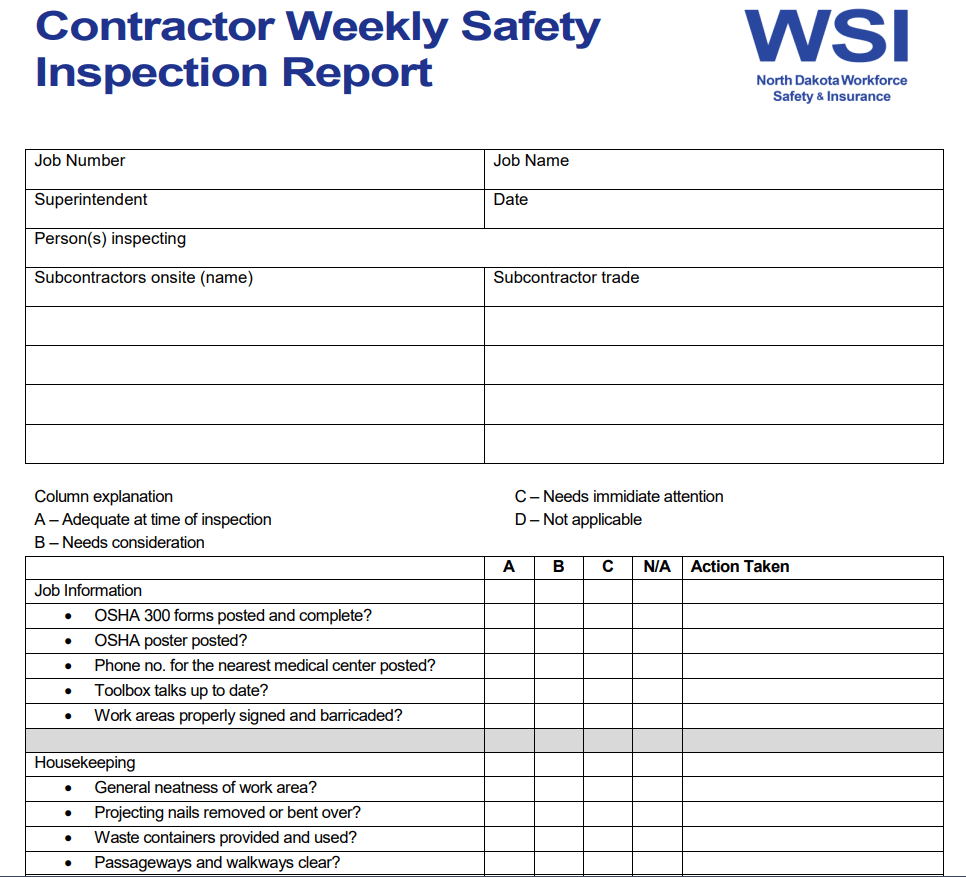
Contractor’s Weekly Safety Inspection Report Template
File Size: 182 KB
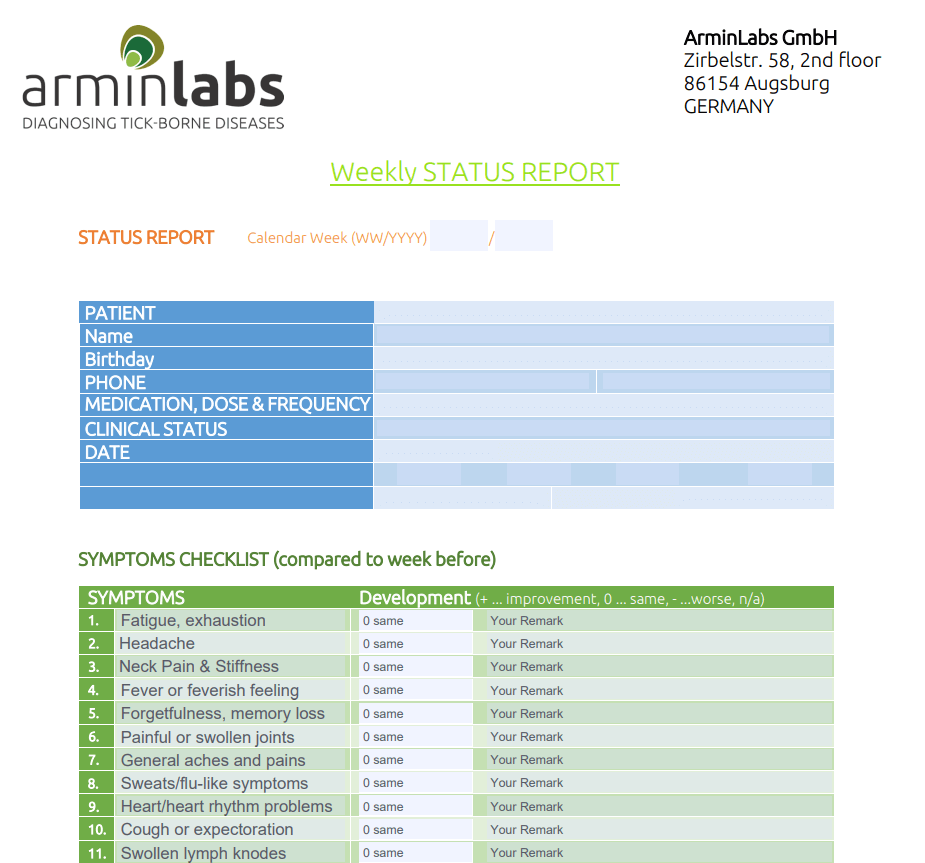
Free Printable Weekly Status Report PDF Template
File Size: 842 KB
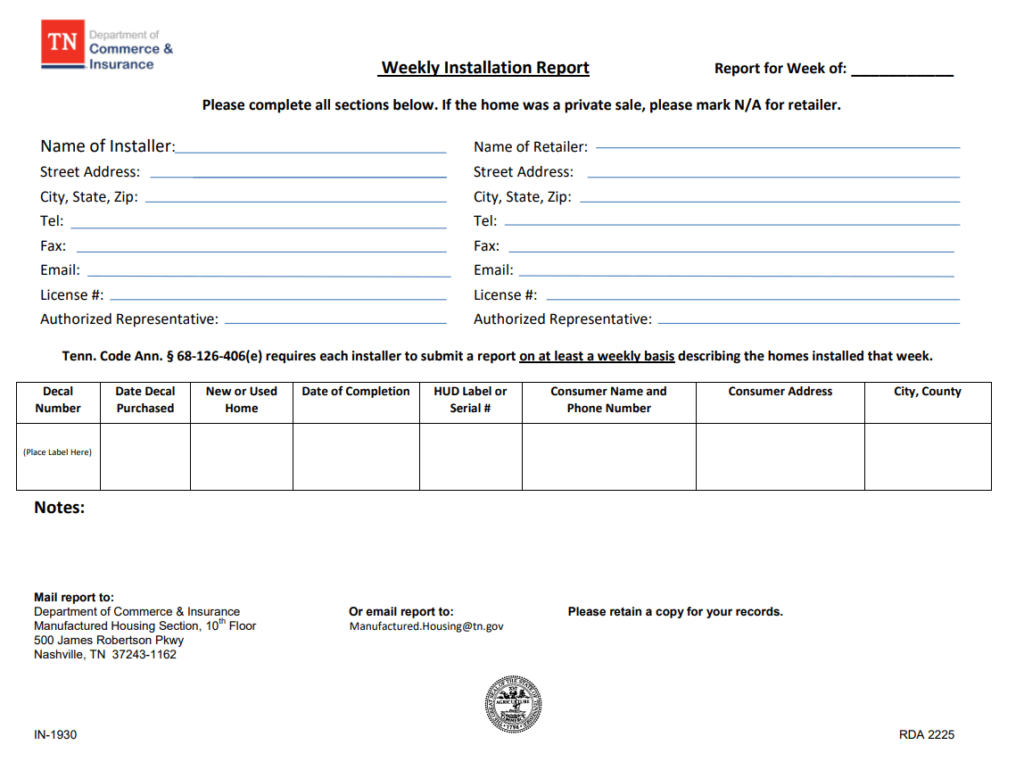
Generic Weekly Installation Report Template
File Size: 90 KB
Basic Manager’s Weekly Report Format PDF
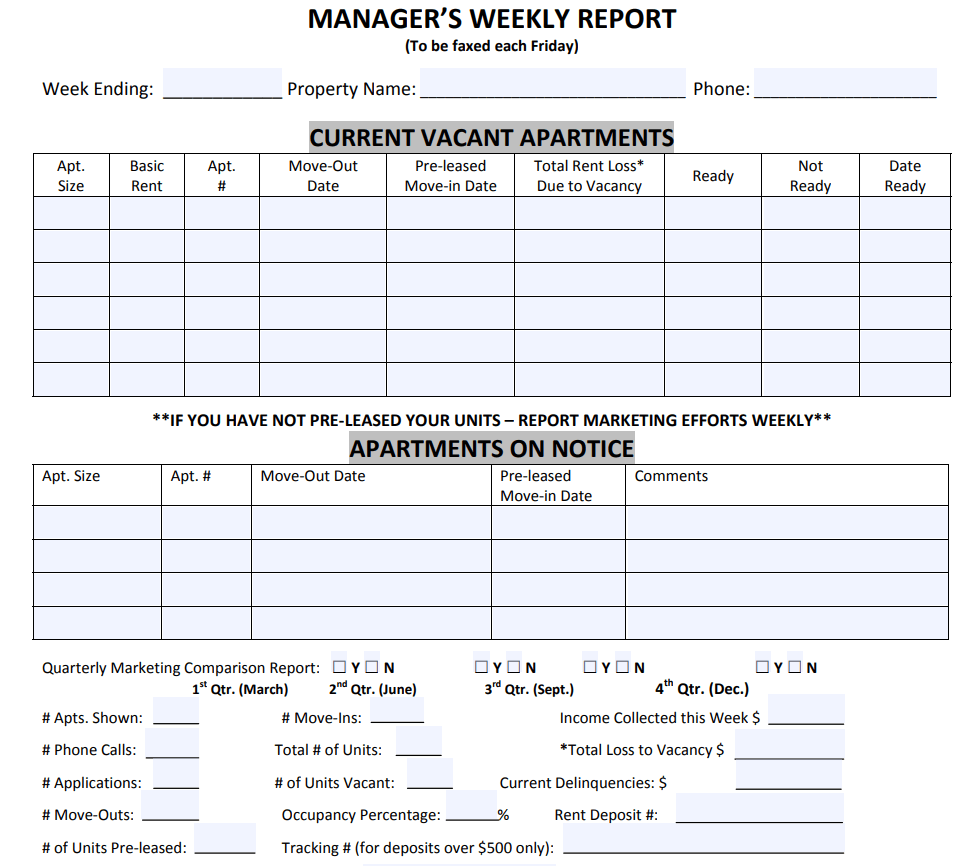
File Size: 100 KB
Simple Athletic Weekly Progress Report Template
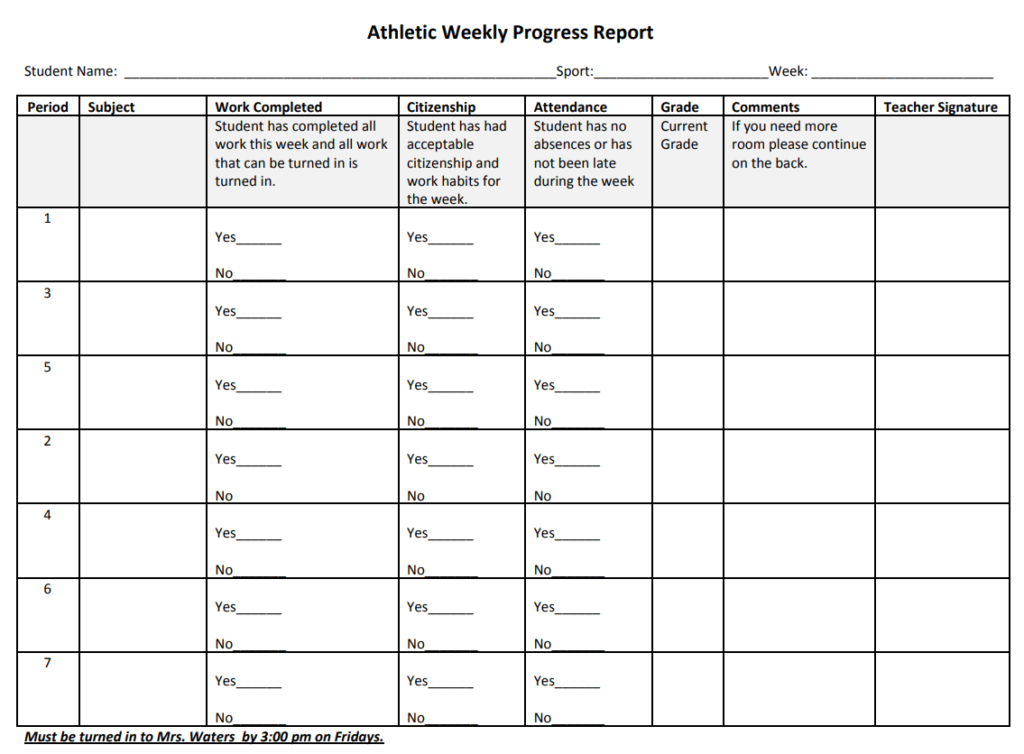
File Size: 49 KB
Sales Representative’s Weekly Report / Log PDF Template
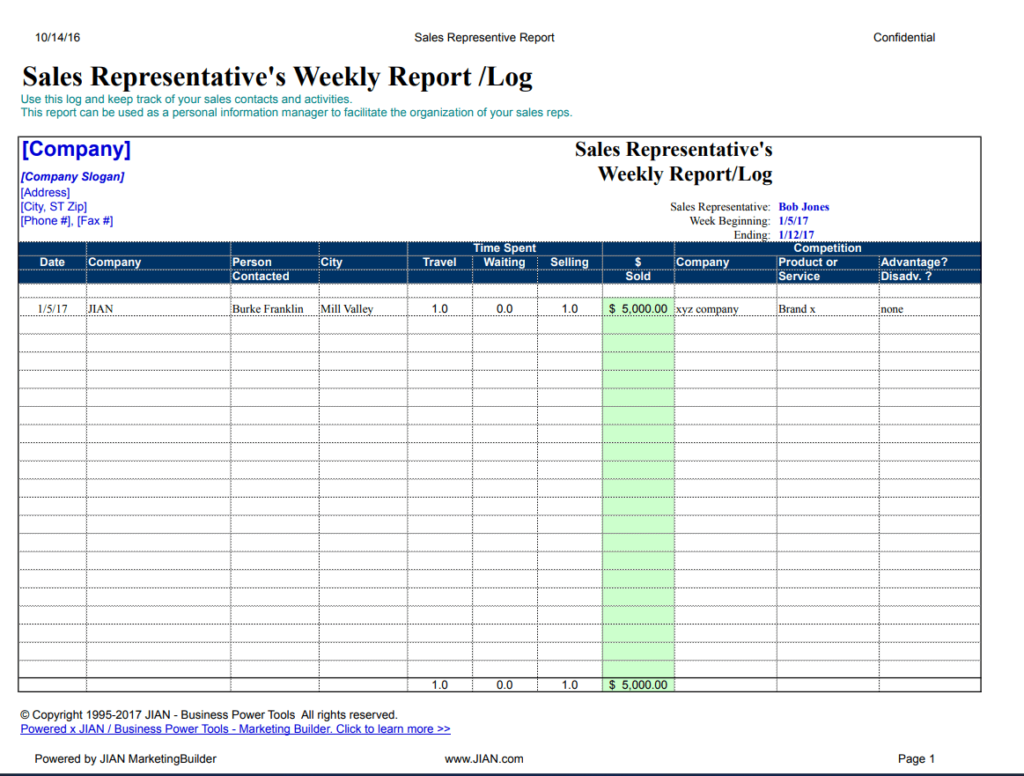
File Size: 101 KB
Elemental Weekly Progress Report Template
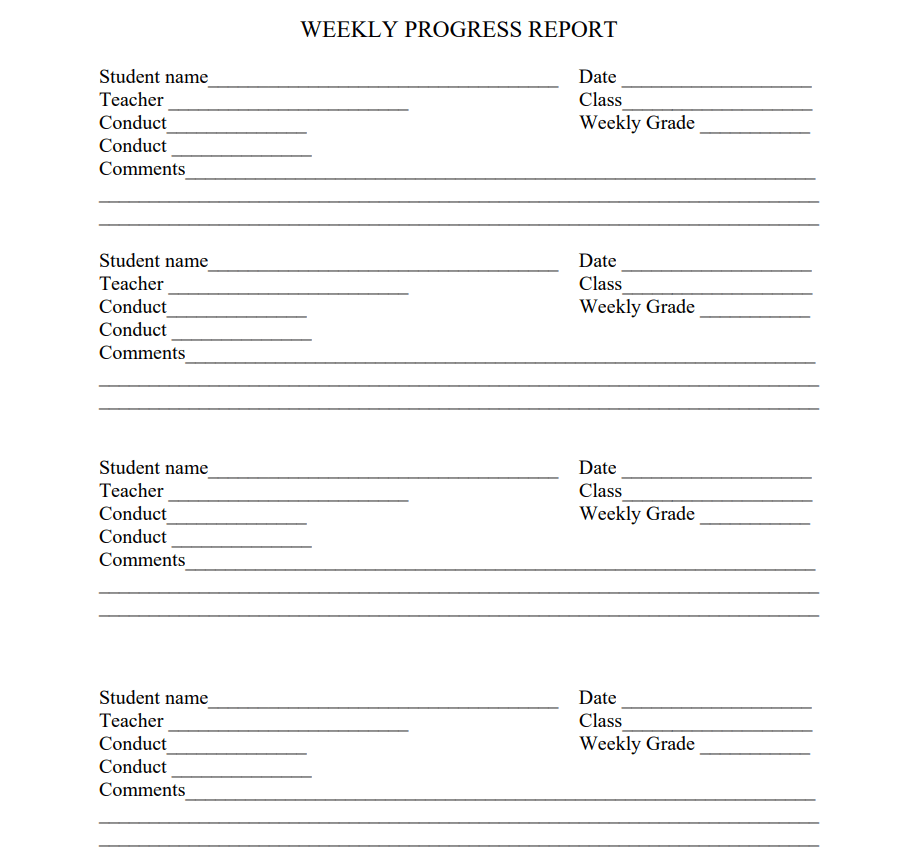
File Size: 07 KB
Marketing Manager’s Weekly Report Template PDF
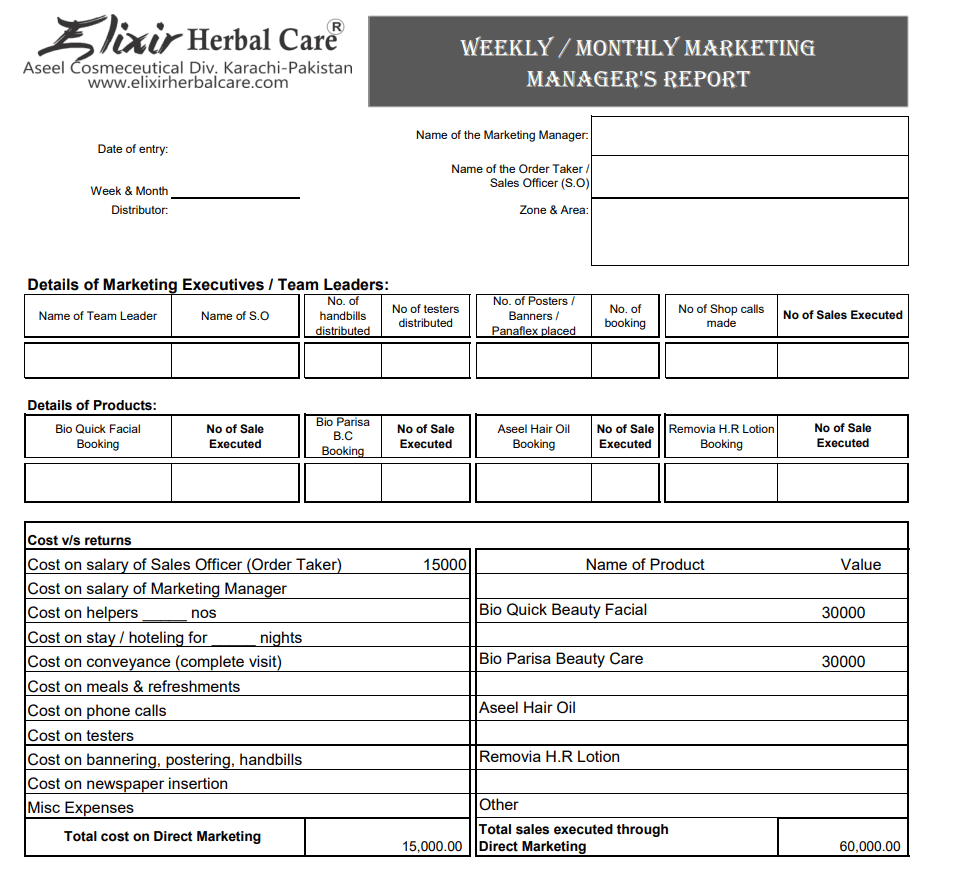
File Size: 62 KB
College Student’s Weekly Report Sample PDF
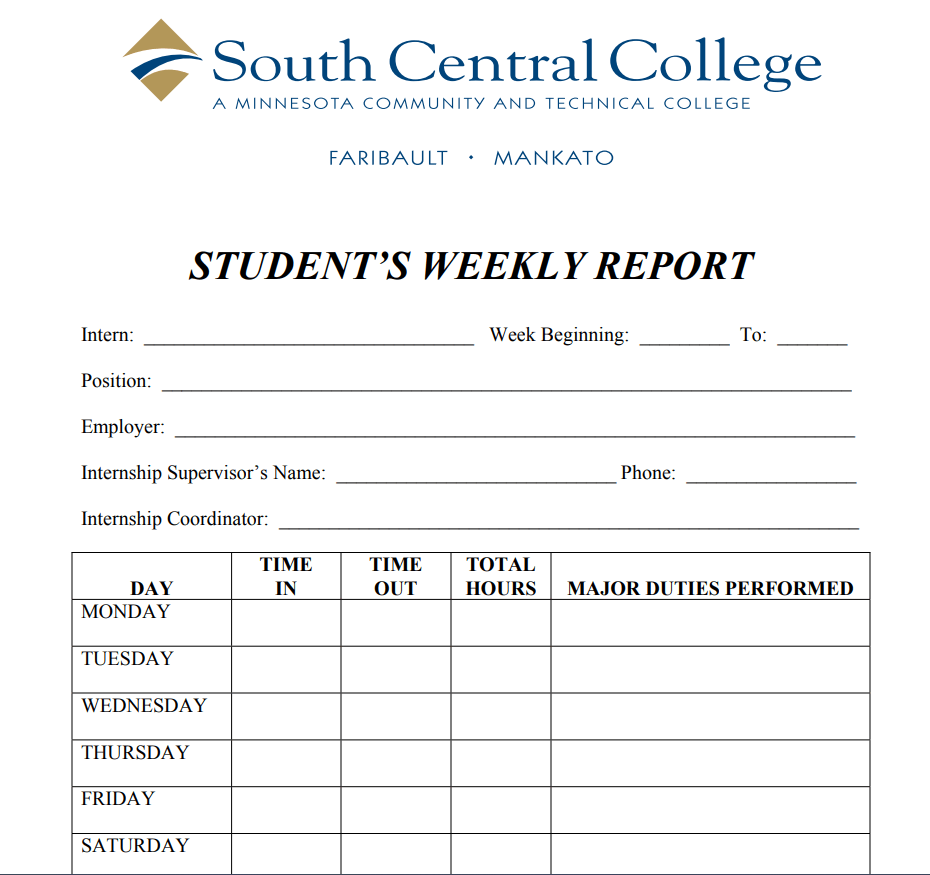
File Size: 150 KB
Professional Weekly Construction Progress Report Template
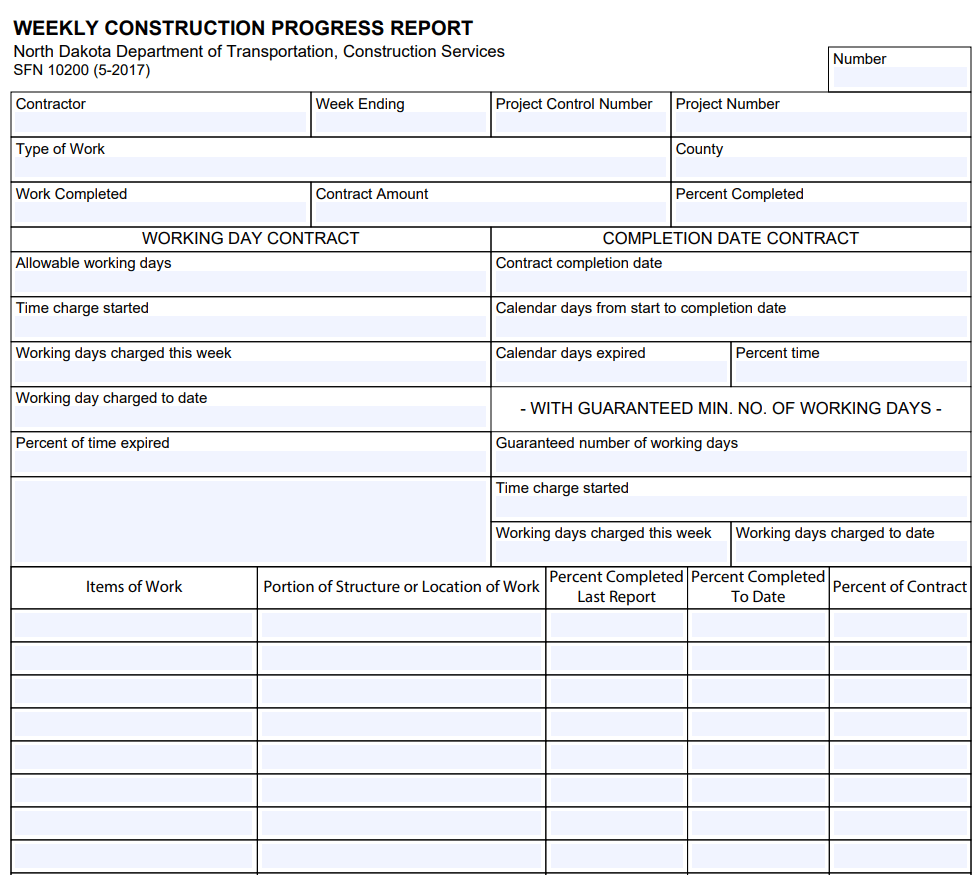
File Size: 637 KB
How to use and customize the template
- Copy last week’s report and update the date range before changing any figures.
- Compare planned work with delivered work. For each variance, give the cause and its impact in one sentence.
- Move completed actions to the outcomes section and assign owners to open actions.
- Read the report as the recipient. Put the decision or escalation where it can be found without opening an attachment.
Before you share the finished copy
Avoid counting the same work as both completed and scheduled. If a target or definition changed midweek, state the change next to the metric so the reader can interpret the comparison.
Related resources
See also Status Report Templates and Action Logs and Project Outline Templates and Planning Sheets.
Frequently asked questions
What is the difference between a weekly activity report and a status report?
An activity report records work performed during the week. A status report explains progress against a plan and identifies risks or decisions that can affect delivery.
How long should a weekly report be?
One page often works for routine reporting. Attach supporting figures when needed and keep the summary focused on what changed.
Should I include unfinished tasks?
Include them when they carry into next week or affect a commitment. Give each one an owner and a realistic next date.
You must be logged in to post a comment.