
A timetable puts recurring activities into a predictable sequence. Students use one for classes or revision, teachers use one for sessions and rooms, and a household may use one for regular commitments. Decide which time units matter before you start. A timetable with fixed periods is easier to scan when every period has the same label across the week.
Compare 19 layouts below with Word and Excel files among the options. Jump to the template previews and downloads.
Choose a timetable template
Use a days-by-period grid for classes, a time-block layout for study and a printable weekly version for shared routines. If meetings or classes start at different times, use actual time ranges rather than period numbers alone. A short legend can explain recurring labels or locations.
What to include
- Days and time blocks Show the start and end of each period. Leave room for transitions and check that activities do not overlap.
- Subject or task Use a short label readers will recognize. For study periods, describe the topic or outcome rather than writing study in every cell.
- Place and person Include rooms, instructors or owners when people need them to act. Keep long details outside the main grid.
- Breaks and changes Reserve space for breaks and identify exceptions or alternate weeks in an obvious note.
Build the timetable around the least flexible parts of the week. For classes, enter fixed periods and room changes first. For a revision timetable, leave buffer blocks for topics that take longer than expected and reserve short sessions for retrieval practice or review. Where schedules alternate, mark which week or date range applies. Keep changes in the master copy before distributing a printout. If people view the timetable on a phone, use brief labels and add a legend so long subject names do not force the grid to scroll sideways.
Worked example
A student has lessons in the morning and revision from 4 to 5 p.m. on weekdays. The timetable assigns one topic per revision session and leaves Friday open for unfinished work. A note beside Wednesday’s session records the room change without altering the recurring schedule.
Compare the available layouts
The collection includes Simple Weekly Timetable Sample (DOC), Simple Daily Timetable Example (DOCX), and Revision Timetable Template for the Week (DOCX). Compare the previews for the fields and page layout you need before opening the ZIP package. Check the file extension on the extracted file so you know which application to use.
Get the FREE Timetable Templates Below
Simple Weekly Timetable Sample
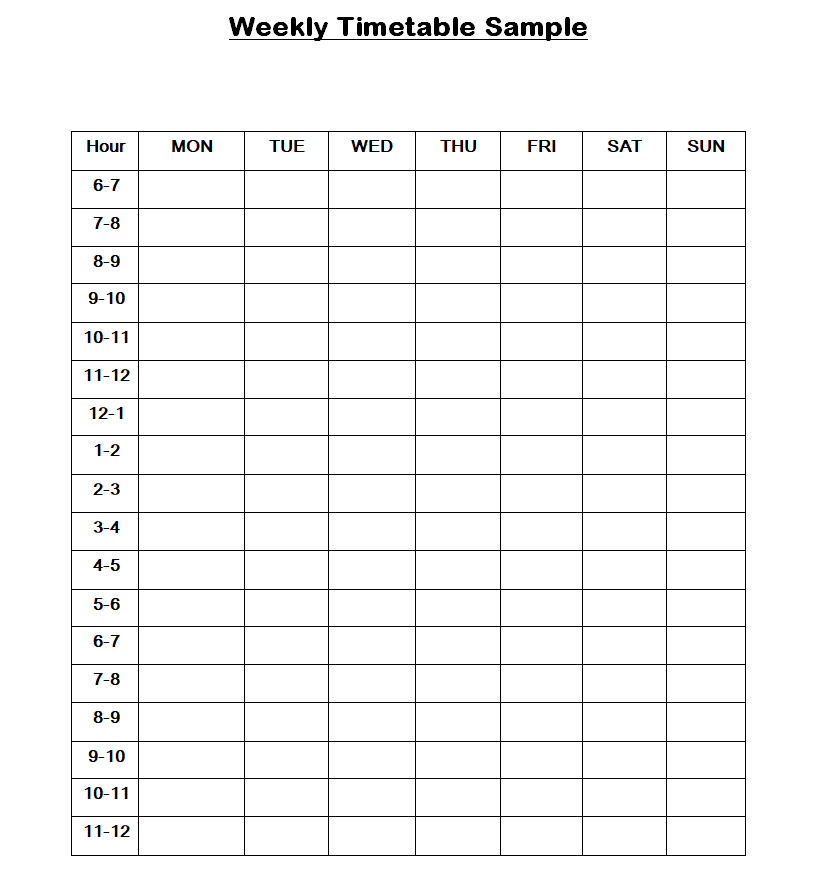
File Size: 07 KB

Homework Timetable Template Word
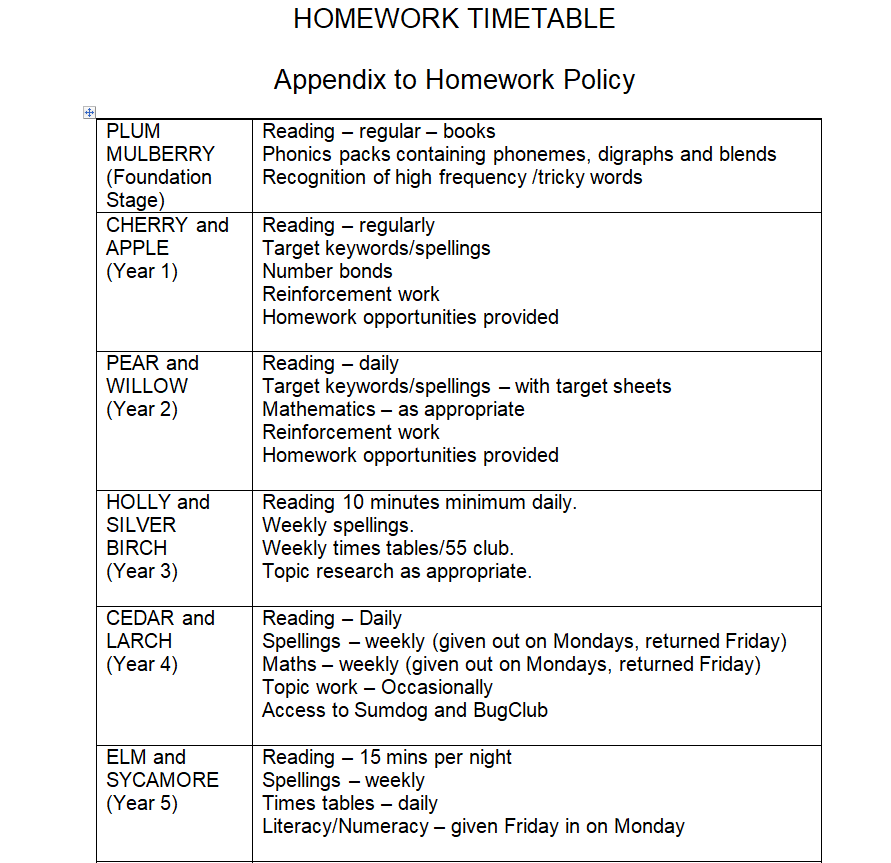
File Size: 07 KB
Standard Weekly Timetable Template
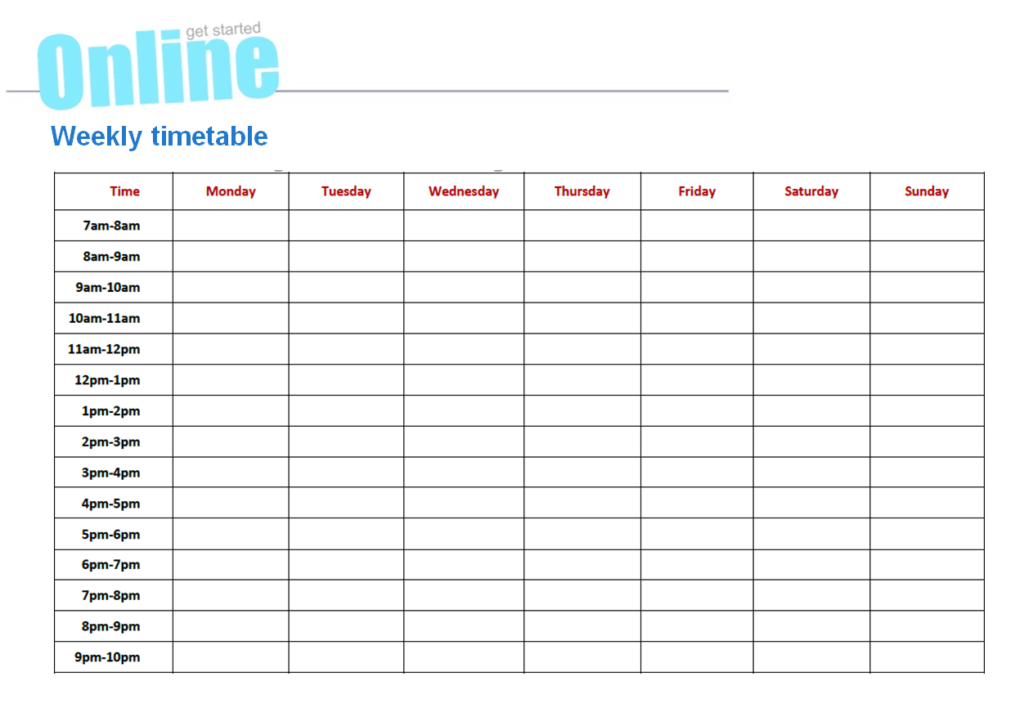
File Size: 163 KB
Project Timetable Sample Doc
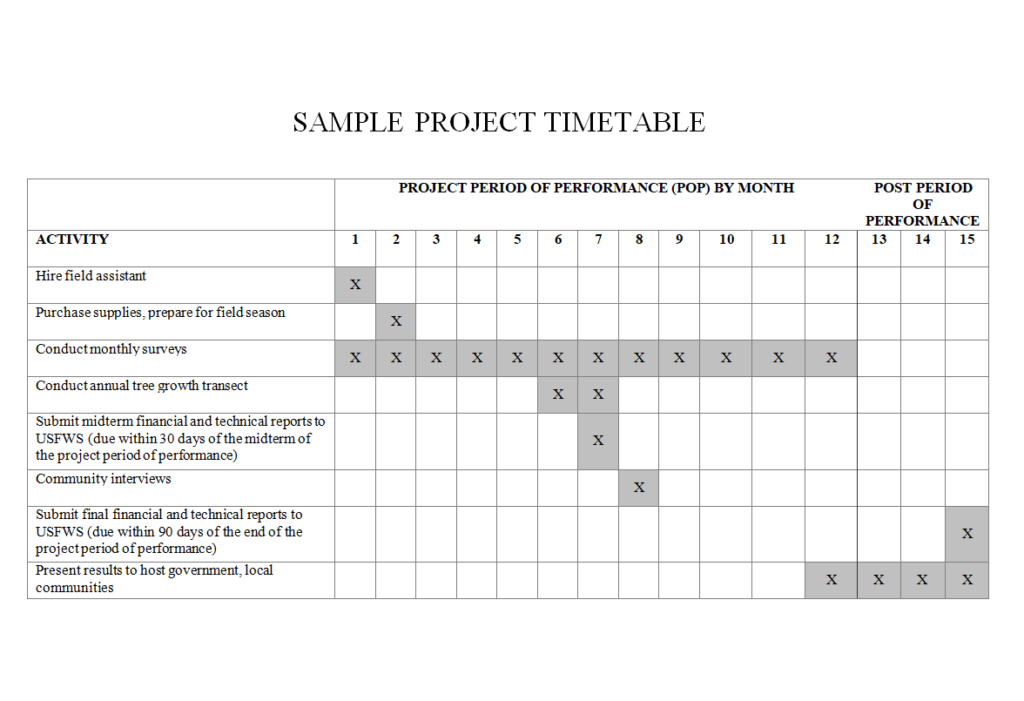
File Size: 07 KB
Special Revision Timetable Template
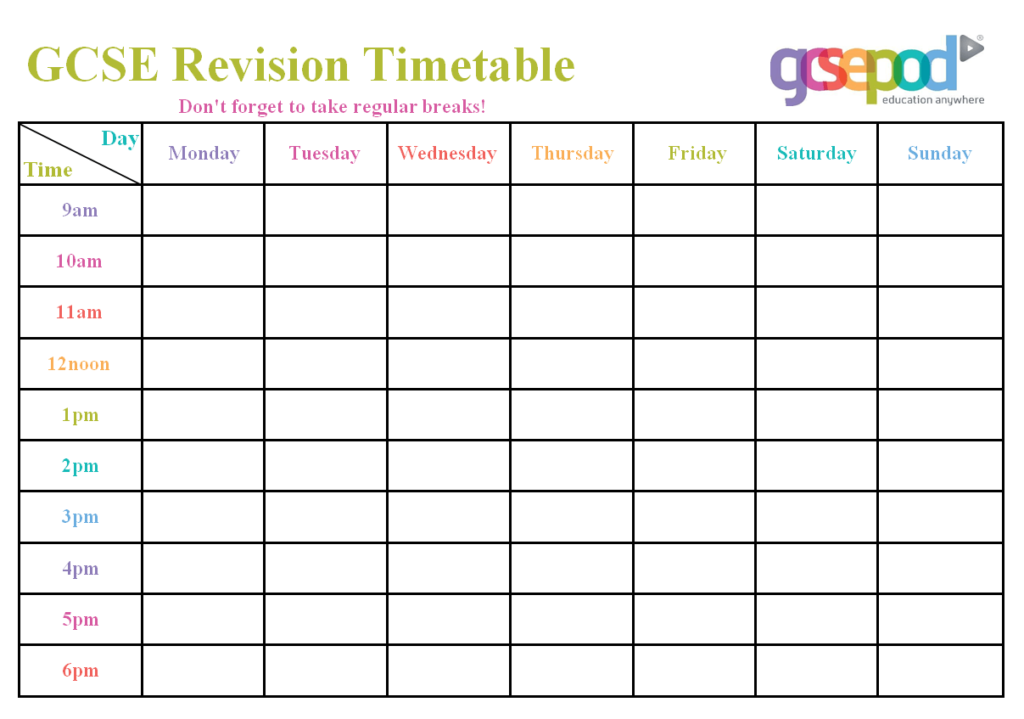
File Size: 27 KB
Example Timetable Template in MS WORD
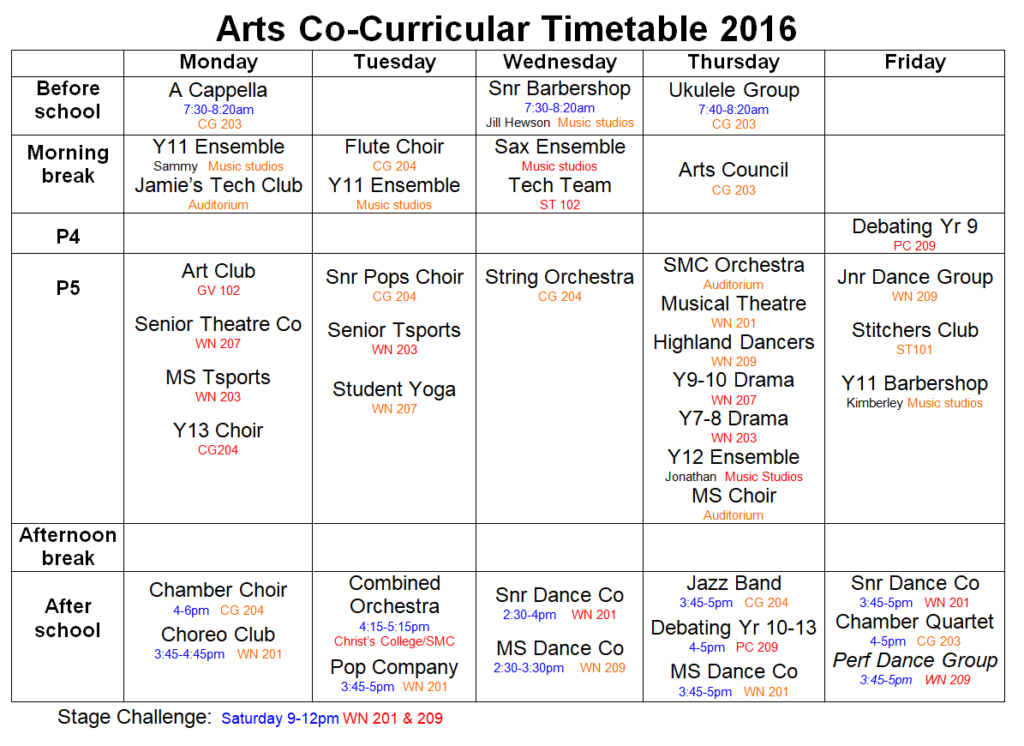
File Size: 153 KB
School Community Work Timetable Template
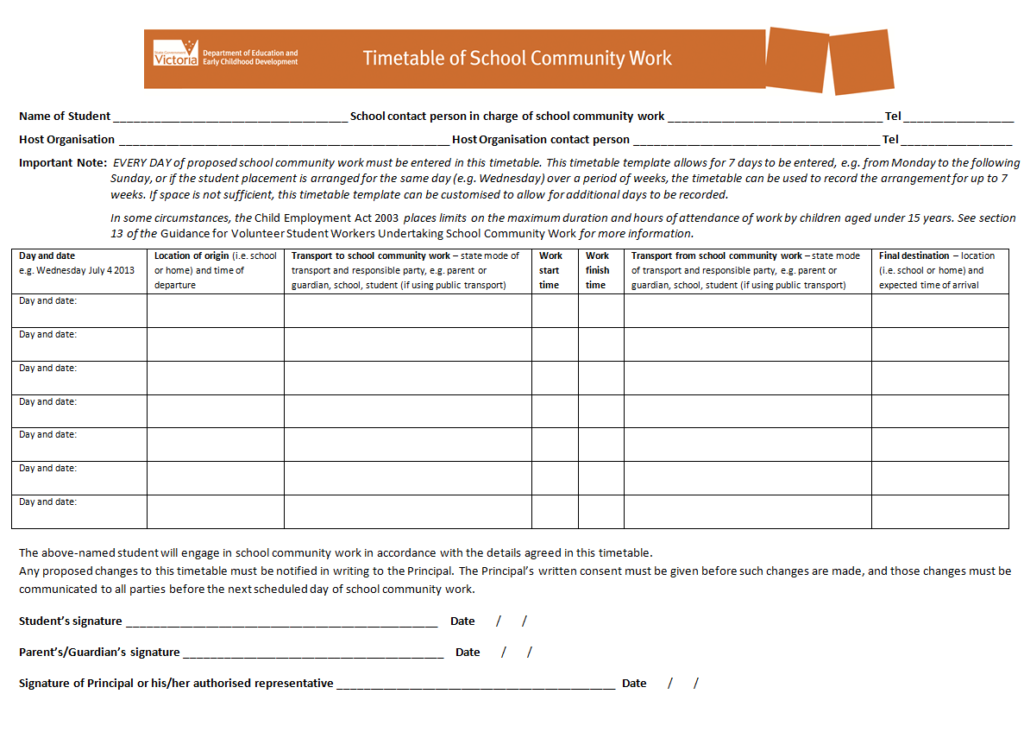
File Size: 632 KB
Zoology Department’s Teacher Wise Timetable Template
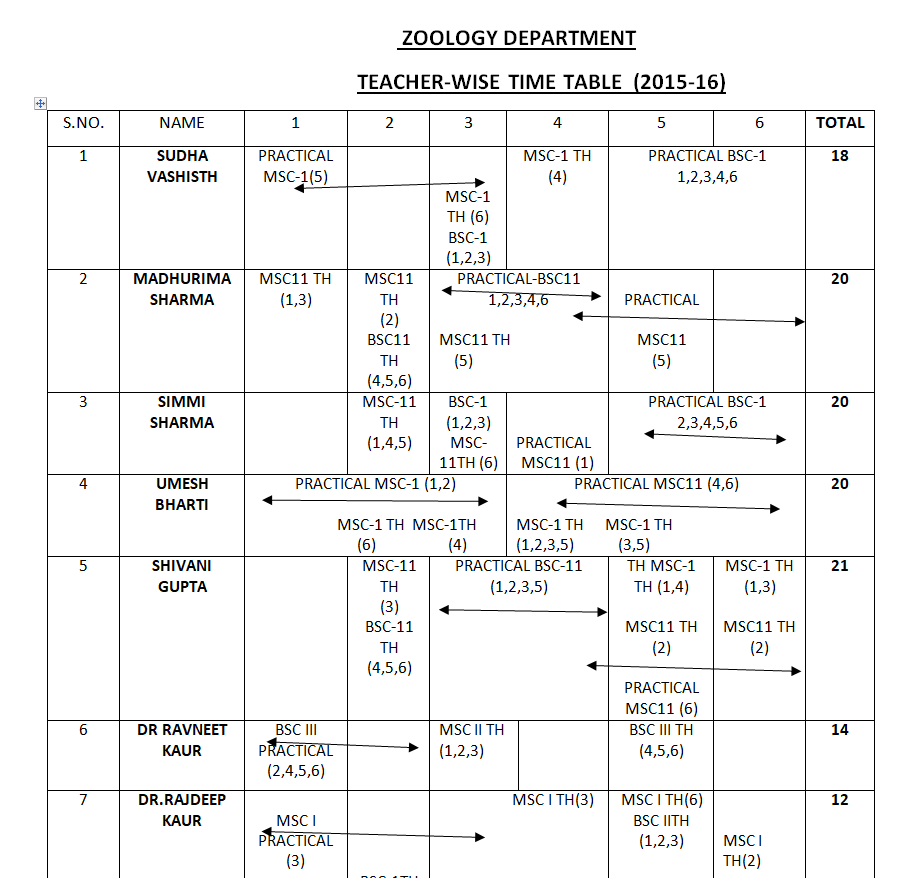
File Size: 21 KB
School Timetable Template Excel
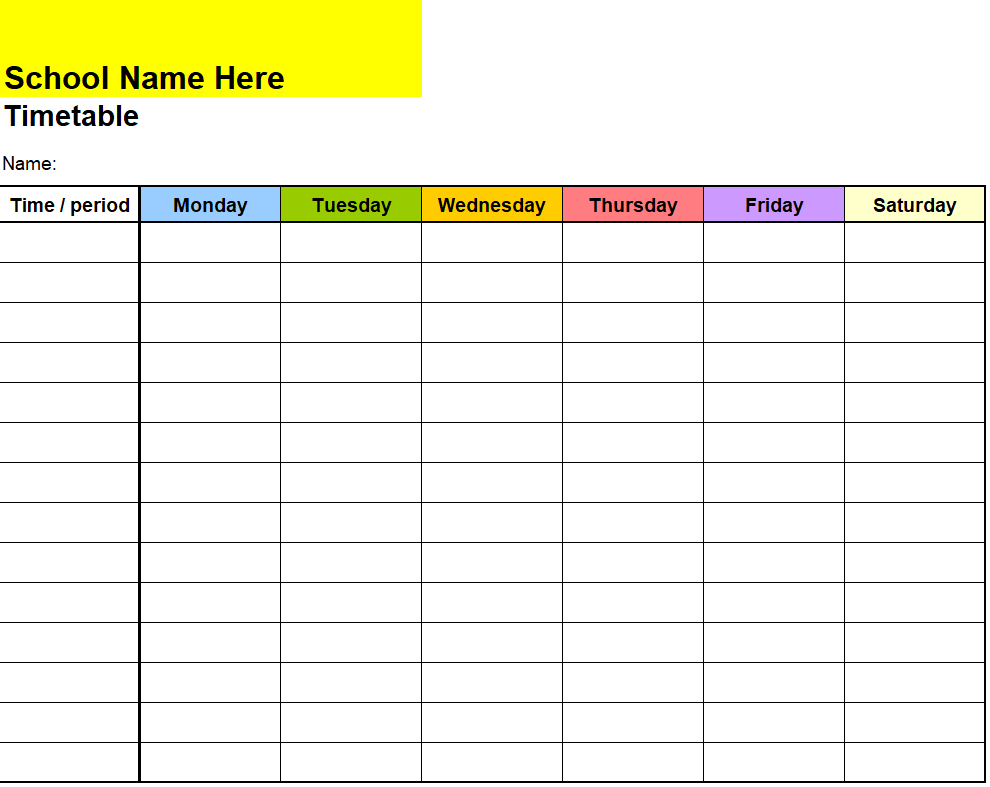
File Size: 09 KB
Simple Daily Timetable Example
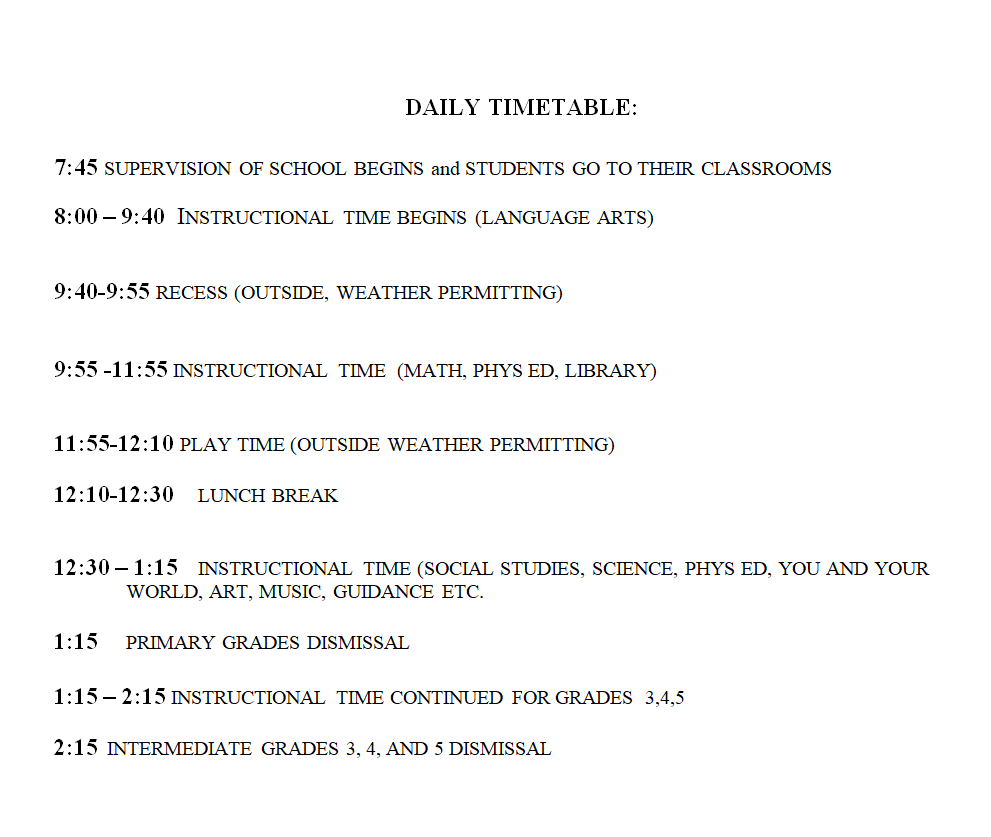
File Size: 06 KB
Professional Weekly Timetable Template Doc
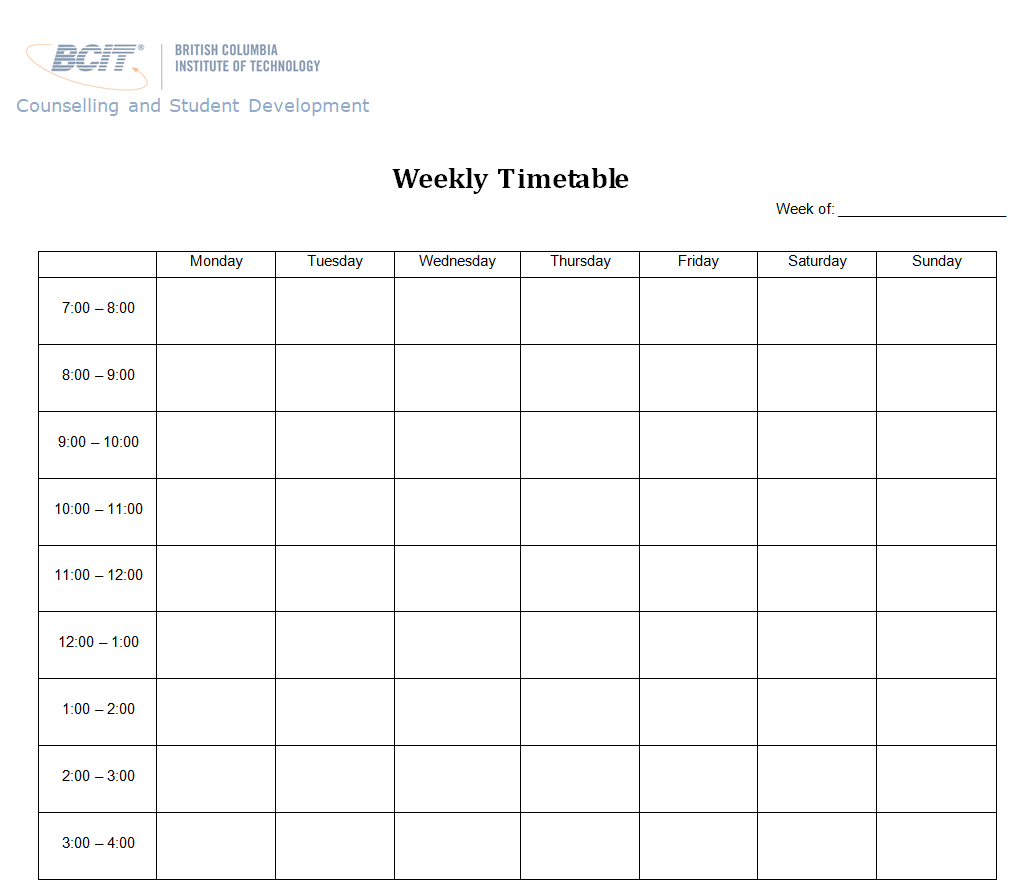
File Size: 507 KB
Monthly Revised Timetable Template
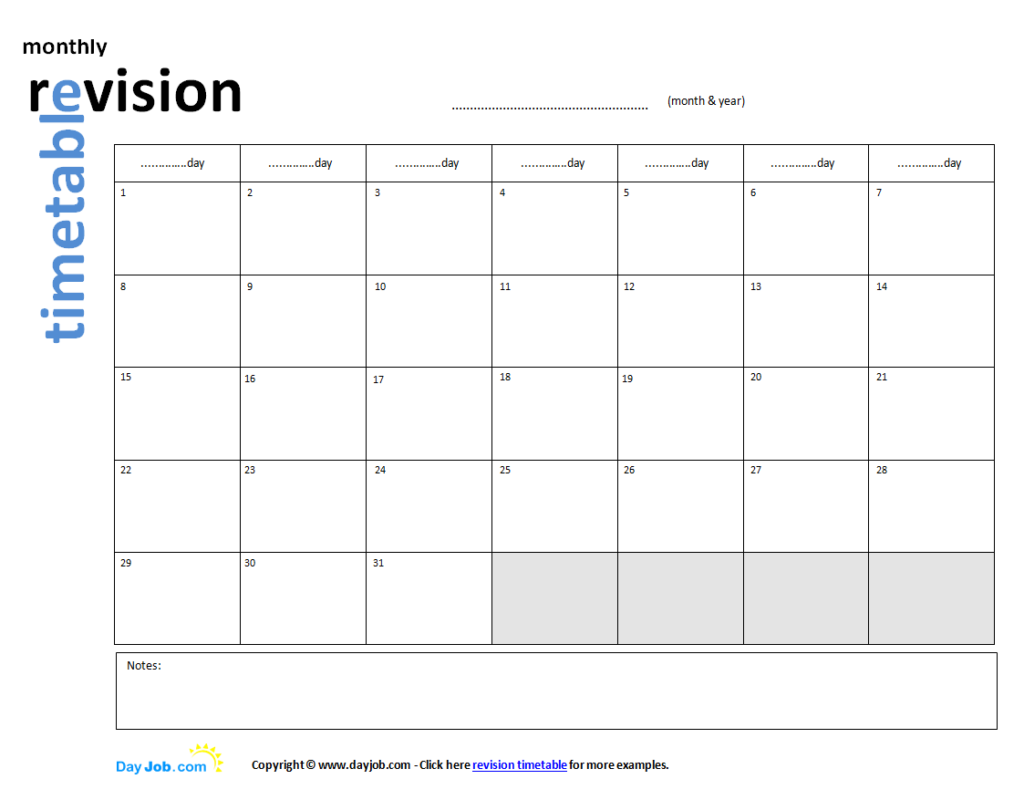
File Size: 15 KB
Blank Student Timetable Word Sample
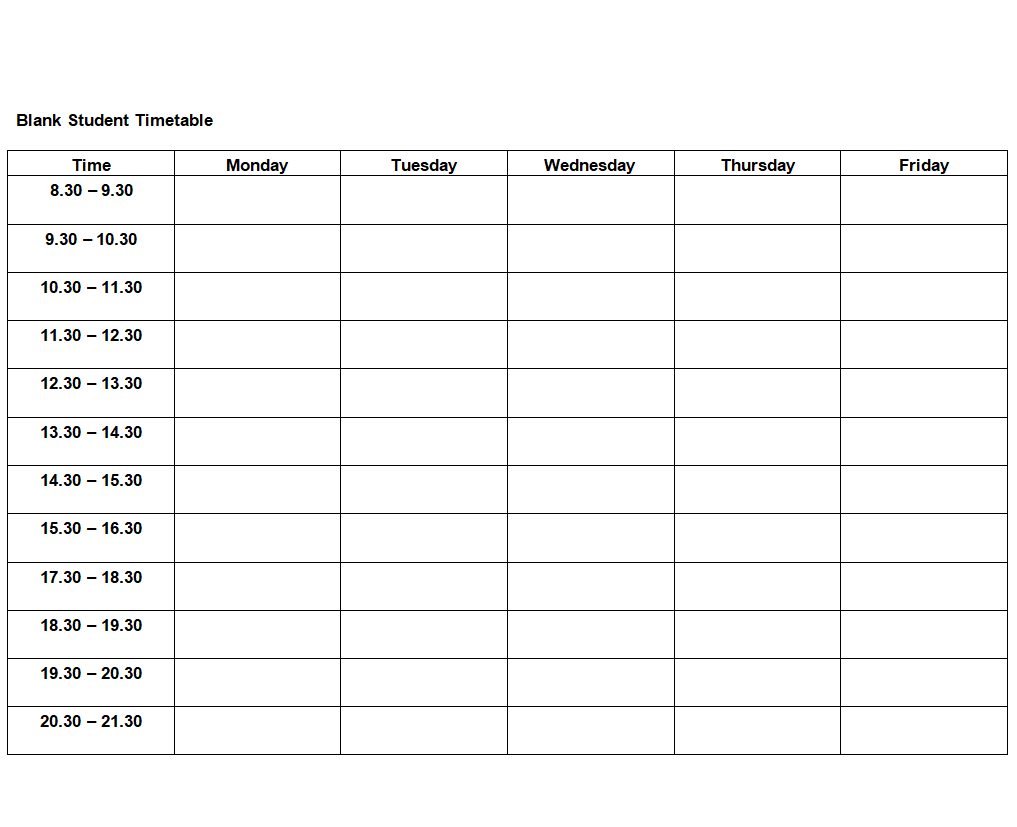
File Size: 06 KB
Study Timetable Template Free Download
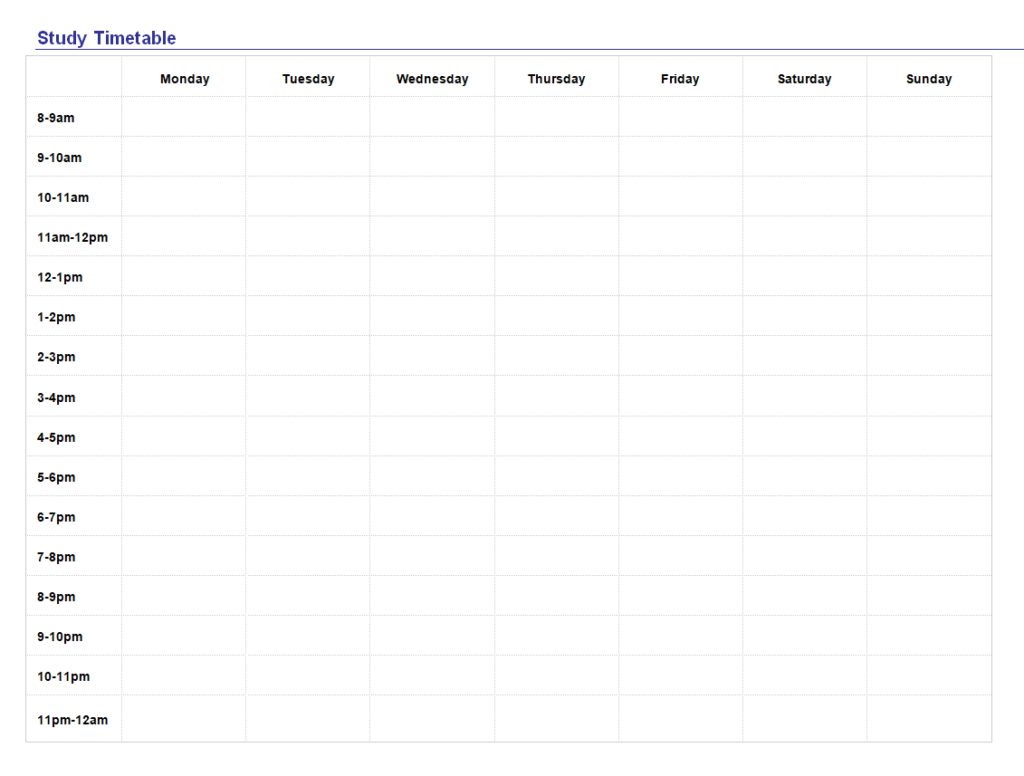
File Size: 10 KB
School’s Special Design Timetable Template
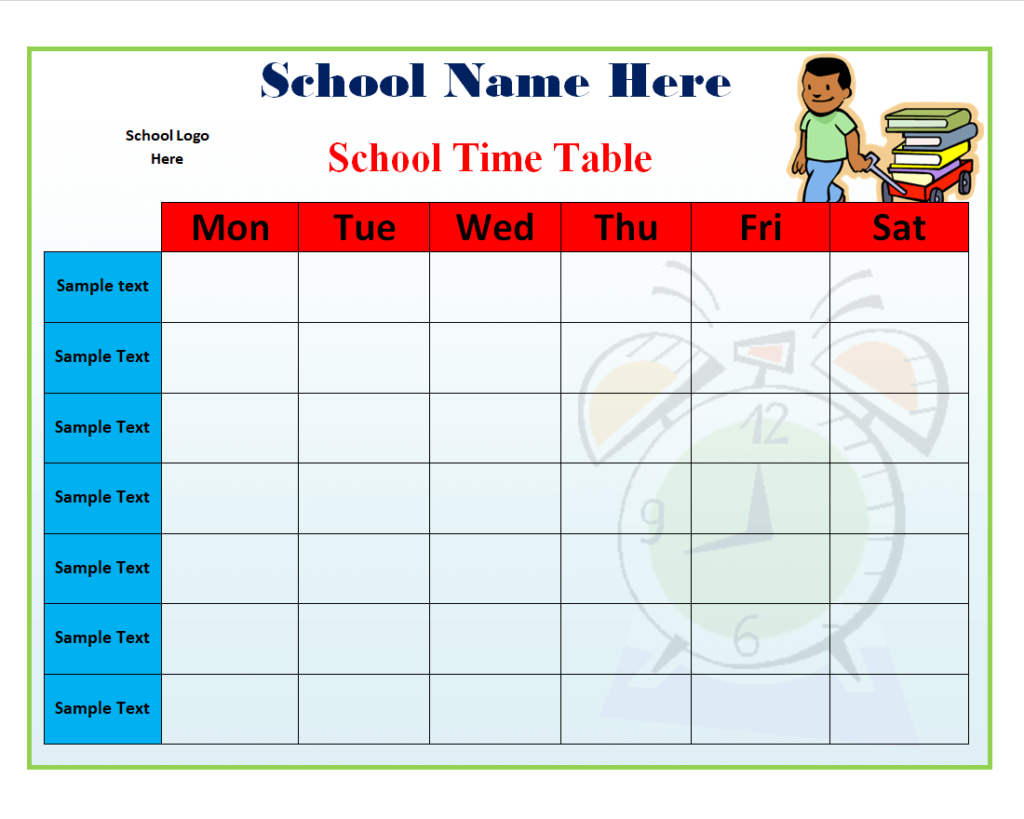
File Size: 111 KB
Free Editable Weekly Timetable Template Wor
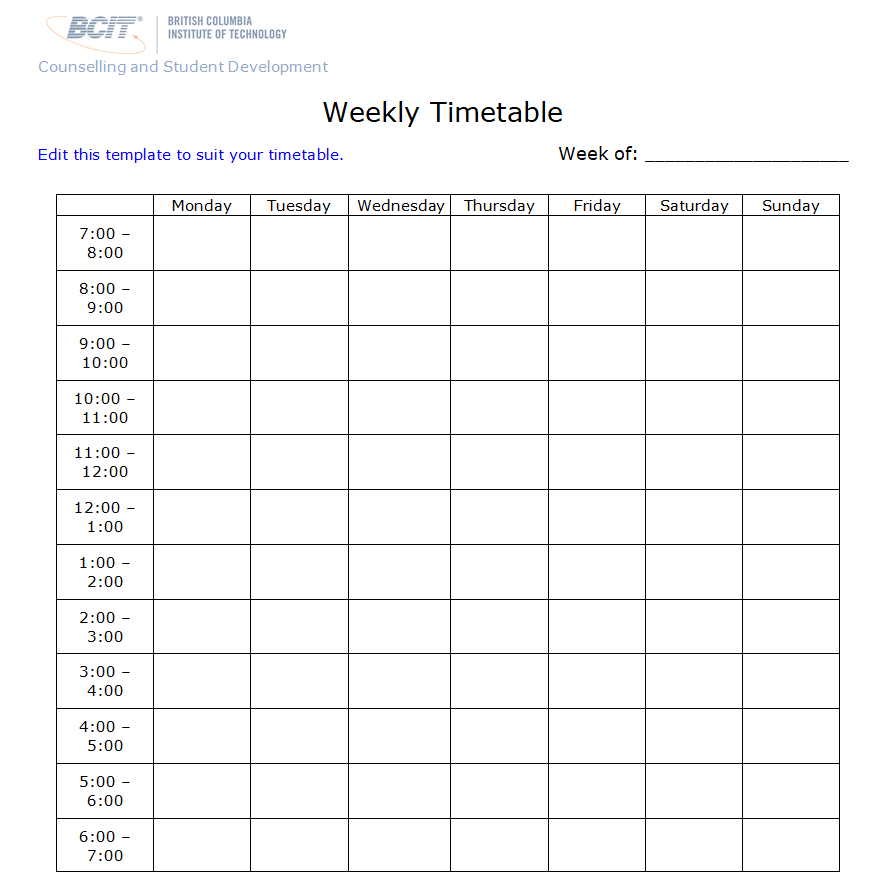
File Size: 512 KB
Handy Study Timetable Template for the Term
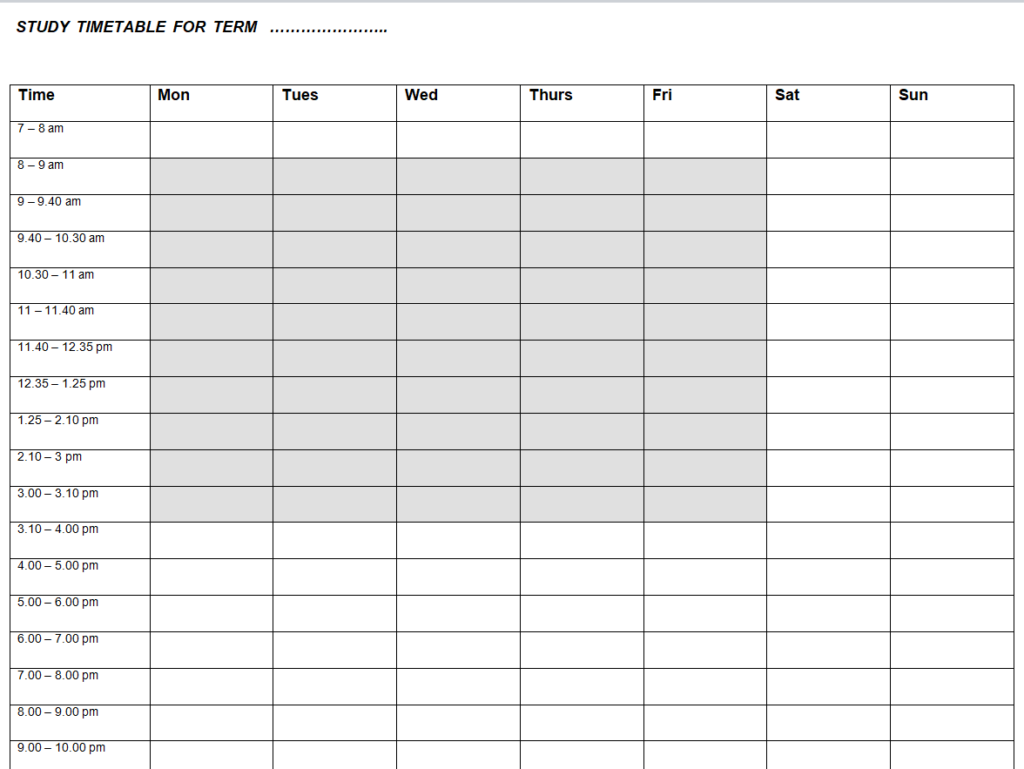
File Size: 07 KB
Weekly College Schedule Template Format
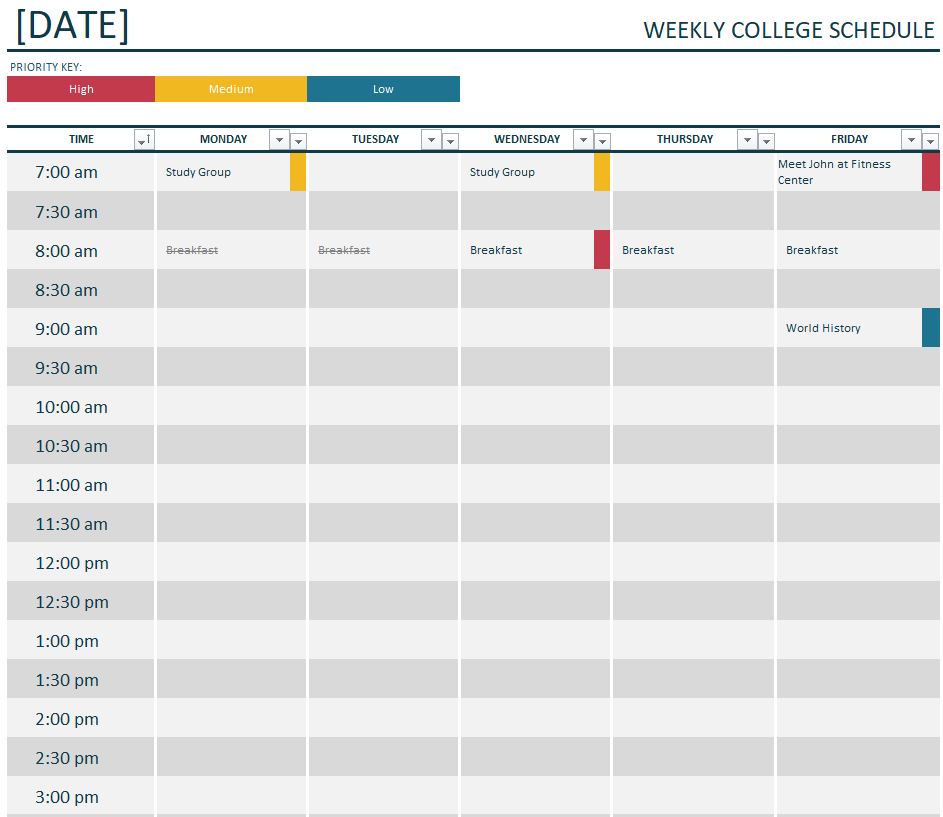
File Size: 11 KB
Revision Timetable Template for the Week
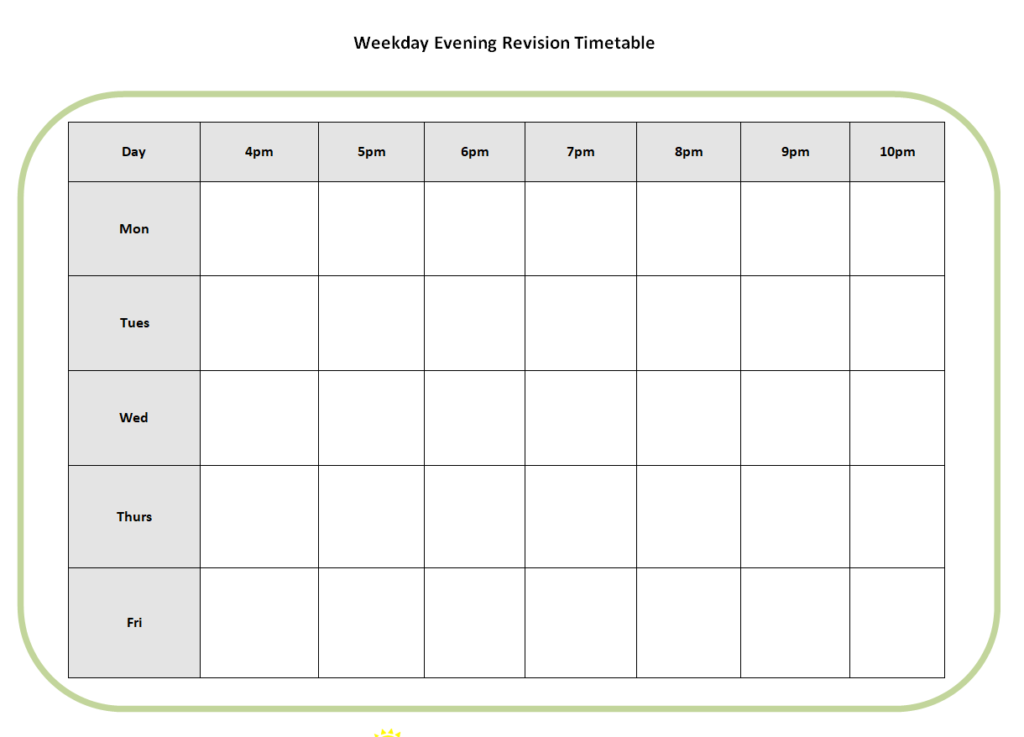
File Size: 15 KB
How to use and customize the template
- List fixed sessions first, including their actual start and finish times.
- Add breaks, travel or setup time before filling flexible periods.
- Label recurring subjects consistently and check the timetable against the calendar.
- Test the printed or mobile view and keep an editable copy for changes.
Before you share the finished copy
Dense colour coding can make a timetable harder to read. Use colour to supplement clear labels, and check that the layout still works when printed in grayscale.
Related resources
See also Free Daily Planner Templates and Scheduling Example and Attendance Sheet Templates for Students and Employees.
Frequently asked questions
What is the best layout for a school timetable?
A grid with days across the top and periods down the side works for many fixed schedules. Include rooms or instructors only if they help users find the session.
How do I make a study timetable realistic?
Start with fixed commitments, add achievable study blocks and reserve some time for review or unfinished tasks.
What is the difference between a timetable and a to-do list?
A timetable assigns activities to times. A to-do list captures tasks, which can then be assigned to a timetable when needed.
You must be logged in to post a comment.