
A progress report explains where work stands against a goal at a specific point in time. It helps a reader understand what is finished, what remains and whether a change in support or timing is needed. Unlike a final report, it should show current uncertainty and the next checkpoint so the reader can act while there is still time.
Compare 9 layouts below with Word files among the options. Jump to the template previews and downloads.
Compare all 9 templates
| Template | Download format | Best for |
|---|---|---|
| Simple Monthly Progress Report Template | DOCX in ZIP | Summarize the month |
| Free Download Progress Report Template | DOCX in ZIP | General progress update |
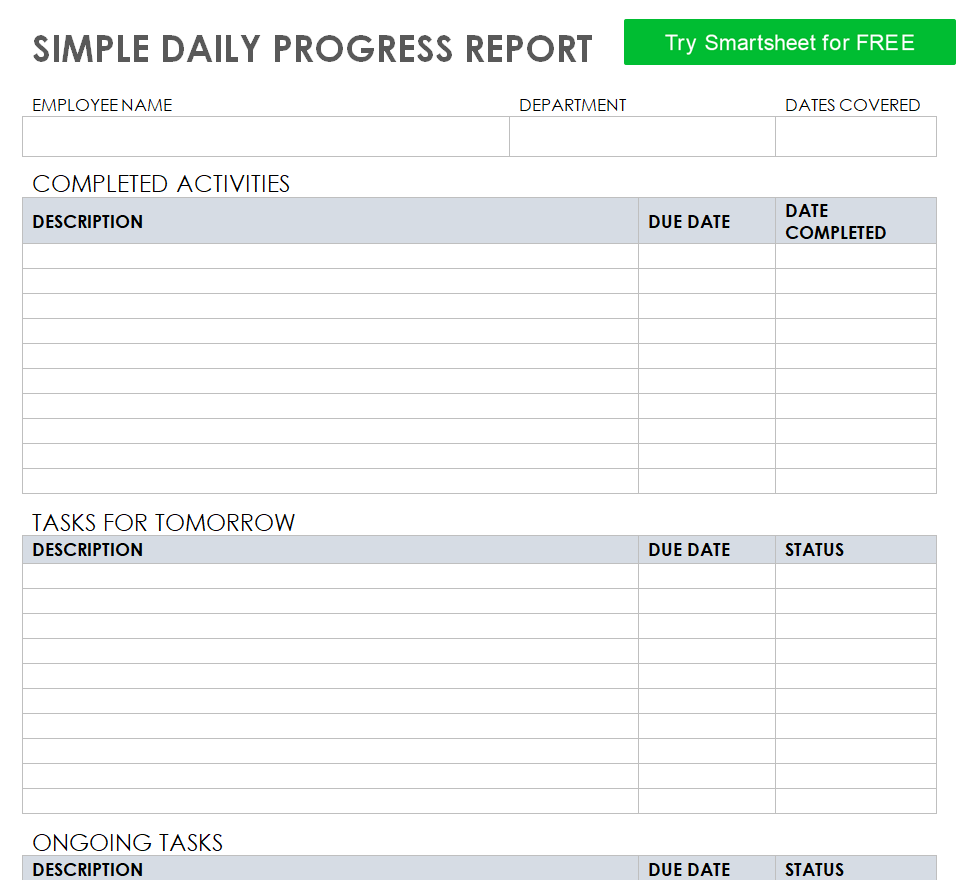
| Simple Daily Progress Report Template in MS WORD | DOCX in ZIP | Write a brief daily update |
| Basic Progress Report Format Template | DOC in ZIP | Prepare a basic status update |
| Project Daily Progress Report Template | DOCX in ZIP | Record daily project activity |
| Health Practitioner Research Progress Report Template | DOC in ZIP | Report health research |
| Student Daily Progress Report Sample Doc | DOCX in ZIP | Track daily student progress |
| Professional Progress Report Template for a Project | DOCX in ZIP | Brief project stakeholders |
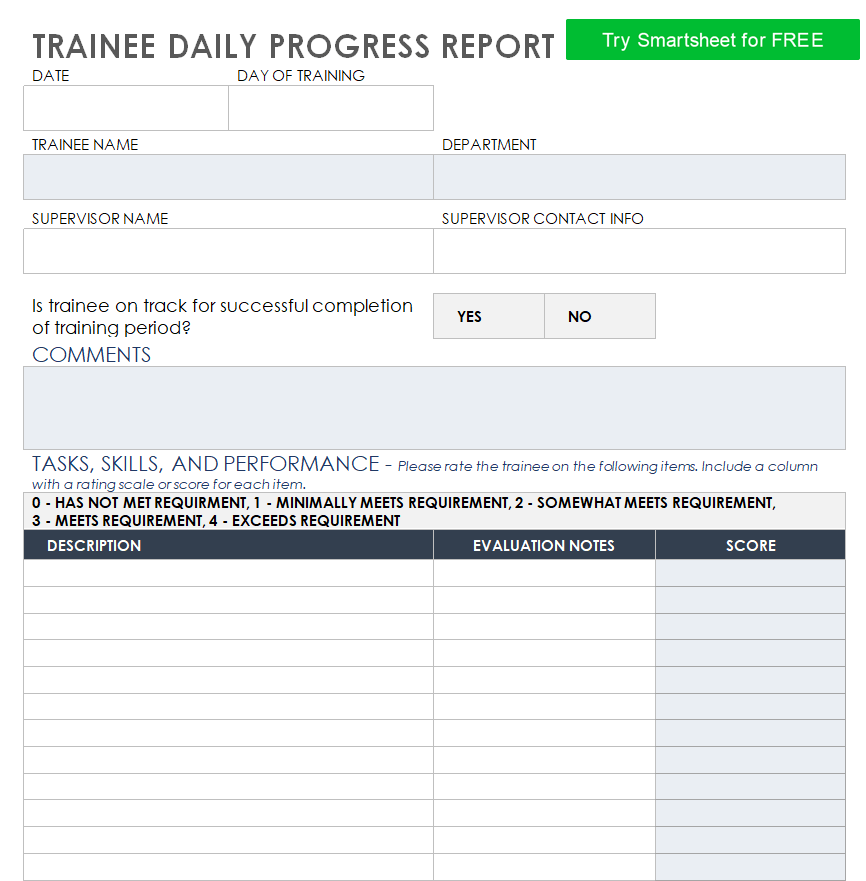
| Trainee’s Daily Progress Report Template | DOCX in ZIP | Record daily training progress |
Choose a progress report template
Choose a milestone-based format for a project, a goal-based format for student or employee development and a brief narrative for a simple update. If the same report goes to several audiences, put the decision and summary up front and keep evidence in a separate detail area.
What to include
- Goal and reporting window State the target, the dates covered and any approved changes to the baseline.
- Completed work List outcomes and identify the evidence used to mark each outcome complete, such as review sign-off or a delivered file.
- Work underway and blockers Separate tasks being worked on from tasks waiting on another person or dependency. Explain what the blocker threatens.
- Next milestone and action Give the owner, date and next visible checkpoint. State clearly when a decision or extra resource is needed.
Choose a comparison point that stays visible over time. For a project, that could be a milestone plan or agreed delivery schedule. For an individual development update, it might be a target skill and the evidence that demonstrates it. Use a compact table when the reader needs to compare several objectives. A short narrative is useful when progress depends on the context of a decision. Be explicit about whether a change is an approved adjustment to the plan or a variance that still needs attention. That distinction makes later reports easier to interpret.
Worked example
A migration team reports that eight of ten records groups passed validation. Two groups are waiting on permission updates. The report names the system owner, gives Friday as the next check and explains that the go-live date depends on validating those groups.
At closeout, use a Word or Excel lessons learned template to record what worked and assign follow-up actions. See all project reporting templates.
Compare the available layouts
Compare the previews and choose the layout that fits your use. Each button opens a ZIP archive. Check the file format after extracting it.
Get FREE Progress Report Templates
Simple Monthly Progress Report Template
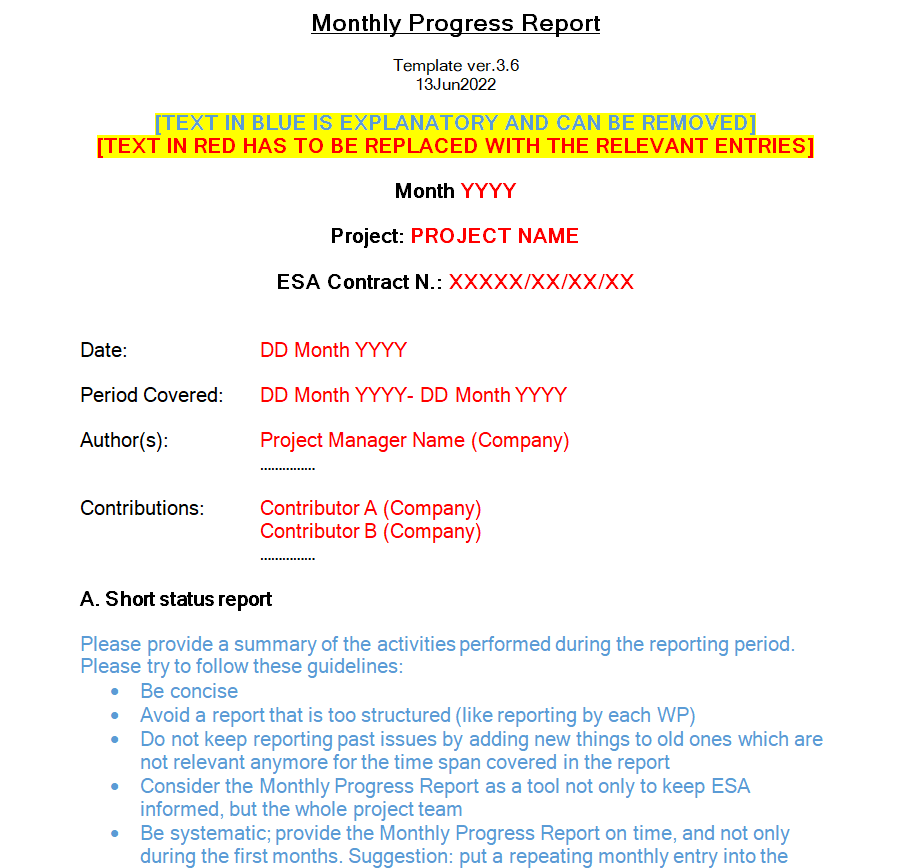
File Size: 01 MB
Download Simple Monthly Progress Report Template (DOCX in ZIP)
Free Download Progress Report Template
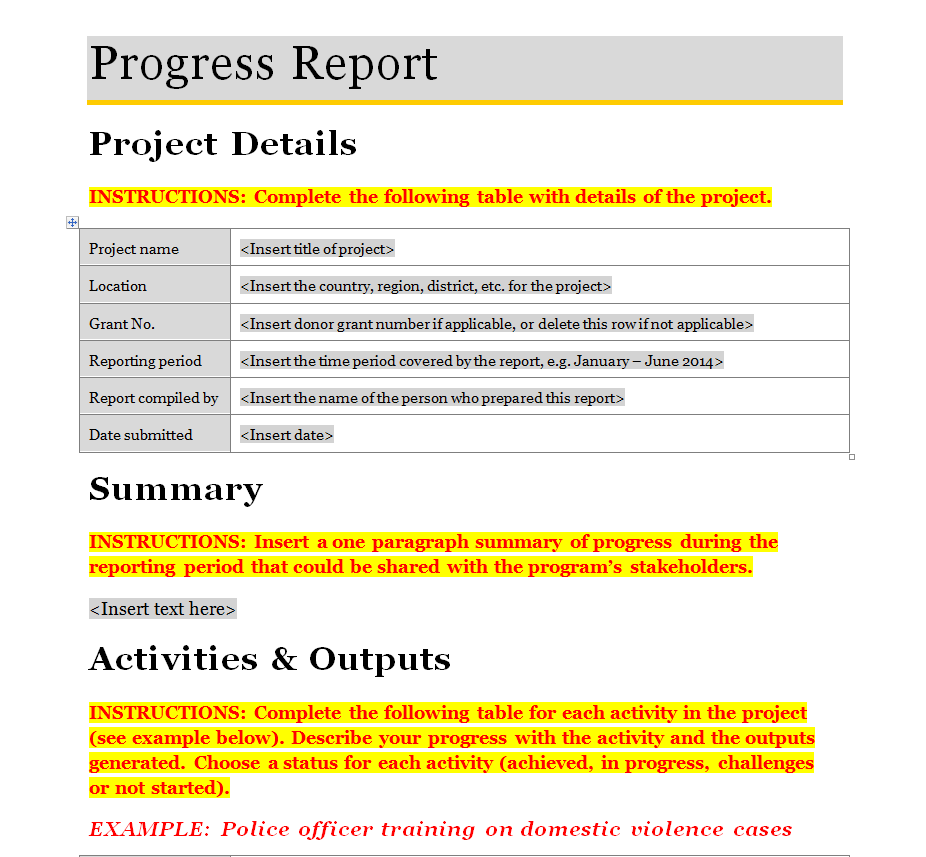
File Size: 36 KB
Download Free Download Progress Report Template (DOCX in ZIP)
Simple Daily Progress Report Template in MS WORD
Basic Progress Report Format Template
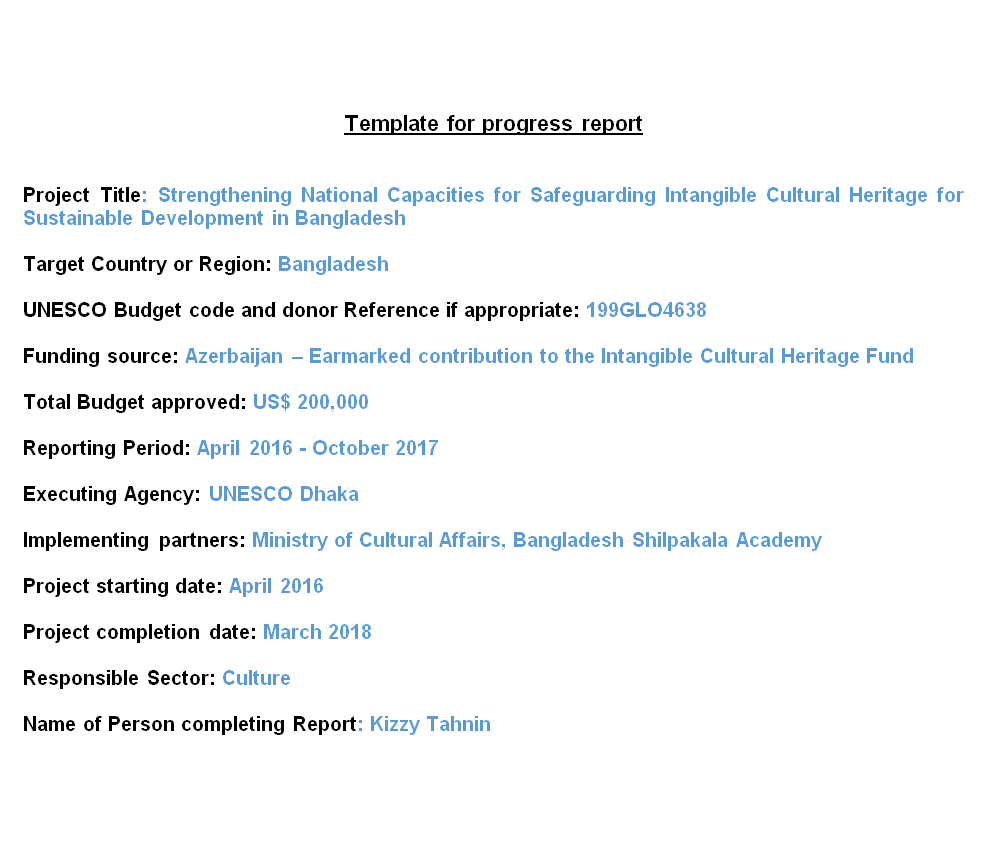
File Size: 48 KB
Project Daily Progress Report Template
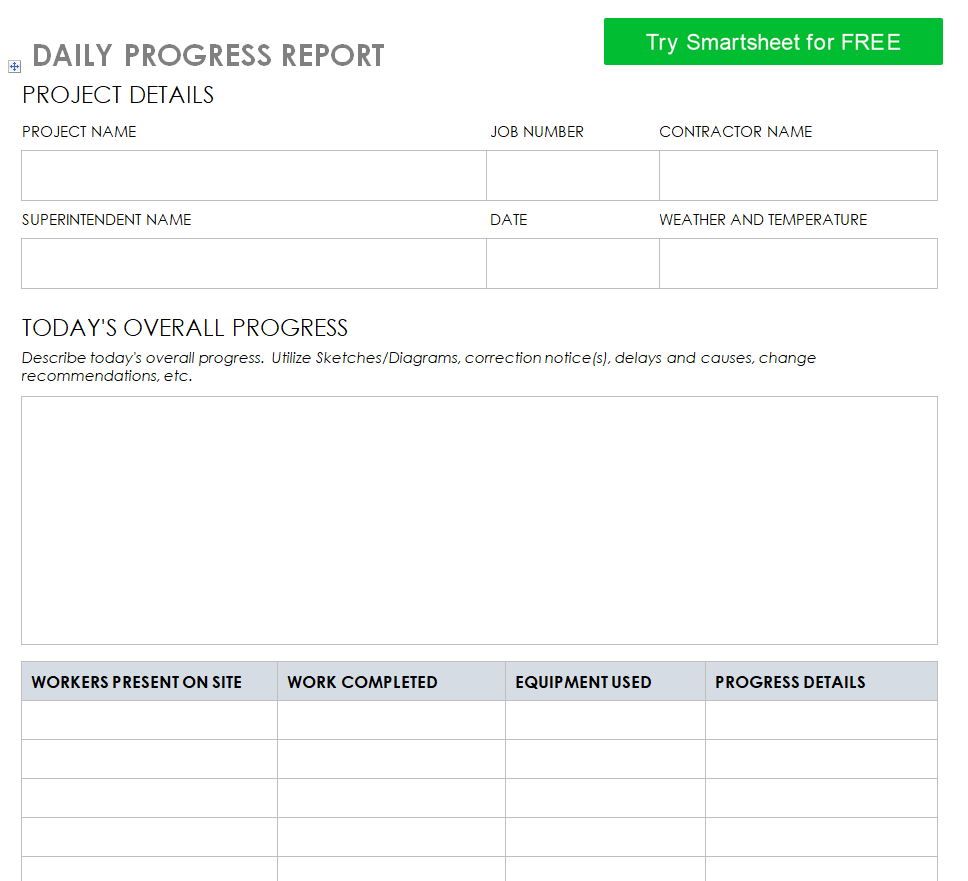
File Size: 176 KB
Download Project Daily Progress Report Template (DOCX in ZIP)
Health Practitioner Research Progress Report Template
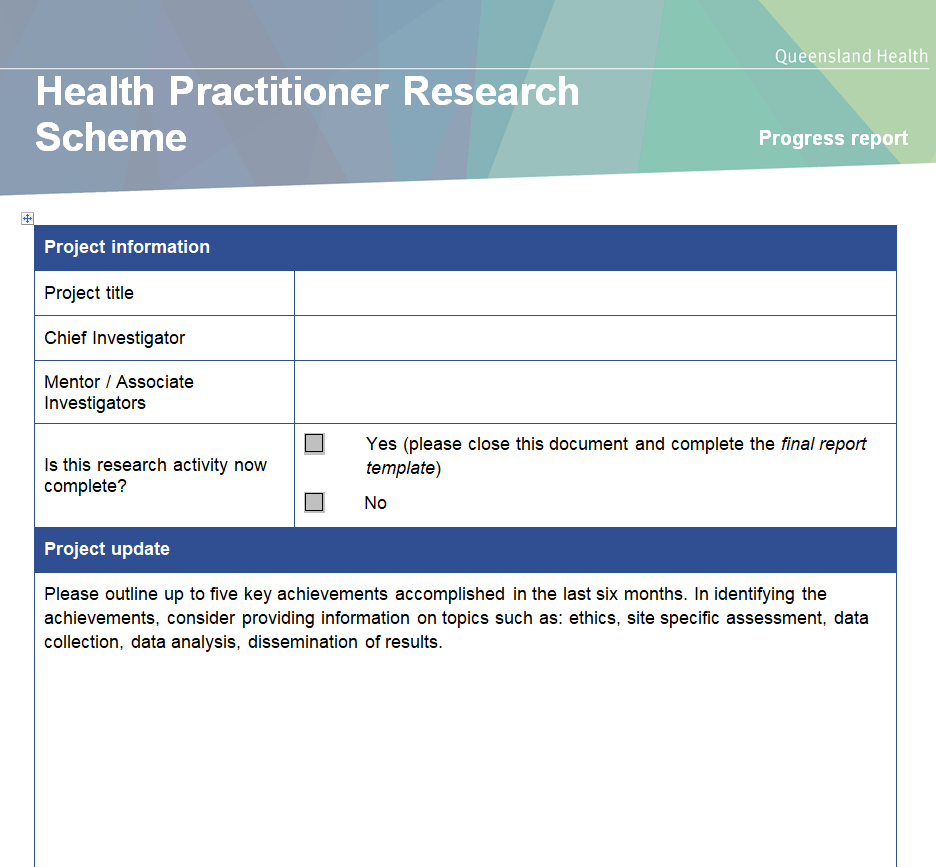
Student Daily Progress Report Sample Doc
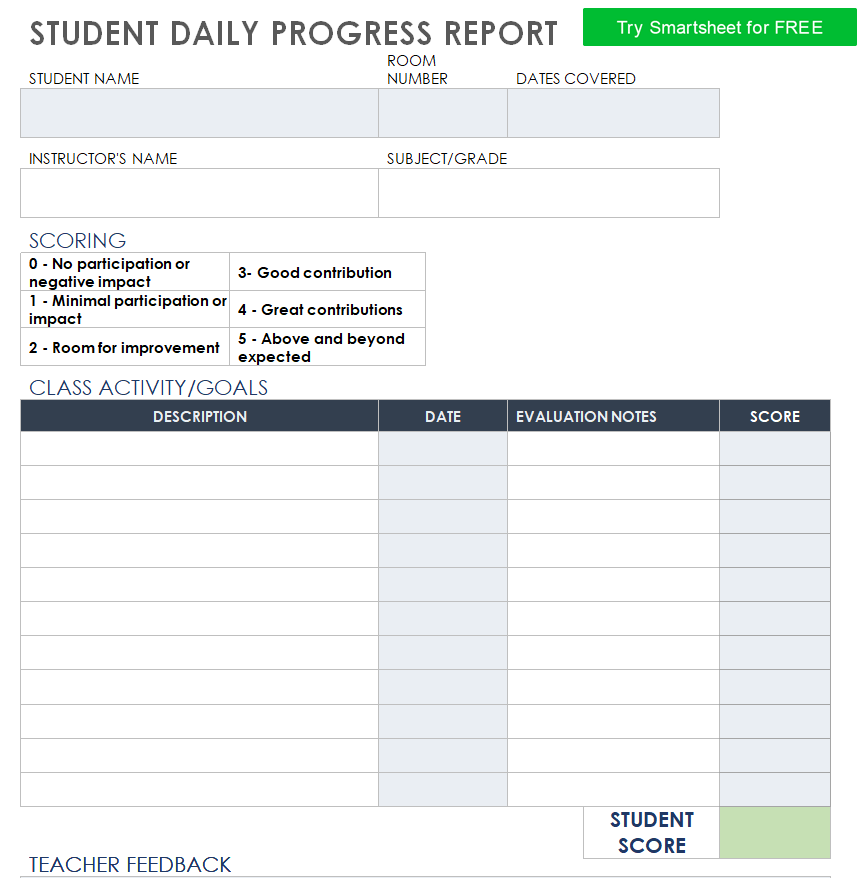
File Size: 25 KB
Download Student Daily Progress Report Sample Doc (DOCX in ZIP)
Professional Progress Report Template for a Project
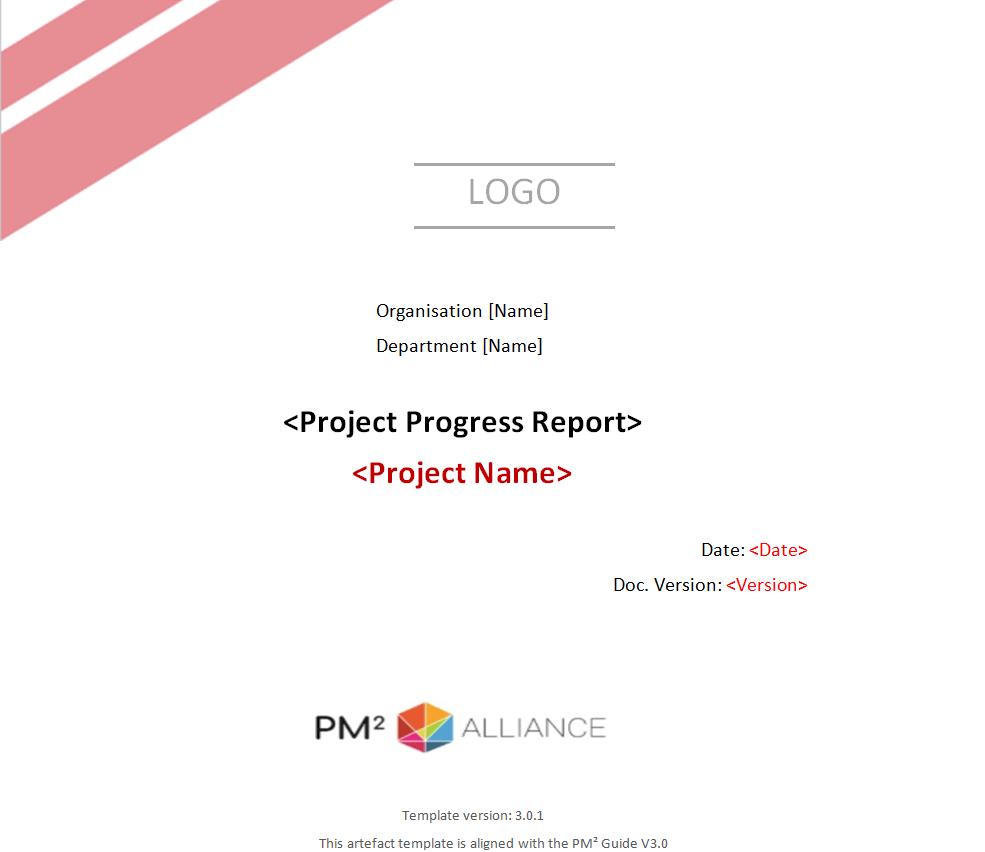
Trainee’s Daily Progress Report Template
File Size: 25 KB
Download Trainee’s Daily Progress Report Template (DOCX in ZIP)
How to use and customize the template
- Confirm the agreed goal or milestone before measuring progress.
- Collect the latest evidence from the people doing the work.
- Summarize changes since the last report and state the effect on the next checkpoint.
- Share the update with the action owners and carry any open decision into the next report.
Before you share the finished copy
A percentage without a denominator can hide a problem. Say whether 80 percent refers to tasks, records, time or scope, and use the same definition from one report to the next.
Related resources
See also Status Report Templates and Action Logs and Project Outline Templates and Planning Sheets.
Frequently asked questions
What is the difference between a progress report and a status report?
They overlap. A progress report emphasizes movement toward a goal over time, while a status report often focuses on the current health of scope, schedule and risks.
How do I show progress that cannot be counted?
Use milestones or observable evidence such as a review completed, a draft delivered or a skills assessment passed.
What should I do if work is behind schedule?
State the variance, explain its effect on the next milestone and name the action or decision needed to recover.
You must be logged in to post a comment.