
A phone log gives a team a reliable record of calls that need action. A receptionist can use it to route messages, while a support team can use it to track callbacks and unanswered questions. Decide whether the log is primarily a message register or a record of service activity. That choice determines whether you need a simple callback field or additional columns for case references and resolution.
Compare 22 layouts below with Word and Excel files among the options. Jump to the template previews and downloads.
Choose a phone log template
Use a printable message log at a shared desk and a spreadsheet when several staff members need to filter open calls. A callback queue works best when it has a named owner and due time. A high-volume desk may need a short list of approved call reasons so staff can record entries quickly.
What to include
- Time and caller Record the call date and time, the caller’s name or organization and a reliable callback number when one is needed.
- Reason and reference Summarize the request in plain language. Use a case number when details already belong in another system.
- Owner and due time Name the person expected to act and state when the callback or response is needed.
- Outcome Record whether the call was returned, transferred or resolved. Note the next step if the issue remains open.
A call record should be quick to complete while a person is speaking. Use fixed choices for common outcomes such as message taken, transferred and callback required, then leave a short notes field for context. If two people handle a call, keep one record with a clear transfer note. Keep an open entry visible even if someone tried to return the call and reached voicemail. For team handovers, filter by due time or owner so the next shift knows which messages are urgent and which can wait. Record the final outcome when the caller has received an answer or the case moves to another process.
Worked example
A customer calls at 10:20 about a missing delivery. The receptionist records the order reference, assigns the callback to dispatch and sets a 2 p.m. deadline. Dispatch adds the tracking update and marks the entry complete only after speaking with the customer.
Compare the available layouts
The collection includes Simple Phone Call Log Template (DOCX), Practical Phone Call Log Template (DOCX), and Monthly Phone Log Template Doc (DOCX). Compare the previews for the fields and page layout you need before opening the ZIP package. Check the file extension on the extracted file so you know which application to use.
Below Are FREE Editable Phone Log Templates
Simple Phone Call Log Template
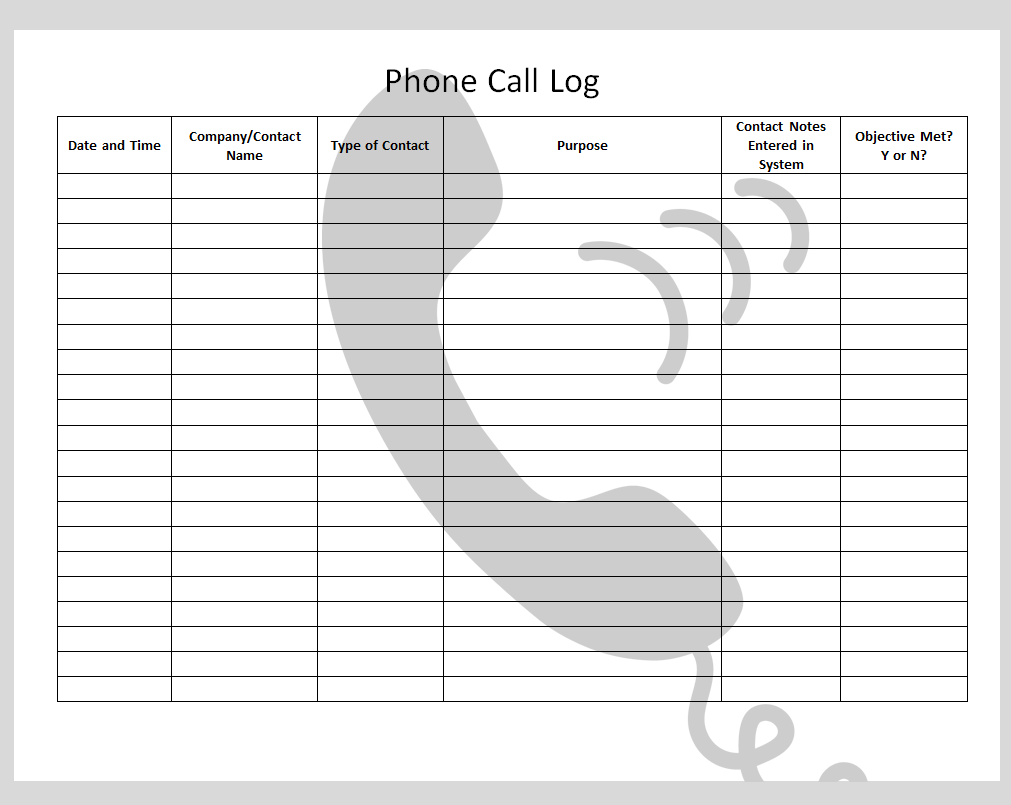
File Size: 85 KB

Detailed Phone Call Log Template
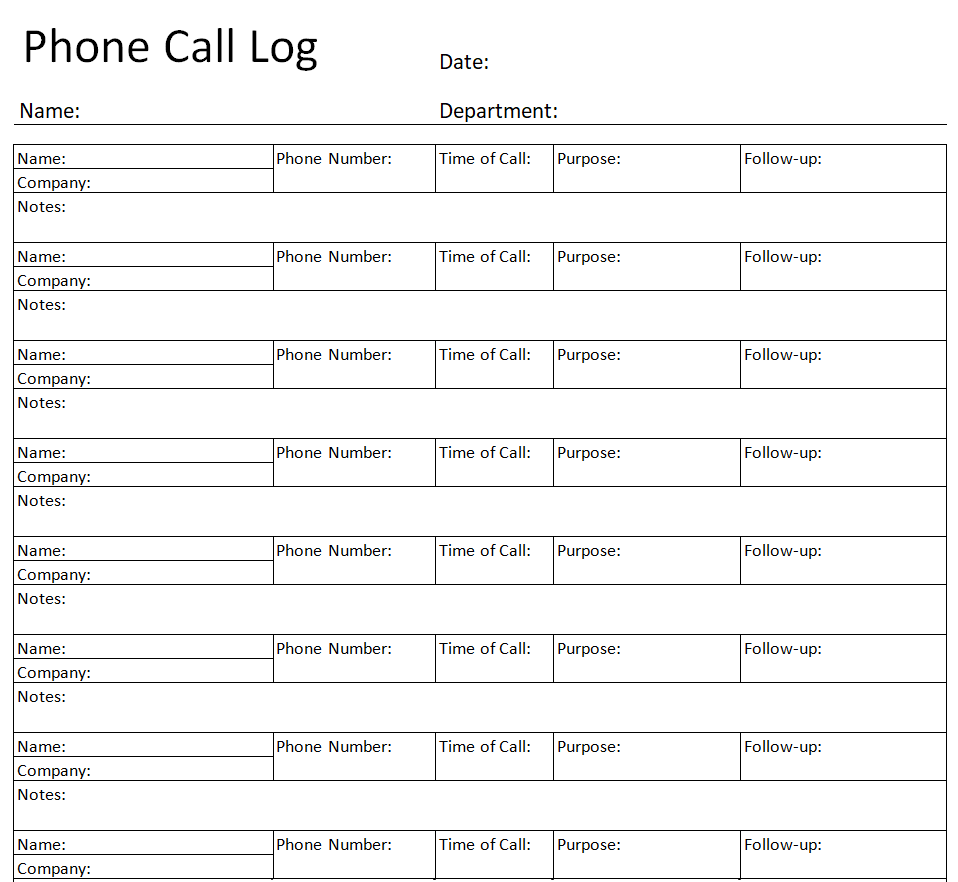
File Size: 11 KB
Standard Phone Log Sheet Template in MS WORD
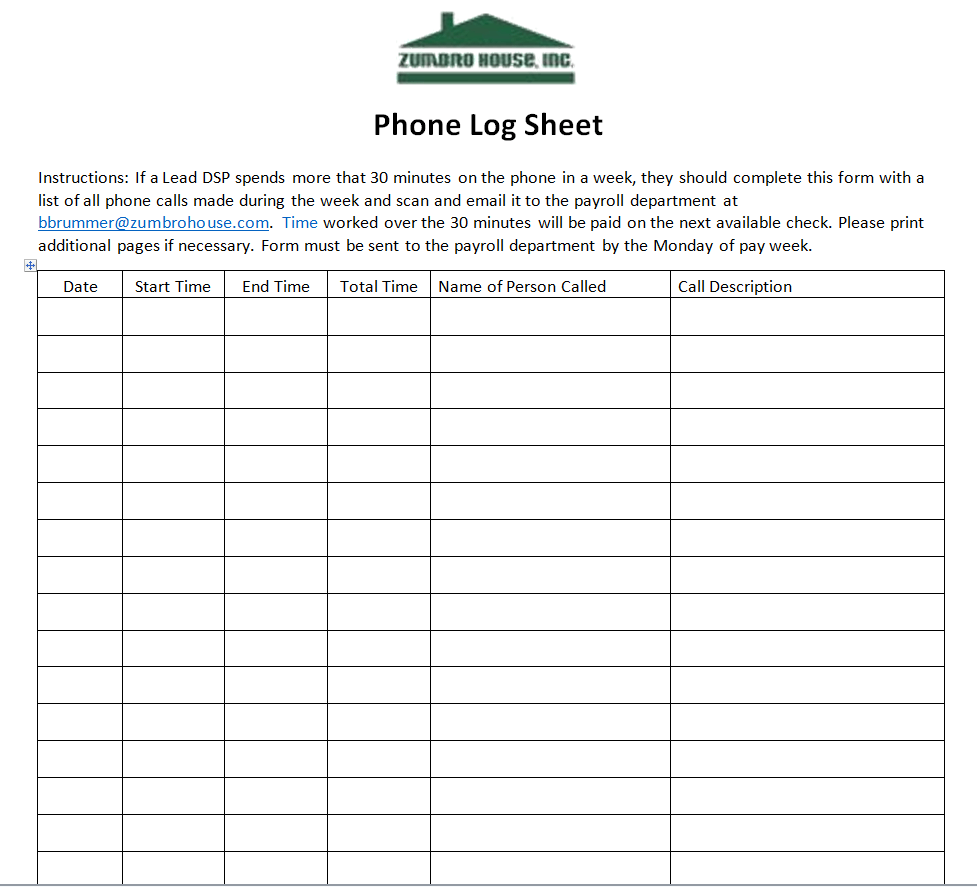
File Size: 05 KB
Example Phone Log Form Template
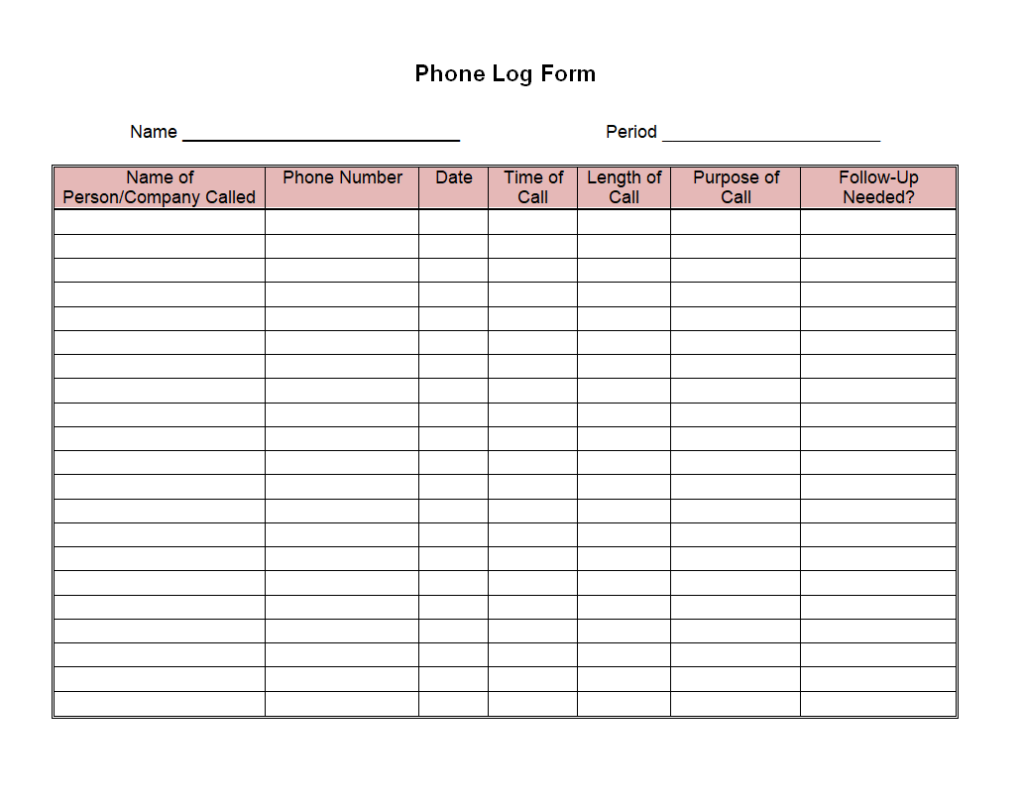
File Size: 07 KB
On-Call Phone Log Template in MS WORD
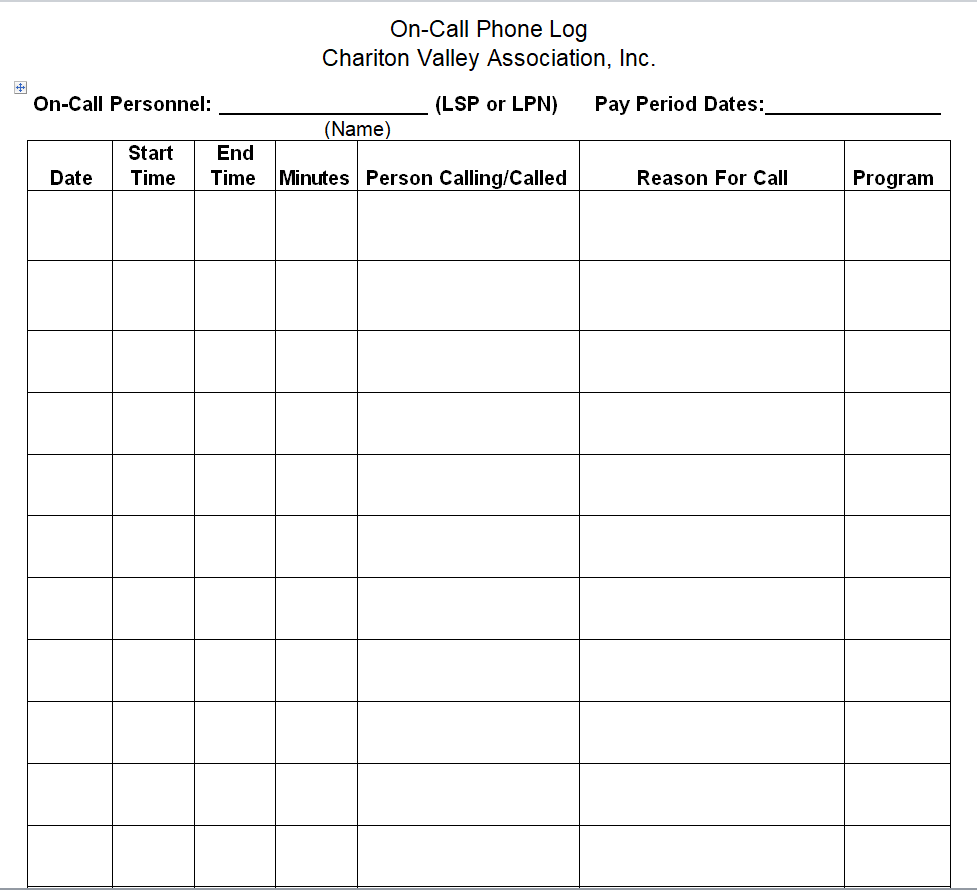
File Size: 03 KB
Official Phone Log Template
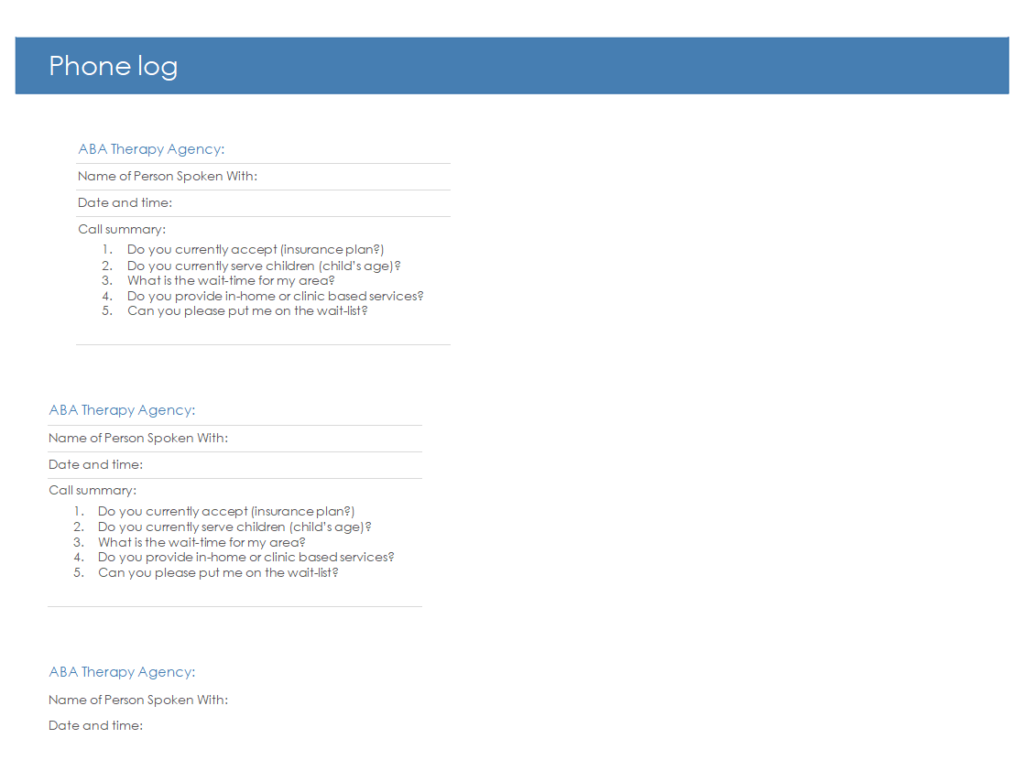
File Size: 07 KB
Elemental Phone Log Sheet Template Word
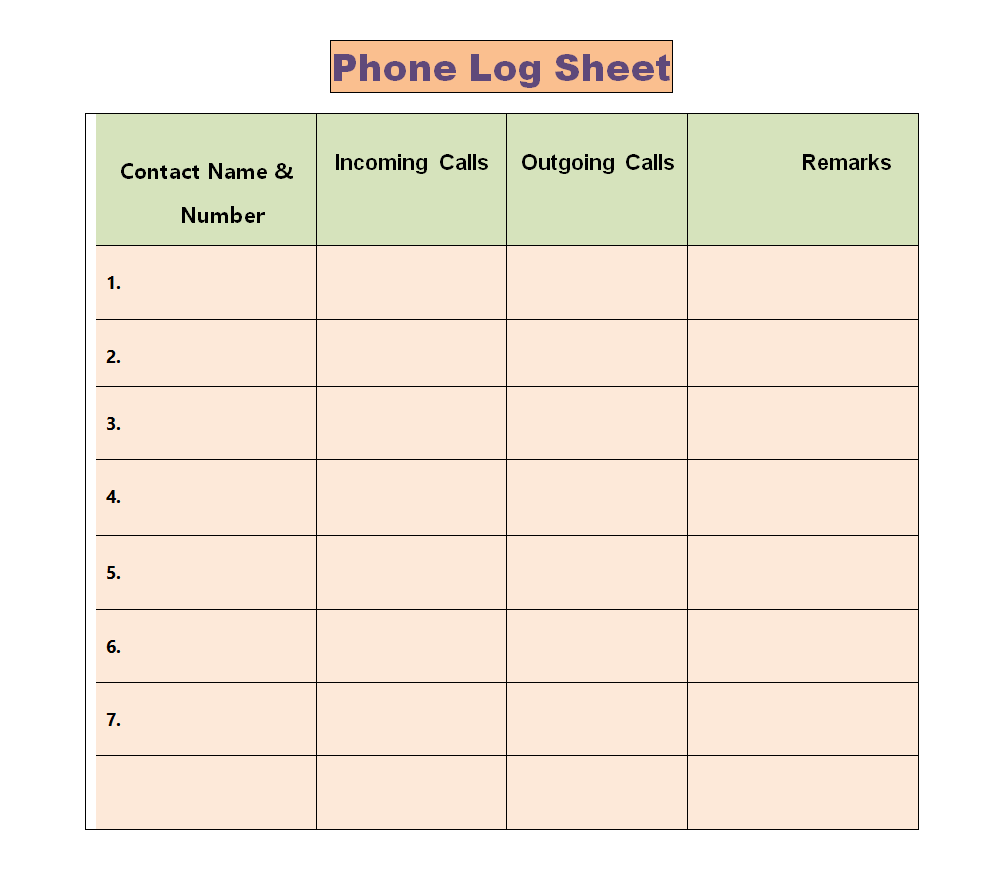
File Size: 07 KB
Daily Phone Log Template
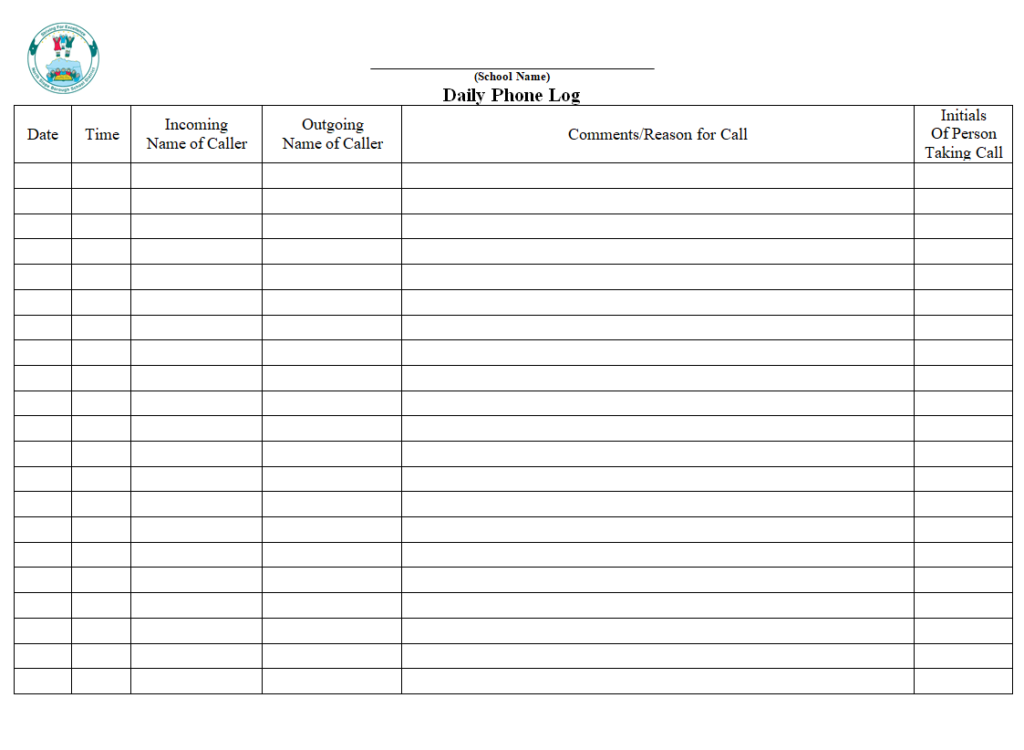
File Size: 52 KB
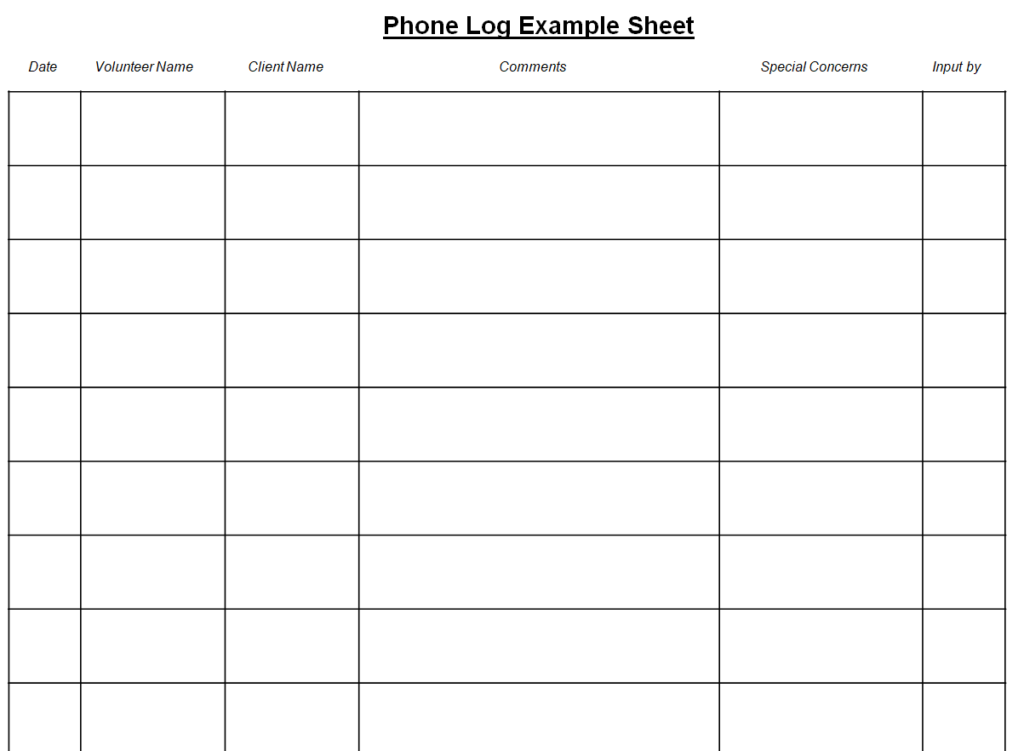
Basic Phone Log Example Sheet Template
File Size: 06 KB
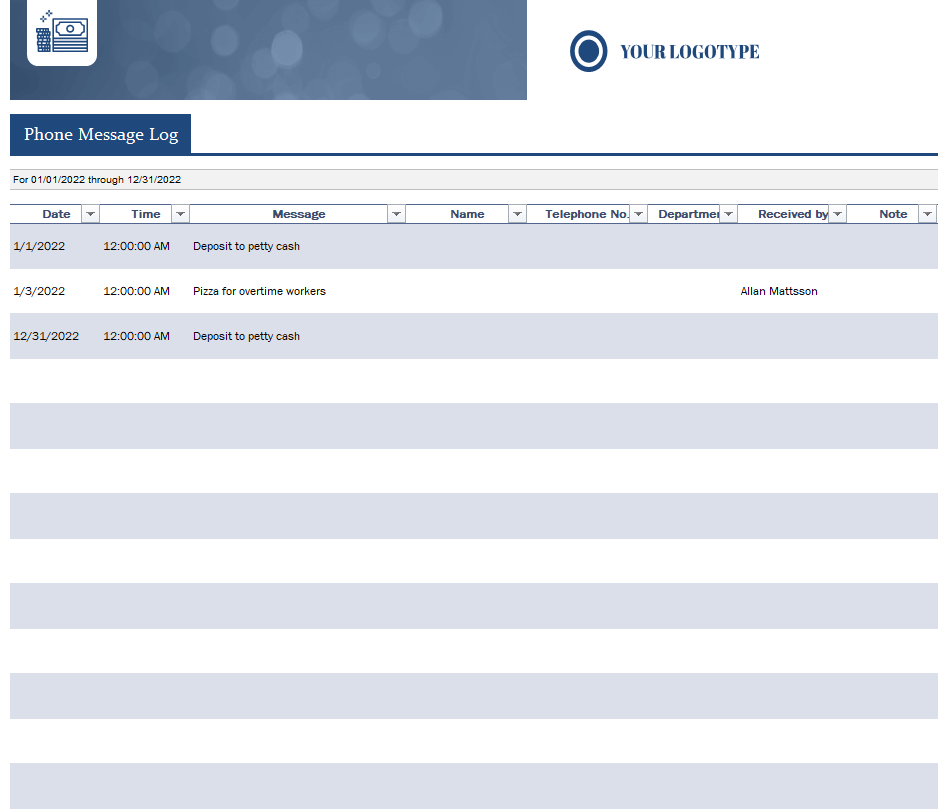
Professional Phone Message Log Template Excel
File Size: 08 MB
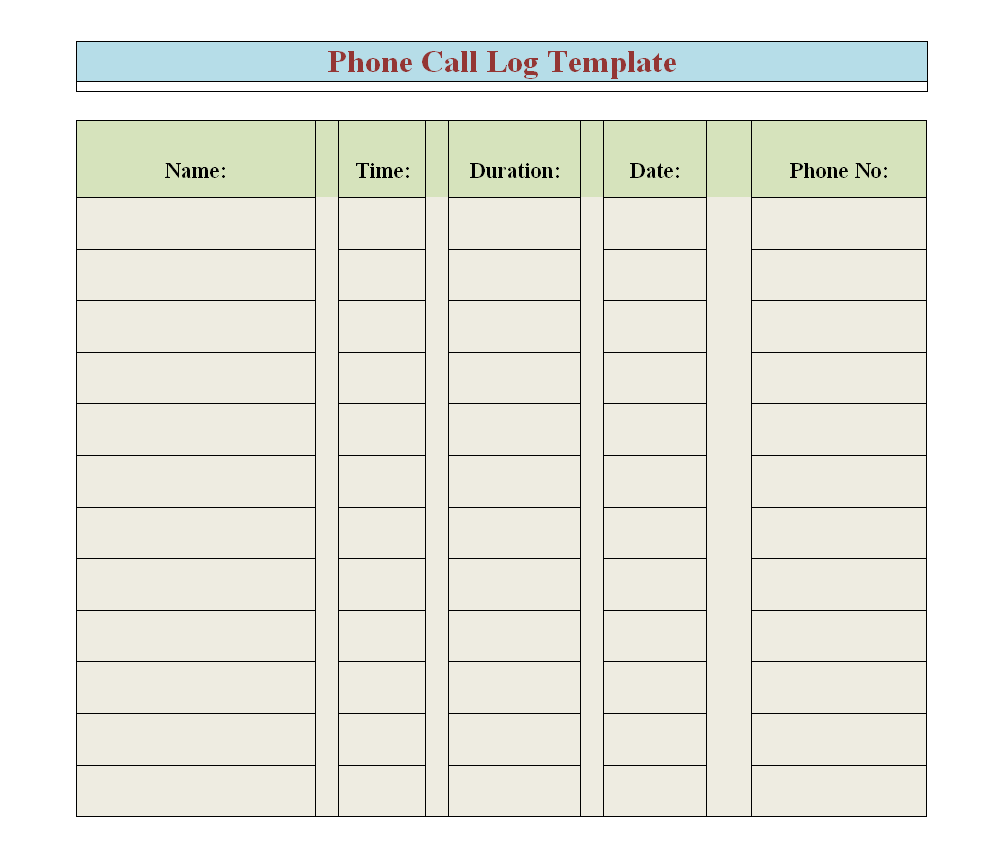
Free Editable Phone Call Log Template Doc
File Size: 07 KB
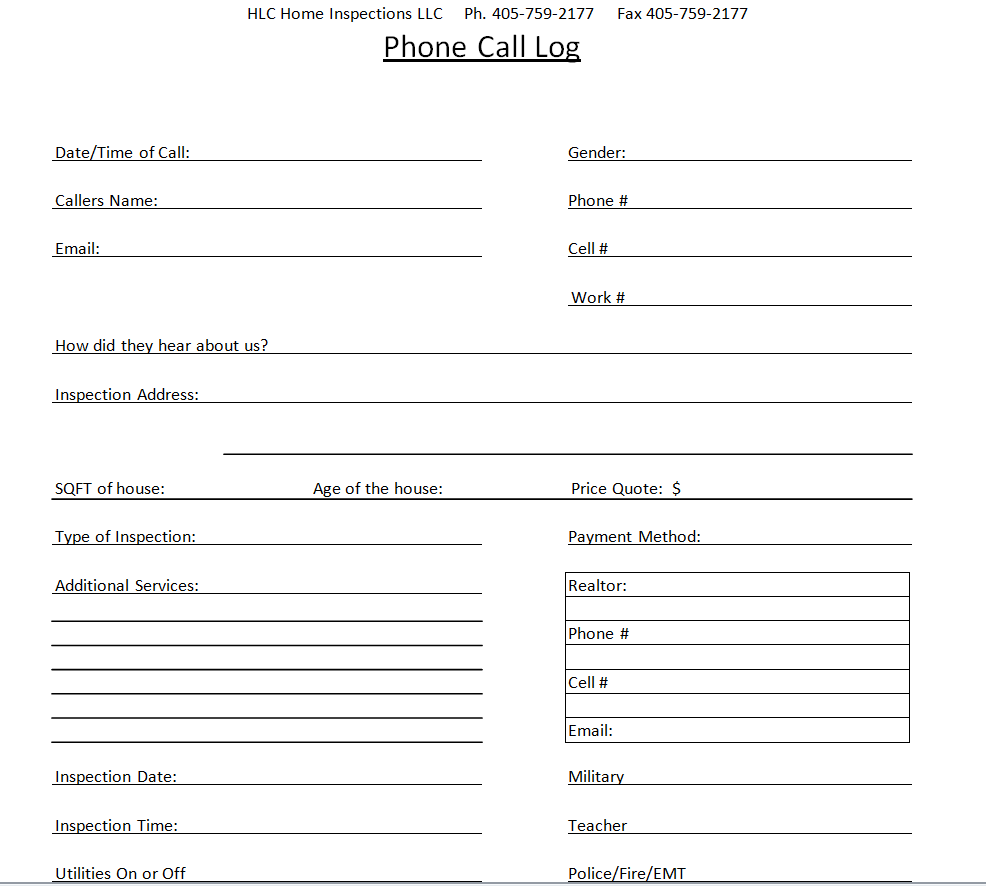
Practical Phone Call Log Template
File Size: 12 KB
Chess Club Phone Log Word Template
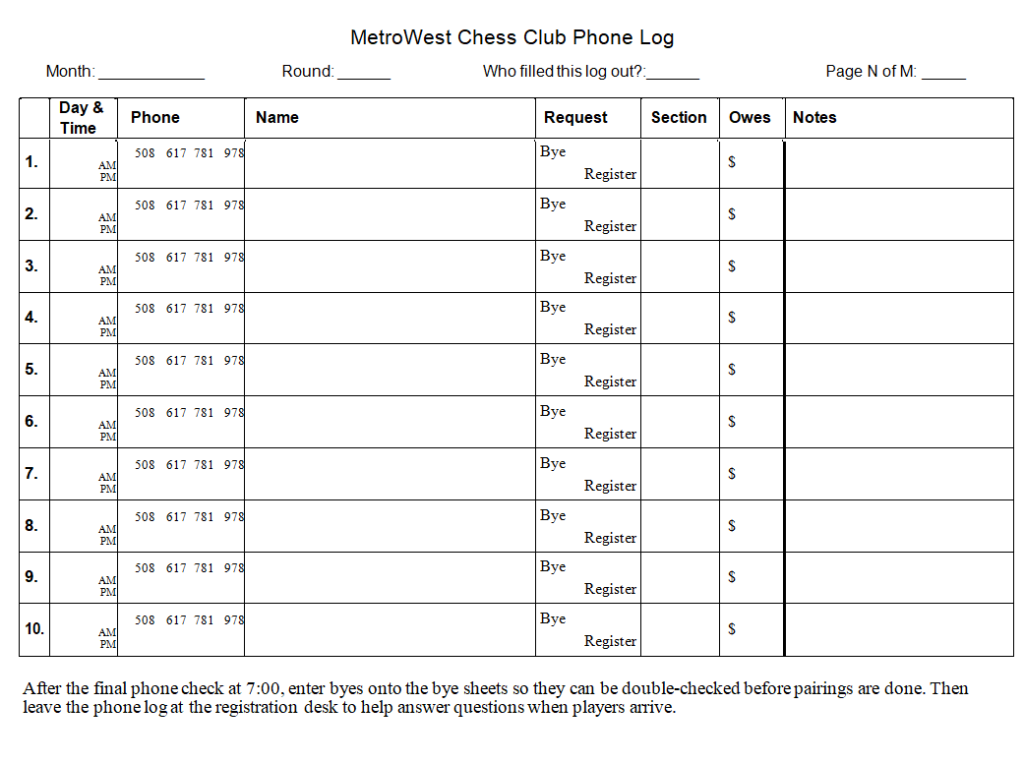
File Size: 08 KB
Customizable Daily Phone Log Template
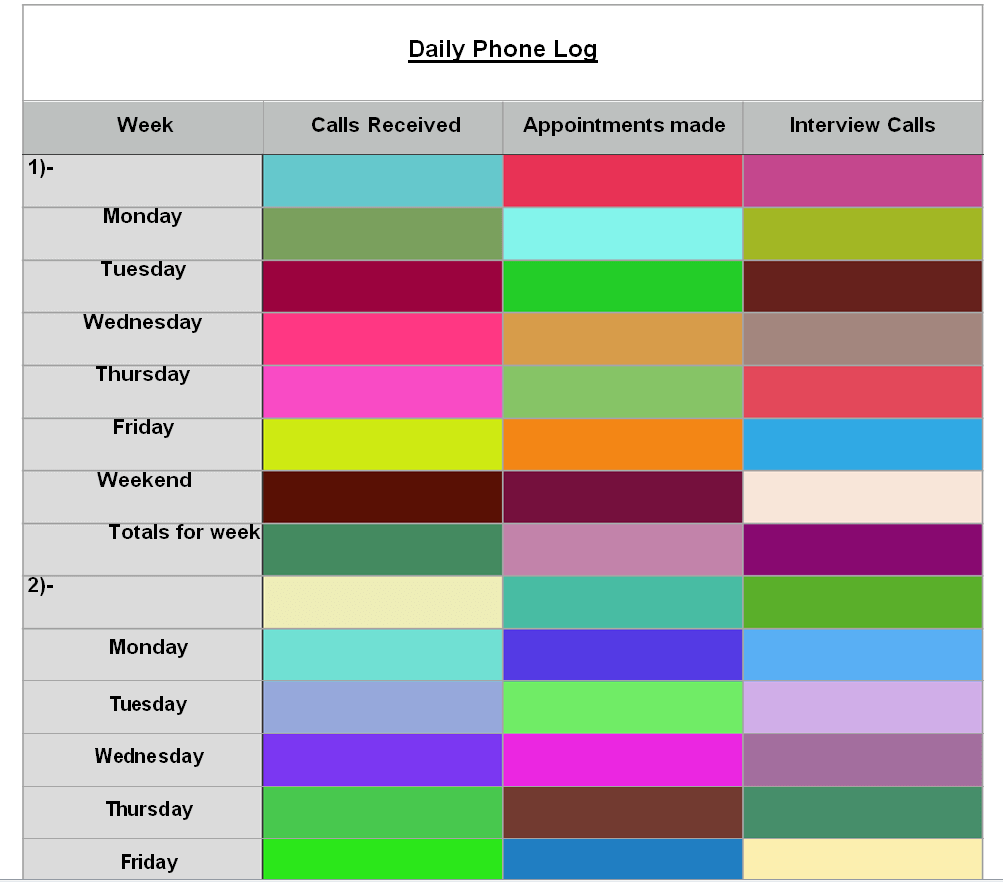
File Size: 05 KB
Small Business Phone Log Doc Template
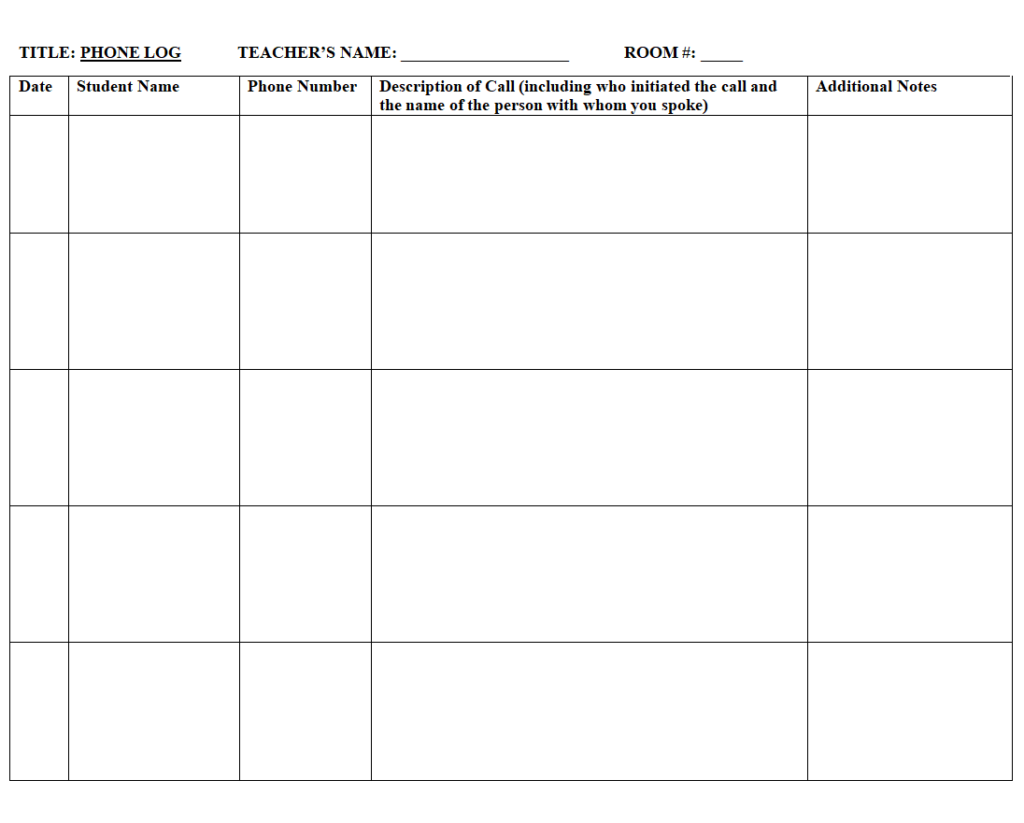
File Size: 07 KB
Parent Phone Call Log Sample Doc
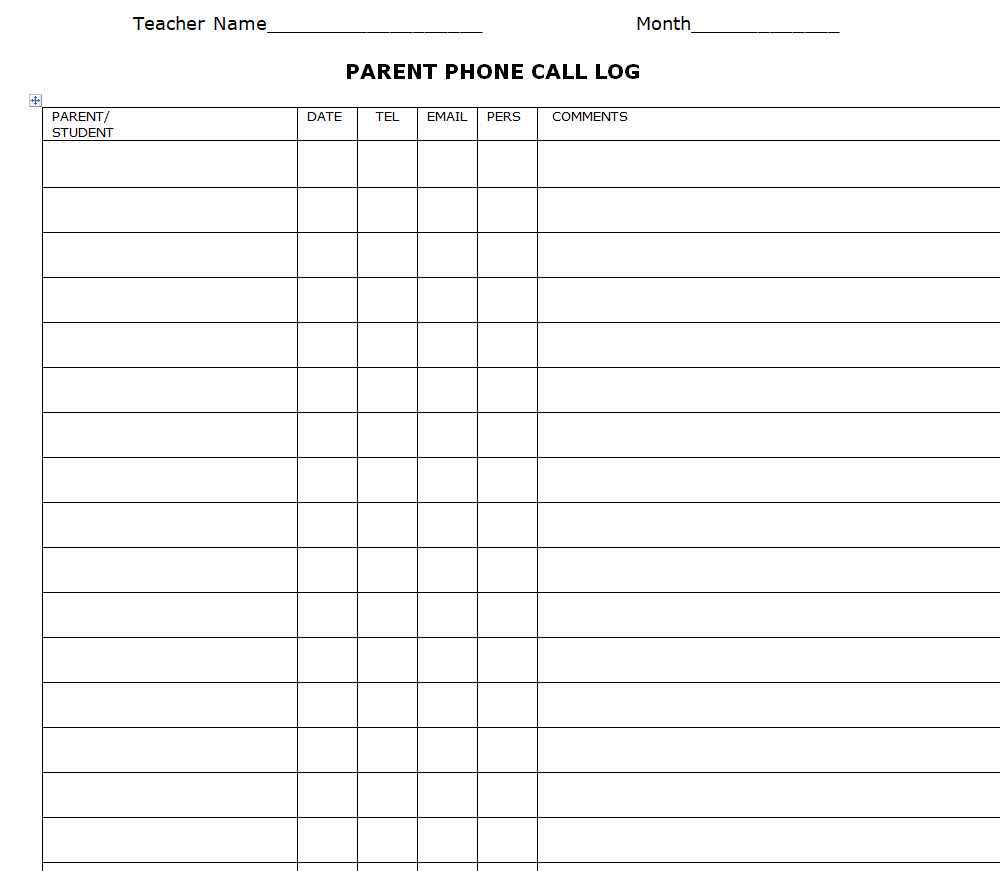
File Size: 07 KB
Absent Cadet Phone Log Template
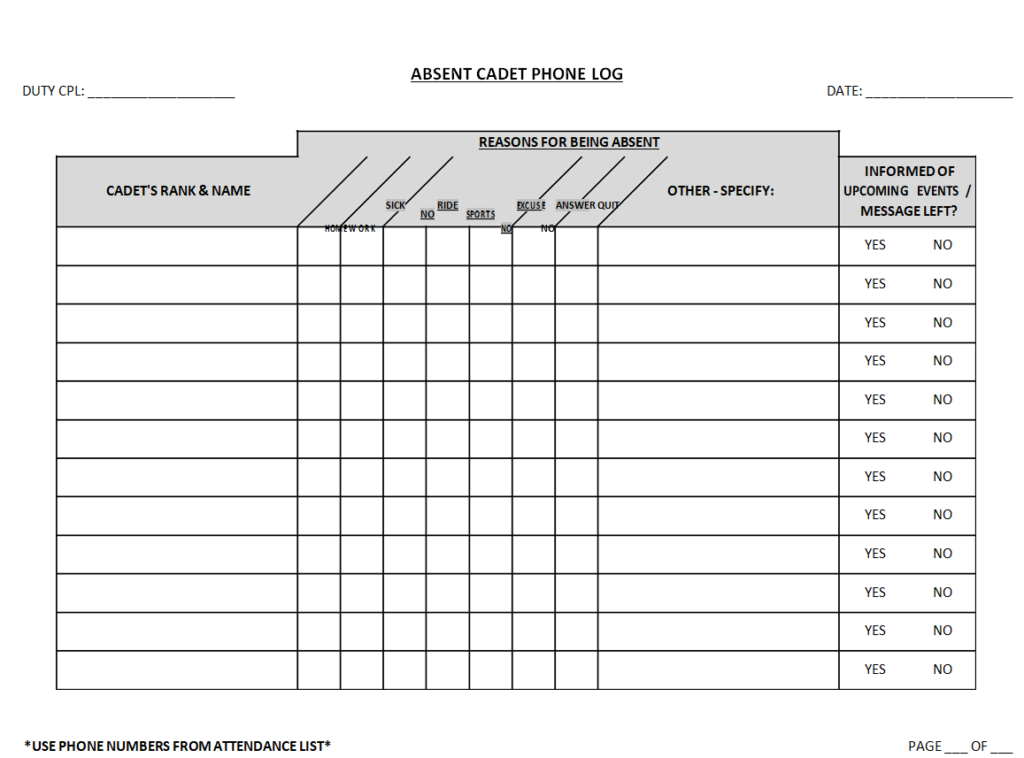
File Size: 09 KB
Recruitment Phone Log Template
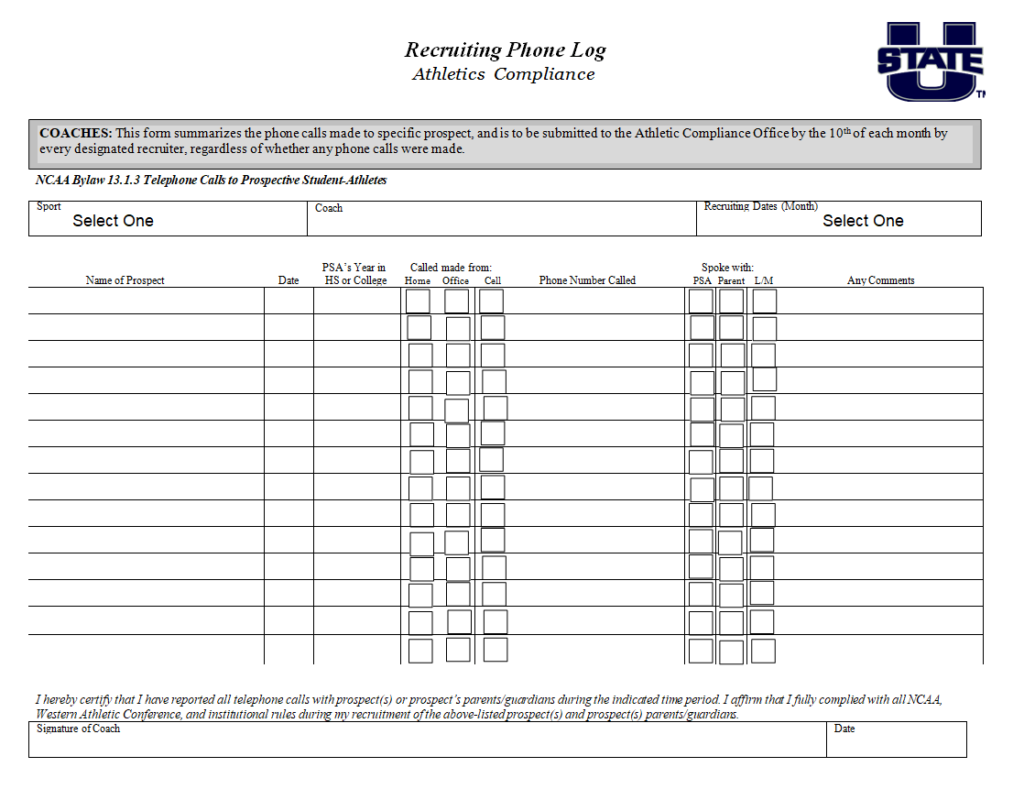
File Size: 28 KB
Sales Phone Log Example in MS WORD
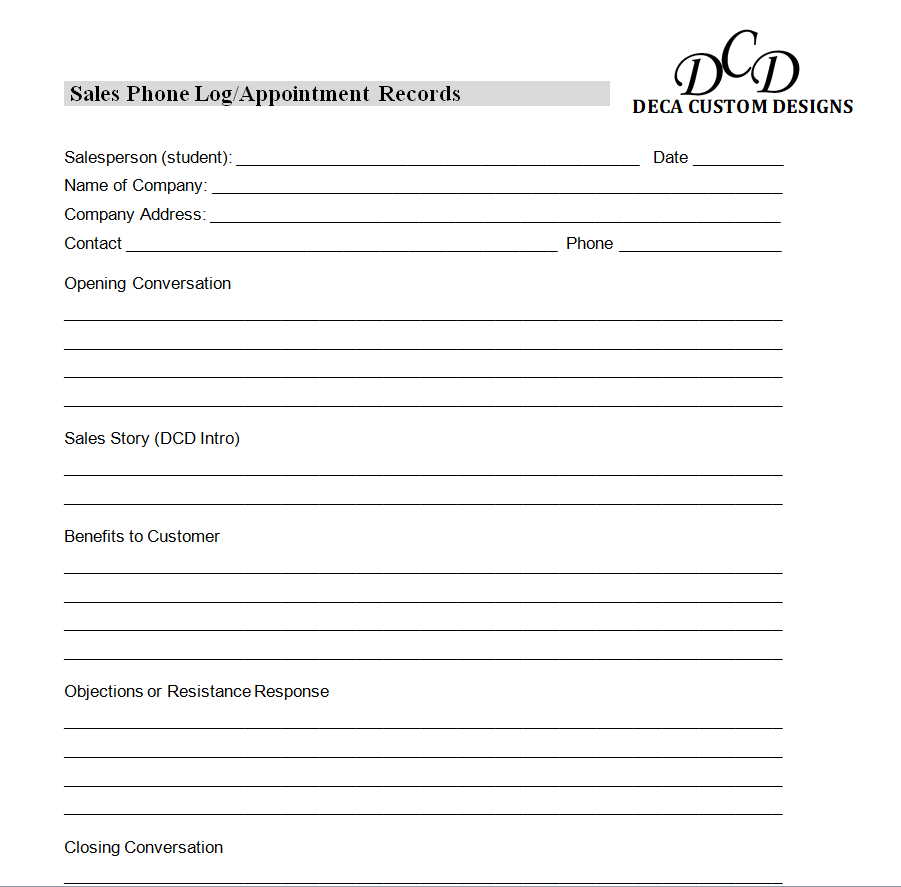
File Size: 20 KB
Educational Institute’s Phone Log Word Template
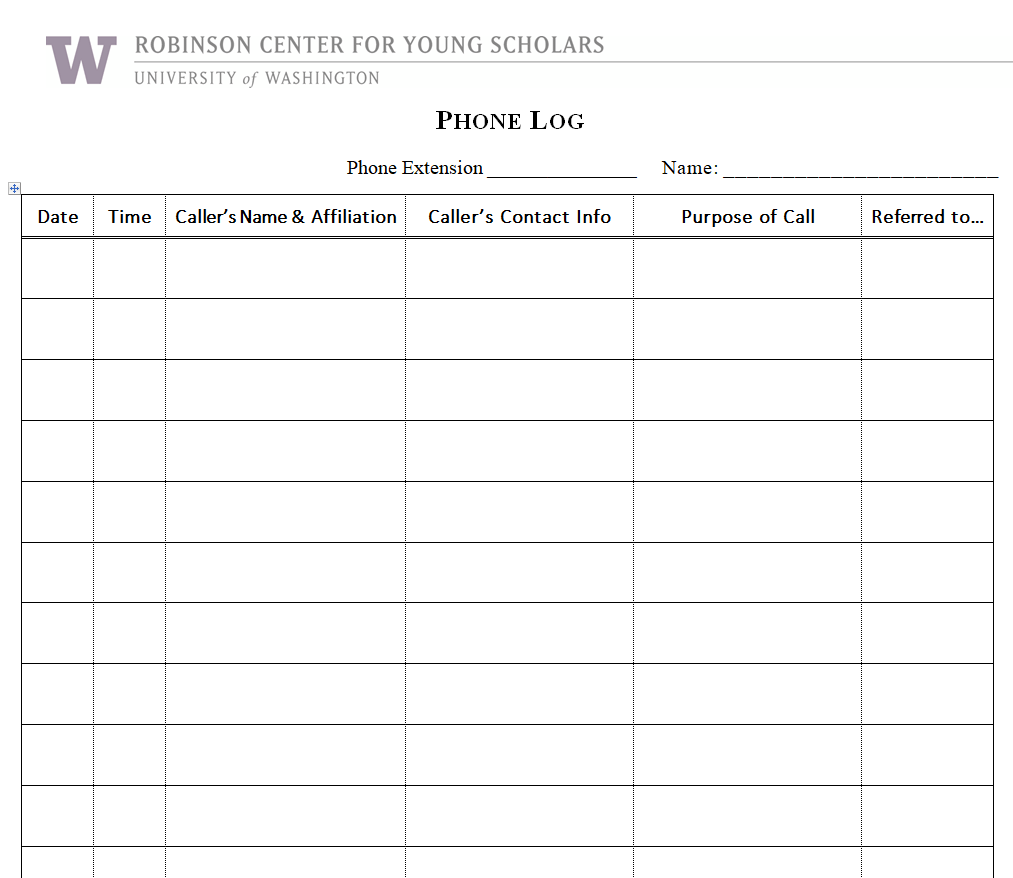
File Size: 46 KB
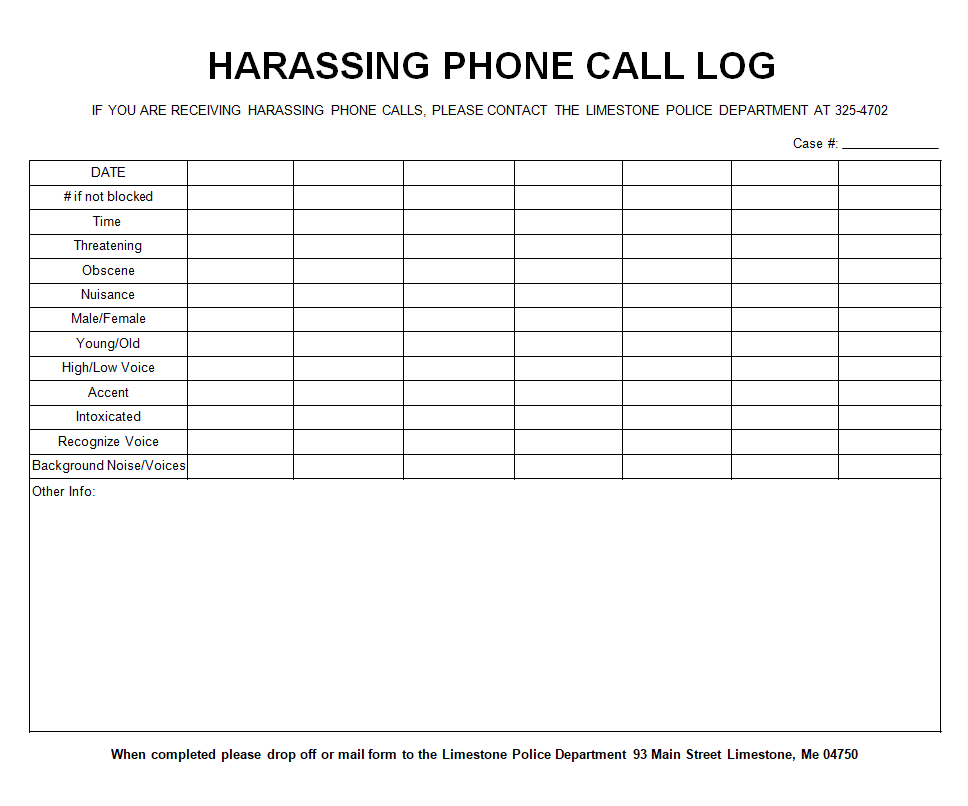
Simple Phone Call Log Template for Harassment
File Size: 03 KB
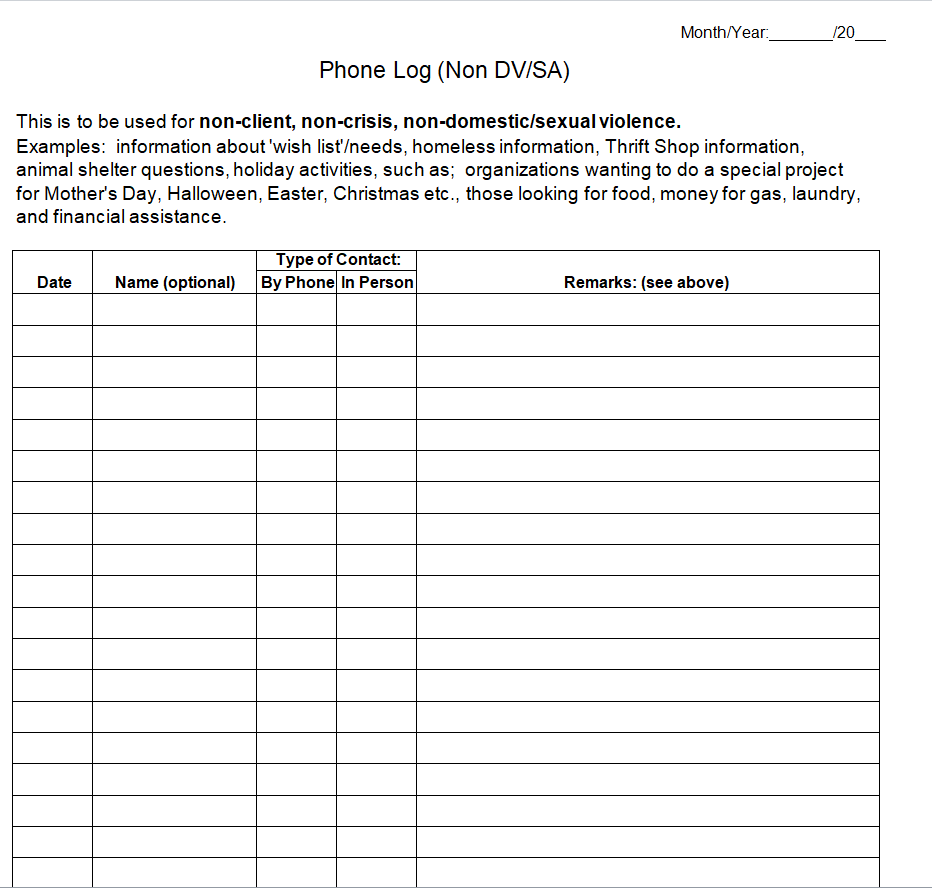
Monthly Phone Log Template Doc
File Size: 07 KB
How to use and customize the template
- Decide which calls need to be logged and keep the required fields short.
- Enter messages while the details are fresh and confirm callback information with the caller.
- Review the open queue at shift changes so every outstanding call has an owner.
- Close an entry after recording the outcome and follow your organization’s retention process.
Before you share the finished copy
Keep the log useful without copying unnecessary personal information into a shared file. Use the reference number for sensitive details and record only what staff need to route or resolve the call.
Related resources
See also Free Contact List Templates and Organization Guide and Service Request Form Templates and Completion Guide.
Frequently asked questions
What is the difference between a phone log and a message slip?
A message slip is for one call. A phone log is a running record that can track ownership and follow-up across calls.
What columns belong in a callback log?
Use date, time, caller, callback number, reason, owner, due time and outcome.
Can I use one log across shifts?
Yes. Make sure outgoing staff update the outcome or next step so incoming staff can identify open calls.
You must be logged in to post a comment.