
A press release gives a reporter or editor the facts needed to assess an announcement. Start with the news, the people affected and when it takes effect. Choose a layout that helps readers find essential details quickly. A product launch may need availability information, while an event release may need the venue, date and registration details.
Compare 19 layouts below with Word files among the options. Jump to the template previews and downloads.
Choose a press release template
Use a straightforward news layout for a company announcement, an event layout when logistics matter and a launch layout when readers need availability or product details. Put the strongest verified fact in the headline and lead. Use the rest of the release to support that fact with context.
What to include
- Headline and lead Identify what happened and why it matters to the reader. Include the relevant date or location where needed.
- Supporting facts Explain who is affected, what changes and how someone can verify the information.
- Quote and attribution Use a quote only if it adds perspective. Confirm the wording, name and title with the person quoted.
- Organization and contact Add a brief organization description and a media contact who can respond to questions.
The release should stand on its own even if a recipient only reads the first two paragraphs. Identify the organization and the action it is taking, then explain the consequence for the people affected. Place important dates in the body rather than relying on a file name or attachment. If photos or background materials are available, link to the resources that a newsroom can actually use and verify any usage terms. Give the contact enough context to respond promptly and have a single approved copy for distribution.
Worked example
A library announces a weekend digital skills program. The lead gives the start date and intended audience. The following paragraph explains the sessions, location and registration process. A quote from the coordinator describes the need the program addresses, and the media contact can verify remaining details.
Compare the available layouts
The collection includes Standard Press Release Template (DOCX), Comprehensive Press Release Template (DOCX), and Sample Award Press Release Example. Compare the previews for the fields and page layout you need before opening the ZIP package. Check the file extension on the extracted file so you know which application to use.
Check the FREE Press Release Word Templates Below
Standard Press Release Template
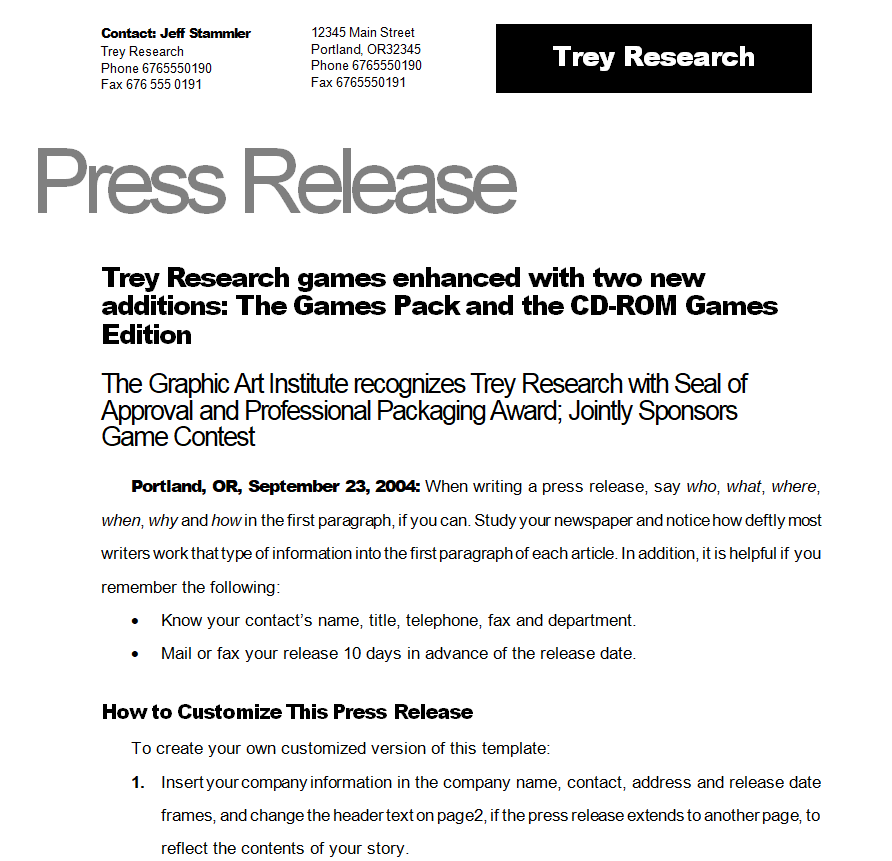
File Size: 18 KB

Social Media Press Release Template
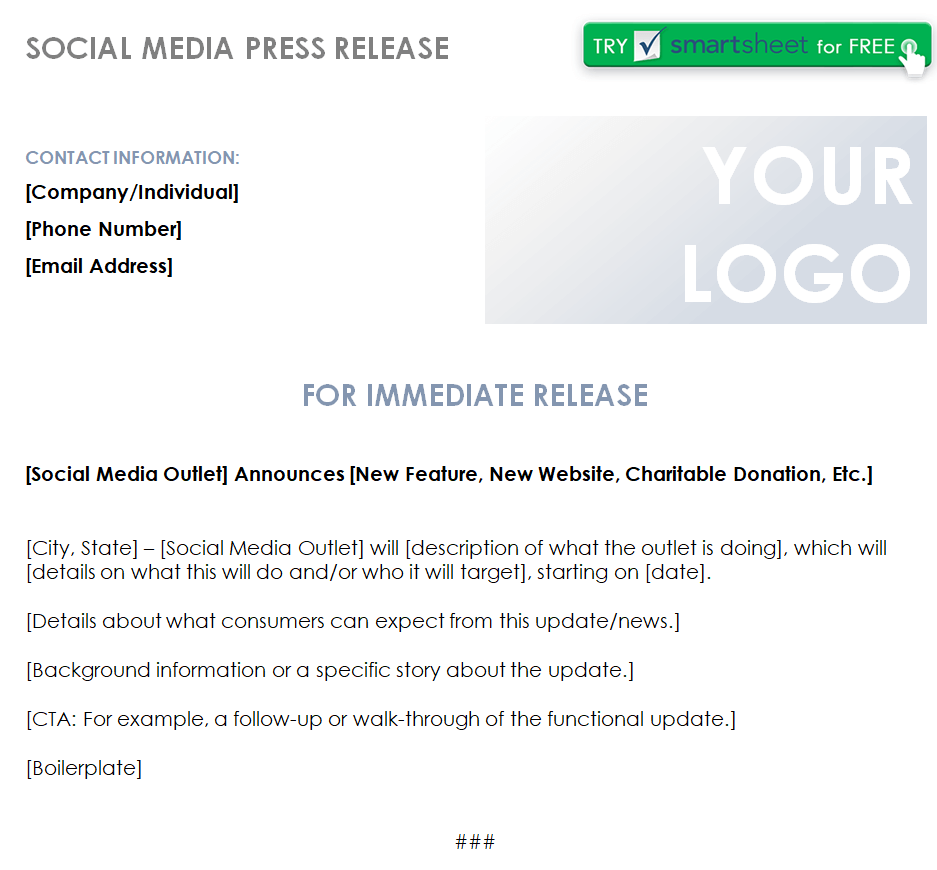
File Size: 46 KB
Professional Press Release Format Doc
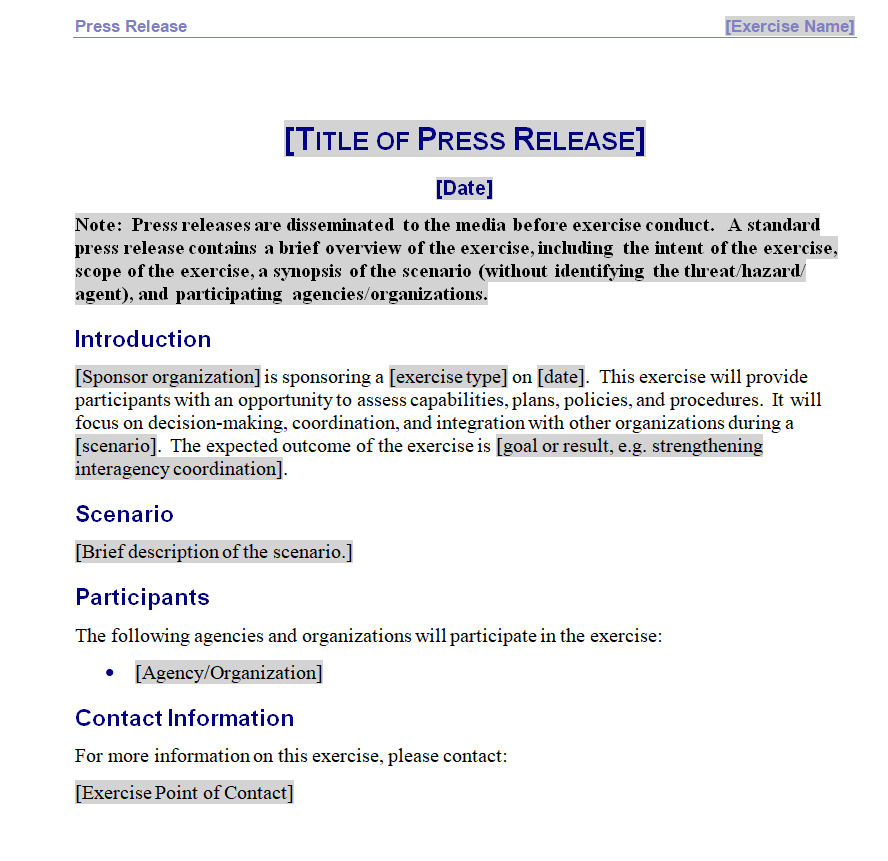
File Size: 32 KB
Company’s Press Release Word Template
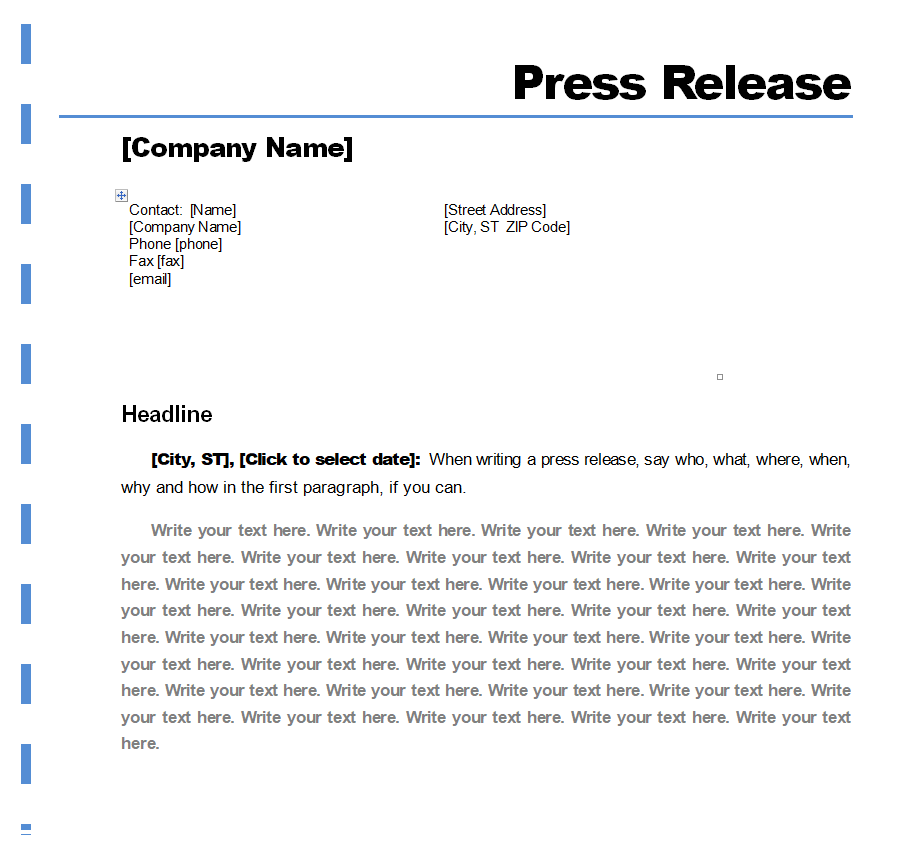
File Size: 25 KB
Free Printable Press Release Doc Template
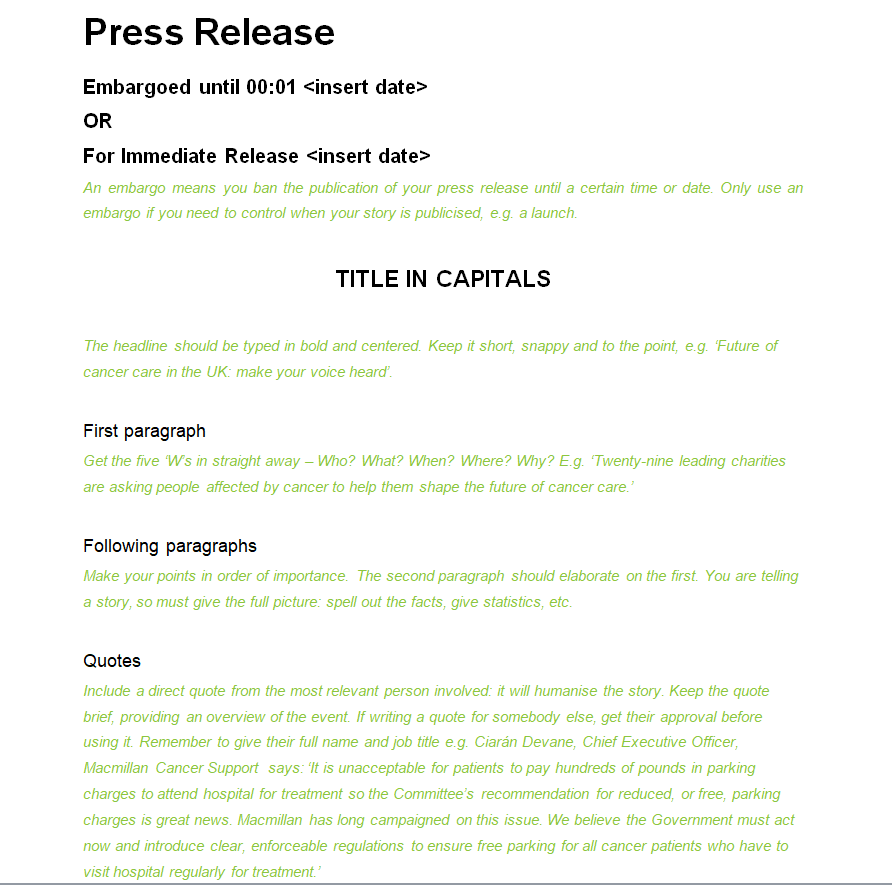
File Size: 177 KB
Standard Press Release Template
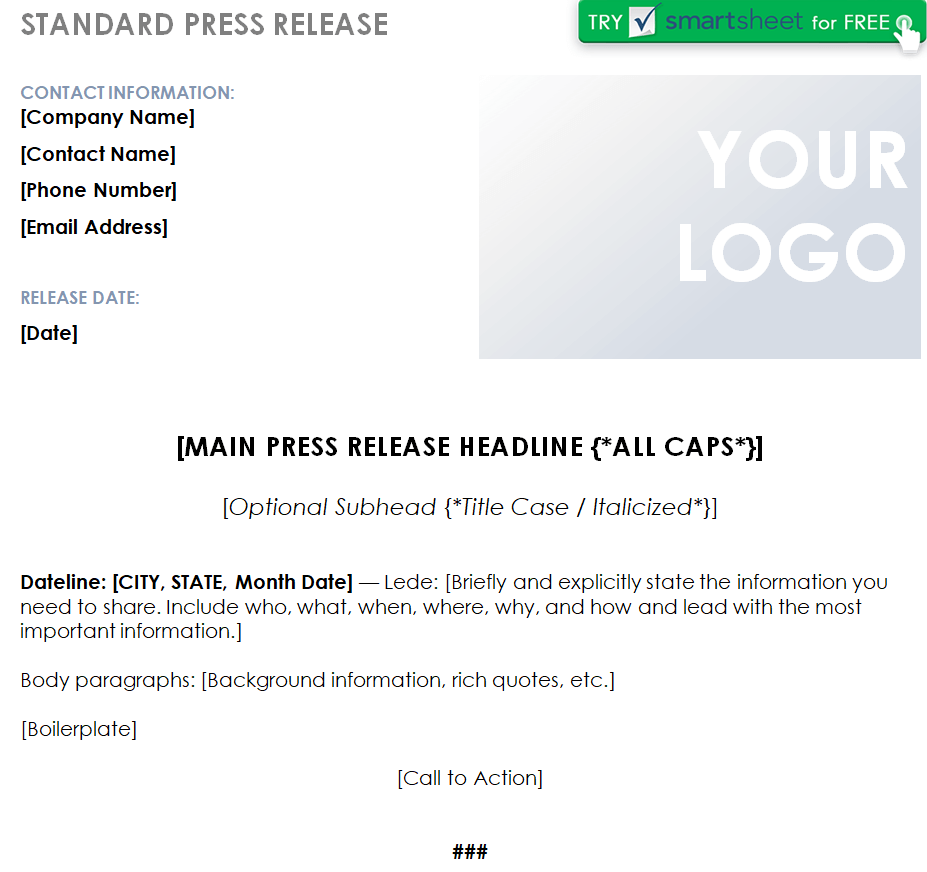
File Size: 46 KB
Professional Press Release Example in MS WORD
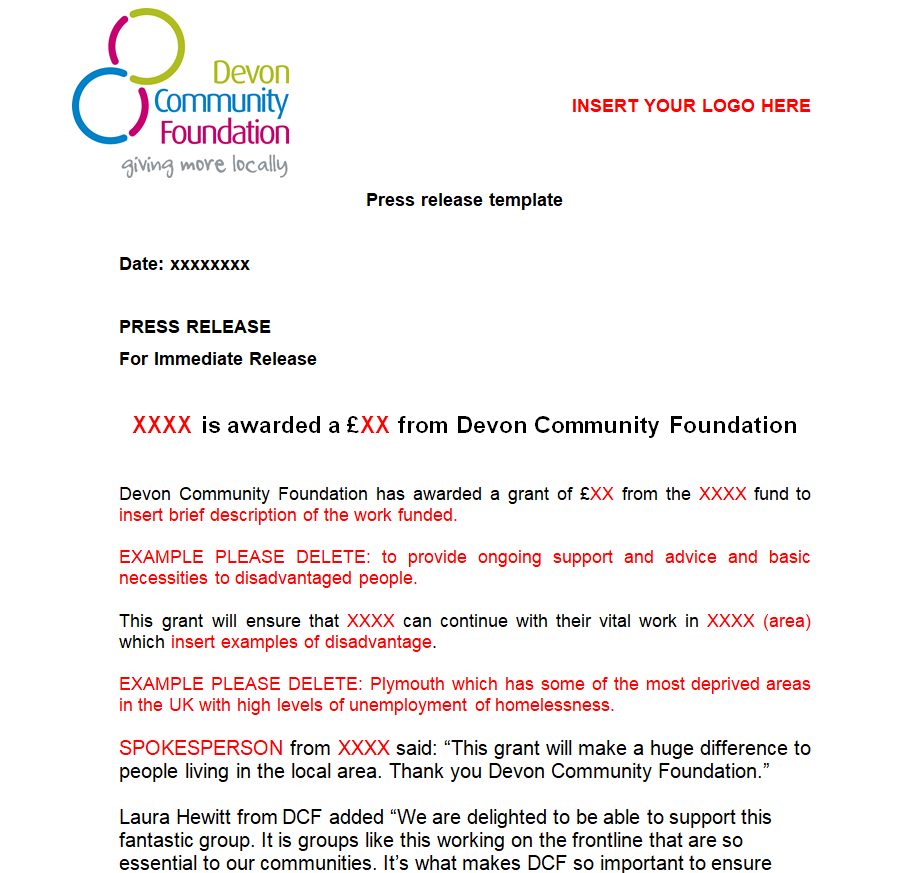
File Size: 396 KB
Sample Press Release Template
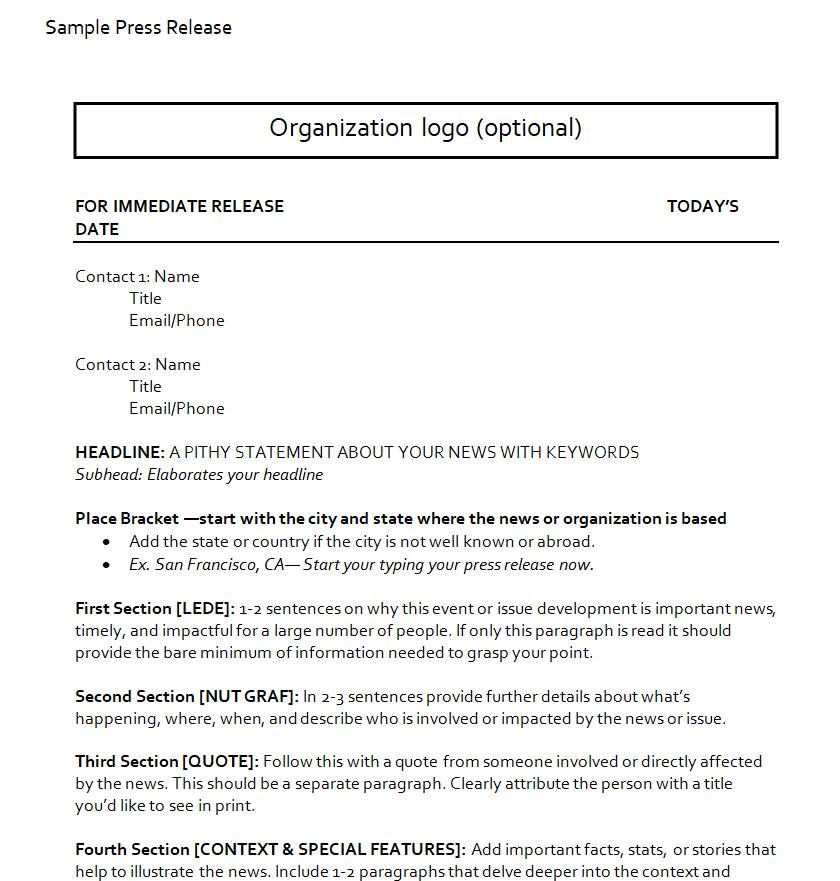
File Size: 15 KB
Business News Press Release Sample Doc
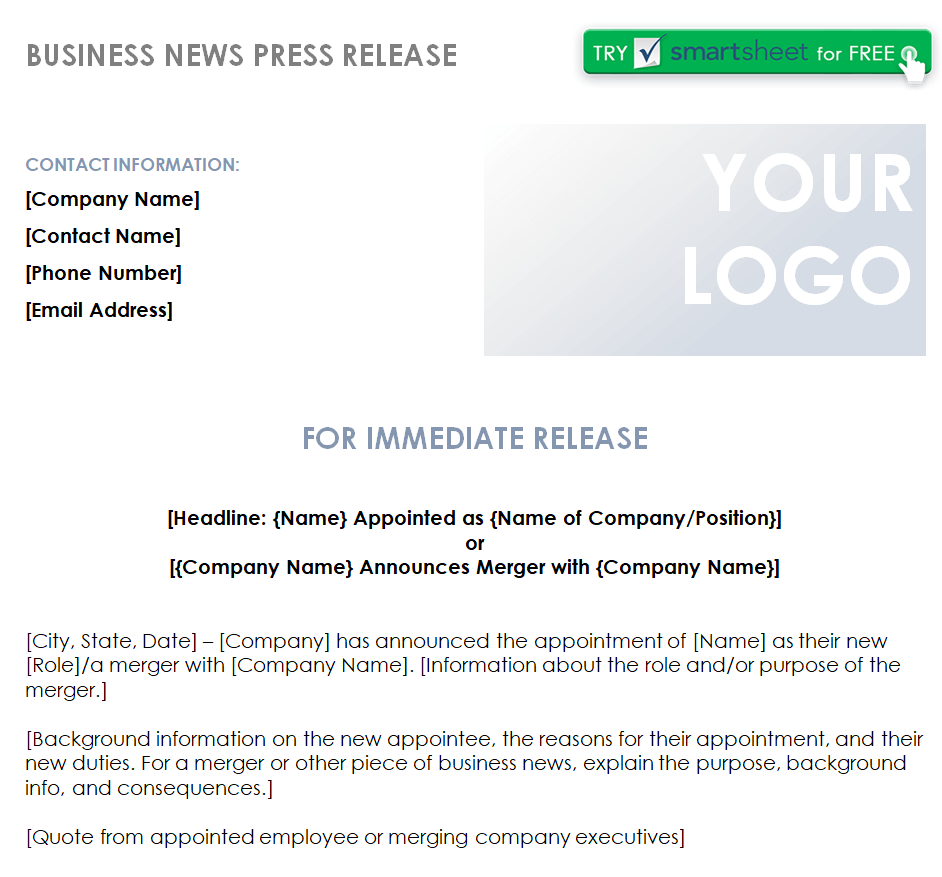
File Size: 46 KB
Comprehensive Press Release Template
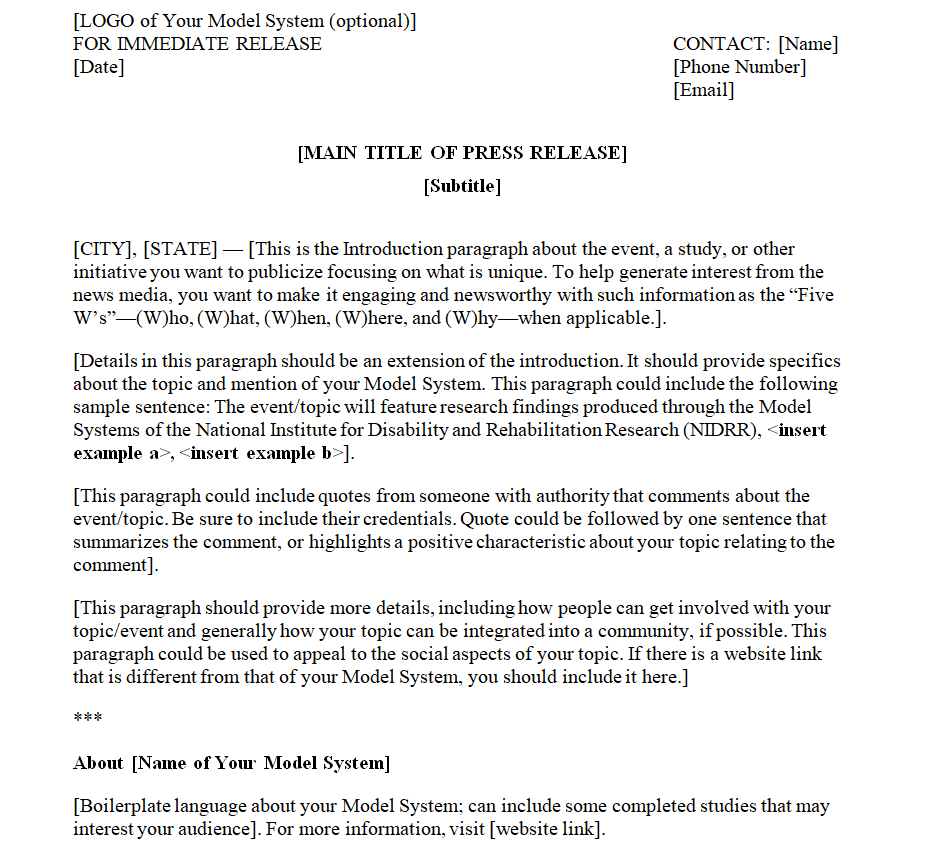
File Size: 83 KB
Blank Event Press Release Template Word
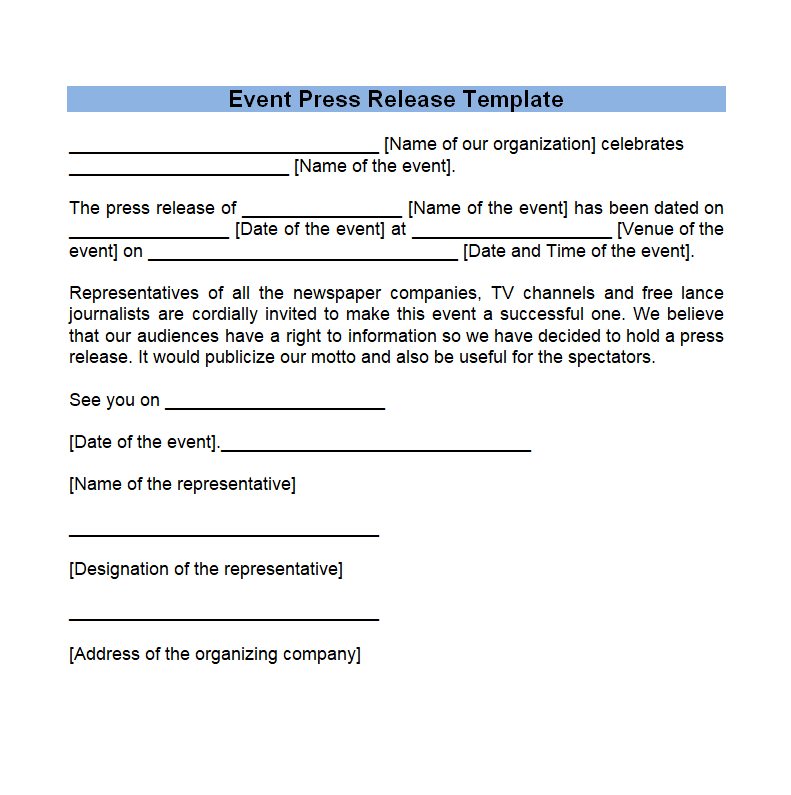
File Size: 09 KB
Simple Email Press Release Template
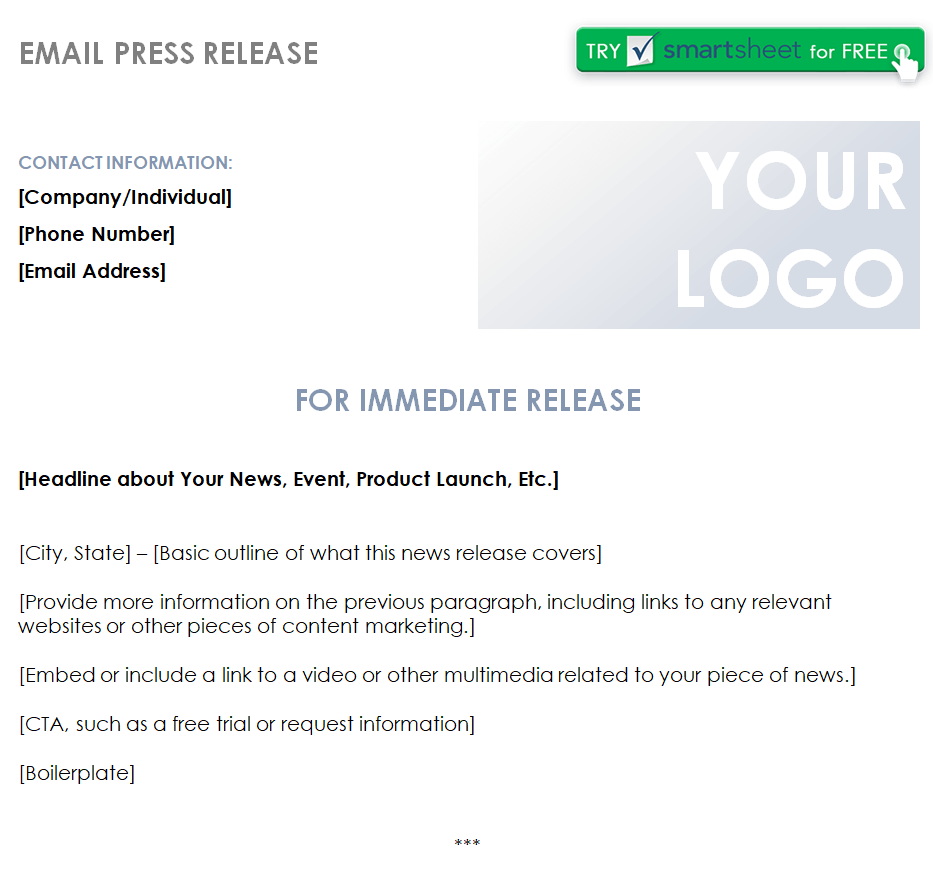
File Size: 46 KB
Proper Press Release Format Template
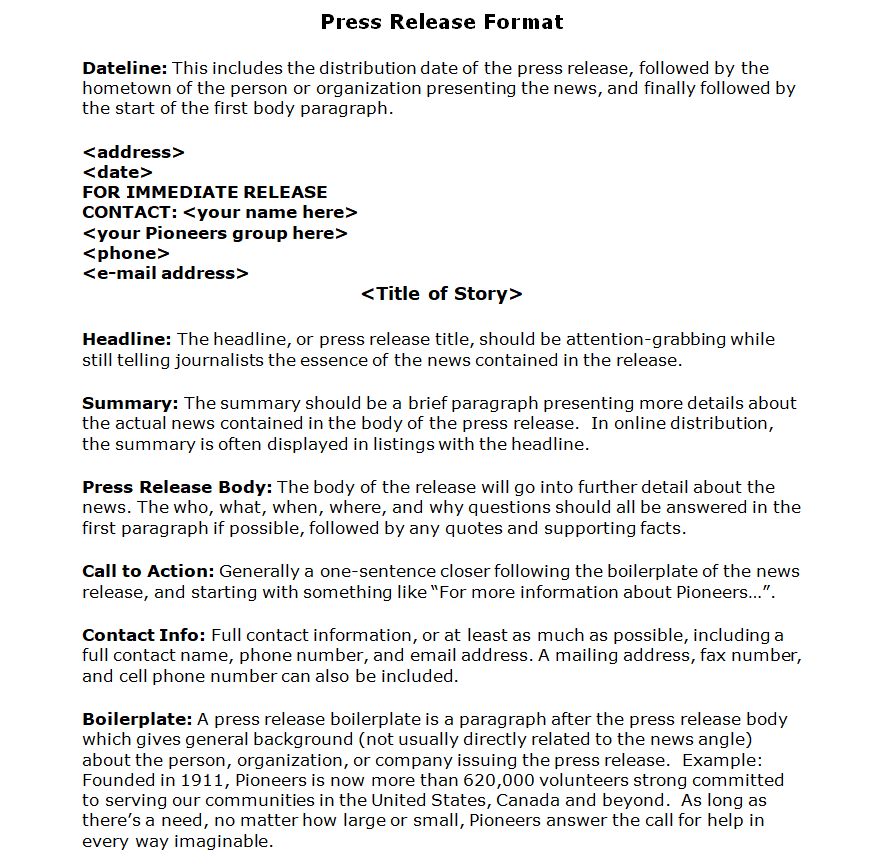
File Size: 12 KB
Special Product Launch Press Release Template
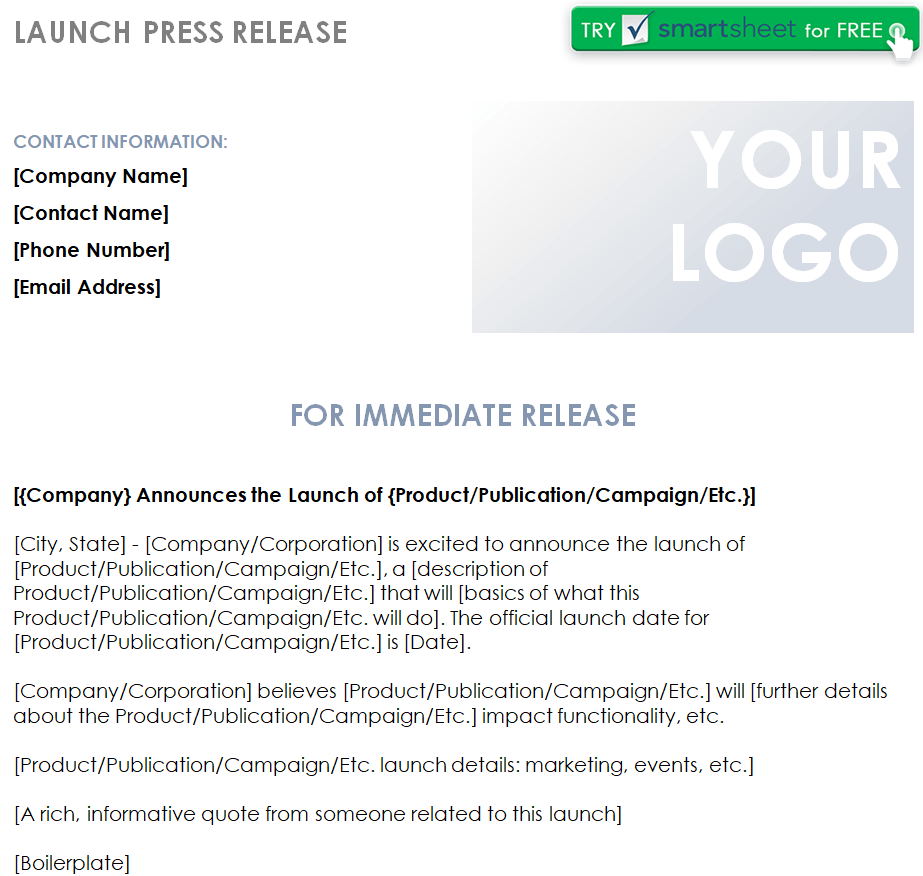
File Size: 46 KB
Business Partnership Press Release Template Word
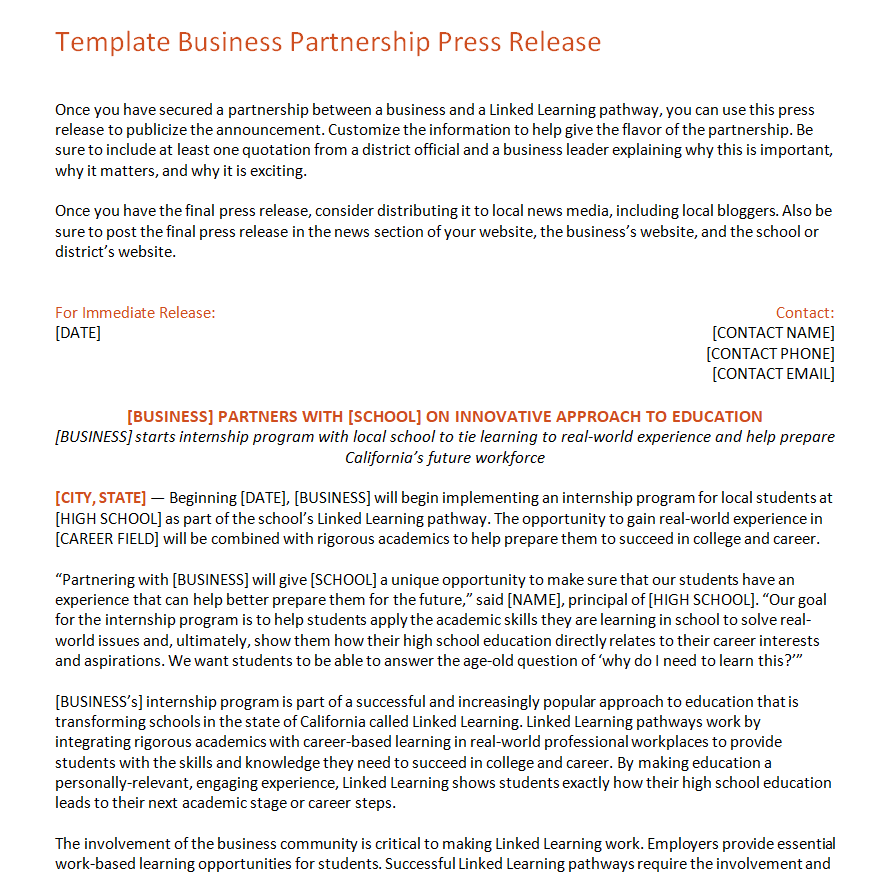
File Size: 29 KB
Corporate Press Release Template
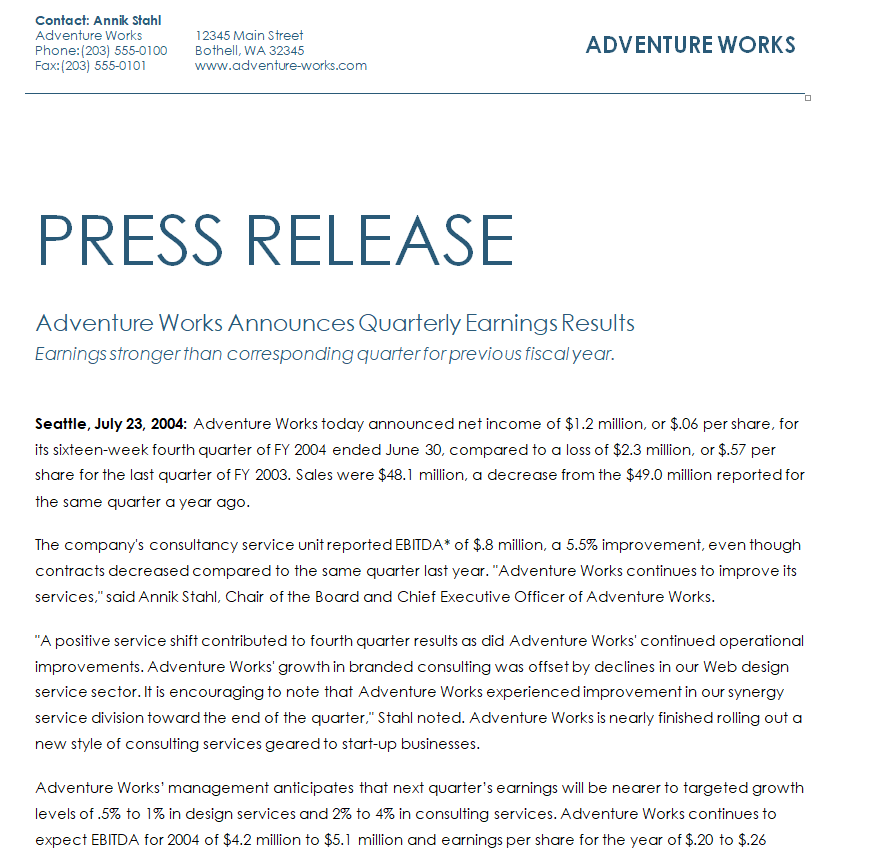
File Size: 15 KB
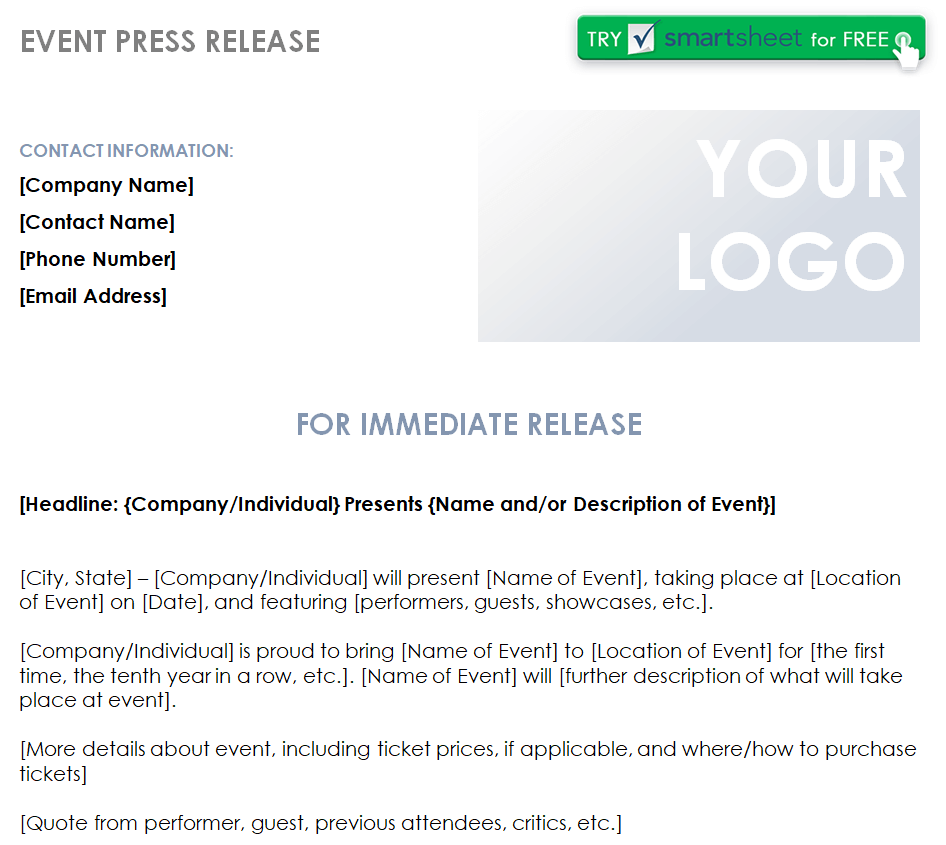
Event Press Release Word Template
File Size: 46 KB
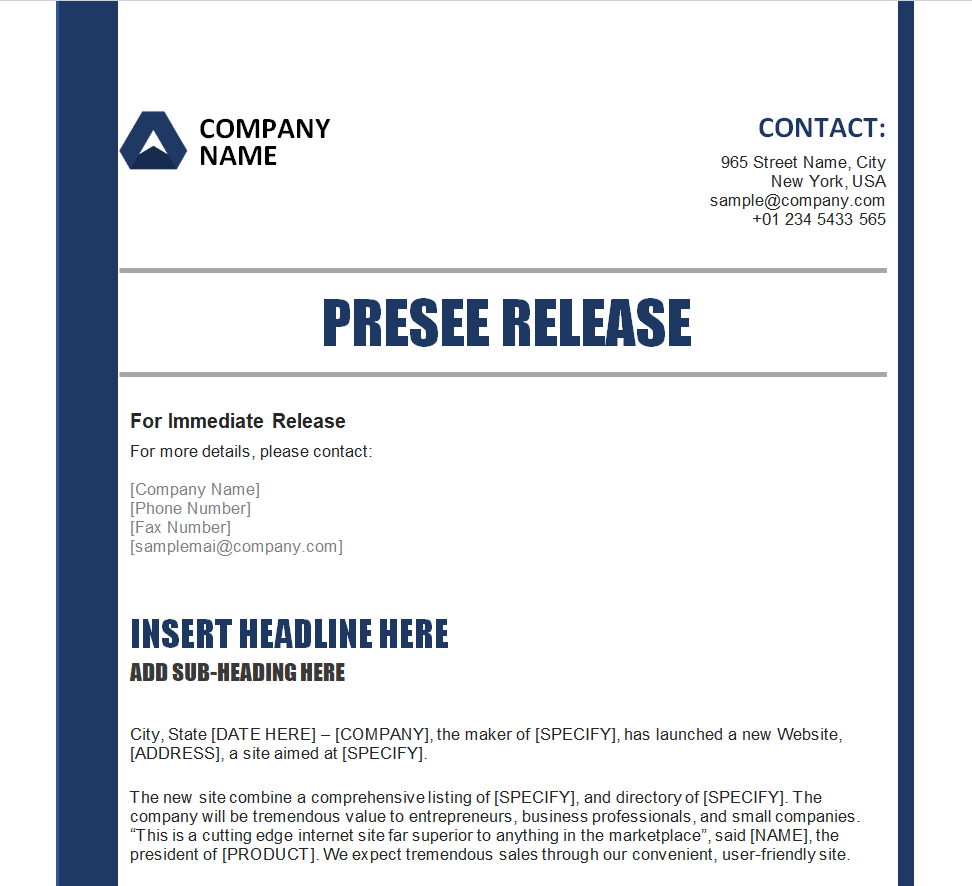
Formal Press Release Template in MS WORD
File Size: 40 KB
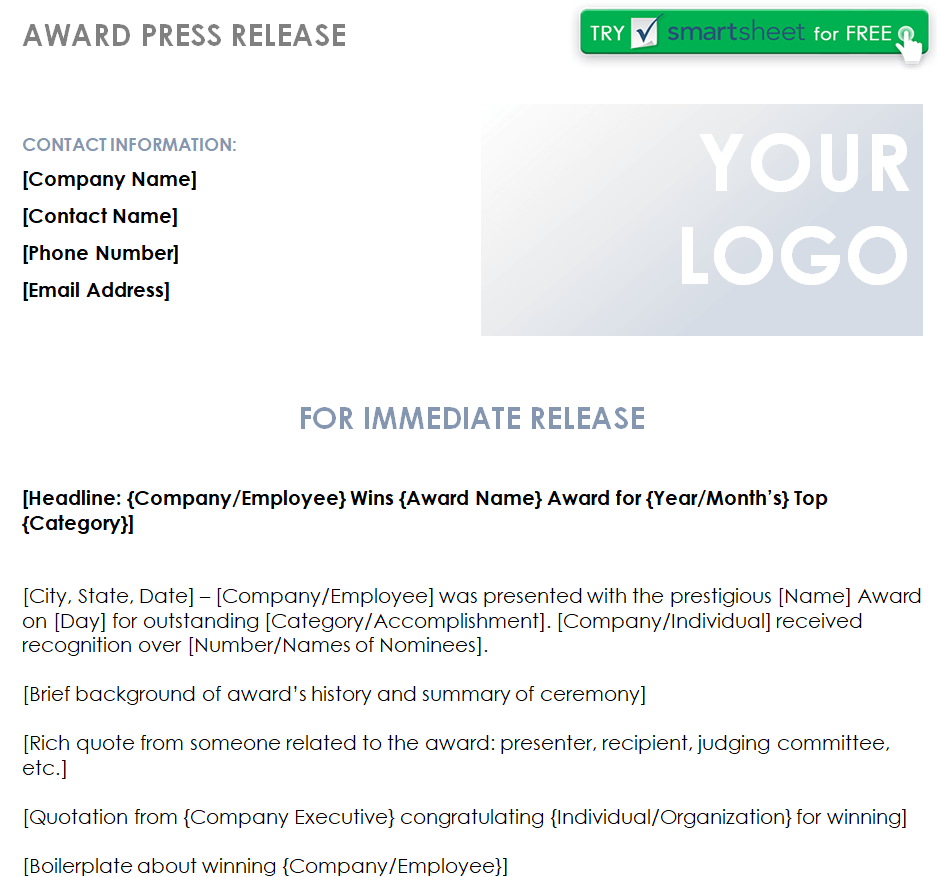
Sample Award Press Release Example
File Size: 46 KB
How to use and customize the template
- Confirm the key fact, date and availability before drafting a headline.
- Write the lead in one clear paragraph and add supporting details in order of importance.
- Check every name, figure, quotation and link with its source.
- Read the release as someone unfamiliar with the organization and verify that the contact information works.
Before you share the finished copy
Avoid a headline that reads like an advertisement or leaves out the news. Specific actions and dates help a reporter assess the release more quickly than promotional adjectives.
Related resources
See also Free Company Profile Templates and PDF Examples and Memo Templates and Business Memorandum Example.
Frequently asked questions
What are the parts of a press release?
A common layout includes a headline, lead, supporting paragraphs, an organization description and a media contact. Add a quote only if it contributes useful context.
How long should a press release be?
For a straightforward announcement, aim for a concise release the reader can scan quickly. Move background details to a separate page when needed.
Does a press release need a quote?
No. A verified quote can add context, but factual information and a reachable contact matter more.
You must be logged in to post a comment.