
Write the agenda around the decisions you need by the end of the meeting. Give each item an owner and a time limit. If something only needs a quick update, label it that way so it doesn’t crowd out discussion.
Choose a meeting agenda template
Use a simple timed agenda for recurring meetings, a decision-focused layout for a committee and a workshop layout when discussion has multiple activities. If participants need to read a report before the meeting, link it in the agenda and give them enough time to review it.
What to include
- Meeting purpose State what the group must decide, review or complete. Give attendees enough context to understand why they are needed.
- Topics and owners Name the person who will introduce each item and say whether the item is for information, discussion or decision.
- Time and preparation Give an estimated time for each item and identify any materials participants should review beforehand.
- Actions and next steps Reserve time to confirm decisions and owners. Record matters that need to move to another meeting.
Use the agenda to make meeting time visible before anyone joins. Separate items that need a decision from updates that can be read in advance. For each decision, identify who owns it and what options the group will consider. Time estimates work best when they include a small buffer for questions. Keep an agenda item open only if there is a concrete next step or if the group needs to schedule a separate discussion. After the meeting, move agreed actions into a record that names the owner and due date.
Worked example
A 30-minute project review gives five minutes to status, fifteen to a schedule decision and five to risks, with the remaining time used to confirm actions. The schedule owner circulates two options before the meeting so the group can spend its time deciding.
Compare the available layouts
The collection includes Blank Meeting Agenda Template (DOCX), Professional Meeting Agenda Word Template (DOCX), and Practical Meeting Agenda Template Doc (DOC). Compare the previews for the fields and page layout you need before opening the ZIP package. Check the file extension on the extracted file so you know which application to use.
Below Are the FREE Meeting Agenda Templates
Blank Meeting Agenda Template
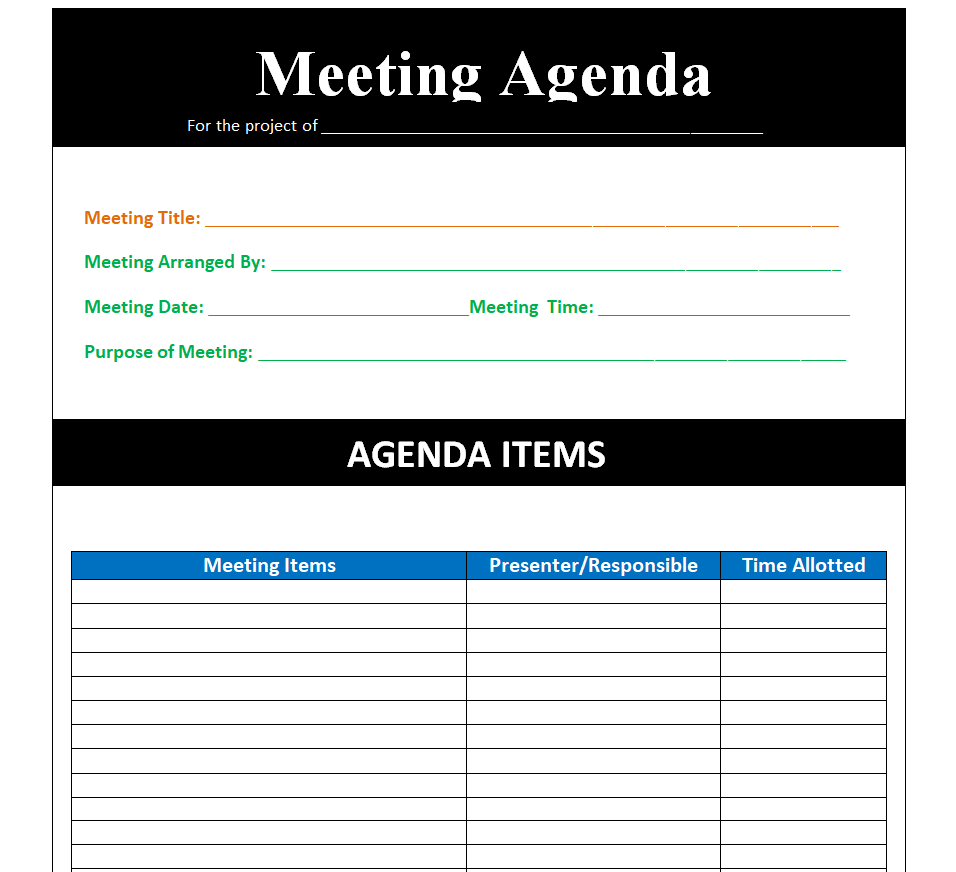
File Size: 27 KB

Company’s Meeting Agenda Word Template
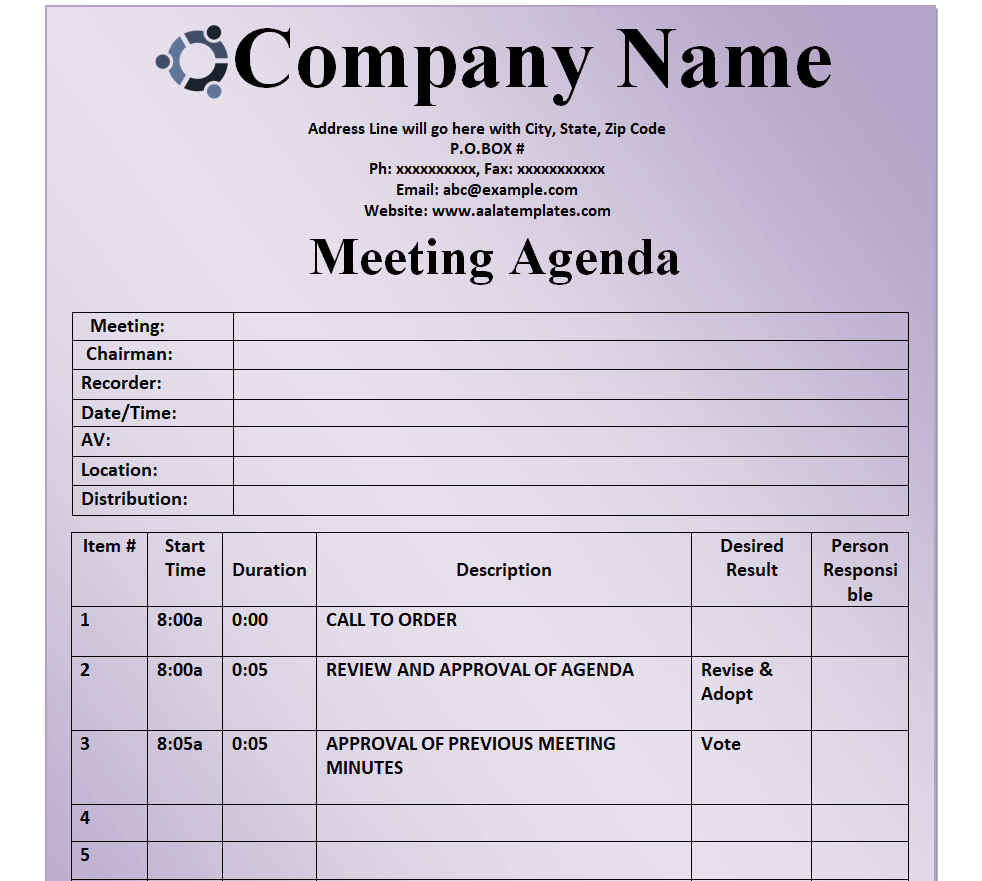
File Size: 37 KB
Elegant Format for a Meeting Agenda
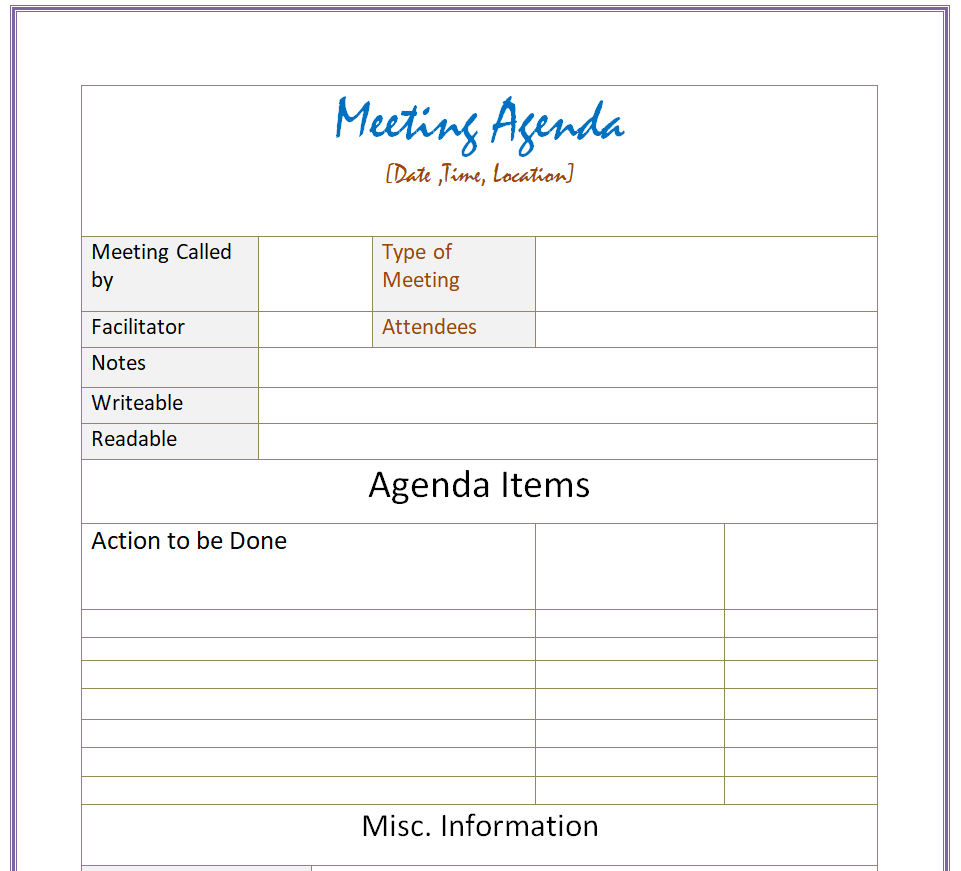
File Size: 19 KB
Formal Meeting Agenda Template
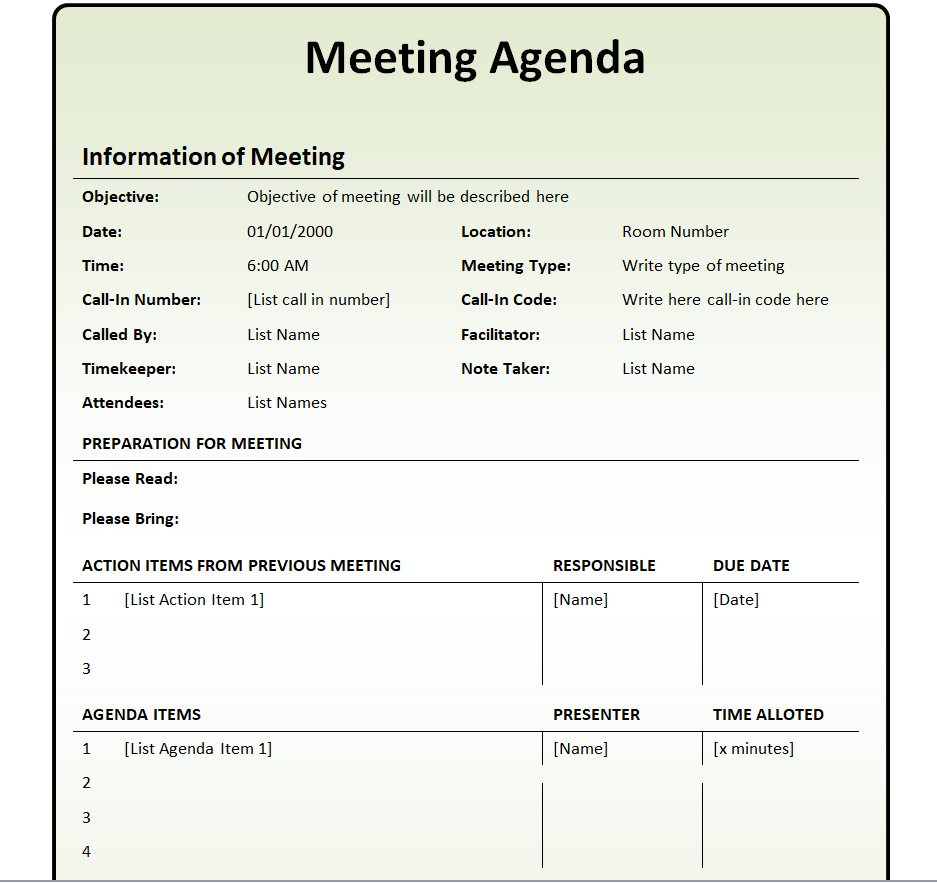
File Size: 27 KB
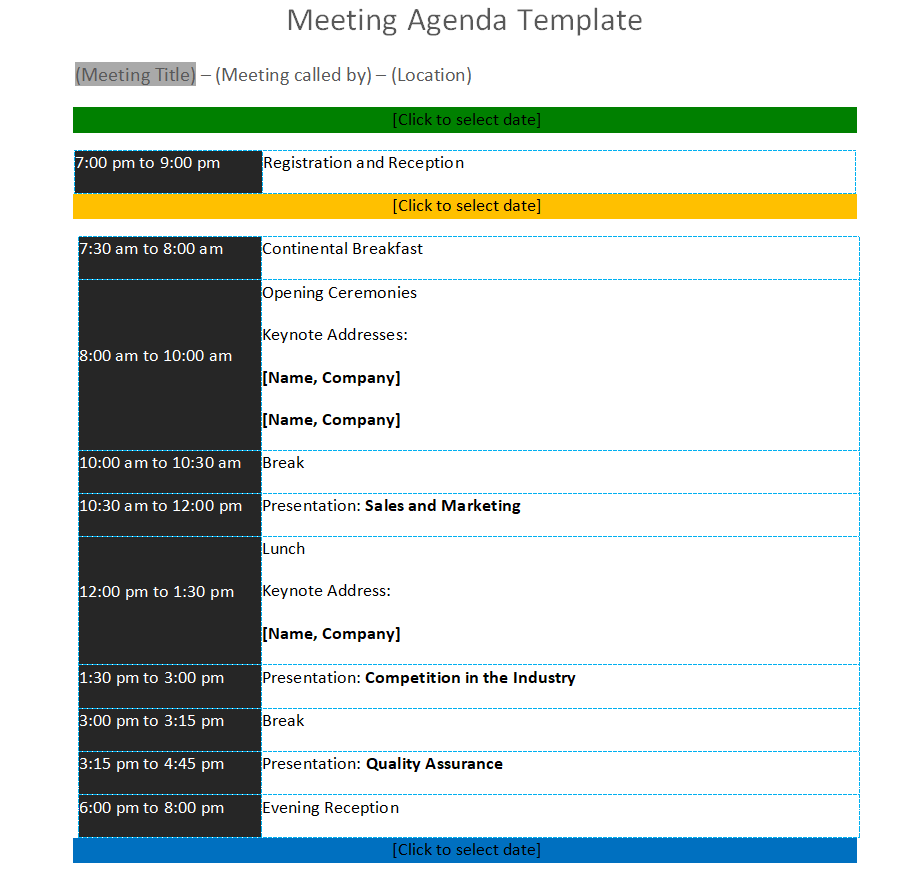
Standard Meeting Agenda Template
File Size: 14 KB
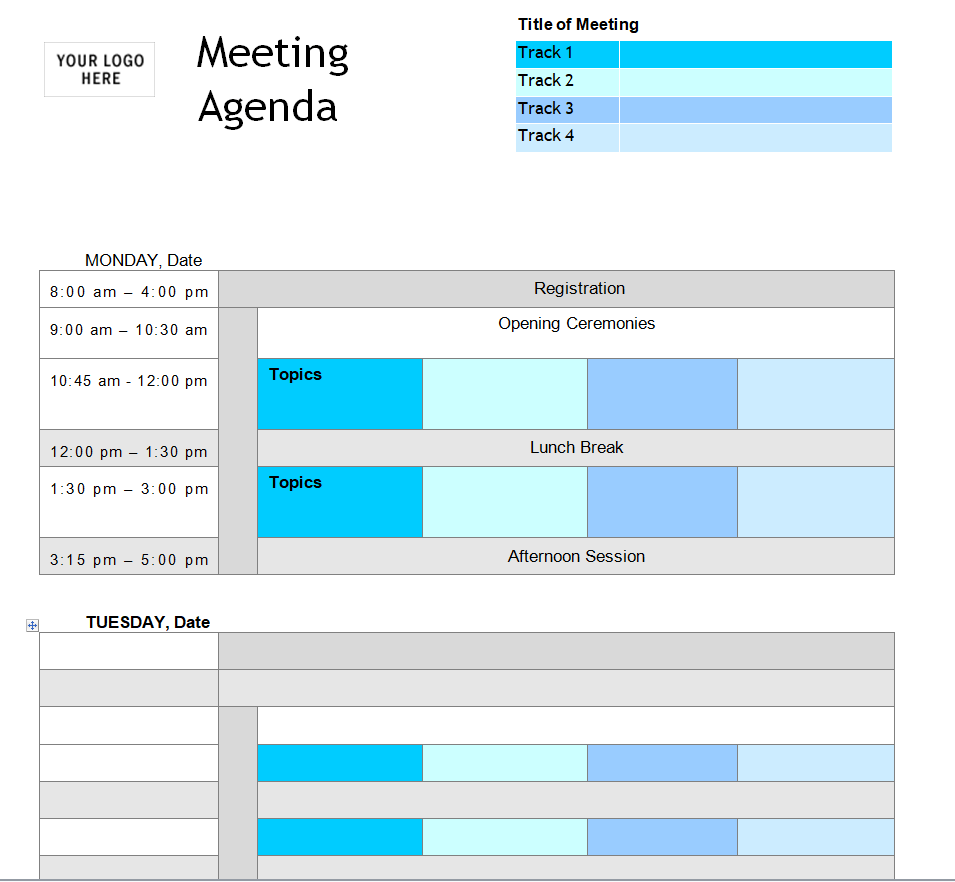
Fillable Meeting Agenda Sample Doc
File Size: 131 KB
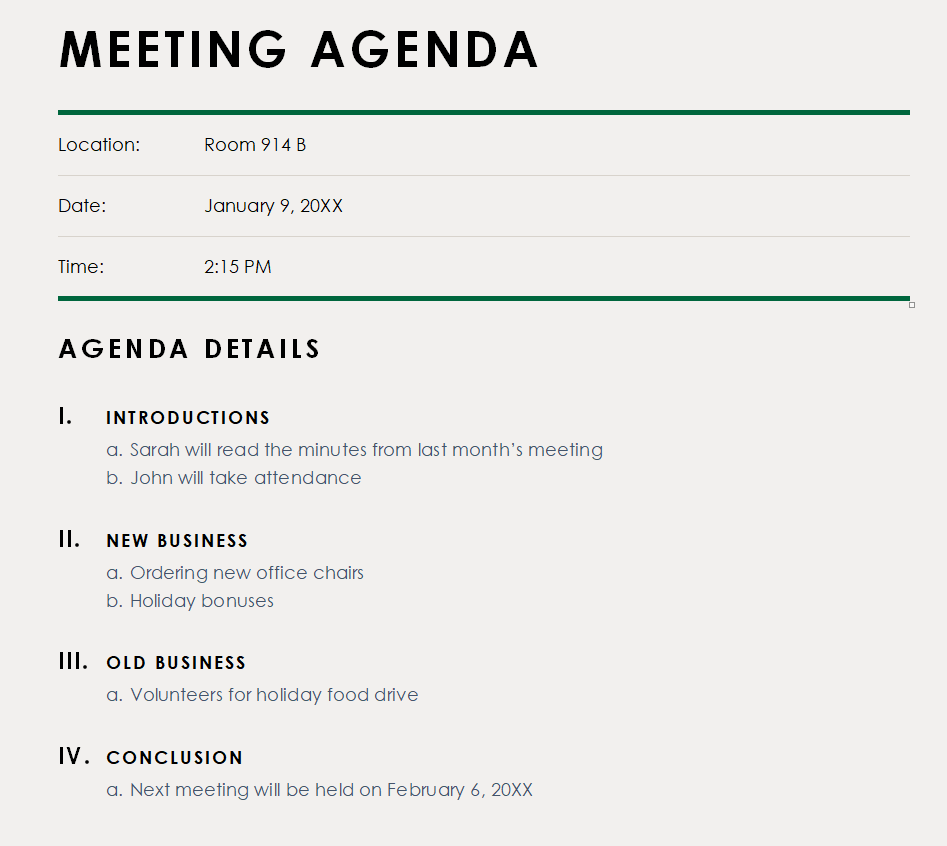
Special Meeting Agenda Format
File Size: 58 KB
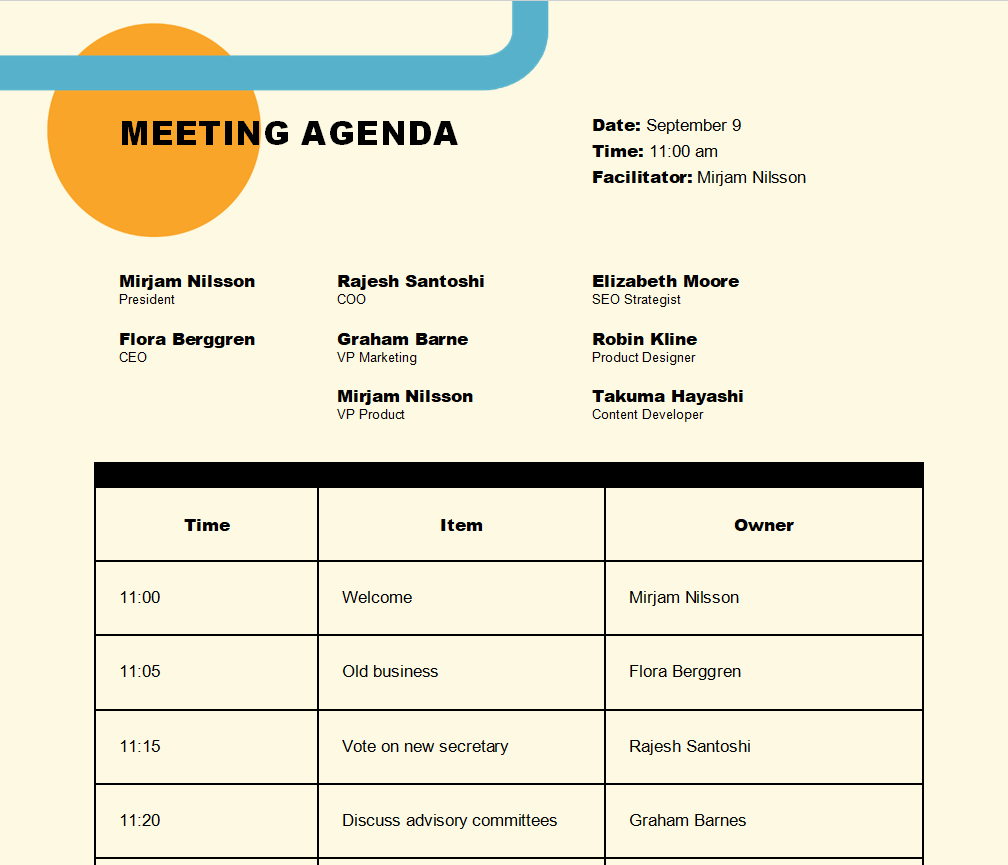
Corporate Meeting Agenda Template
File Size: 162 KB
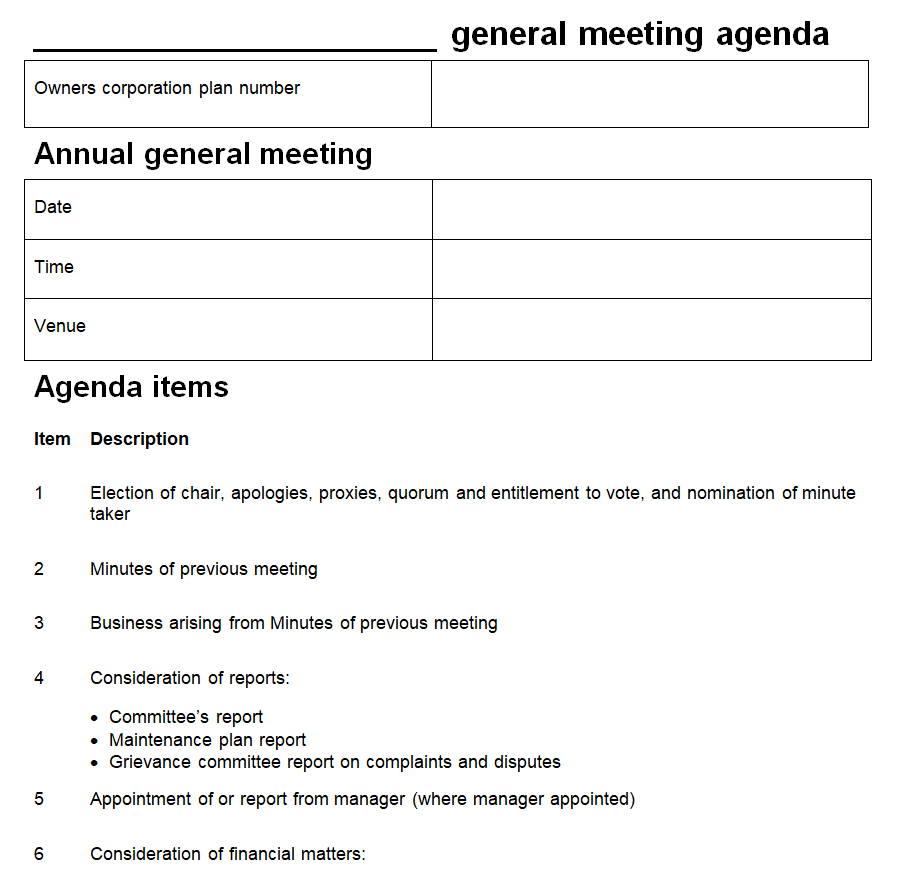
General Meeting Agenda Template
File Size: 11 KB
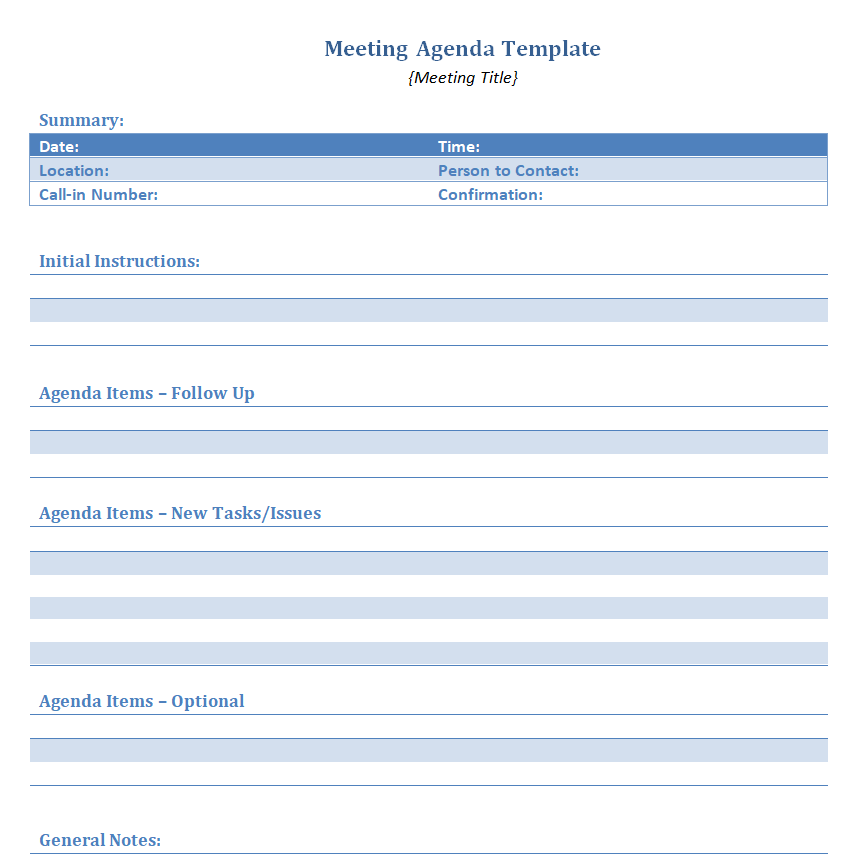
Professional Meeting Agenda Word Template
File Size: 13 KB
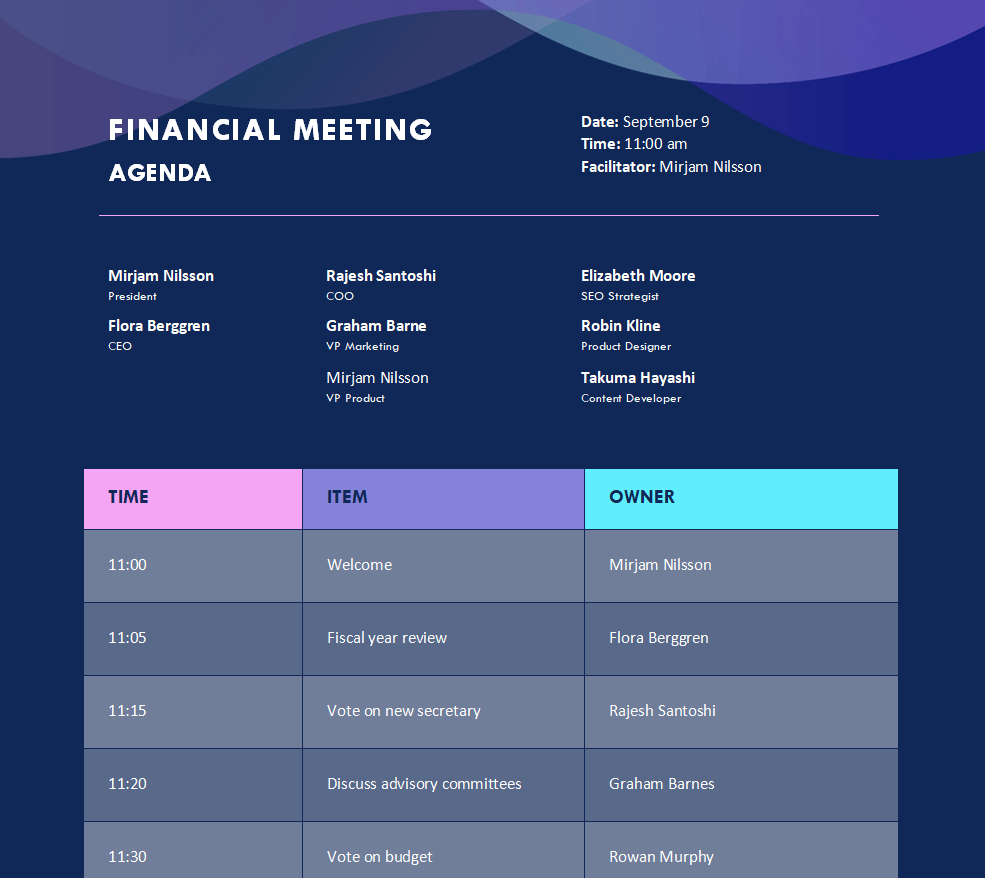
Financial Meeting Agenda Template
File Size: 824 KB
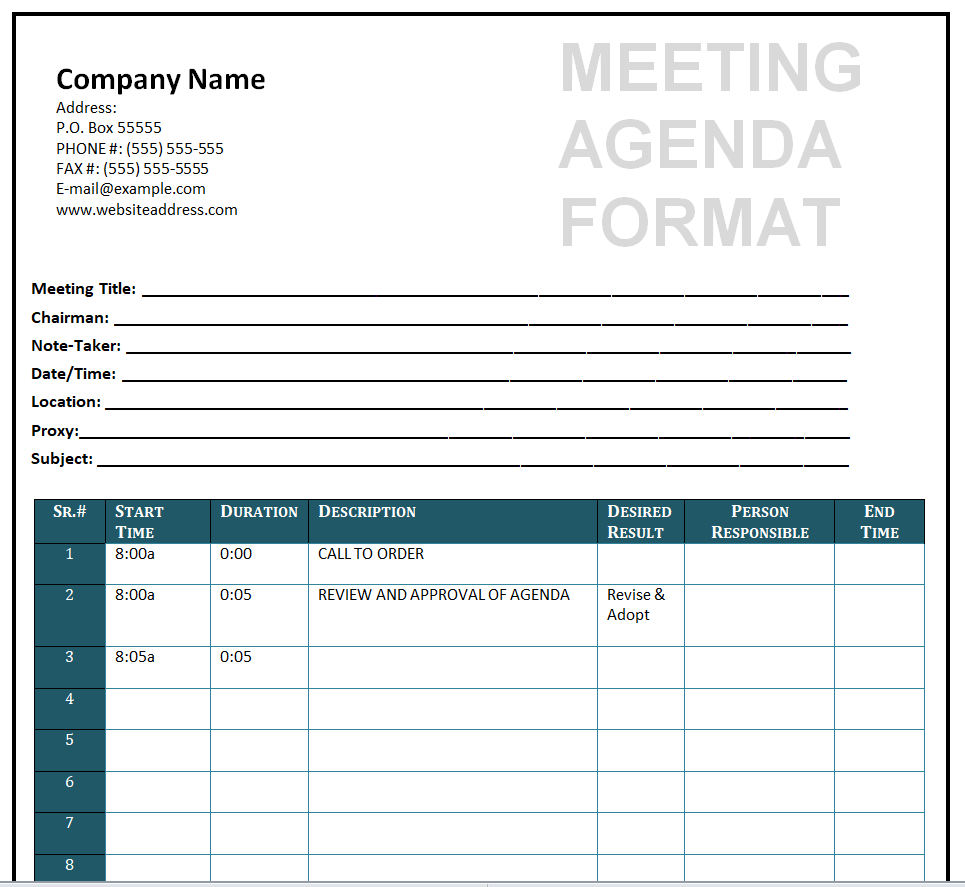
Proper Meeting Agenda Format
File Size: 32 KB
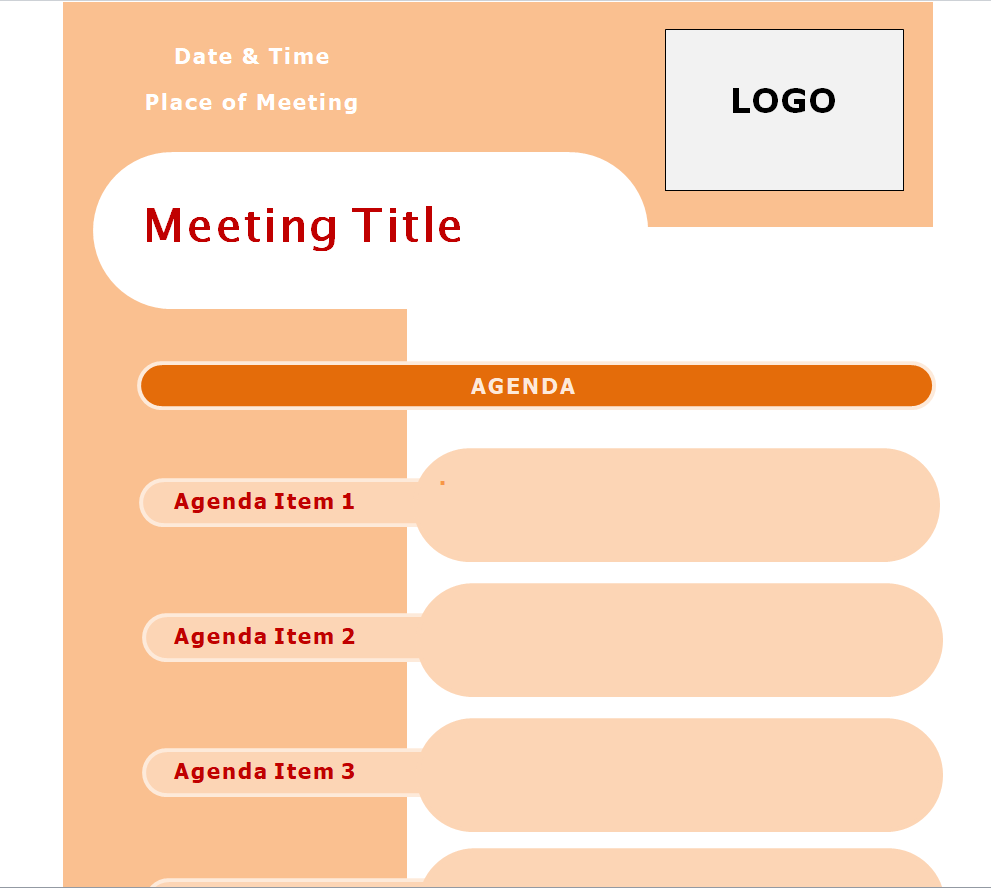
Attractive Style Meeting Agenda Template
File Size: 58 KB
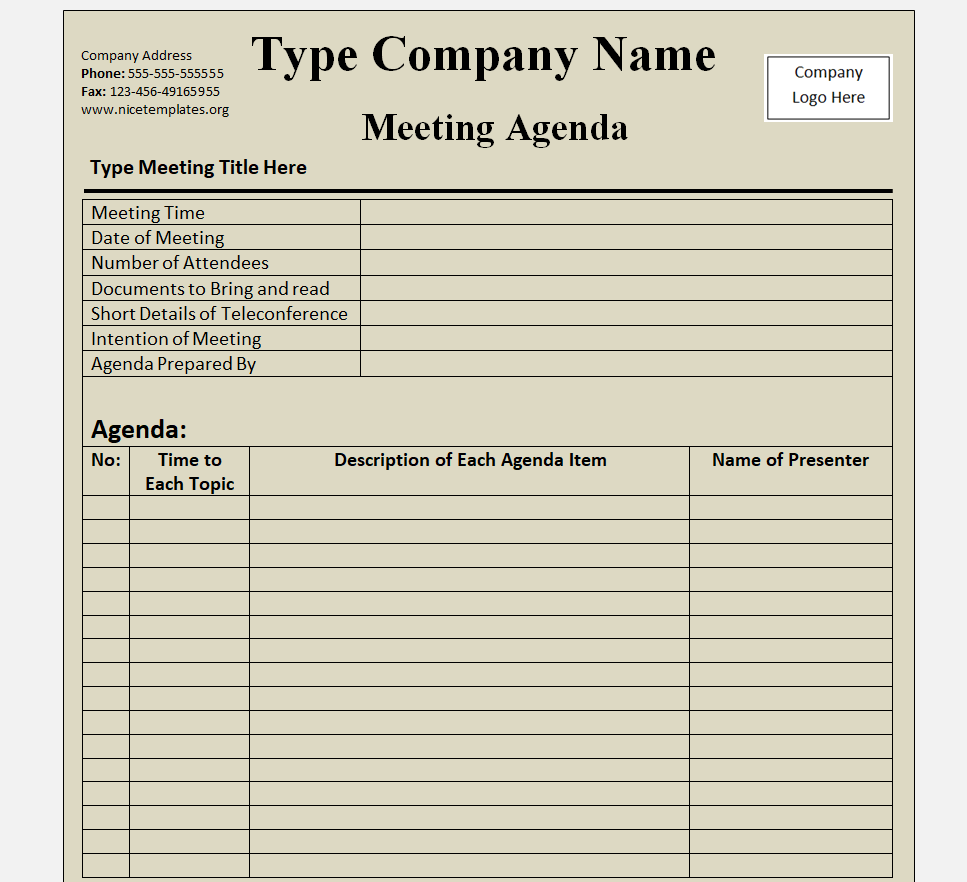
Small Business Meeting Agenda Doc Template
File Size: 34 KB
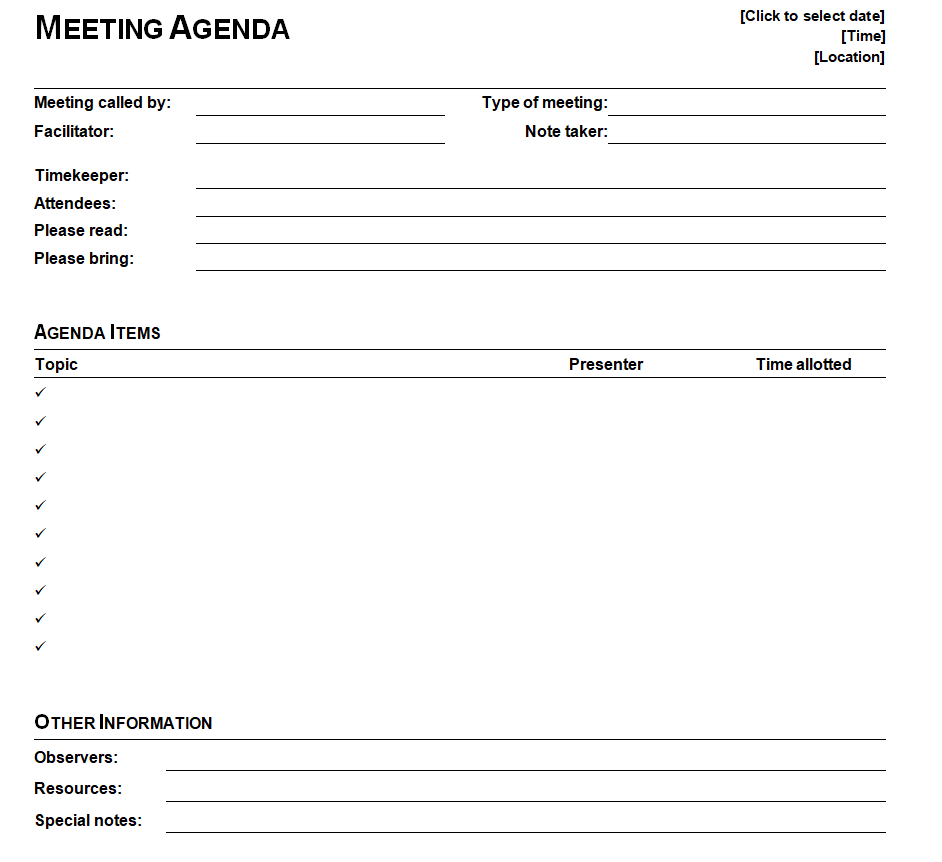
Basic Meeting Agenda Format
File Size: 24 KB
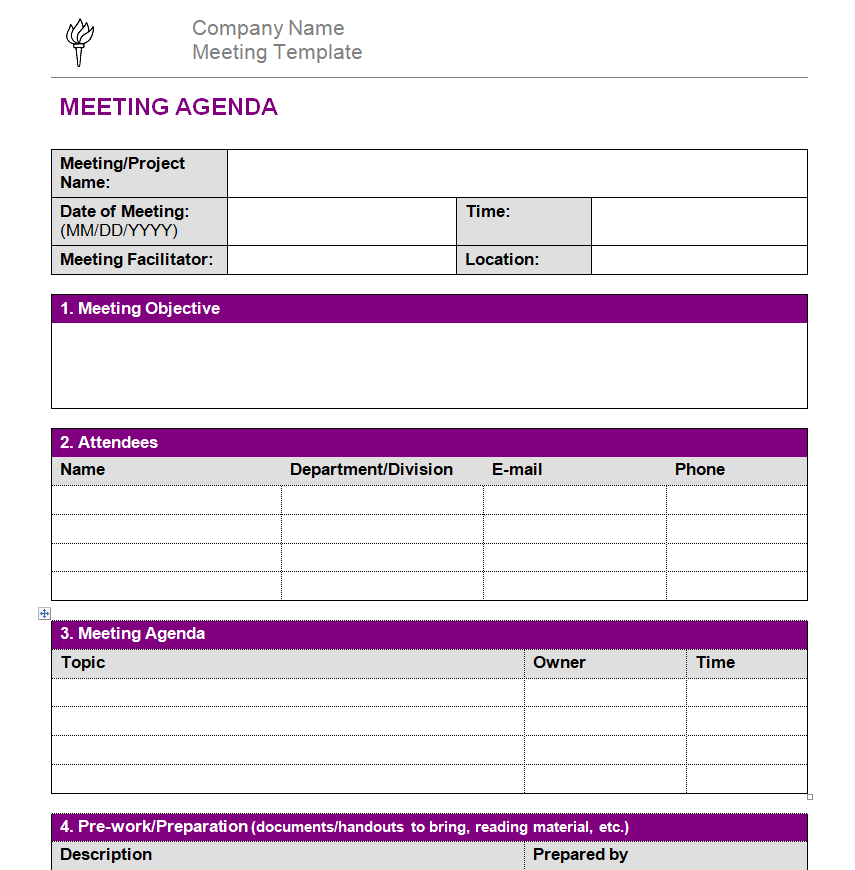
Simple Meeting Agenda Template for a Company
File Size: 25 KB
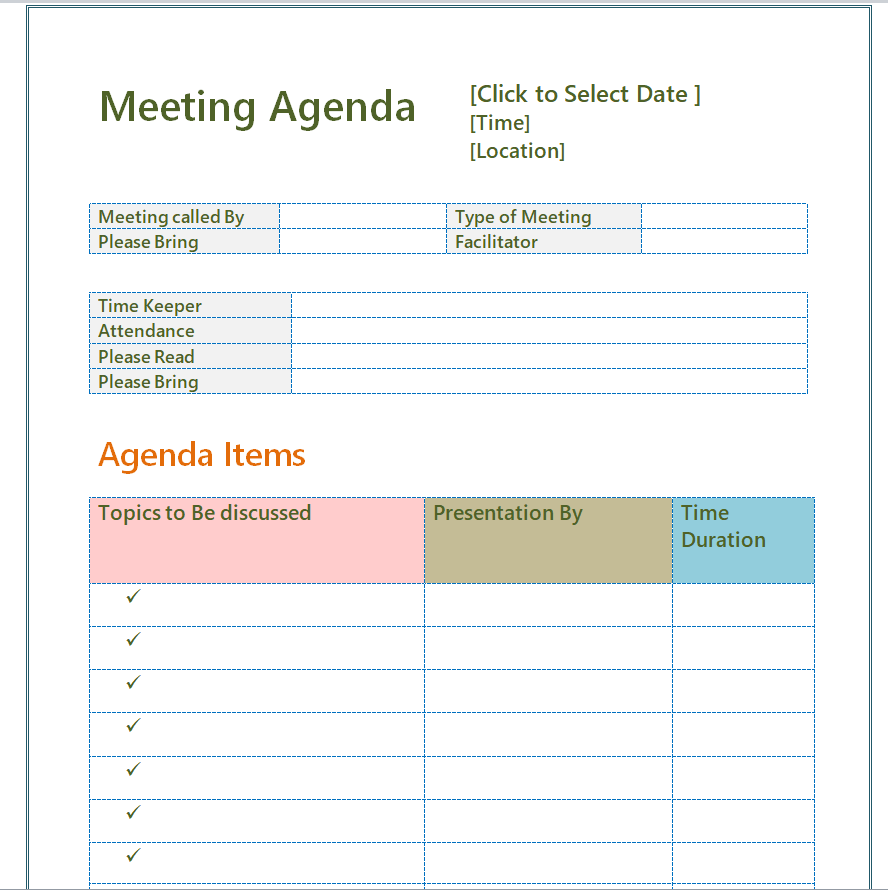
Customizable Meeting Agenda Template
File Size: 16 KB
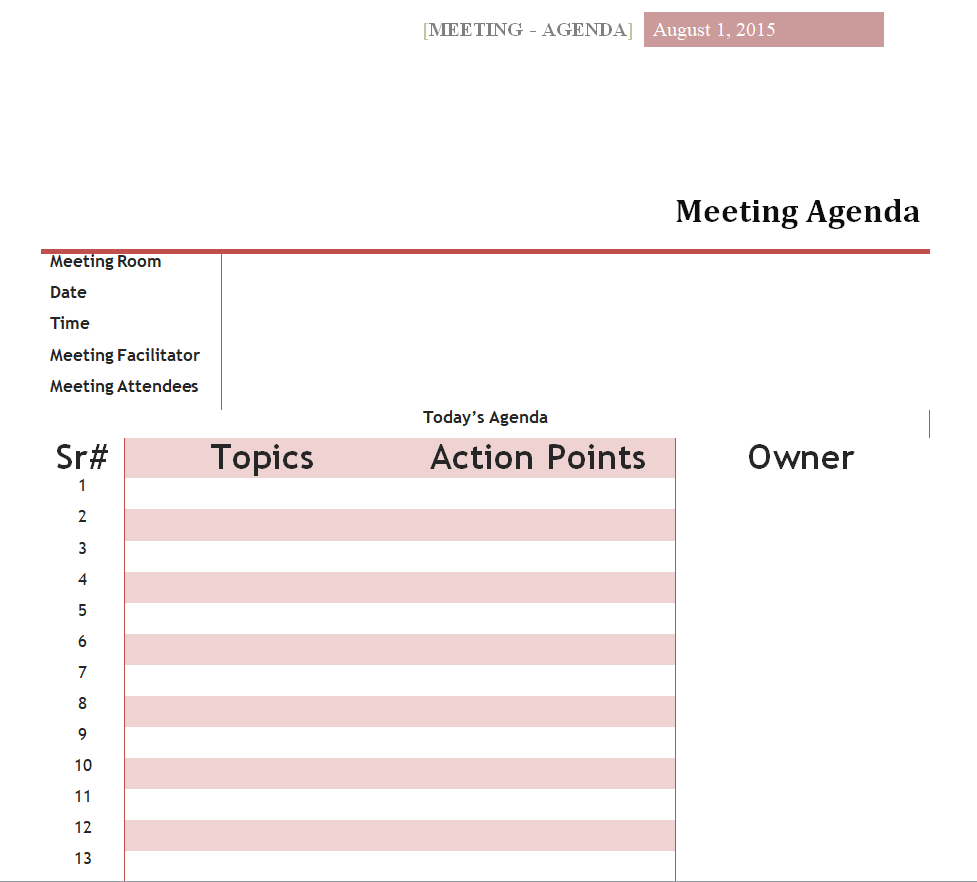
Practical Meeting Agenda Template Doc
File Size: 10 KB
How to use and customize the template
- Ask the organizer for the key outcome and list topics that directly support it.
- Assign an owner and realistic time to each item.
- Send the agenda and reading materials before the meeting and note any last-minute changes.
- End by confirming what was decided, who owns each action and when it is due.
Put decisions on the agenda first
Avoid starting with a long list of information items if the meeting’s main purpose is a decision. Put the decision where it has enough time and share routine updates in advance.
Related resources
See also Status Report Templates and Action Logs and Memo Templates and Business Memorandum Example.
Frequently asked questions
What should a meeting agenda include?
Include the purpose, date and time, topics, owners, expected outcomes and any preparation. Add time estimates when the meeting needs a firm finish.
What is the difference between an agenda and minutes?
The agenda plans the meeting. Minutes record decisions, actions and significant discussion after it happens.
Should I share an agenda in advance?
Yes, when participants need to prepare or bring information. Share it early enough for the requested preparation.
You must be logged in to post a comment.