
A quote should make it easy to see what the price covers and how long it’s valid. Put optional work on its own line and state how the customer can accept. That way both sides can refer to the same terms when the work starts.
Browse 19 layouts with Word and Excel files among the options. Jump to the template previews and downloads.
Choose the right quotation template
Use a spreadsheet for many line items and a short document for a service package. If the scope is uncertain, separate allowances and optional work from the base price. Keep the quote reference and validity date visible.
What to include
- Seller and customer Use current contact details and identify the organization or person receiving the offer.
- Items and unit prices State the quantity, unit and unit price for each item. List optional work separately so totals stay clear.
- Timing and validity Give the issue date and expiry date. Include expected lead times and note what they depend on.
- Totals and exclusions Show the total and currency. Explain excluded work, delivery or other charges wherever they affect the customer’s decision.
Make the document easy to reconcile with the customer’s request. Copy the reference number where one exists and retain the units used in the request. For a revised quote, give the revision a date and make it clear which earlier version it replaces. Before exporting a spreadsheet, confirm formulas include any inserted lines and that optional items are excluded from the main total unless selected. The final copy should show the price and its assumptions together so the customer can respond without searching an email thread for missing conditions.
Worked example
A printer quotes 500 booklets at $1.20 each and lists delivery separately at $35. The customer can see the $600 printing subtotal and $635 total before any applicable additional charges. A separate option for 750 copies lets the customer compare quantities without confusing the base offer.
Compare the available layouts
The collection includes Simple Quotation Template Word (DOC), Company’s Quotation Format (XLSX), and Simple Hourly Rate Price Quote Template in XLSX Format (XLSX). Compare each preview with the information you need to enter. The download button opens a ZIP package. Extract the file and check the extension before choosing the application to open it.
Choose a Word file when you need to change the wording, reorder fields or make room for longer entries. Check the page break after editing. Choose an Excel file when sorting, repeated rows or calculations matter. After making changes, test one filled example and check that totals cover the intended range. Keep one blank master and save your completed work under a separate name so the original is ready to reuse.
Get Free Quotation Formats in MS WORD Here
Simple Quotation Template Word
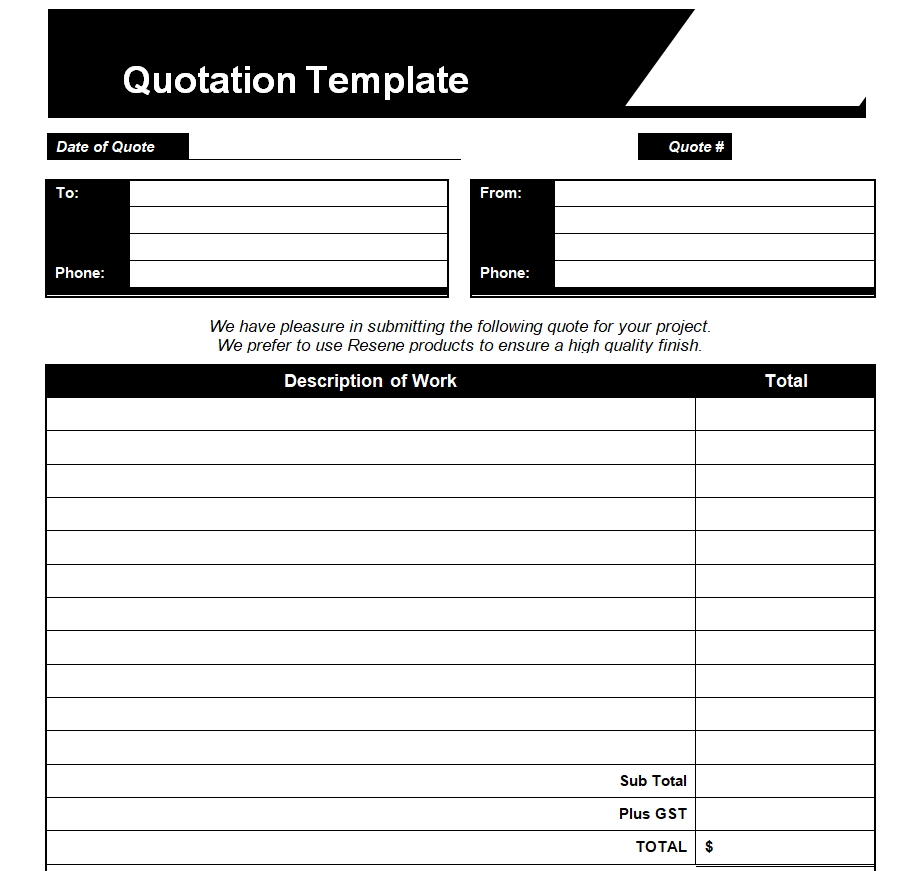
File Size: 10 KB

Formal Written Quotation Format
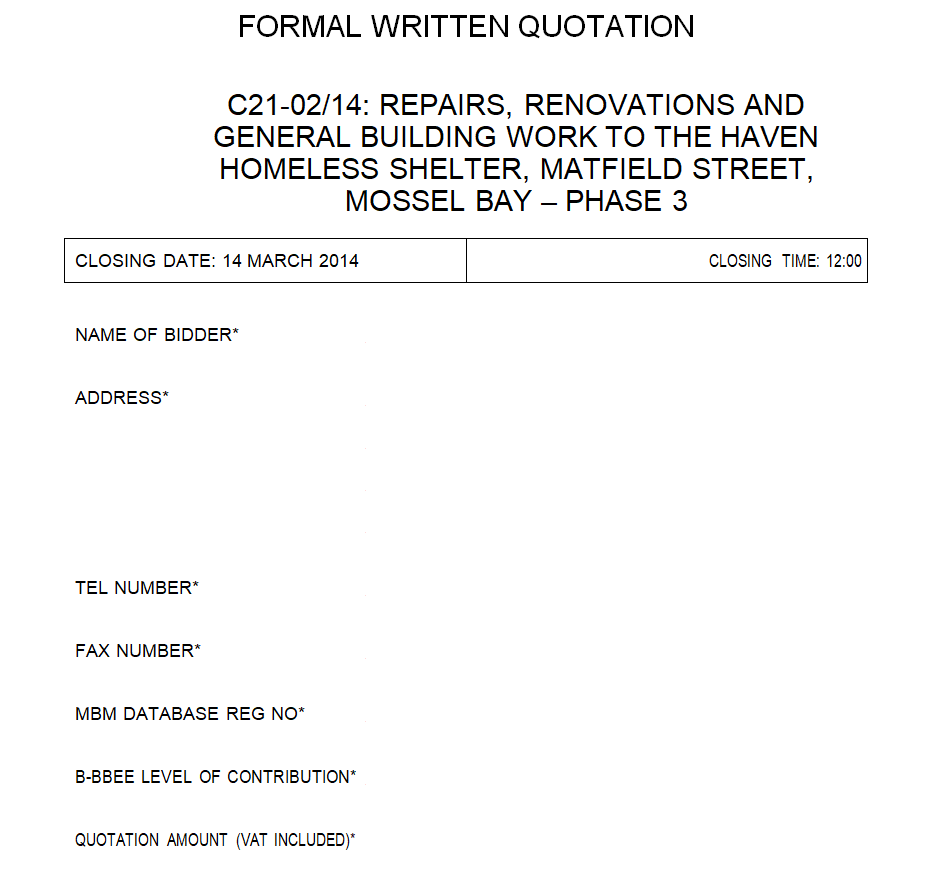
File Size: 01 MB
Training Quotation Format
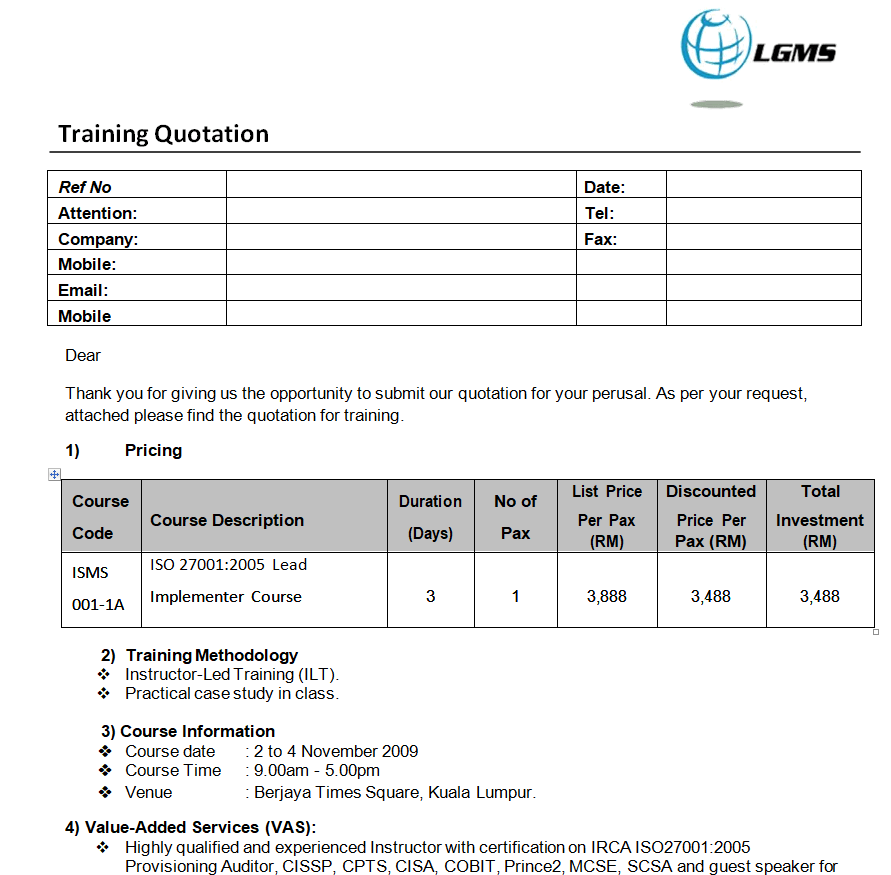
File Size: 46 KB
Example Price Quotation Format
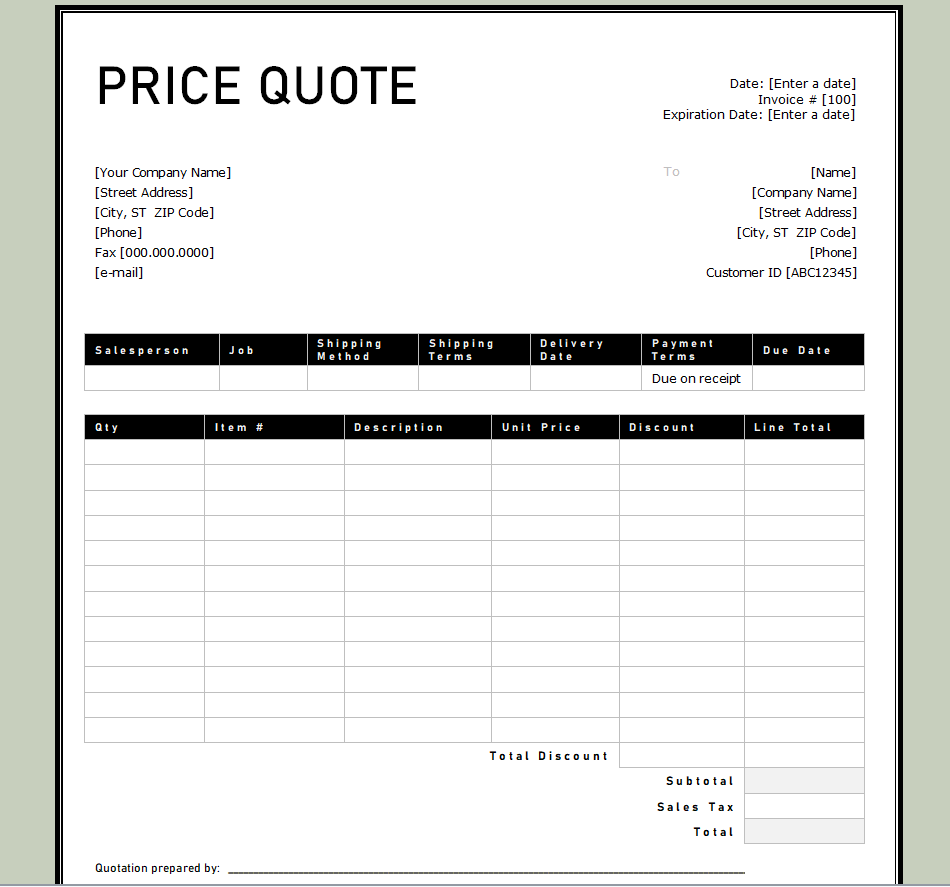
File Size: 24 KB
Blank Sales Quotation Template Doc
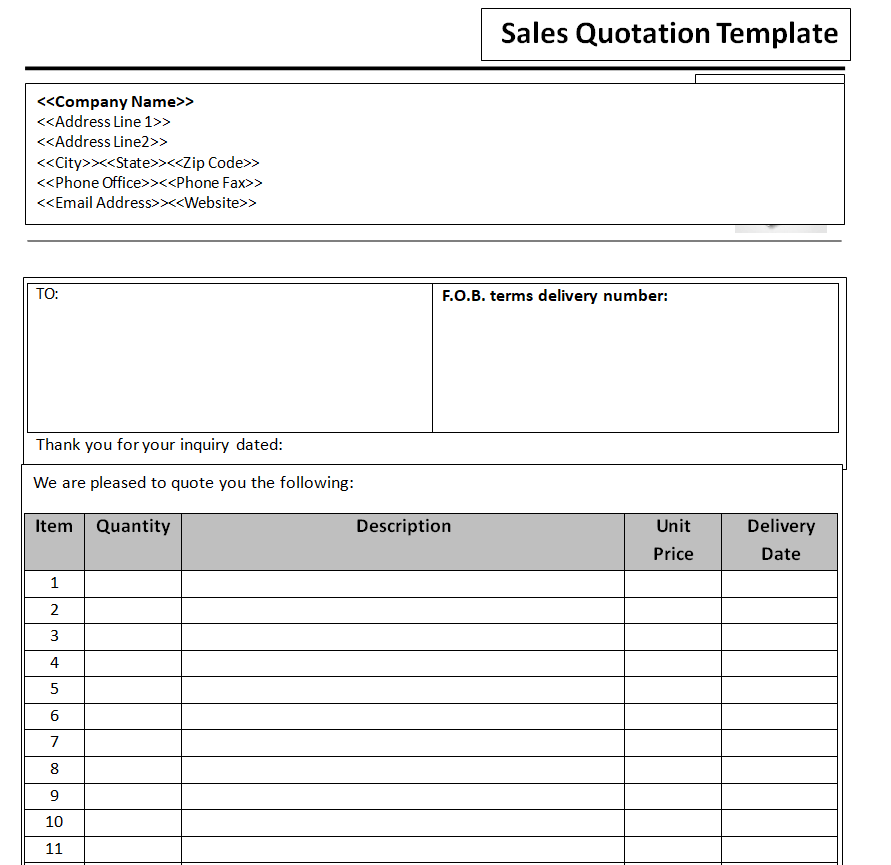
File Size: 10 KB
Free Editable Travel Package Quotation Format
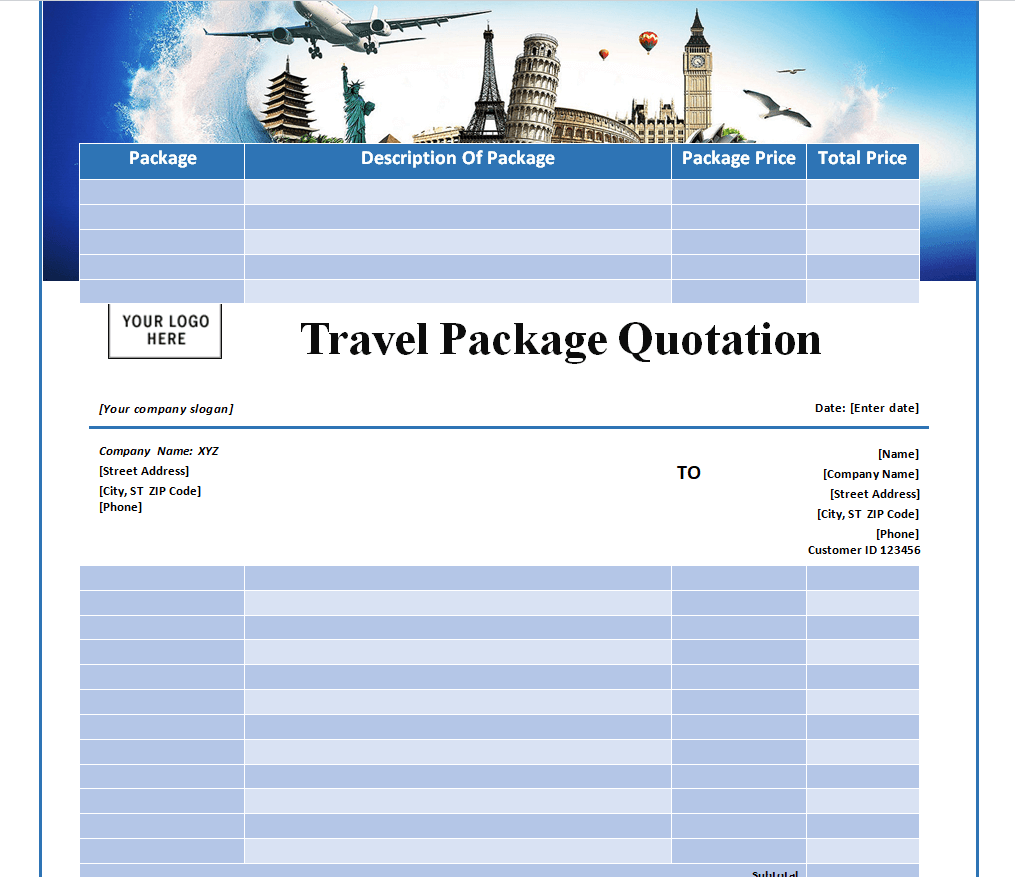
File Size: 01 MB
Official Quotation Form Sample in MS WORD
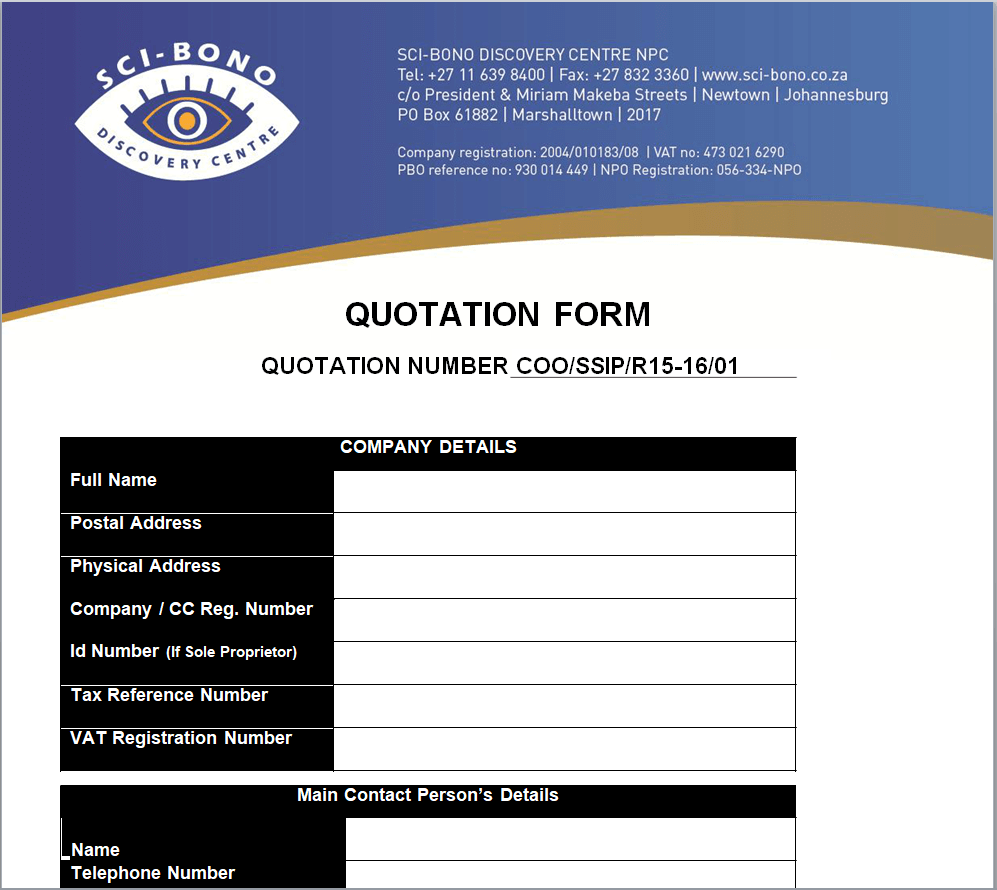
File Size: 474 KB
Fillable Price Quote Format
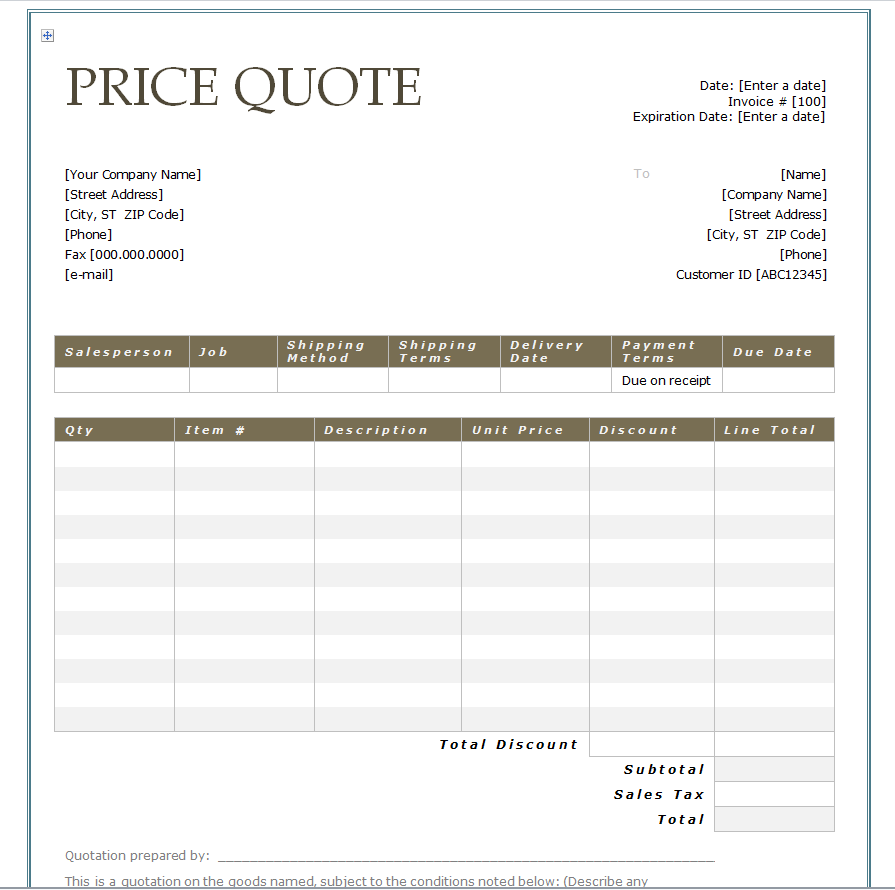
File Size: 24 KB
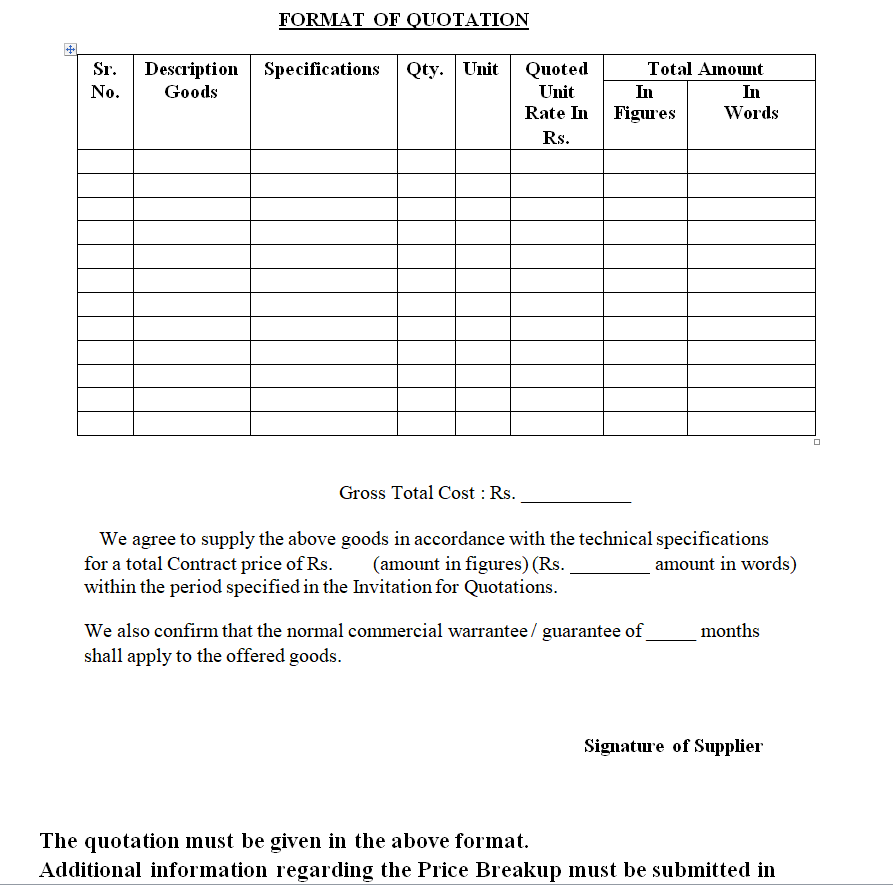
Basic Quotation Format
File Size: 05 KB
Get Free Quotation Formats in MS EXCEL Here
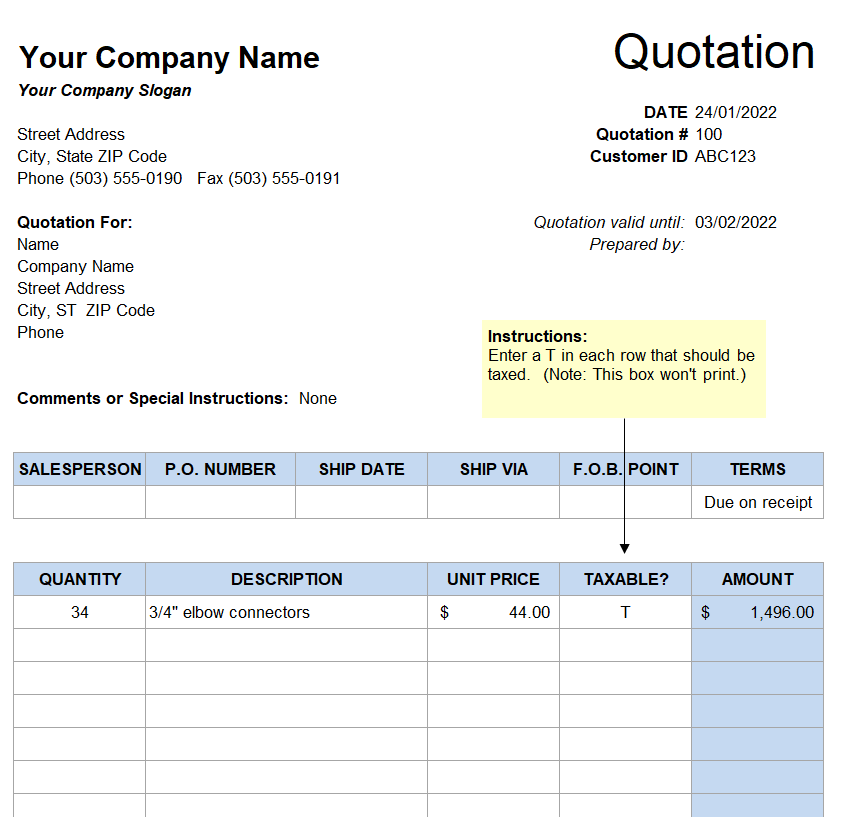
Company’s Quotation Format
File Size: 13 KB
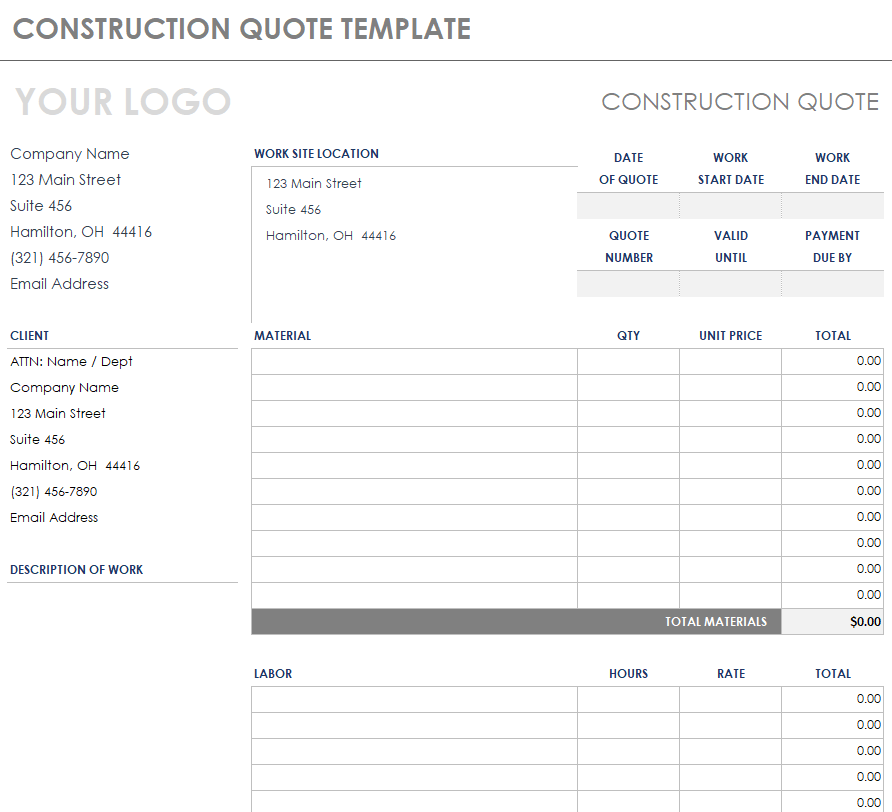
Construction Quote Template in MS EXCEL
File Size: 42 KB
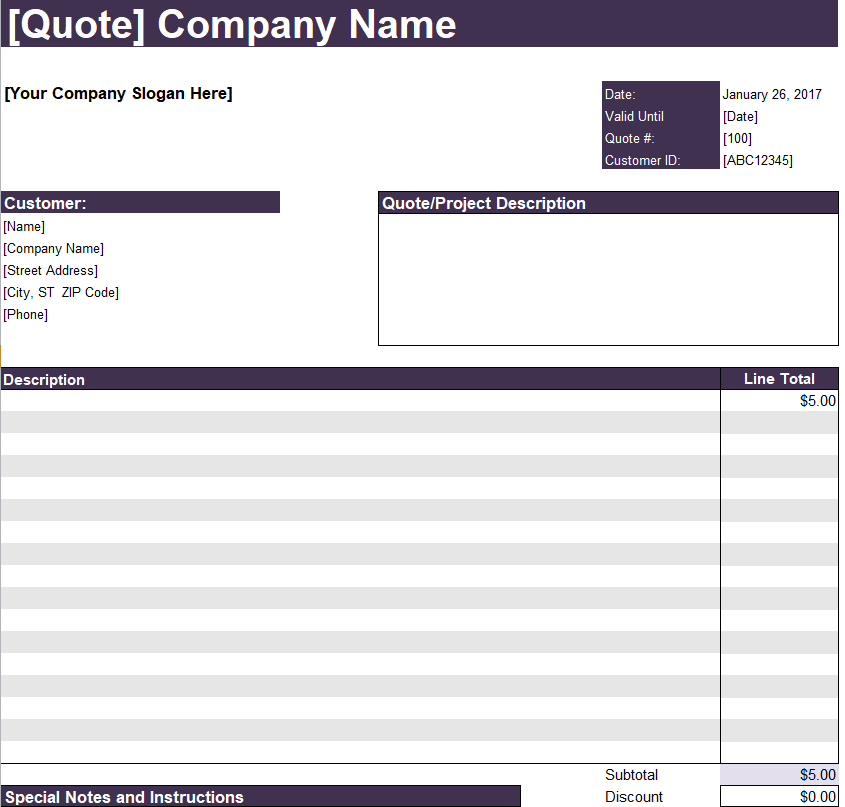
Company’s Official Quotation Template Excel
File Size: 12 KB
Special Quotation Format
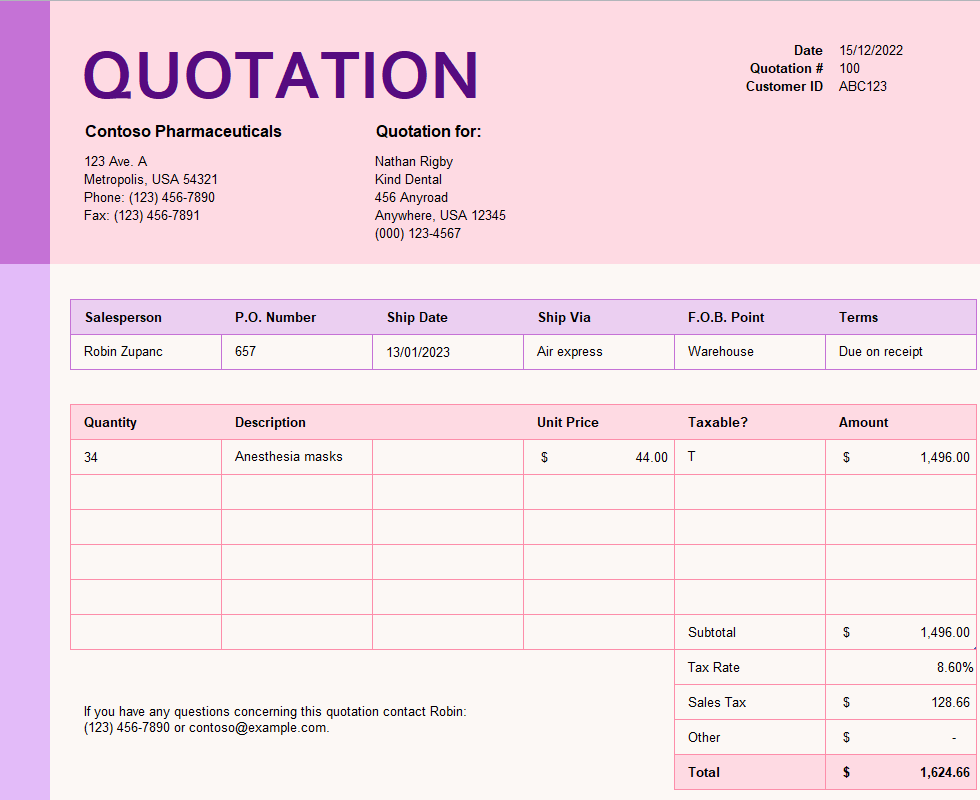
File Size: 13 KB
Export Quotation Worksheet Format
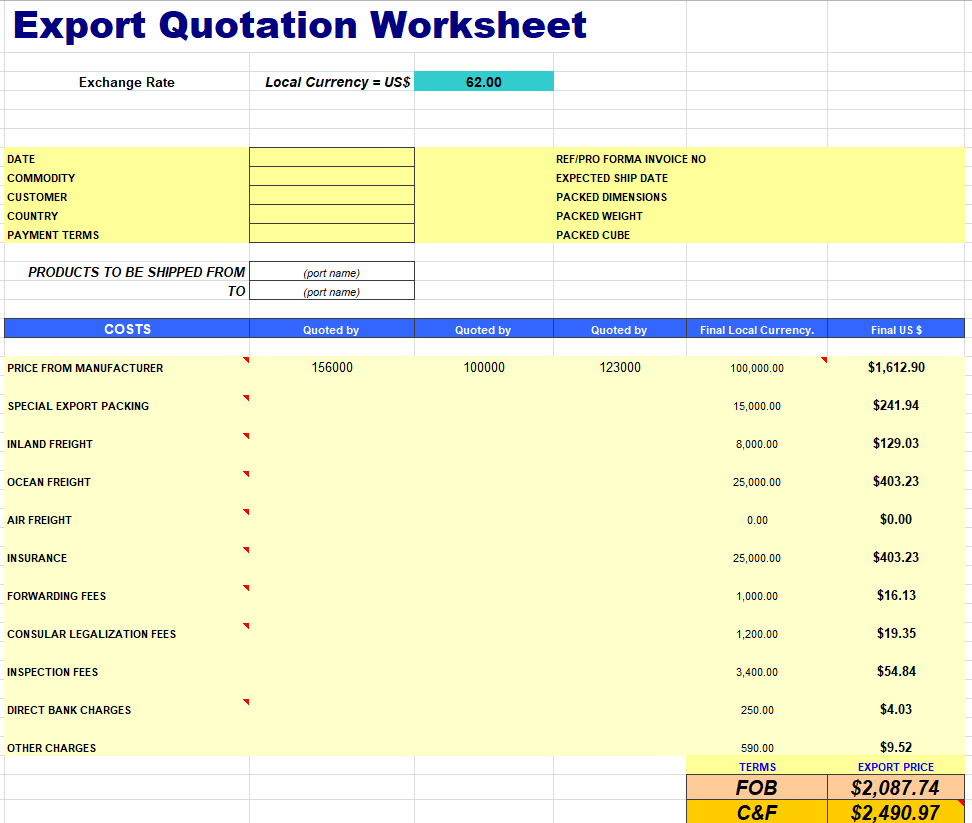
File Size: 05 KB
Sales Corporate Quotation Format
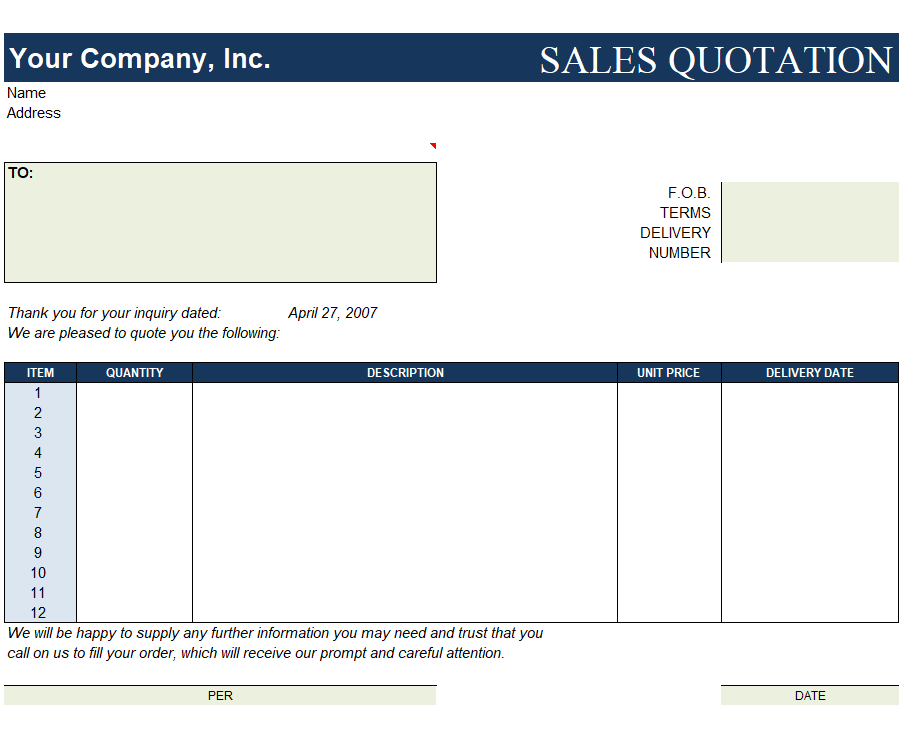
File Size: 15 KB
Elemental Price Quote Format
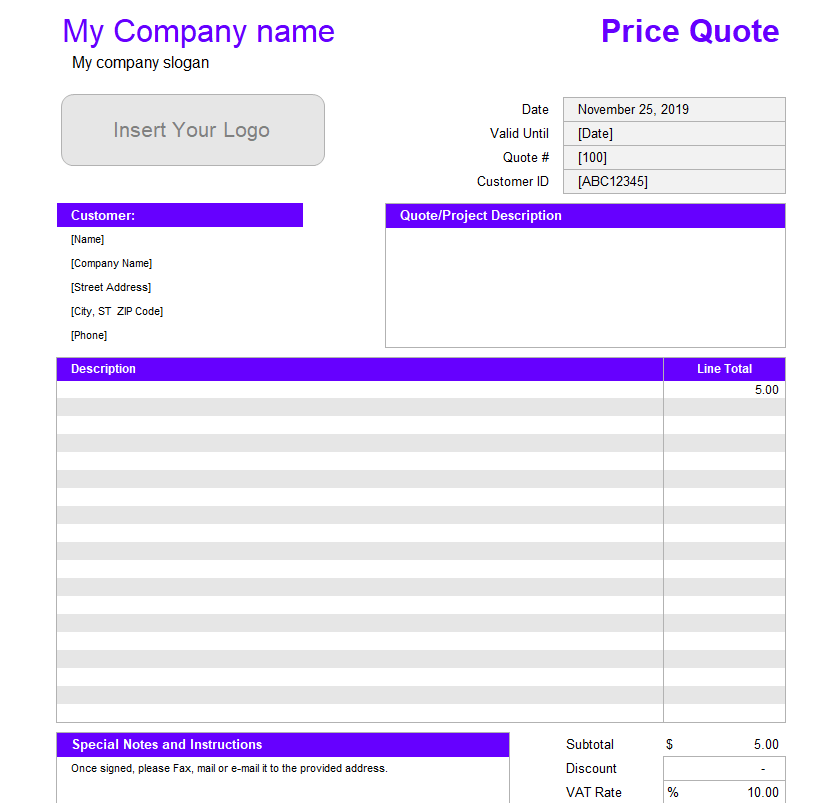
File Size: 52 KB
Attractive Design of Quotation Format
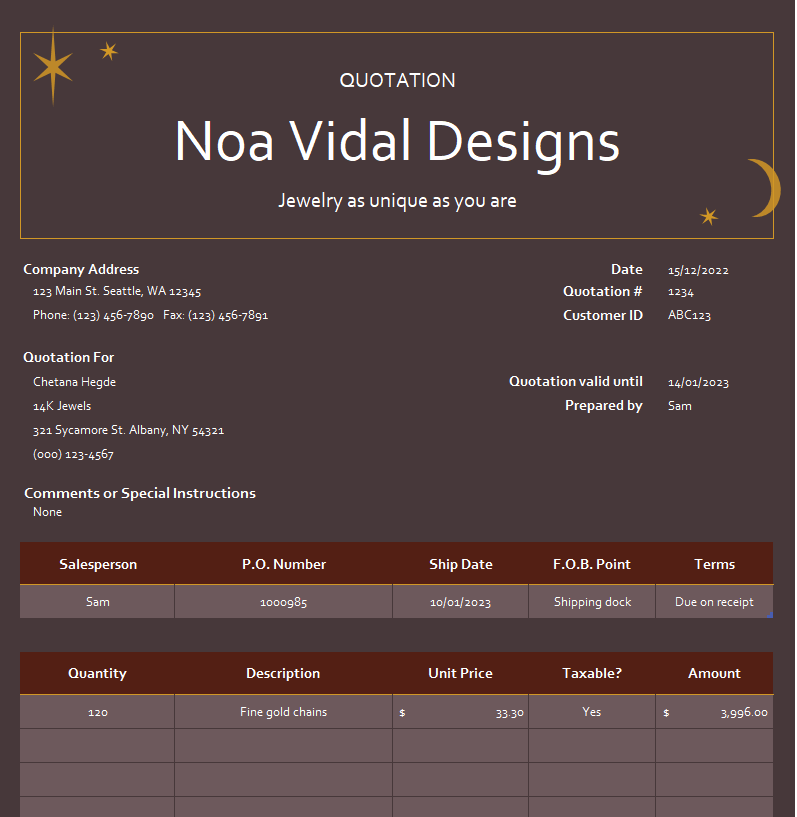
File Size: 19 KB
Customizable Price Quotation Format
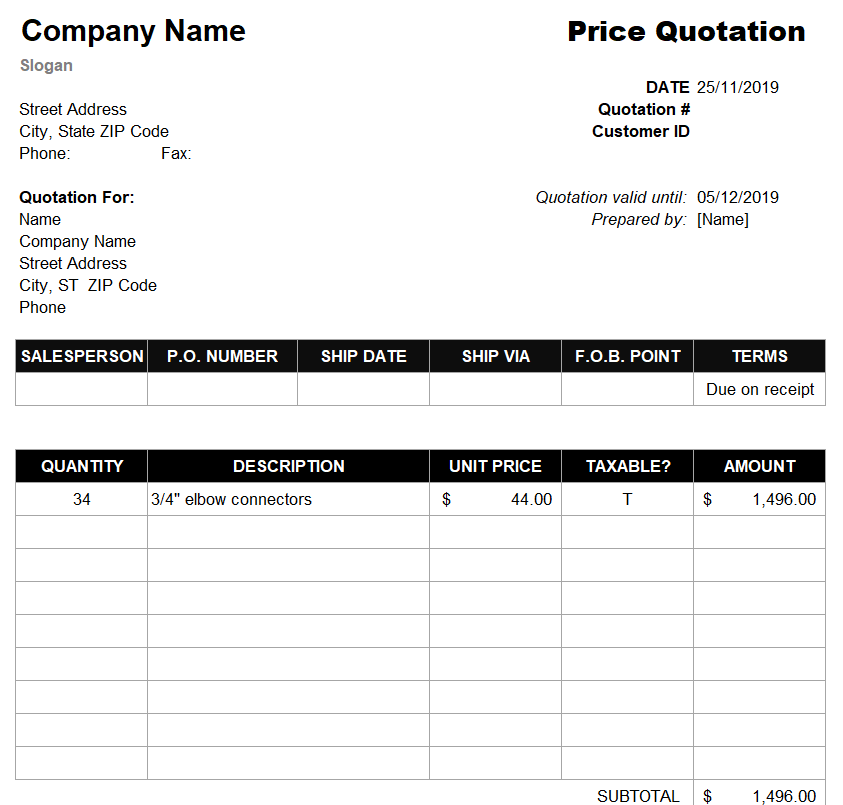
File Size: 11 KB
Simple Hourly Rate Price Quote Template in XLSX Format
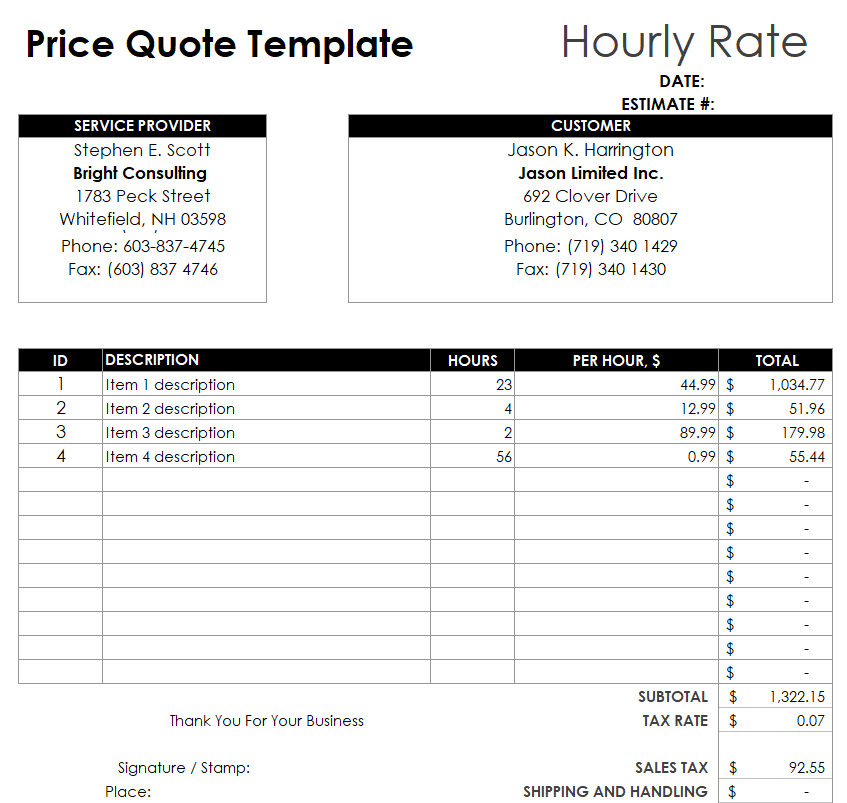
File Size: 10 KB
How to use and customize the template
- Identify the items, units and scope requested by the customer.
- Enter quantities and prices, and review every subtotal and optional item.
- Confirm availability, expiry, timing and assumptions before sending.
- Save a dated version so acceptance can be matched to the correct quote.
Related resources
See also Purchase Order Formats for Word and Excel and Product Comparison Templates for Excel.
Frequently asked questions
How is a quotation different from an invoice?
A quotation presents a price before an order is accepted. An invoice requests payment for a transaction.
What should a quote number be used for?
Use it to identify the offer and link revisions, customer acceptance and related records.
Is a quotation the same as an RFQ?
An RFQ asks suppliers to provide pricing. The supplier’s quotation is the response.
You must be logged in to post a comment.