
These prescription pad templates offer nine editable Word document layouts for reviewing doctor, dental, specialist and hospital stationery. Each matching preview links to a ZIP containing one document: eight DOCX files and one legacy DOC file. Compare the layout and fields before choosing a starting design.
These are administrative design examples for authorized healthcare teams. A downloadable Word layout is not an approved prescription form, an electronic prescribing system or a guarantee of legal compliance. Have the relevant professional or organization check local prescribing and security-form requirements before clinical use. Do not enter real patient information while evaluating a sample.
Choose a prescription pad format
Most files use DOCX; the structured table design uses older DOC format. The collection varies in branding, patient fields, specialist wording and writing space. Sample names, degrees, registration details, addresses and decorative symbols are examples, not verified credentials.
Preview and download prescription pad templates
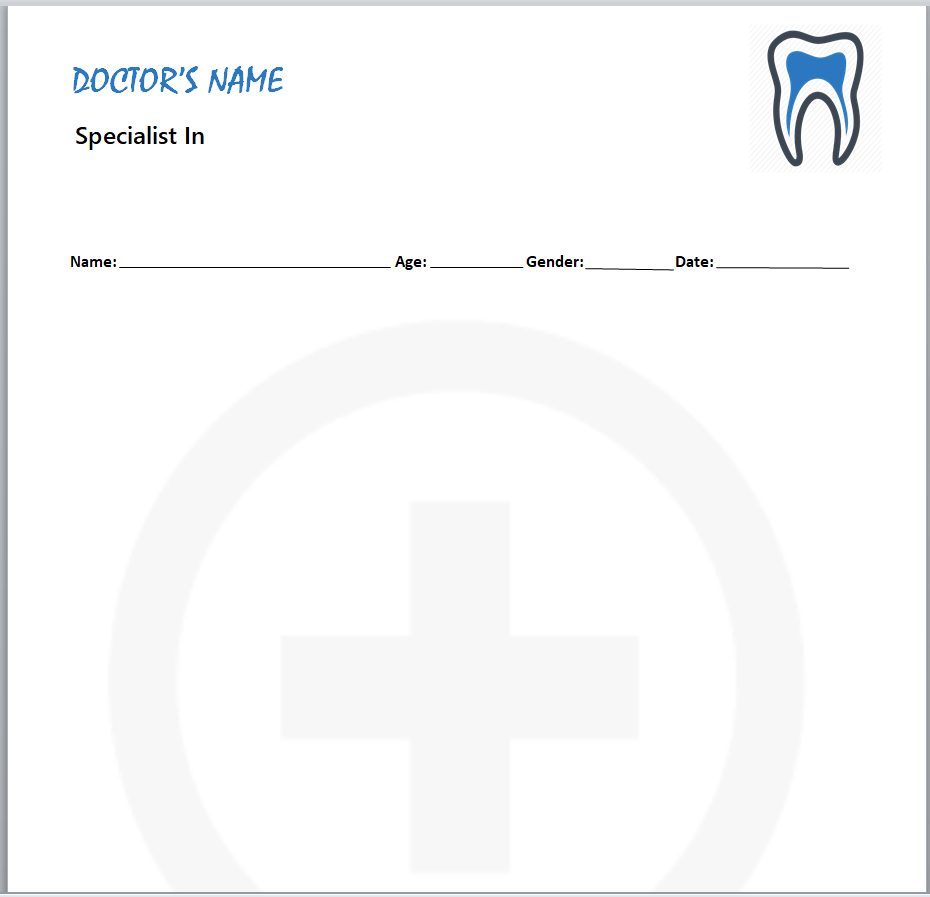
Dental Prescription Pad Layout in Word
A dental-themed layout with a tooth symbol, clinician header and patient information line. Replace the doctor and practice placeholders.
File: ZIP containing one DOCX document.
Download Dental Prescription Pad Layout in Word ZIP
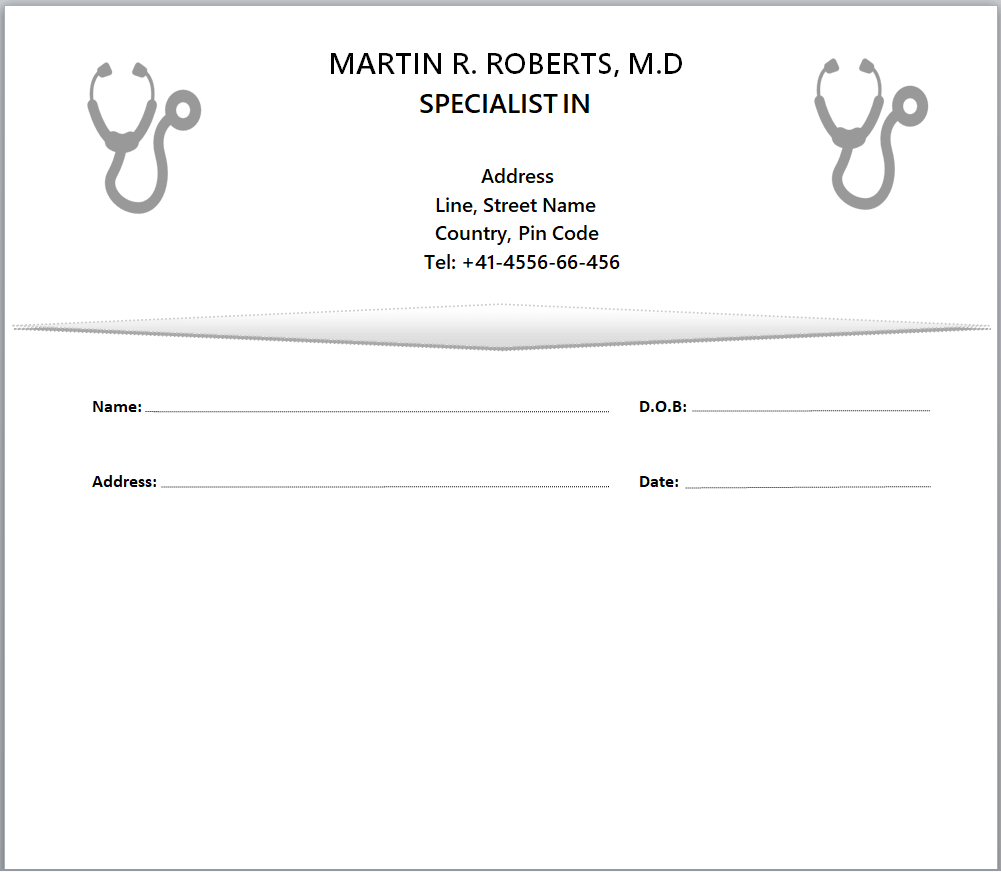
Specialist Prescription Pad Layout in Word
A specialist layout with stethoscope graphics, name, date-of-birth and address fields. Replace the example clinician identity and contact details.
File: ZIP containing one DOCX document.
Download Specialist Prescription Pad Layout in Word ZIP
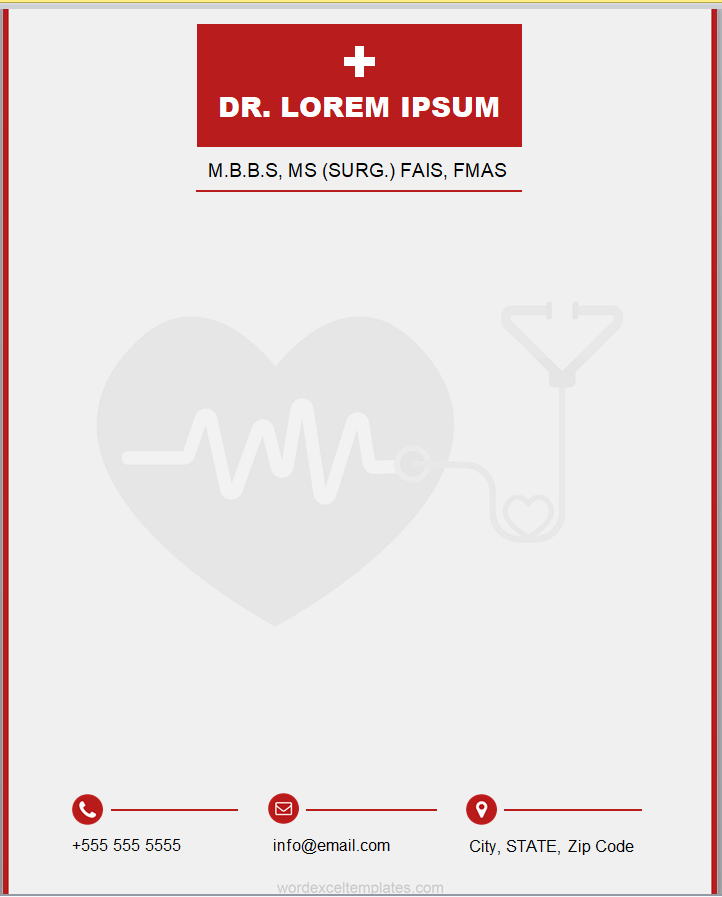
Red Header Prescription Pad Design
A red-header layout with a broad writing area and contact footer. Replace example qualifications and identifiers with accurate organization-approved wording.
File: ZIP containing one DOCX document.
Download Red Header Prescription Pad Design ZIP
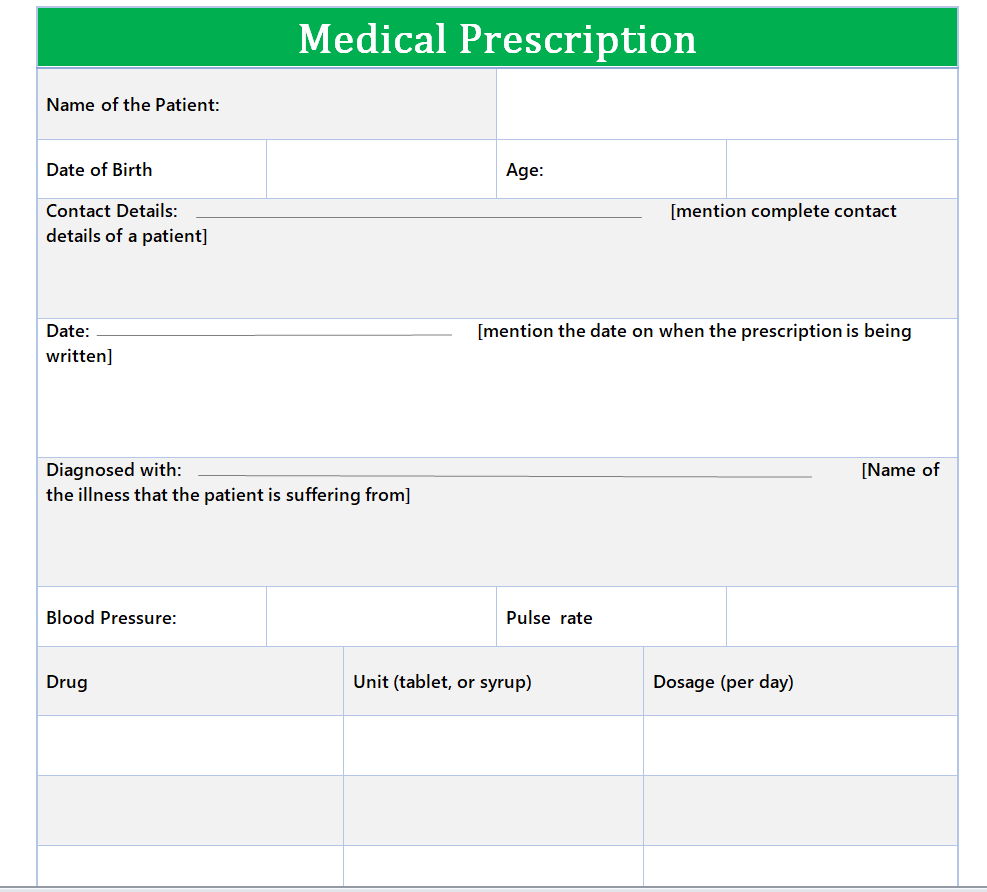
Structured Medical Prescription Form in DOC
A legacy DOC form with patient information fields and a structured clinical table. This is an editable document, not an interactive PDF or clinical decision tool.
File: ZIP containing one DOC document.
Download Structured Medical Prescription Form in DOC ZIP
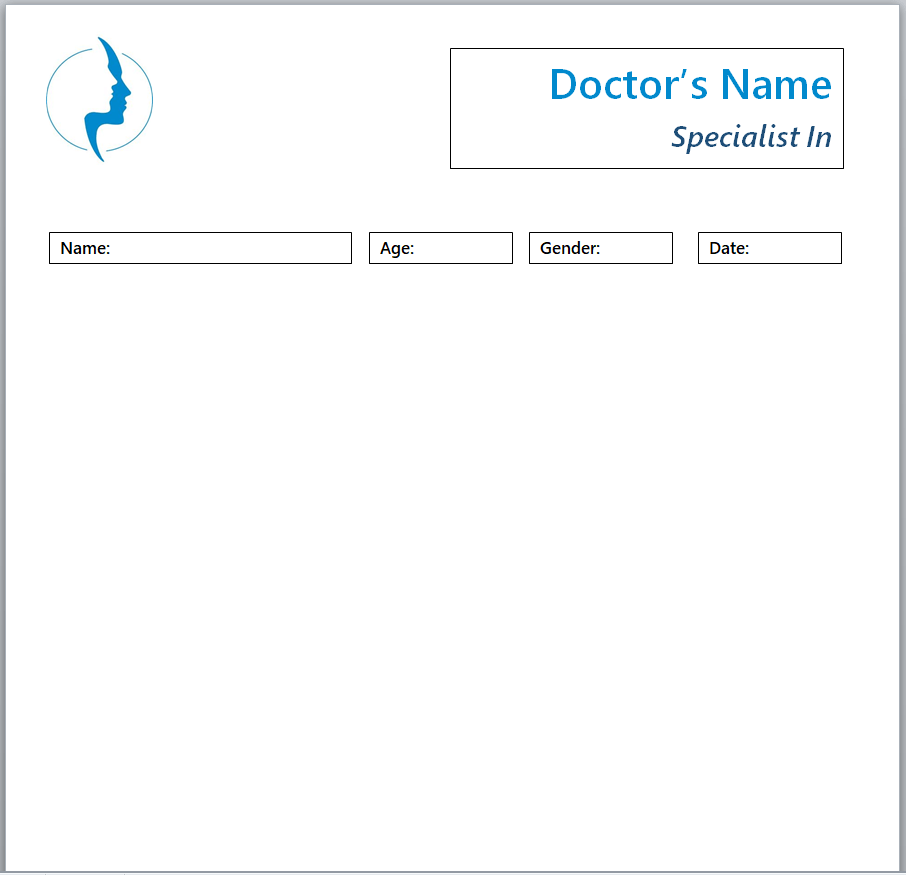
Simple Doctor Prescription Pad Layout
A simple blue-accented document with a clinician header and short patient information row. Its open center allows administrative layout changes.
File: ZIP containing one DOCX document.
Download Simple Doctor Prescription Pad Layout ZIP
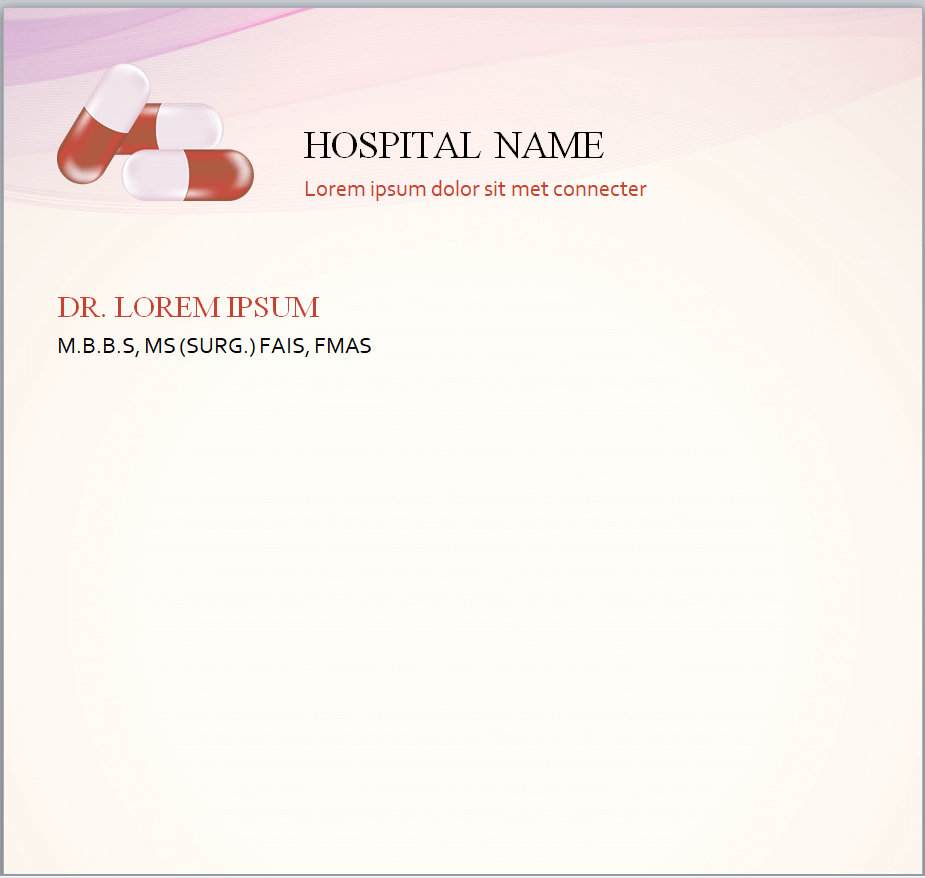
Pink Hospital Prescription Pad Design
A pink hospital-branded layout with capsule illustration and an open writing area. Remove the sample hospital name, clinician details and placeholder text.
File: ZIP containing one DOCX document.
Download Pink Hospital Prescription Pad Design ZIP
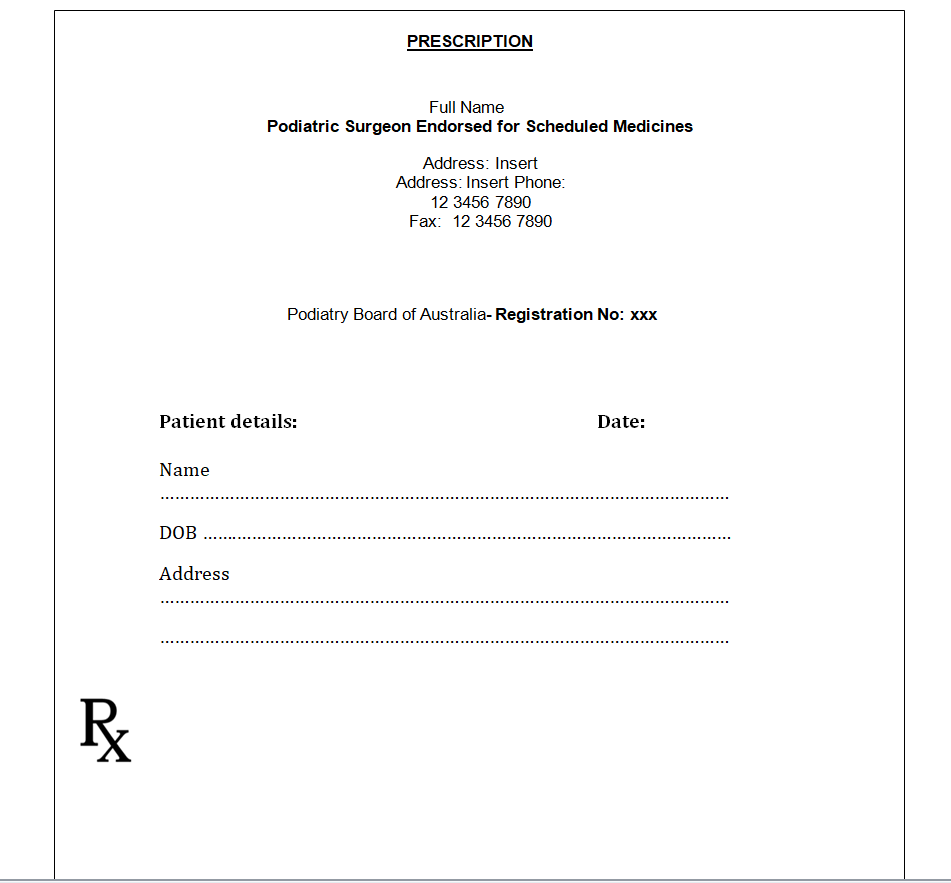
Podiatry Prescription Layout Example
A specialist example containing Australian podiatry terminology and registration placeholders. This is a layout reference, not an approved form for Australia or another jurisdiction.
File: ZIP containing one DOCX document.
Download Podiatry Prescription Layout Example ZIP
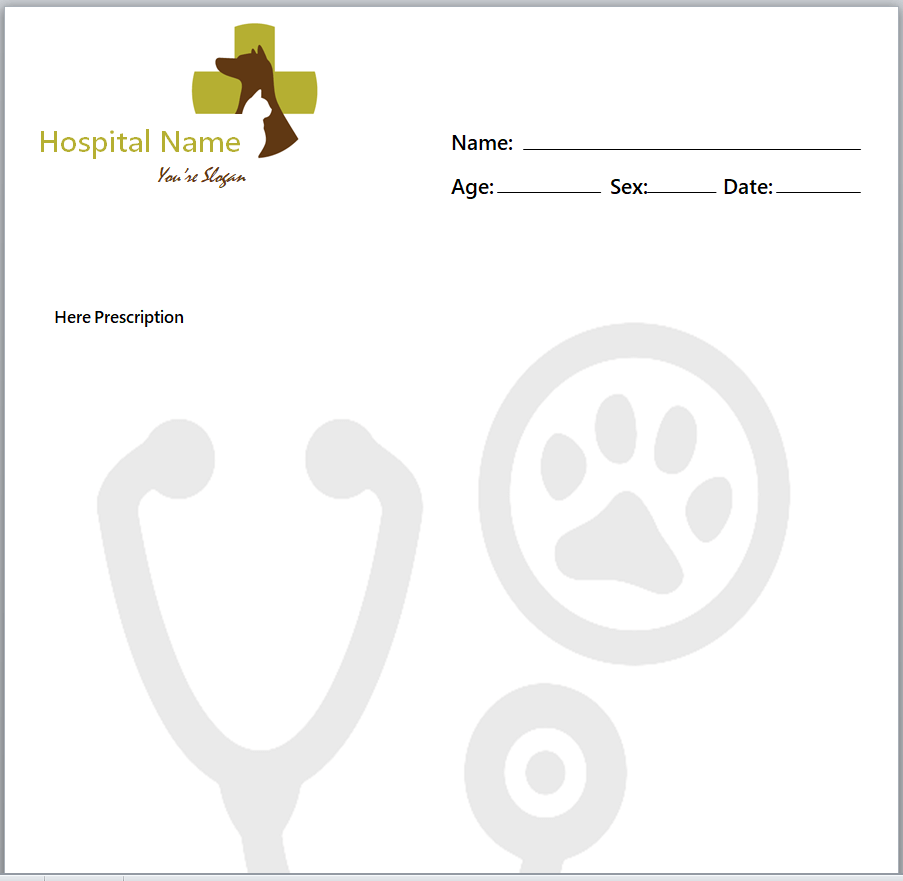
Stethoscope Prescription Pad Layout
A hospital-name layout with stethoscope and paw imagery. The animal-themed icon may suit veterinary stationery better than a general clinic; change the illustration if inappropriate.
File: ZIP containing one DOCX document.
Download Stethoscope Prescription Pad Layout ZIP
Orange Accent Prescription Pad Design
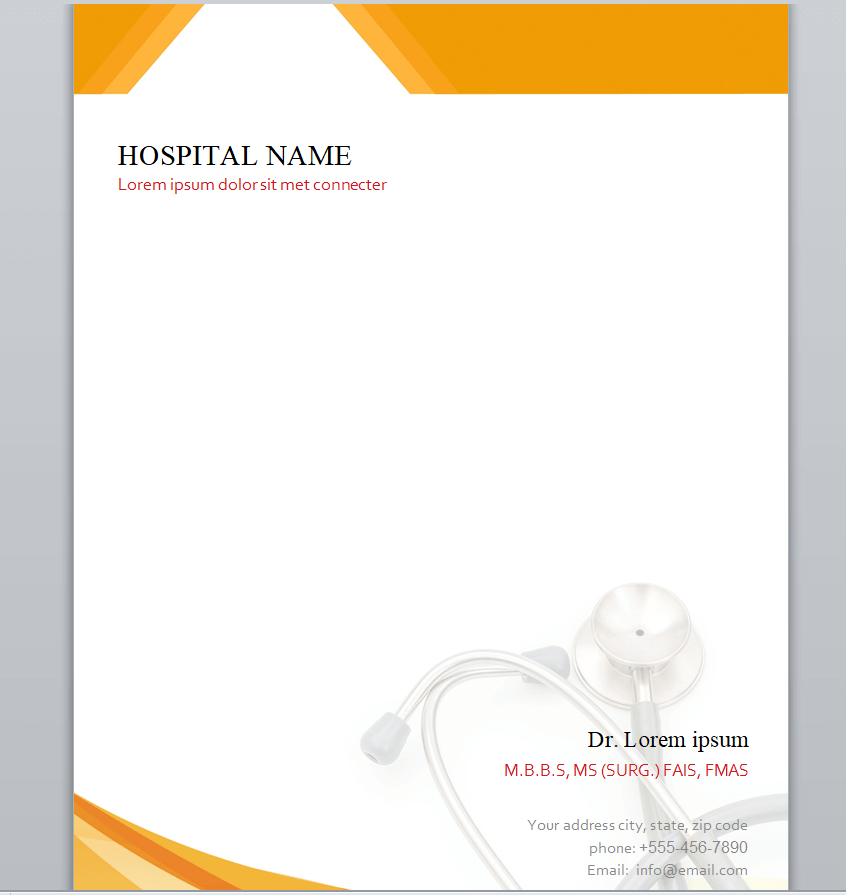
An orange-accented hospital layout with clinician and contact information near the footer. Replace example details and check the intended stationery size.
File: ZIP containing one DOCX document.
Download Orange Accent Prescription Pad Design ZIP
How to review and customize a Word layout
- Extract the ZIP and save a separate working copy.
- Replace sample practice names, clinician details, addresses and contact information with verified details. Remove unused example qualifications and registration wording.
- Review fields, imagery and specialist terminology. A layout designed for one service or jurisdiction may not suit another.
- Check page size, margins and writing space in Word print preview, then print a blank test copy.
- Have the organization’s authorized reviewer confirm the final stationery and required prescribing workflow before use.
Prescription stationery requirements vary
The files do not establish whether paper prescriptions are permitted or which security features are required locally. For example, the California Board of Registered Nursing explains California prescription-form requirements, including approved security-form printers in the relevant circumstances. That example is jurisdiction-specific; consult your applicable authority rather than treating a generic template as an approved form.
Frequently asked questions
Are these prescription pad templates editable in Word?
Eight downloads contain DOCX files and one contains a legacy DOC file. Extract the ZIP and review the document in your supported Word software before adapting it.
Are the forms legally approved?
No approval or compliance claim is made. They are layout examples, and local requirements must be checked by the authorized healthcare organization.
Are these fillable PDF prescription forms?
No. The downloads are Word documents. The preview images show their layout and are not interactive forms.
Do I need to replace example doctor information?
Review every name, qualification, registration field, contact detail, specialist reference and decorative symbol. Keep samples blank while evaluating them, and use the organization’s approved process for patient information.