
These wedding background templates provide two original portrait designs for invitations, welcome cards and wedding stationery. Choose a soft ivory botanical frame or a formal midnight-blue arch. Each free ZIP contains an editable SVG source, a 1200 × 1600 PNG and a short instruction file.
Choose the right wedding background templates
Choose a wedding invitation background that supports your wording. The botanical frame suits light stationery and garden celebrations; its open ivory center works with dark text. The navy-and-gold design suits an evening reception or formal announcement and needs pale lettering for contrast. Both are blank backgrounds, so names, dates and venue information are yours to add.
Preview and download the templates
Each preview below shows its matching downloadable design. Downloads are ZIP archives hosted on this site. Extract the ZIP before editing; SVG is the editable vector source and PNG is the supplied image version.
Ivory Botanical Wedding Background
An ivory portrait frame with sage botanical corners and an open center for invitation wording.
Files: ZIP containing editable SVG, 1200 × 1600 PNG and instructions. The PNG has an opaque background.
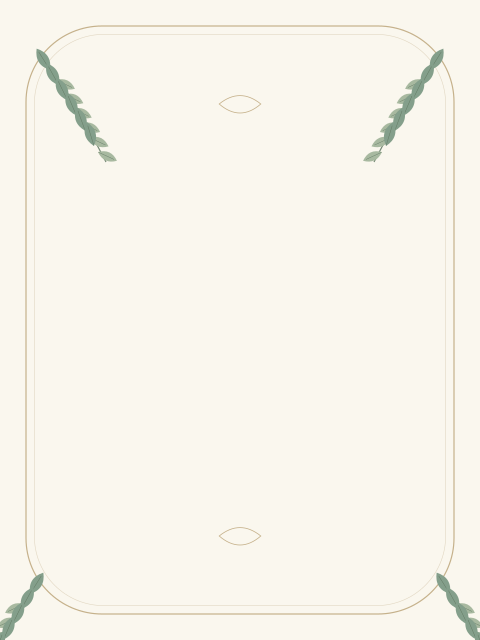
Download Ivory Botanical Wedding Background ZIP
Midnight Gold Arch Wedding Background
A dark navy portrait design with gold arches and geometric accents, leaving the central area clear for names and event details.
Files: ZIP containing editable SVG, 1200 × 1600 PNG and instructions. The PNG has an opaque background.
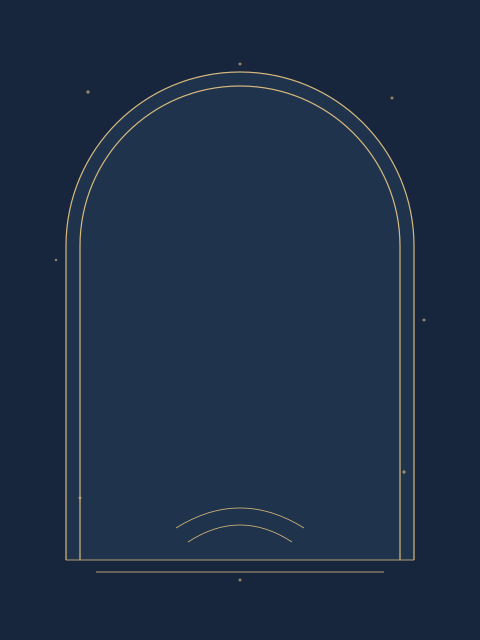
Download Midnight Gold Arch Wedding Background ZIP
Where to use these templates
- Invitation backgrounds and save-the-date cards with your own wording.
- Coordinated wedding welcome cards, reception details and digital announcements.
- Portrait stationery layouts where the existing 3:4 proportions fit your design.
How to customize your template
- Extract the ZIP and open the SVG in a compatible vector editor to adjust colors or shapes.
- Add names, celebration date, venue and RSVP instructions inside the clear central area.
- Keep text away from the decorative frame and check that long names fit without crowding.
- Export your finished design at the dimensions requested by your print shop or digital platform.
- Print a proof to check contrast, trimming and wording before producing the full set.
Wedding background size and print preparation
The included PNG is 1200 × 1600 pixels. At 300 pixels per inch, that corresponds to 4 × 5.33 inches before cropping. For a larger sign or a different invitation ratio, work from the SVG and export a new size. These files do not include printer bleed, crop marks or a Photoshop PSD. Ask your printer for its required document size and color settings before ordering.
What the download includes
Each package includes one SVG source file, one full-size PNG and a README. No fonts are bundled. The SVG references common system font families, so text appearance can vary between editors; check the final wording and spacing after opening it. Keep an untouched source copy before making changes.
Frequently asked questions
Are these wedding backgrounds editable?
The SVG files contain editable vector shapes. The PNGs are ready-made images that can be placed behind your own invitation text.
Do the downloads include PSD files?
No. The packages contain SVG, PNG and a README. The title and download labels identify those actual formats.
Can I use a background for a welcome sign?
Use the SVG to prepare a larger export and check the final proportions and print requirements.
Is invitation wording included?
No. Both backgrounds leave the center open for your own wedding details.