
These DJ logo templates give you a choice between a modern headphone-and-wave wordmark and a stacked vinyl-record design. Both downloads include editable SVG source artwork, a 1200 × 800 transparent PNG and instructions. Use the matching previews to compare the visual style and space available for your stage name.
Choose the right DJ logo templates
The headphone design has a wide layout with a two-line name area, purple headphones and a cyan audio-wave motif. The vinyl design puts a record and coral tonearm above the stage name, creating a centered composition. Choose the one that remains clear with your actual name rather than choosing only by color.
Preview and download the templates
Each preview below shows its matching downloadable design. Downloads are ZIP archives hosted on this site. Extract the ZIP before editing; SVG is the editable vector source and PNG is the supplied image version.
Headphone Wave DJ Logo
A purple-and-cyan headphone and audio-wave logo with an editable horizontal DJ-name wordmark.
Files: ZIP containing editable SVG, 1200 × 800 PNG and instructions. The PNG has a transparent background; the preview is shown against white.
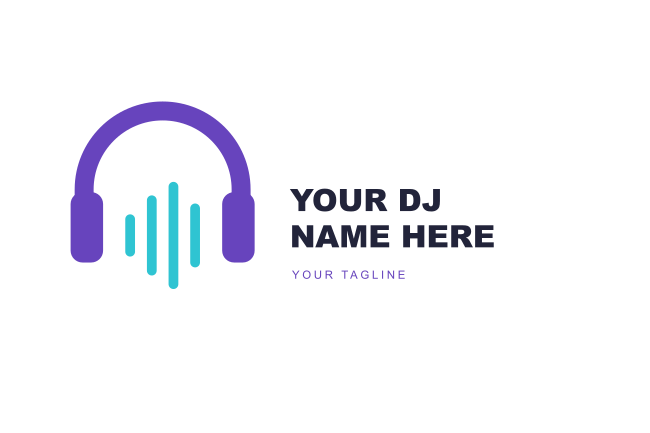
Download Headphone Wave DJ Logo ZIP
Vinyl Record DJ Logo
A stacked vinyl-record logo with a coral tonearm and a large editable stage-name line.
Files: ZIP containing editable SVG, 1200 × 800 PNG and instructions. The PNG has a transparent background; the preview is shown against white.
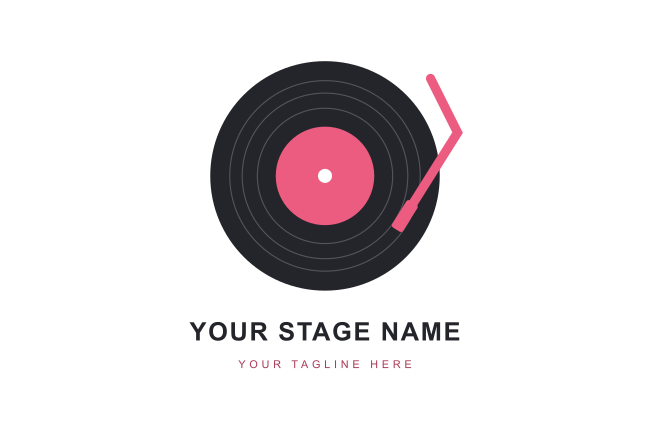
Download Vinyl Record DJ Logo ZIP
Where to use these templates
- DJ website branding, booking sheets and electronic press-kit layouts.
- Event announcements and performance flyers using your customized stage name.
- Social artwork and promotional mockups that need a transparent logo image.
How to customize your template
- Extract the ZIP and open the SVG in a compatible vector editor.
- Replace all stage-name and tagline placeholders. Adjust long names before changing the icon size.
- Choose colors that remain visible on your usual event artwork.
- Check the logo on light and dark backgrounds; recolor dark lettering when needed.
- Export a new transparent PNG for your final placement and retain the editable SVG.
Make a DJ logo readable on event artwork
Nightclub flyers and event banners often contain bright photographs, lighting effects and several performer names. Give your logo clear space and avoid placing fine lettering directly over a busy image. A stacked record emblem and a horizontal headphone wordmark occupy different shapes, so test the one you choose in an actual flyer layout. For a small profile image, the main symbol may work better than the complete name and tagline.
What the download includes
Each package includes one SVG source file, one full-size PNG and a README. No fonts are bundled. The SVG references common system font families, so text appearance can vary between editors; check the final wording and spacing after opening it. Keep an untouched source copy before making changes.
Frequently asked questions
Can I change the DJ name?
The SVG includes editable text placeholders. The PNG is a rendered image, so edit the SVG first when changing the wording.
Is the background transparent?
The supplied PNG logos have transparency. The article previews use white backgrounds for display.
Can I use the logos on dark event posters?
Test contrast first. Dark lettering may need to be changed to a lighter color in the SVG before export.
Are Photoshop files included?
No. The packages contain SVG and PNG files plus a README, rather than PSD, AI or EPS files.